
Agency Template, powered by Blocks
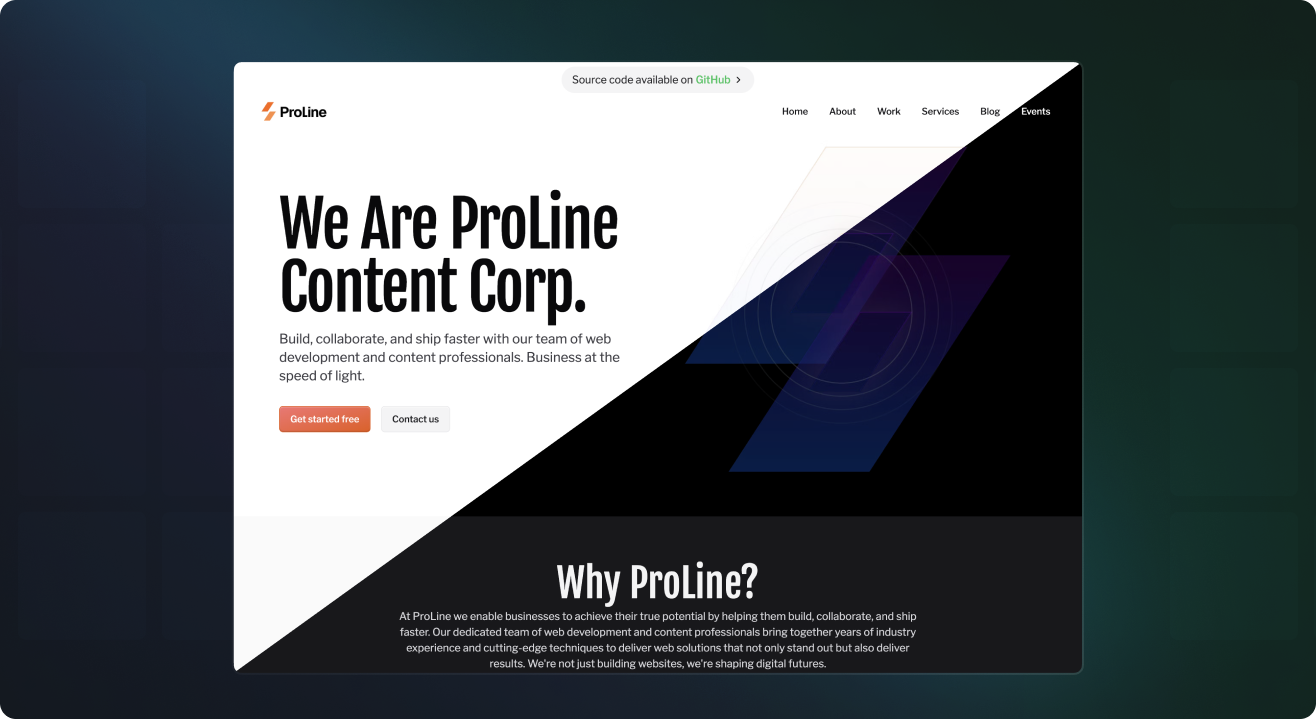
A website template built using Cosmic's React components, Blocks. Use this template to get familiar with Blocks and how they can be used to build common content-powered features for your websites and apps, or simply use it as a starting point for your next project. Save development time and learn content modeling best practices.
Links
Features
✨ NEW: 👤 User management powered by the User Management Block
✨ NEW: ✉️ Contact form powered by the Contact Form Block
🛒 Product management and checkout using Stripe
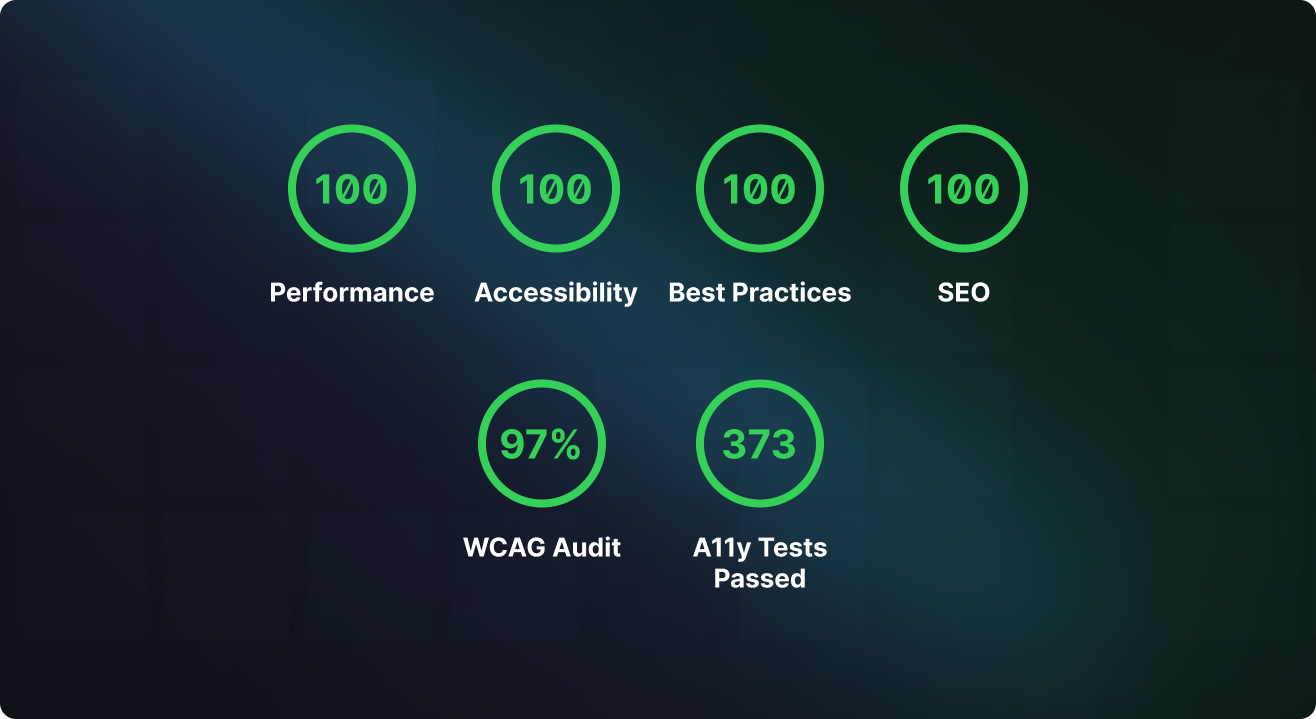
⚡️ Performance optimized
👁 Draft preview ready
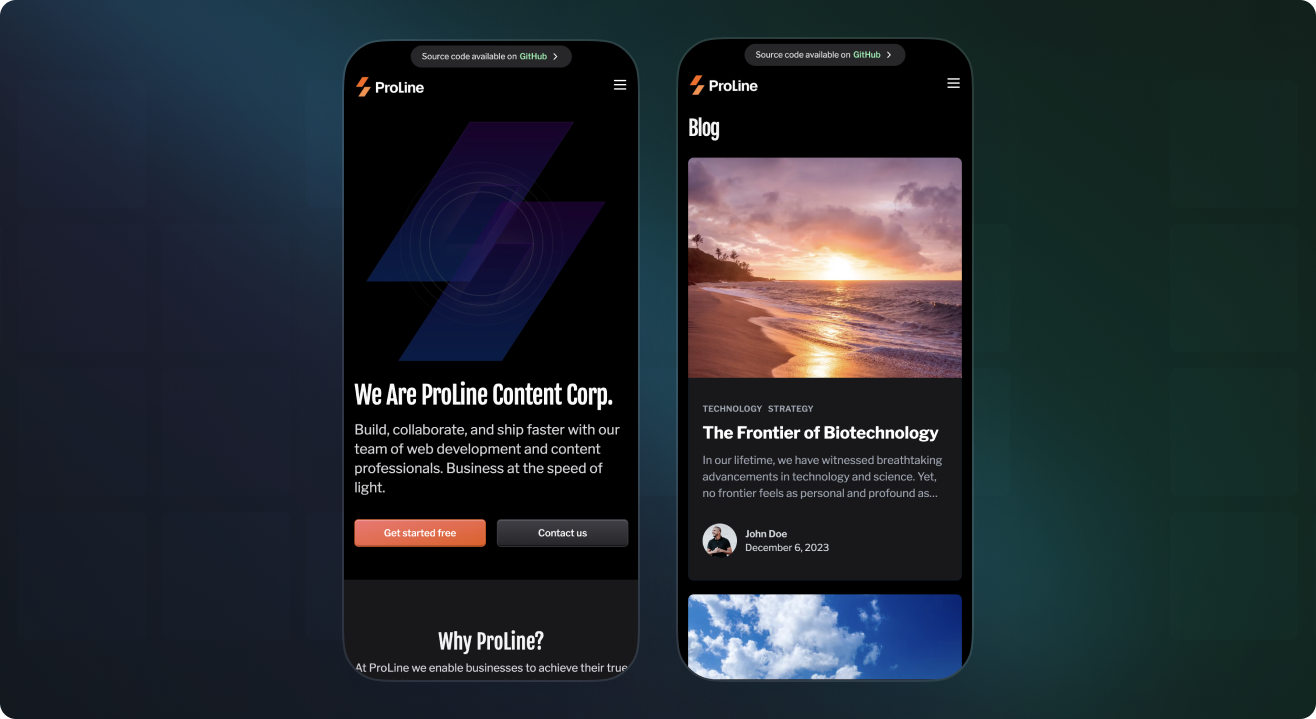
📱 Mobile responsive
🌎 Localization ready
🌓 Dark mode ready
🔧 Customizable
♿️ Accessible
🦺 Type safe
Getting started
-
Download this code repository and install the dependencies.
git clone https://github.com/cosmicjs/agency-template
cd agency-template
bun install
- Create a
.env.localfile with your Cosmic API keys. Find these after logging in to the Cosmic dashboard in Project > API keys.
cp .env.example .env.local
It will look like this. To use the User Management and Contact Form features you will need to have a Resend account and add your API key.
# .env.local
COSMIC_BUCKET_SLUG=change_to_your_bucket_slug
COSMIC_READ_KEY=change_to_your_bucket_read_key
COSMIC_WRITE_KEY=change_to_your_bucket_write_key

NEXT_PUBLIC_STRIPE_PUBLISHABLE_KEY=change_to_your_stripe_public_key
STRIPE_SECRET_KEY=change_to_your_stripe_secret_key

RESEND_API_KEY=change_to_your_resend_api_key
NEXT_PUBLIC_APP_URL=change_to_your_app_url
NEXT_PUBLIC_APP_NAME="Change to your app name"
SUPPORT_EMAIL=change_to_your_support_email
CONTACT_EMAIL=change_to_your_contact_email
- Run the template.
bun dev
Open http://localhost:3000.
Deploy to Vercel
Use the following button to deploy to Vercel. You will be asked to add API accesss keys as environment variables.

License
Licensed under the MIT license.