






)
OnAir.ai Podcast Platform






📋 Table of Contents
- 🤖 Introduction
- ⚙️ Tech Stack
- 🔋 Features
- 📸 Screenshots
- 🤸 Getting Started
- 🐳 Docker Instructions
- 📄 License
- 📞 Contact
🤖 Introduction
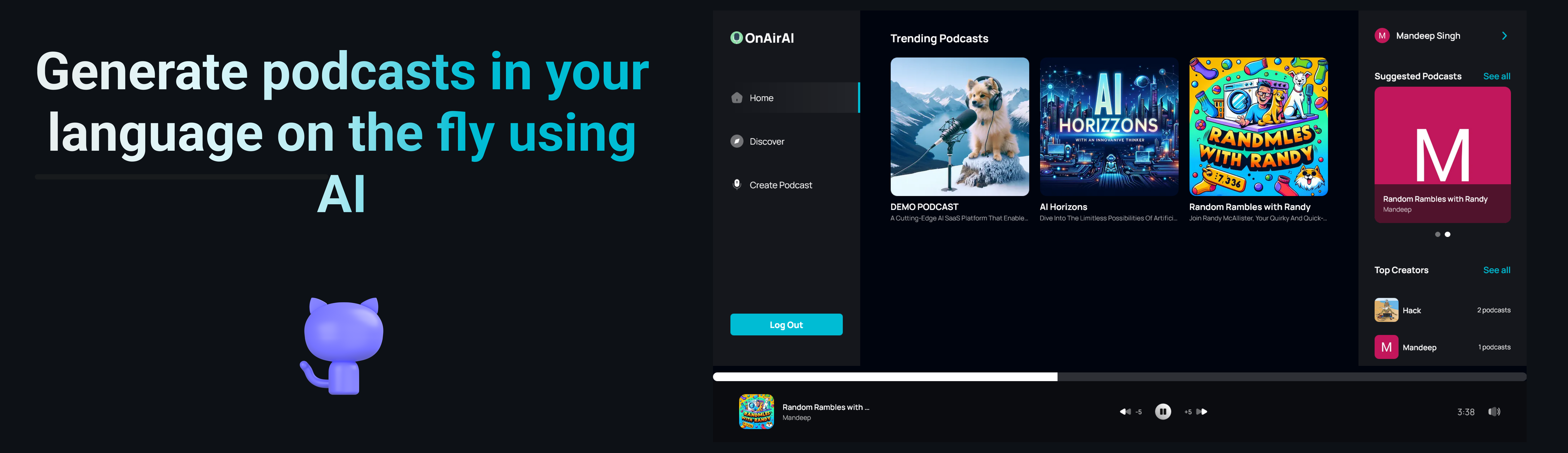
A cutting-edge AI SaaS platform that enables users to create, discover, and enjoy podcasts with advanced features like text-to-audio conversion with multi-voice AI, podcast thumbnail Image generation and seamless playback. The platform is built using Next.js, TypeScript, Convex, OpenAI, Clerk, ShadCN, and Tailwind CSS. It offers a modern home page, podcast discovery page, search functionality, podcast creation page, profile page, podcast details page, and a responsive design for a seamless user experience.
⚙️ Tech Stack
- Next.js
- TypeScript
- Convex
- OpenAI
- Stripe (for payments)
- Clerk
- ShadCN
- Tailwind CSS
- Zod (for validation)
🔋 Features
👉 Advanced Authentication: Offers secure and dependable user login and registration functionalities.
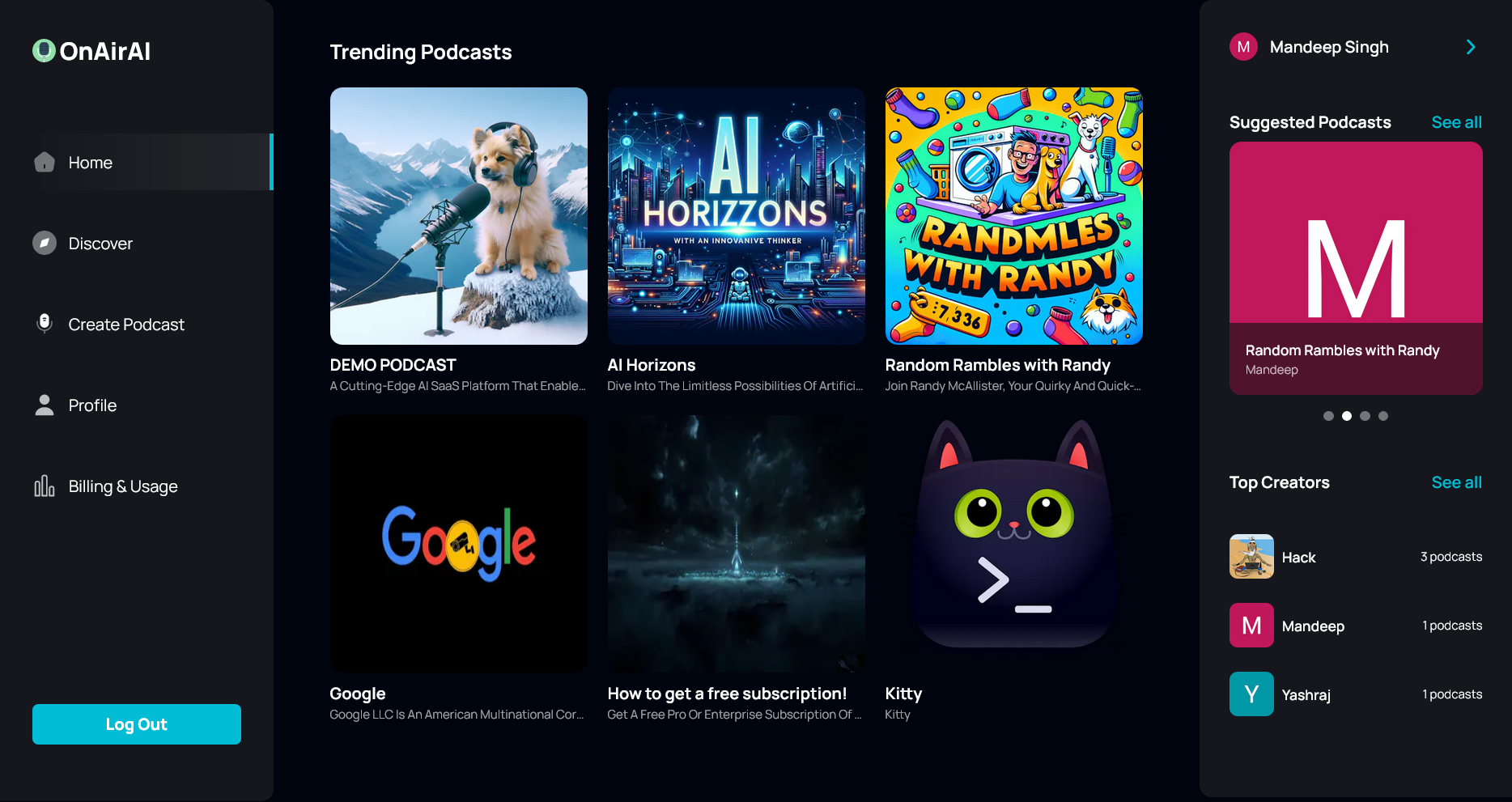
👉 Contemporary Home Page: Highlights trending podcasts with a persistent player for uninterrupted listening.
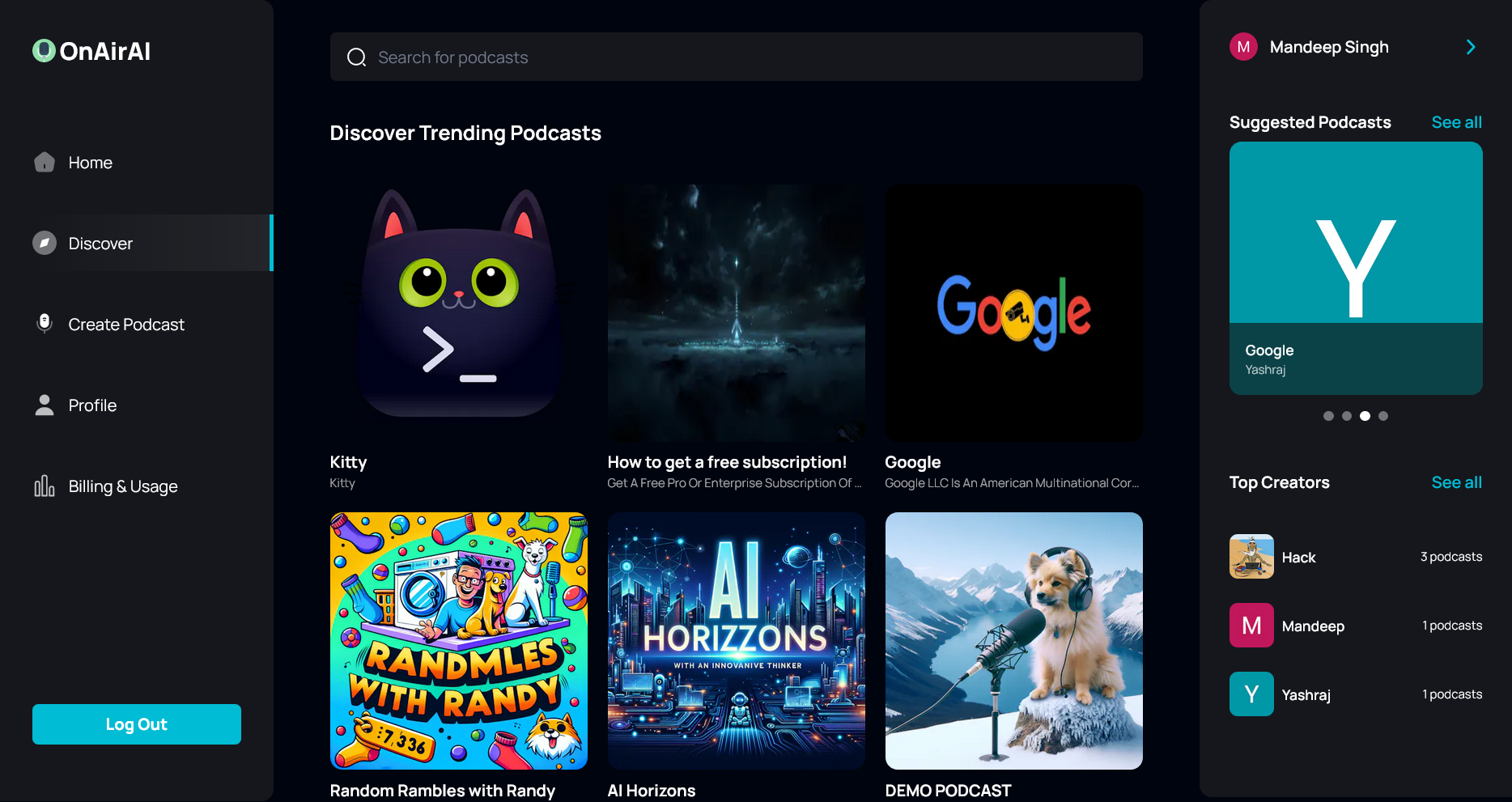
👉 Podcast Discovery Page: A dedicated section for users to explore a wide range of new and popular podcasts.
👉 Comprehensive Search Functionality: Empowers users to effortlessly find podcasts using various filters and criteria.
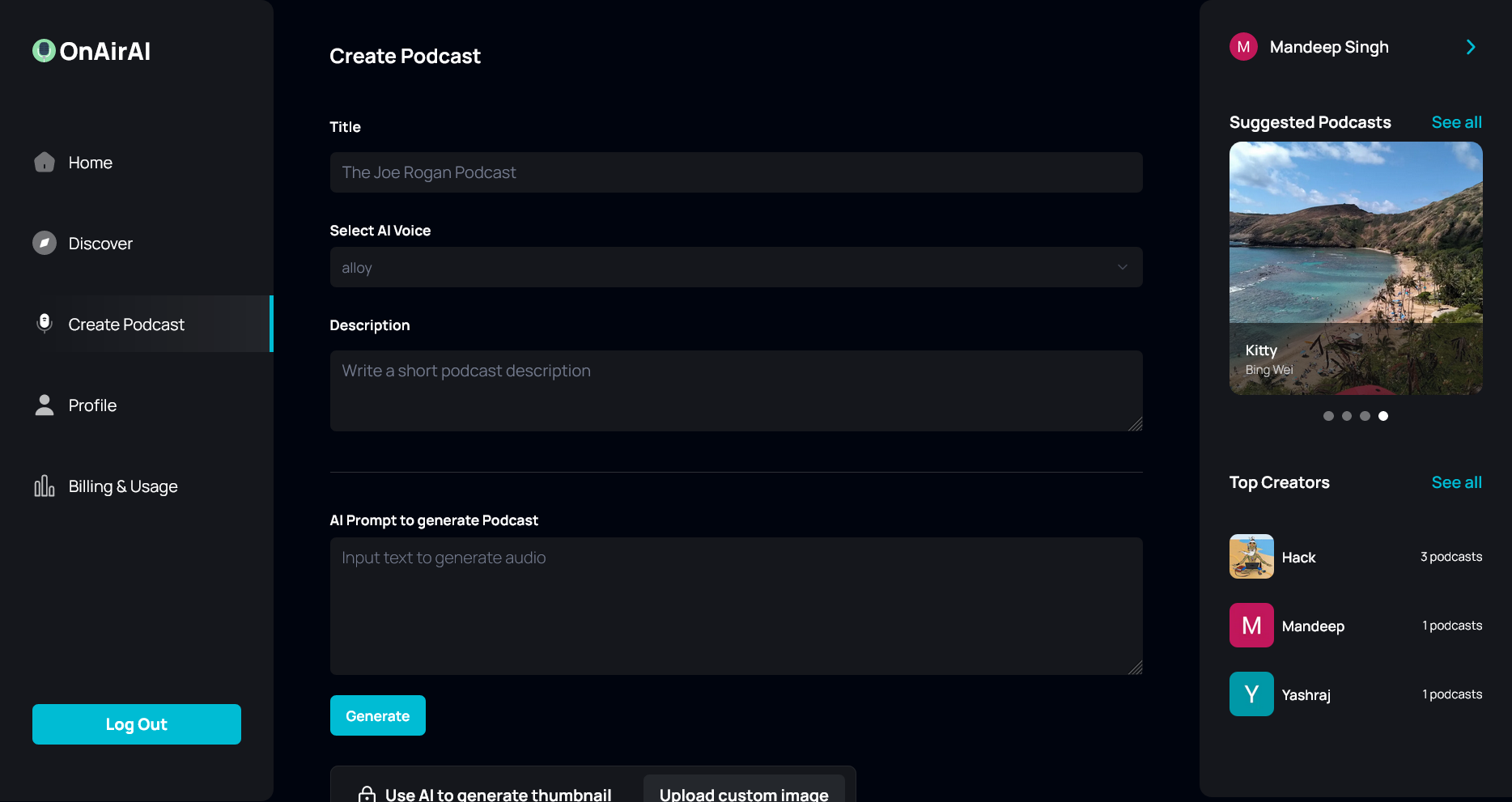
👉 Podcast Creation Page: Facilitates podcast creation with text-to-speech conversion, AI-generated images, and preview options.
👉 Multi-Voice AI Capability: Provides multiple AI-generated voice options for creating dynamic and engaging podcasts.
👉 User Profile Page: Allows users to view and manage their created podcasts, including options to delete them.
👉 Detailed Podcast Page: Presents in-depth information about each podcast, including creator details, listener statistics, and transcripts.
👉 Enhanced Podcast Player: Includes features like rewind/fast forward controls and mute/unmute functionality for an optimal listening experience.
👉 Responsive Design: Ensures the platform looks great and works seamlessly on all devices and screen sizes.
and many more, including code architecture and reusability
📸 Screenshots
| Homepage |
|---|
 |
| Discover Page |
 |
| Create Podcast Page |
 |
| Podcast Details Page |
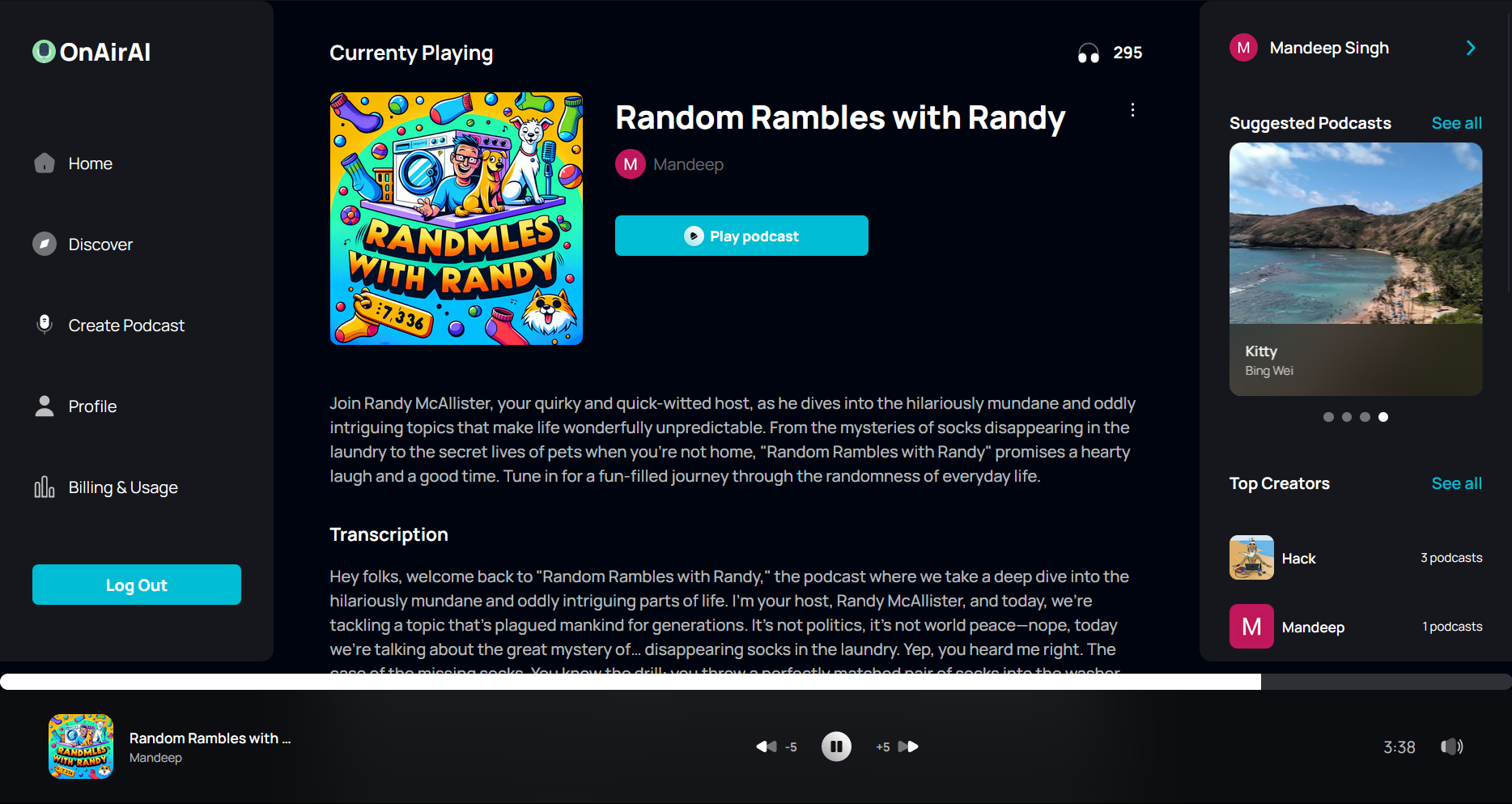 |
| Profile Page |
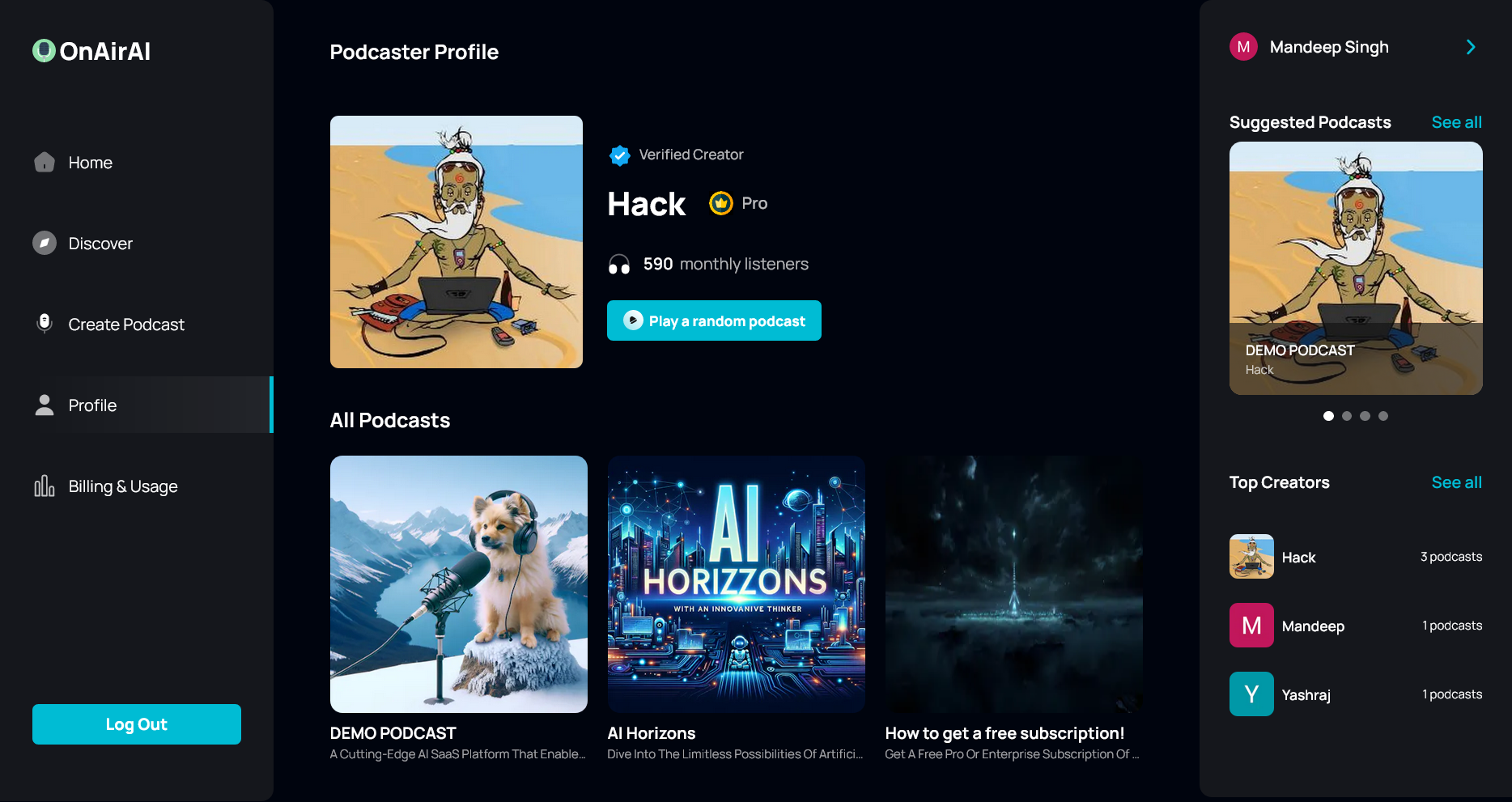 |
| Plans Page |
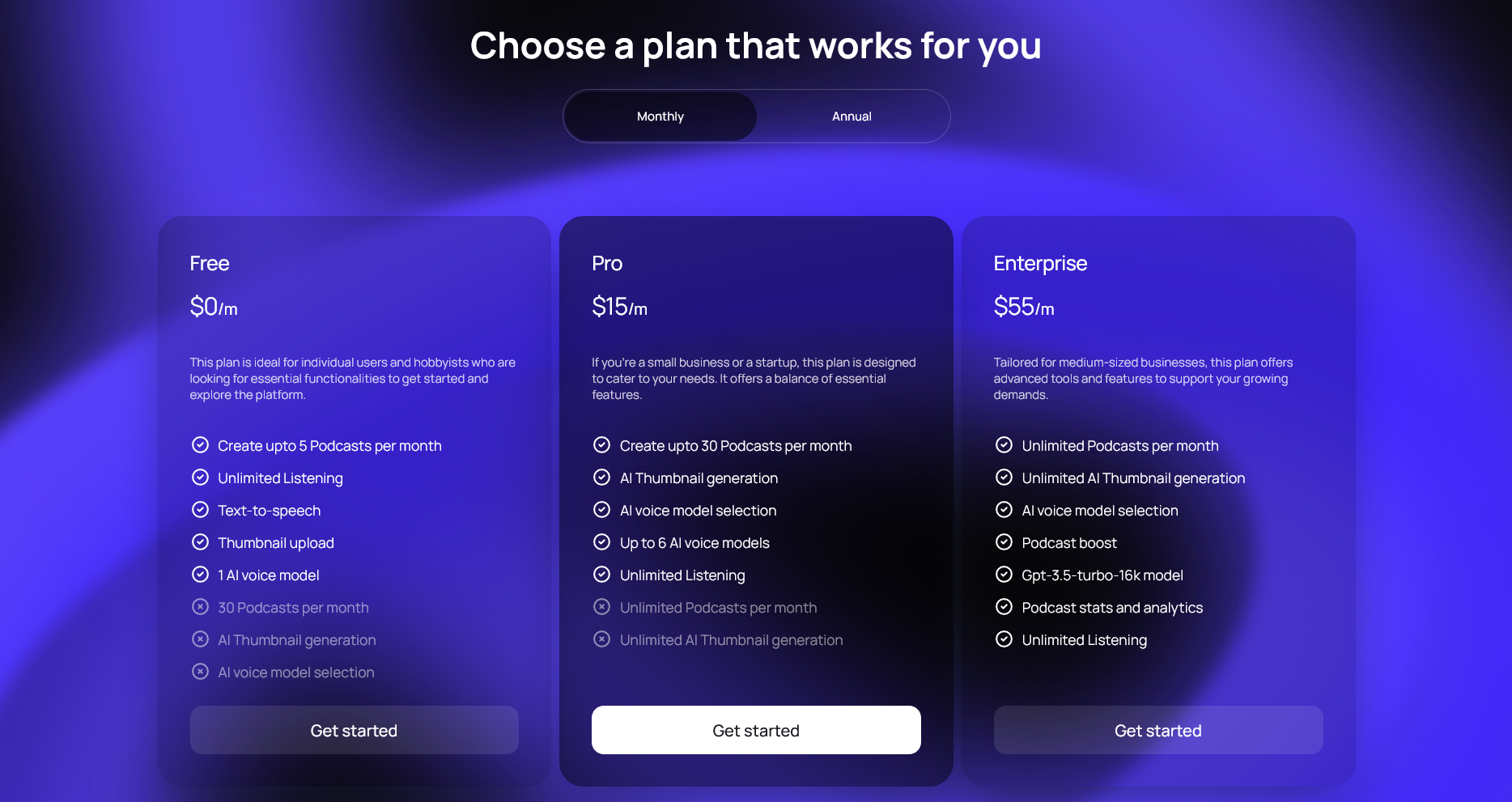 |
| Payment / Stripe Checkout Page |
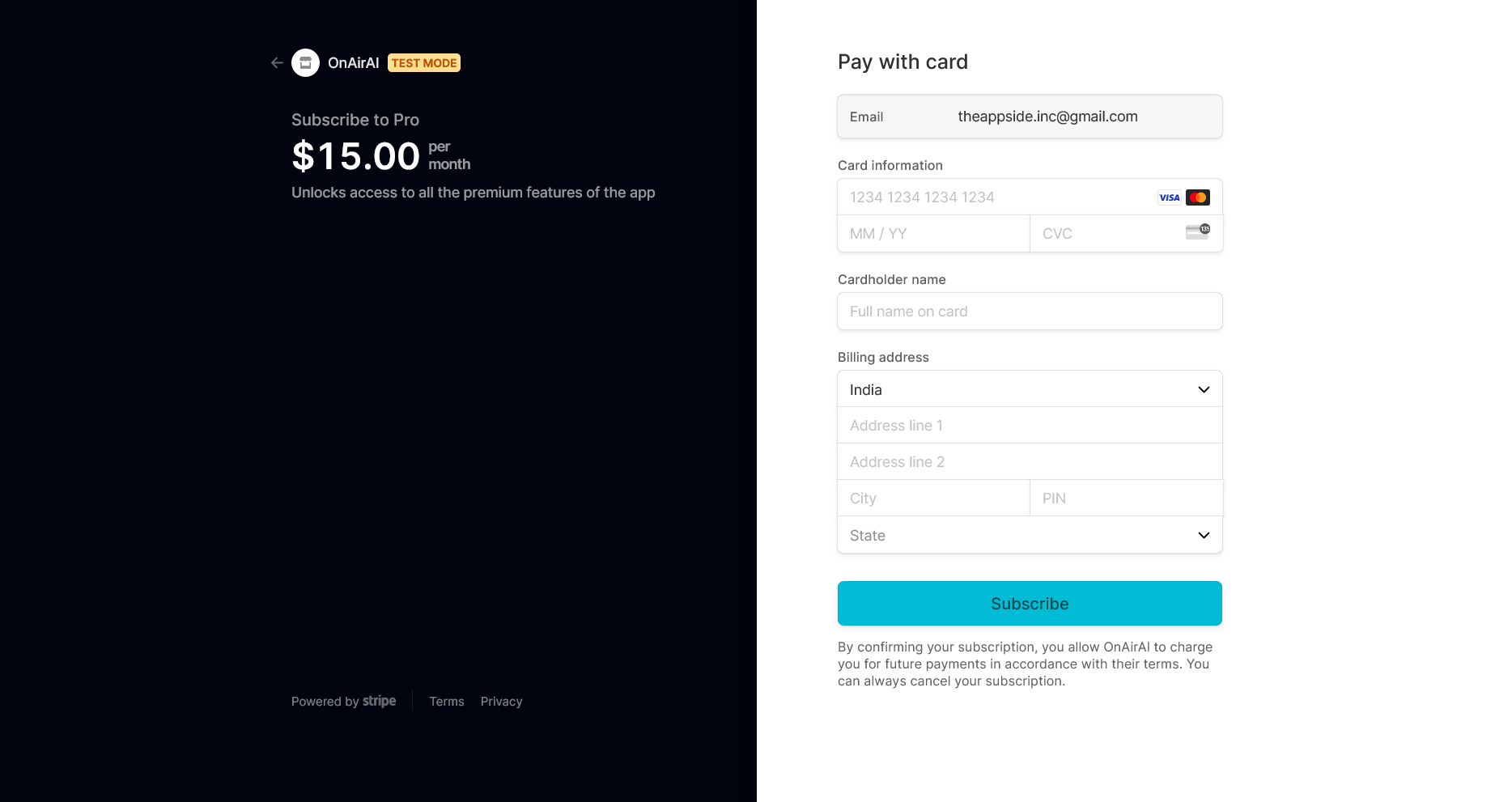 |
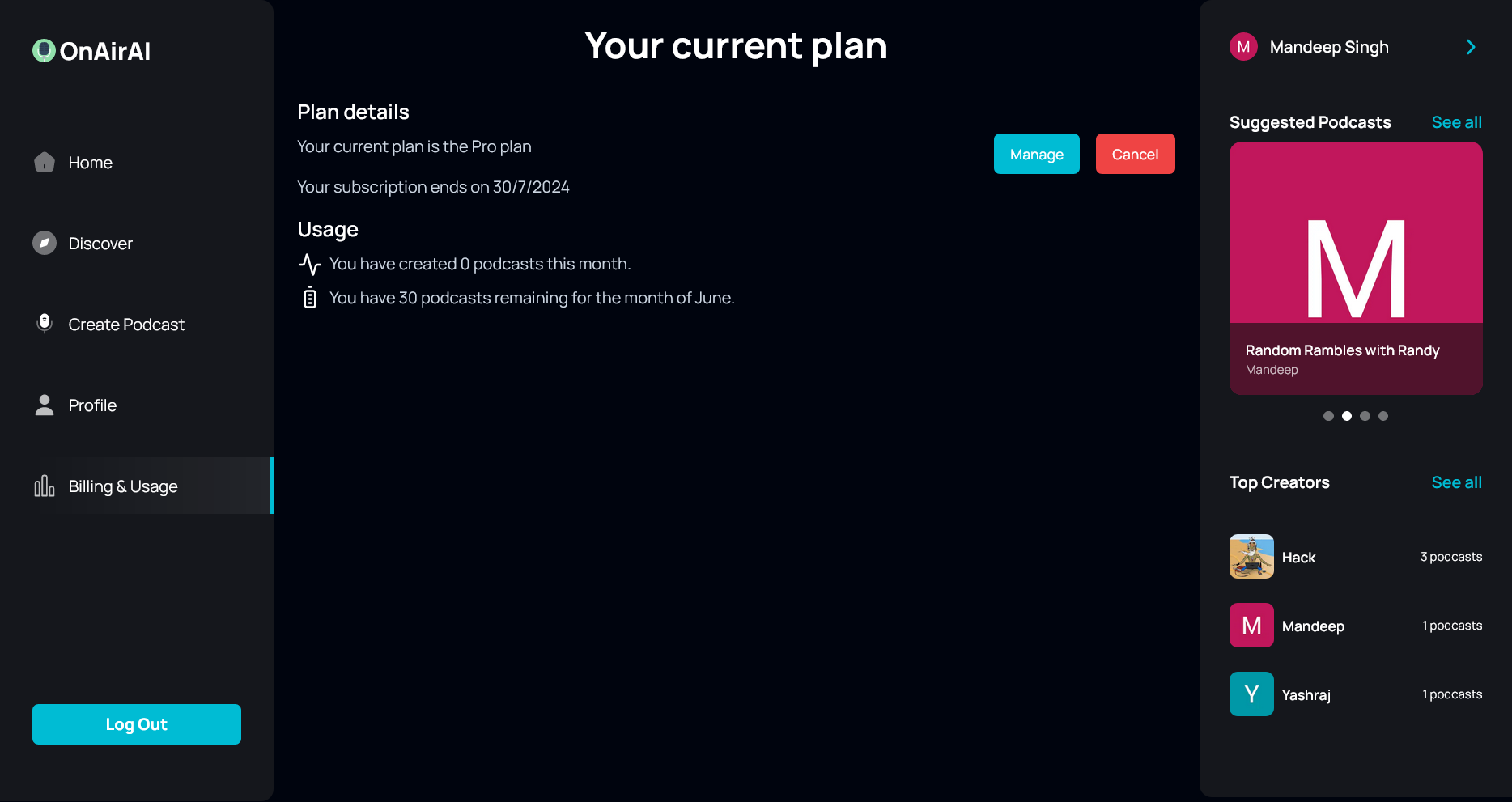
| Usage Page |
 |
🤸 Getting Started
Follow these steps to set up the project locally on your machine.
Prerequisites
Make sure you have the following installed on your machine:
Cloning the Repository
git clone https://github.com/deepsingh132/aionair.git
cd aionair
Installation
Install the project dependencies using npm:
npm install
Set Up Environment Variables
Create a new file named .env in the root of your project and add the following content to your local env file and on the convex dashboard:
CONVEX_DEPLOYMENT=
NEXT_PUBLIC_CONVEX_URL=
NEXT_PUBLIC_CLERK_PUBLISHABLE_KEY=
CLERK_SECRET_KEY=
NEXT_PUBLIC_CLERK_SIGN_IN_URL='/sign-in'
NEXT_PUBLIC_CLERK_SIGN_UP_URL='/sign-up'
OPENAI_API_KEY=
NEXT_PUBLIC_STRIPE_PUBLISHABLE_KEY=
STRIPE_SECRET_KEY=
Replace the placeholder values with your actual Convex & Clerk credentials. You can obtain these credentials by signing up on the Convex, Clerk, OpenAI and Stripe websites.
Running the Project
npm run dev
Open http://localhost:3000 in your browser to view the project.
Testing Stripe Payments
To test the Stripe payments/subscriptions functionality, you can use the following test card details:
- Card Number: 4242 4242 4242 4242
- Expiry Date: Any future date
- CVC/CVV: Any 3-digit number
- Cardholder Name: Any name
- Address: Any address (e.g., 123 Main Street)
- ZIP Code: Any 5-digit number
You can also use the Stripe Test Cards for more test card details.
🐳 Docker Instructions
You can run this project using Docker with the latest image from Docker Hub. Make sure you have Docker installed and running on your machine. Follow these steps:
-
Pull the latest image from Docker Hub.
docker pull deepsingh132/aionair:latest -
Run the Docker image with the following command:
docker run --env-file .YOURENVFILE -p 3000:3000 deepsingh132/aionair:latest -
Open http://localhost:3000 in your browser to view the project.
📚 License
This project is licensed under the MIT License - see the LICENSE file for details.
📞 Contact
If you have any queries or feedback, please feel free to reach out to me at my email or connect with me on LinkedIn.