
Amethyst


Simple WordPress Theme based on Foundation. See details at readme.txt.
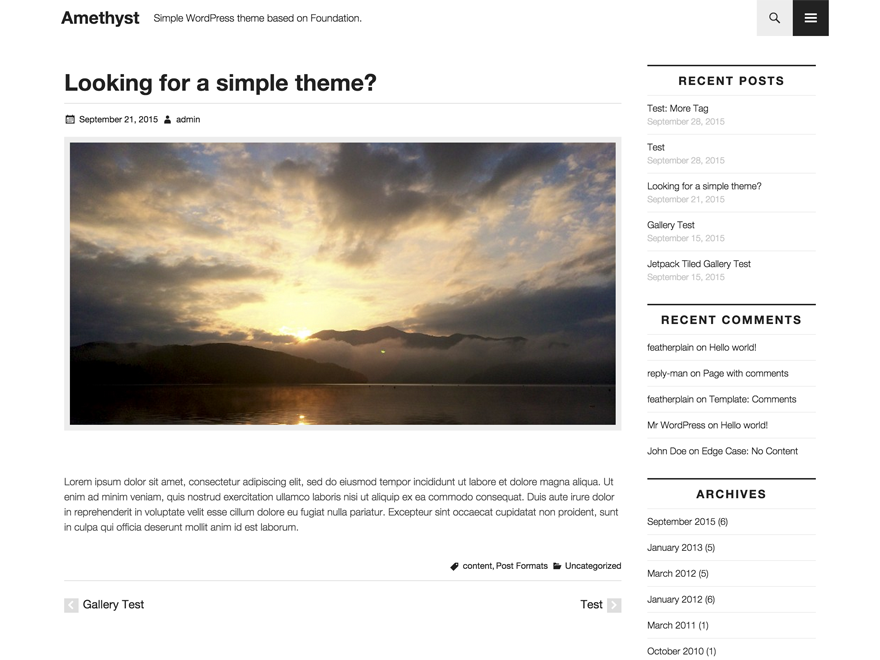
- Download: https://wordpress.org/themes/amethyst/
- GitHub Page: http://featherplain.github.io/amethyst/
- Theme demo: http://amethyst.asknode.net/
Requires
- Node.js
- npm
- Composer
Setup your project
-
Make WordPress environment.
-
Install some dependencies, and set your hostname.Default is
amethyst.dev.$ cd path/to/directory && npm run setup Set your website's domain (default=amethyst.dev): -
To run gulp tasks with proxy mode, you can update hostname in
config.js. This configuration file is NOT tracked by git.'vhost' : 'amethyst.dev' -
Run gulp. You don't need to install gulp globally.
// proxy mode $ npm run gulp // server mode for static websites or files $ npm run gulp-server -
Run automated testing.
$ npm test
Options
Initialize Foundation
$ npm run foundation-init
Distribution
$ npm run gulp-zip
Autoprefix
You'd like to autoprefix specific browsers, edit gulpfile.js below these lines.
.pipe($.autoprefixer({
  browsers: ['last 2 versions', 'ie 10', 'ie 9'],
  cascade: false
}))
Third Party Resources
Foundation
src/scss/core/foundation/
src/scss/core/_foundation.scss
src/scss/core/_global.scss
src/scss/core/_settings.scss
- License: MIT
- Source: http://foundation.zurb.com/sites.html
Genericons
assets/genericons/
- License: GPLv2
- Source: http://genericons.com/
Font Awesome
assets/font-awesome/
- License:
- Font License: SIL OFL 1.1
- Code License: MIT License
- Source: https://fortawesome.github.io/Font-Awesome/
HTML5 Shiv
src/js/html5shiv.js
- License: MIT/GPL2 License
- Source: https://github.com/aFarkas/html5shiv
License
GNU GENERAL PUBLIC LICENSE Version 2
Contributors
Thanks to @torounit, @miya0001