
Arch Linux on your Kindle
Proof
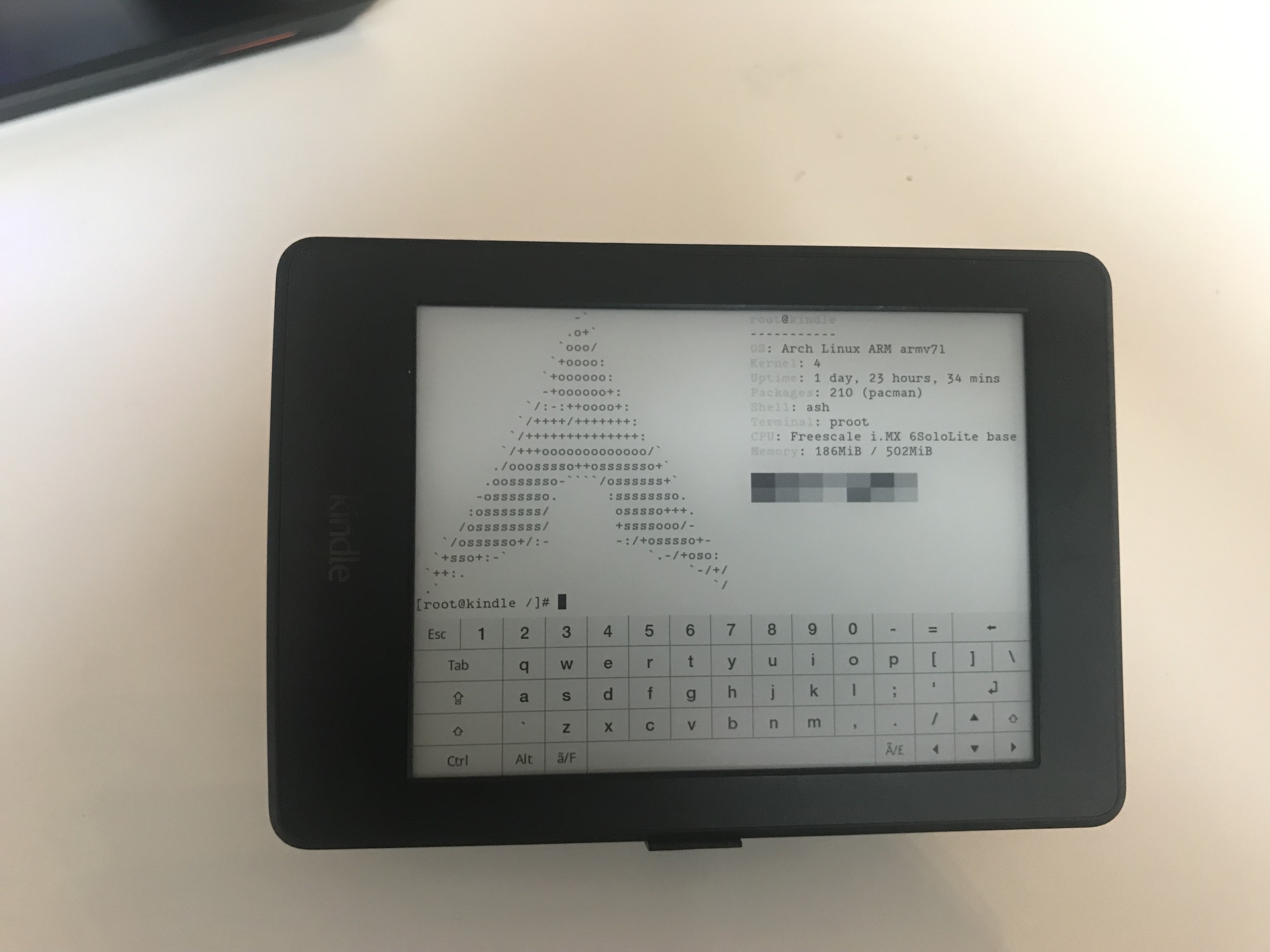
Warning: this "mod" breaks the USB file transfer - but you can use scp to transfer ebooks via WiFi (which i find even better).
Instruction
Prerequisites
- Root your Kindle: tutorial
- Install an application launcher KUAL
- Install a terminal emulator
- Enable USBNetworking for SSH access (or just use the terminal emulator)
- Check your Kindle's CPU architecture (Armv6/Armv7?)
- Format your
/dev/mmcblk0p4toext3(orext4, i've only triedext3because that's how Kindle's root partition was formatted by default) - Modify your
/etc/fstabfile to look like this - so theext3partition will mount.
Downloads
- Get proot onto your Kindle (put it into
/usr/bin/) - Get ArchLinuxArm build for your CPU (i went with this for my PaperWhite 3)
Optional but useful: allow SSH via WiFi
- Edit
/etc/sysconfig/iptables(you haveviinstalled by default) - Append
-A INPUT -i wlan0 -j ACCEPTbefore the last line of the file:
# ICMP. Allow only responses to local connections
-A INPUT -p icmp -m state --state RELATED,ESTABLISHED -j ACCEPT

# The line from the Arch tutorial you have to append
-A INPUT -i wlan0 -j ACCEPT
COMMIT
Installation
- Extract the system (preferably into
/mnt/base-us/arch, but the choice is yours. Be careful not to extract the system to/mnt/base-us/documentsas it will make your kindle try to index the system files as ebooks) - Copy this script into your ebook (preferably to
/usr/bin) - Run the script (change the proot directory in the script, if you've extracted the system to a custom location)
Post-install
- Fix the keyring (
pacmanwon't work otherwise):pacman-key -upacman-key --populate