
MultiLaunch: Astro Multi-Brand Website Template
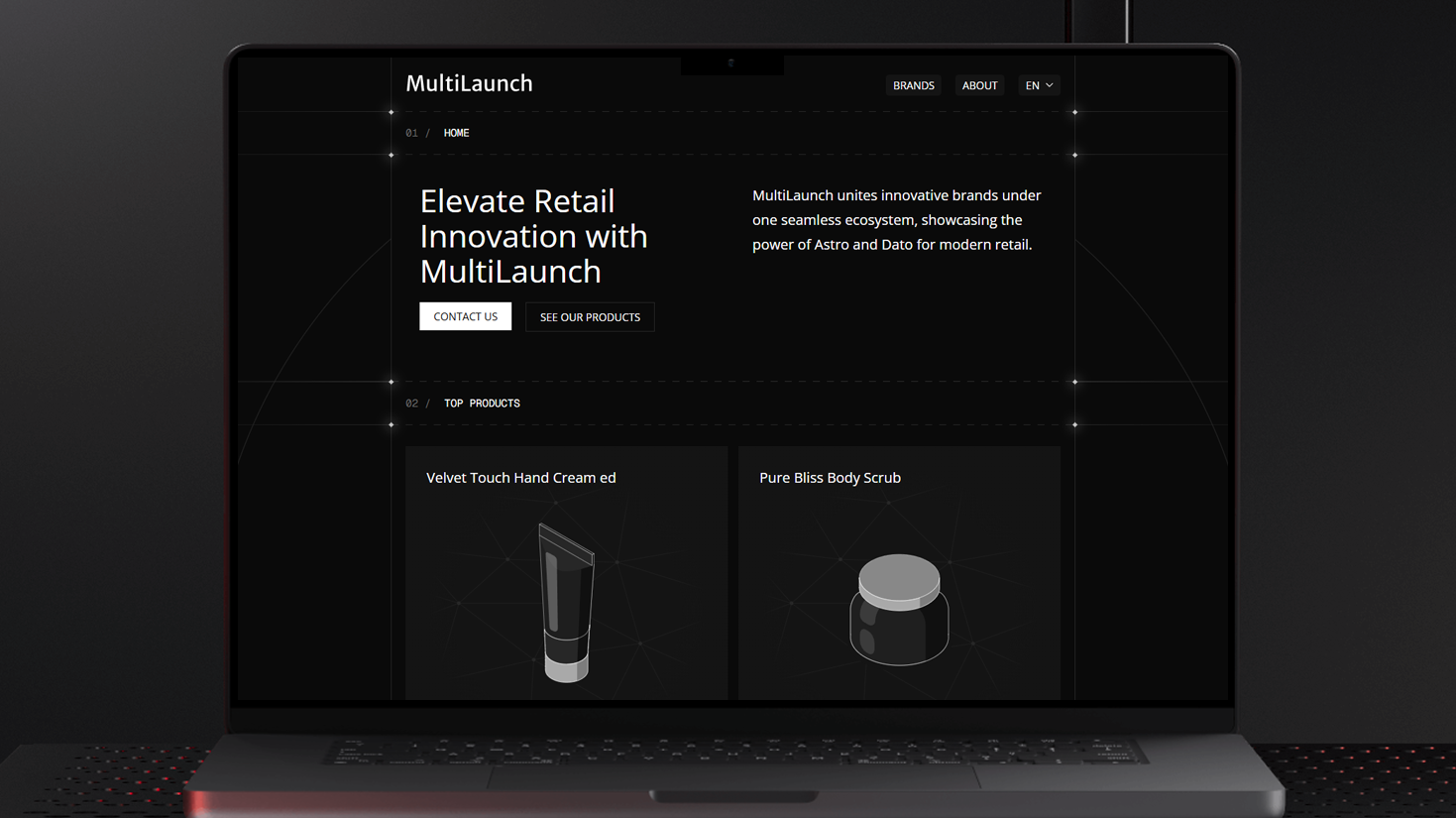
A high-performance monorepo template built with Astro & DatoCMS for managing multiple brands effortlessly. Ideal for startups and mid-sized retailers needing a scalable, cost-effective, and multi-language brand hierarchy.
Demo
Tech Stack
- Astro
- DatoCMS
- Tailwind CSS 4
Features
- ✅ Multi-Brand Architecture – One main site, multiple brand landing pages
- ✅ Rapid Deployment – Add a new brand in minutes, not weeks
- ✅ Monorepo Setup – All brands in one repository for easy management
- ✅ AI-Powered Translation – Multi-language support with AI-assisted translations
- ✅ Geo-Redirects – Serve region-specific content automatically
- ✅ Brand-Specific Customization – Each brand gets its own colors and assets
- ✅ Dark & Light Mode
Quick Start
- Create an account on DatoCMS
- Deploy on Vercel with GitHub Integration
- Let DatoCMS set up your project:

Local Setup
Prerequisites
- Node.js
- Bun
Project Structure
multilaunch/
├── apps/
│   ├── core/       # Main retail company page
│   └── brands/     # Brand landing pages
└── packages/
    └── ui/         # Shared UI components
Getting Started
# Install dependencies
bun install

# Set up environment variables
cp .env.example .env
Environment Variables
- Go to DatoCMS project Settings
- Navigate to API tokens
- Copy Read-only API token
- Paste into
.envfile
Available Scripts
# Run development server
bun dev

# Build for production
bun run build

# Preview production build
bun run preview
Contributing
Contributions are welcome!