
AutoVoice 🧾
AutoVoice is a Jamstack application that let's users customize invoices and download or automate (coming soon) them in a click...or two.
Checkout AutoVoice
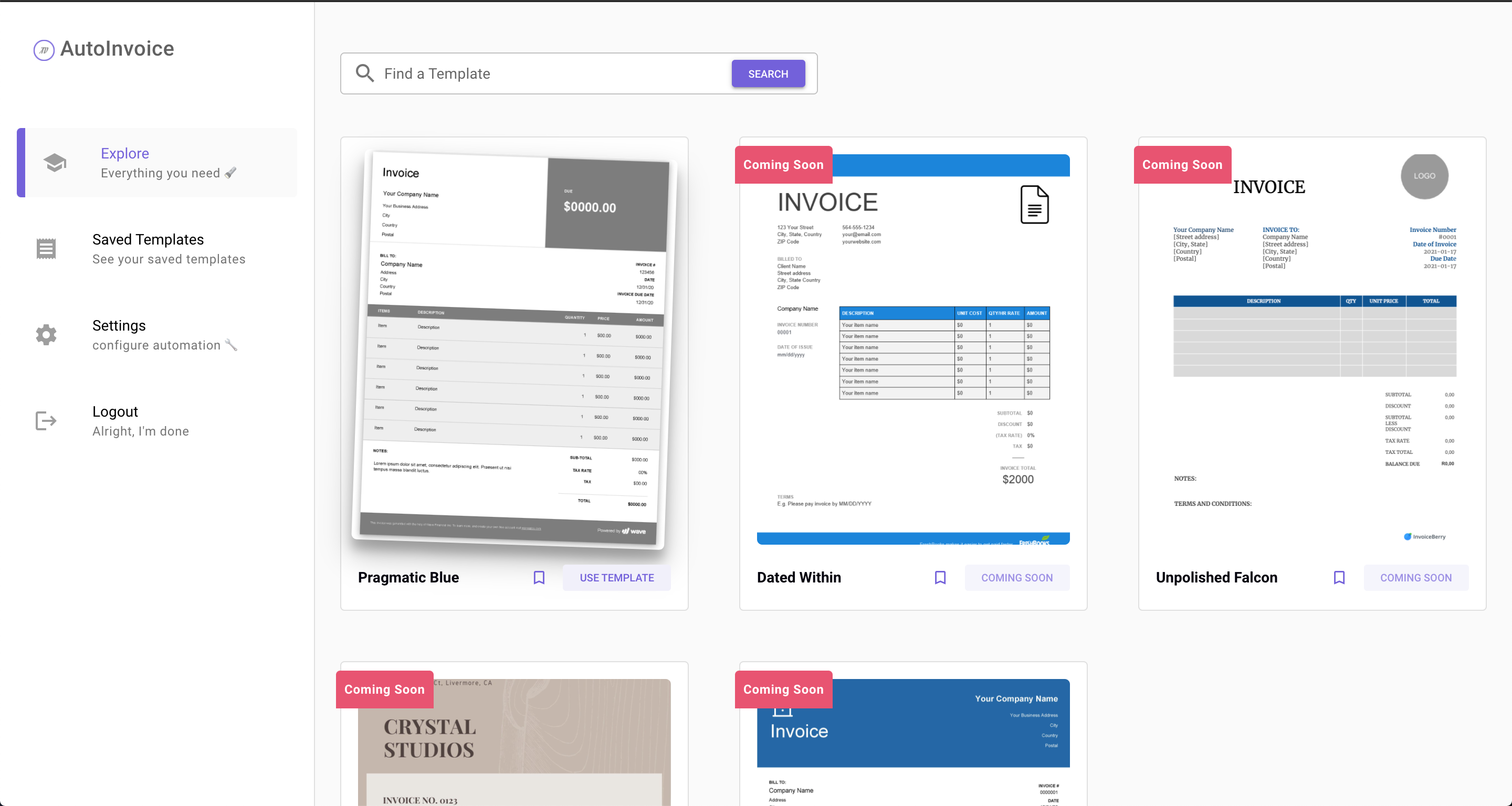
See More
- Seemless Micro animations and great user experience
- Search and Filter through not a lot of templates 😅
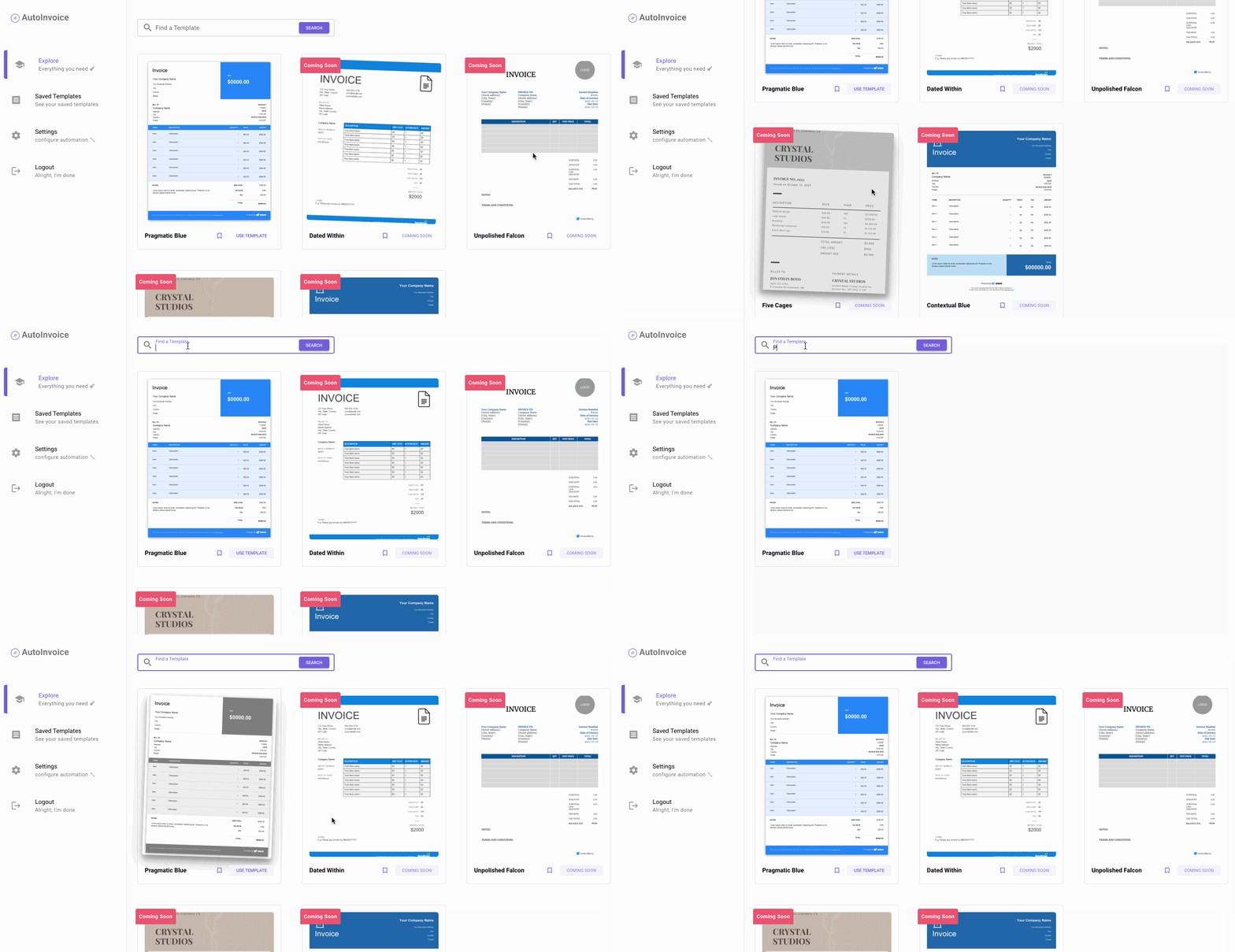
- Instantly choose a template and start editing away. No hassle.
- Oh, plus you don't have to design them.
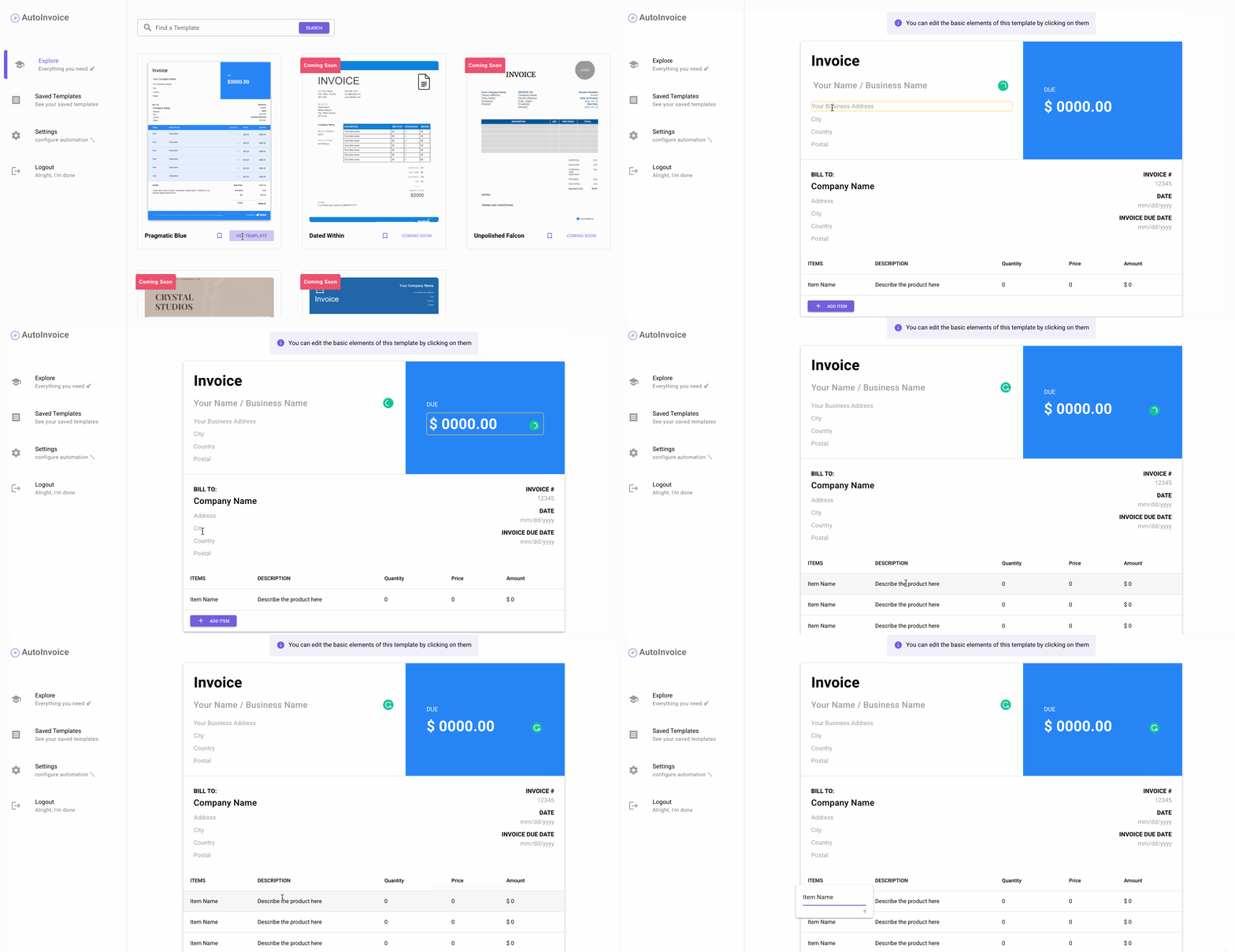
- Don't want to use a template now? No worries, Save it for the rainy day.
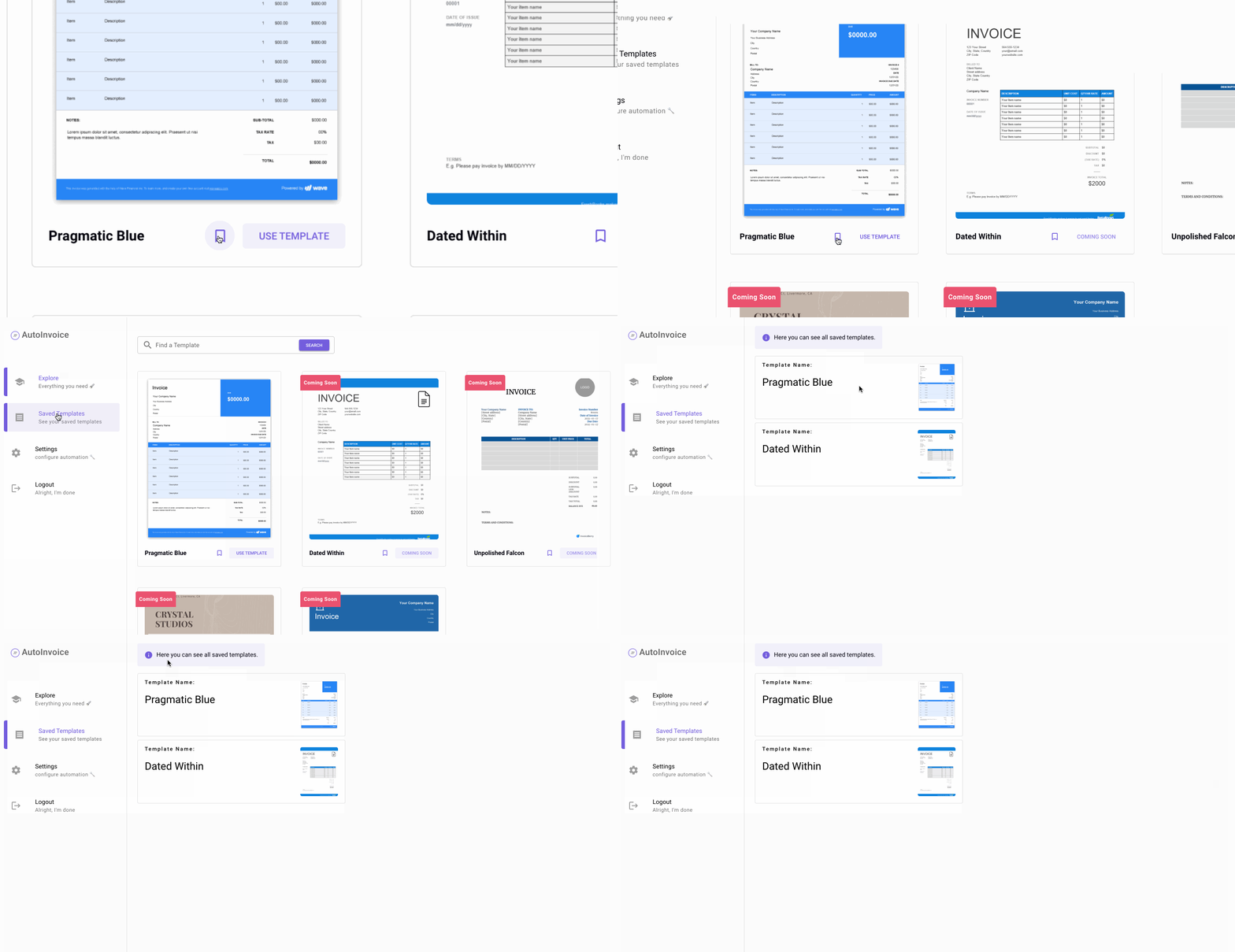
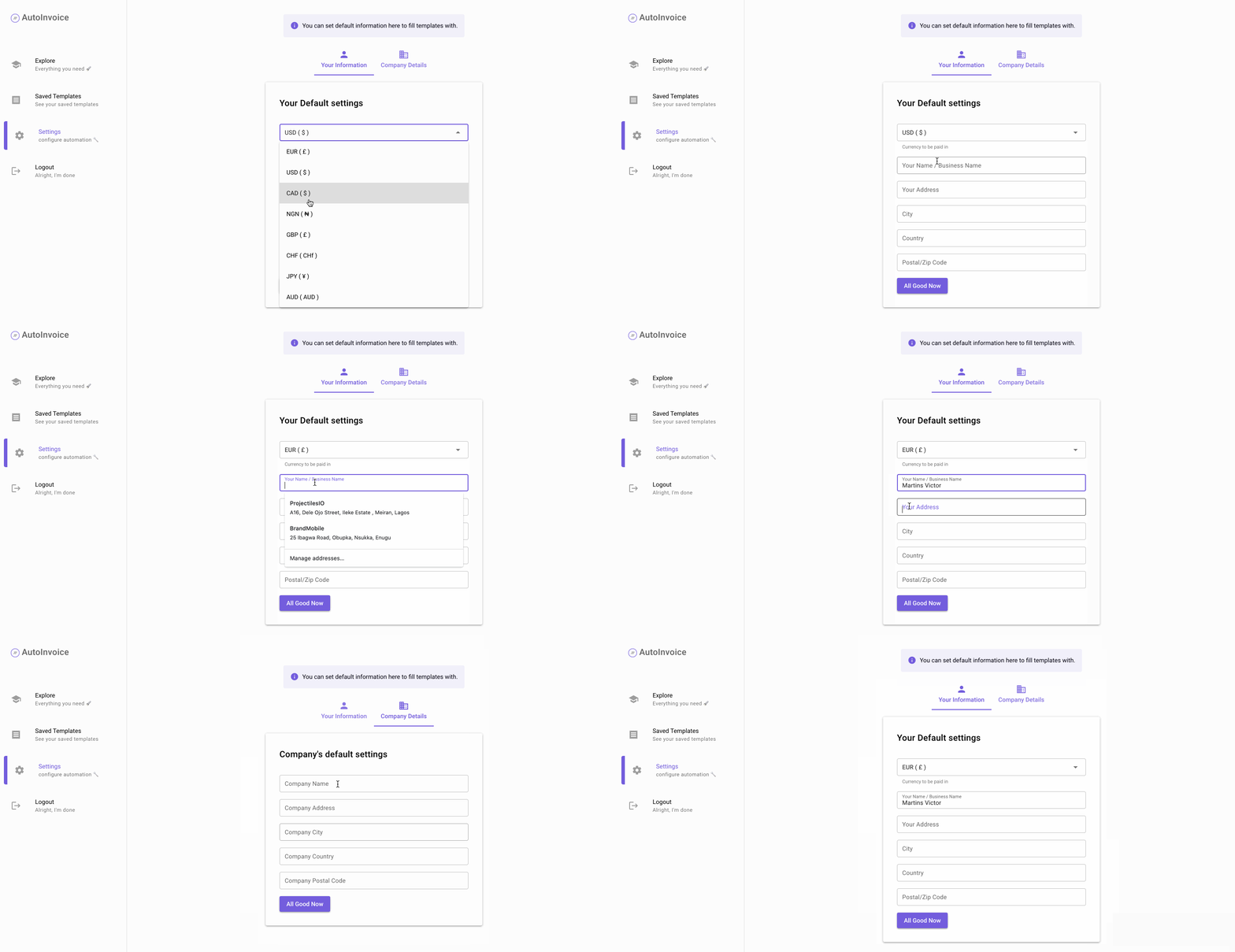
- Don't like repeating yourself? No worries, you can set default values here, and we'll auto-fill your templates. You're welcome.
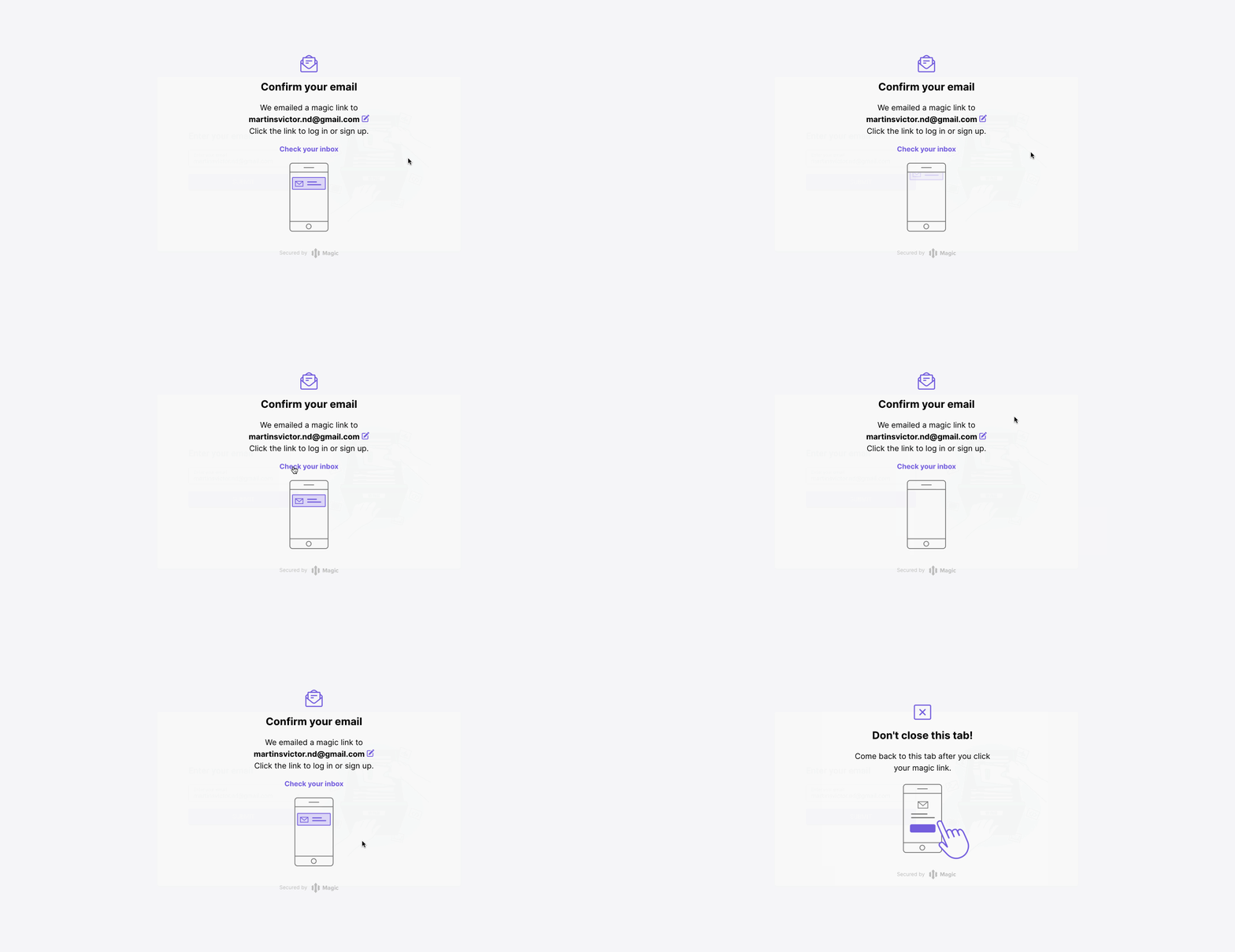
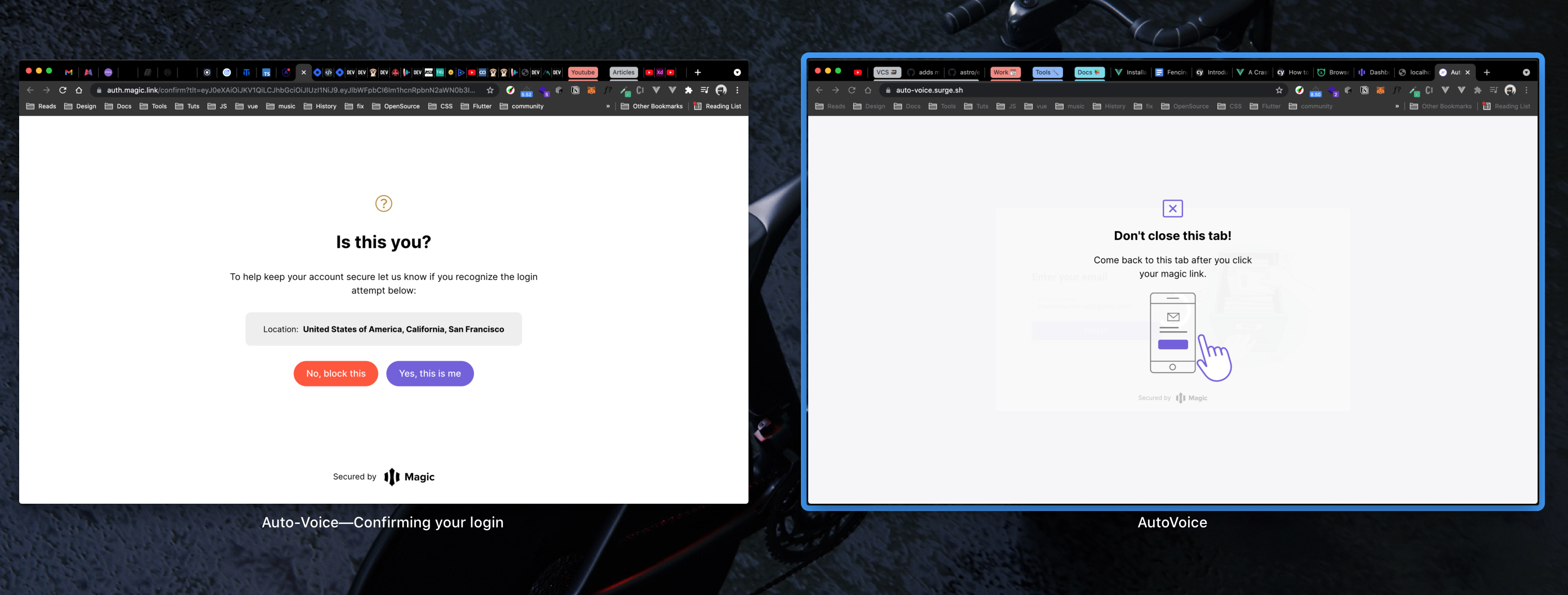
- Oh, and your data is secure with our Passwordless login and device detection.
Try it Out
Feel free to try out the application HERE
Project Tools 🛠
Autovoice is built with:
- Vue.js - Javascript SPA framework
- Quasar - UI library written in Vue
- GraphQL - Query language
- Magic - Passwordless Authentication system
- Apollo - GraphQL Client
- Postgres - Database provisioned on a heroku instance
- Cypress - E2E testing framework
- Hostinger - Static Hosting Service
- Github Actions - CI/CD
Running the Application Locally
To run Autovoice locally, you would need to have node.js and npm setup properly on your machine.
ℹ️ NPM is the official package manager for Node.js, and comes prepackaged when Node.js is installed. Alternatively, you can install yarn as a package manager for node.
Install All Dependencies
First install all necessary dependencies
Using NPM
npm install
Using Yarn
yarn
Start the app in development mode (hot-code reloading, error reporting, etc.)
quasar dev
The application should now be running on http://localhost:8080/. Visit the URL to test it yourself.
Lint the files
yarn run lint
Run Integration Tests
AutoVoice has Cypress integrated for E2E tests.
If you have the cypress application installed on your machine, you can run this command for the visual testing suite.
yarn run test:e2e
OR
npm run test:e2e
For CLI based report run:
yarn run test:e2e:ci
npm run test:e2e:ci
Project Structure
📁 Components
Under the components folder are two core folders:
- Reusables
- Template
Reusables are components that are used more than once across the application, this includes, notification, breadboards, etc.
📁 components
  📁 reusables
    📁 COMPONENT_NAME
      🅥 COMPONENT.VUE
Template contains the vue component versions of our invoice templates themes and related components.
📁 components
  📁 Template
    📁 Themes
      🅥 Theme1.VUE
      🅥 Theme2.VUE
      🅥 Theme3.VUE
    📁 Preview
📁 Gql Folder
This folder contains graphQL mutations and queries used accross the app.
📁 gql
  🅙 mutations.js
  🅙 queries.js