
Avalonia Visual Basic 6
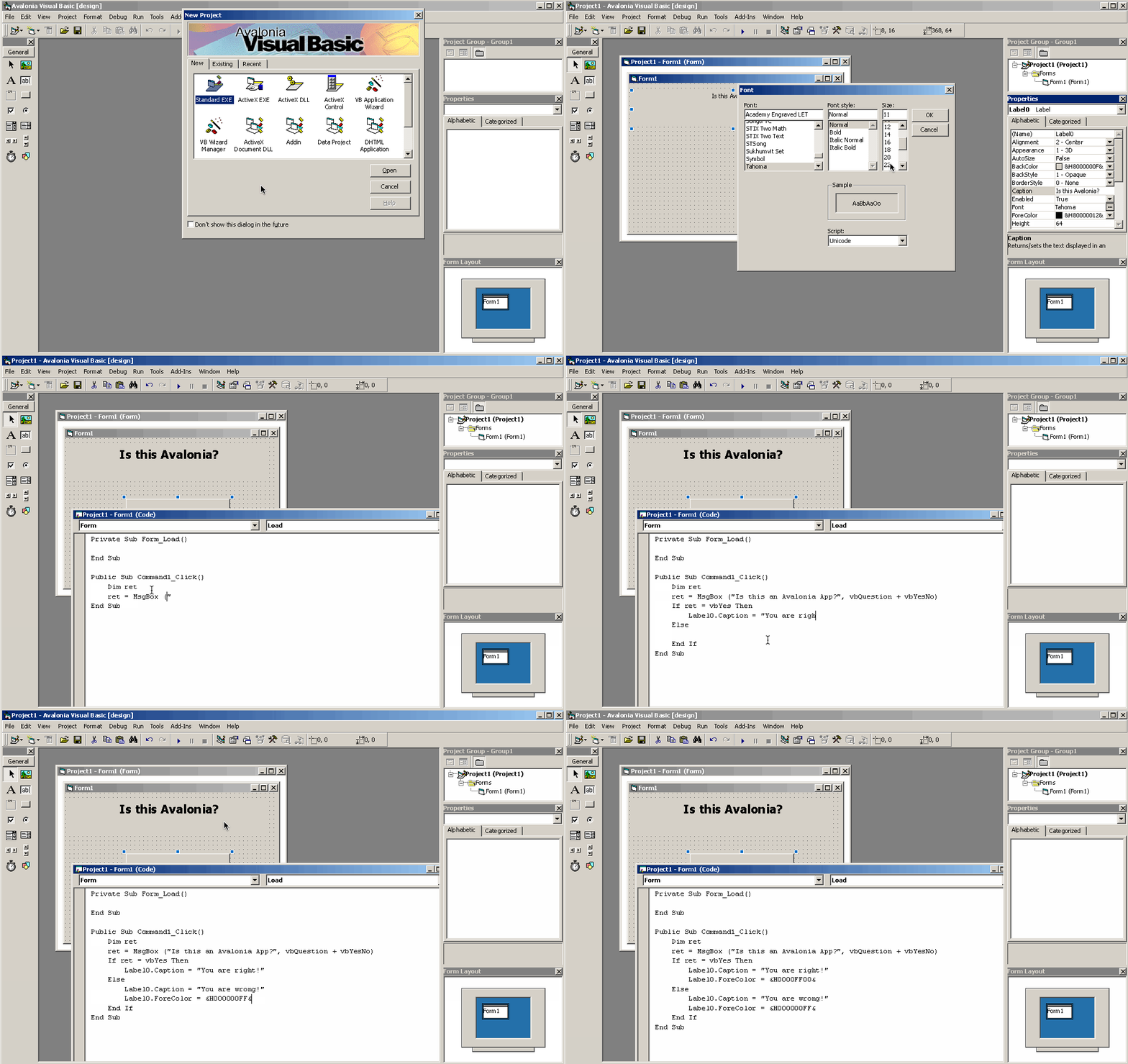
A recreation of the classic Visual Basic 6 IDE and language in C# using Avalonia.
This is a fun, toy project with no commercial intent. All rights to the Visual Basic name, icons, and graphics belong to Microsoft Corporation.
>> Open the web version in your browser! <<
Features
- Visual Designer
- Save and load projects in VB6-compatible format
- Run projects
- VB6 language support (limited)
Building the Desktop Version
You'll generally need .NET 9.0, though you can modify Directory.Build.props to use .NET 8.0 if preferred (version 9.0 is required for the browser version).
To build, simply run:
dotnet build AvaloniaVisualBasic.Desktop/AvaloniaVisualBasic.Desktop.csproj
If you encounter Antlr4 errors, this likely means the Antlr4BuildTasks library couldn't automatically download Java. Installing Java manually should resolve the issue.
Publishing the Desktop Version and Making Make Publish Work
Publish both IDE project (AvaloniaVisualBasic.Desktop) and runtime (AvaloniaVisualBasic.Standalone):
dotnet publish AvaloniaVisualBasic.Desktop -f net9.0 -o bin/
dotnet publish AvaloniaVisualBasic.Standalone -f net9.0 -o bin/standalone/
Now you can run ./bin/AvaloniaVisualBasic.Desktop.