
✨ API, CRM, Client and Mobile application of Awesome-Ecom, an online shopping portal





Demo (Client => NextJS):
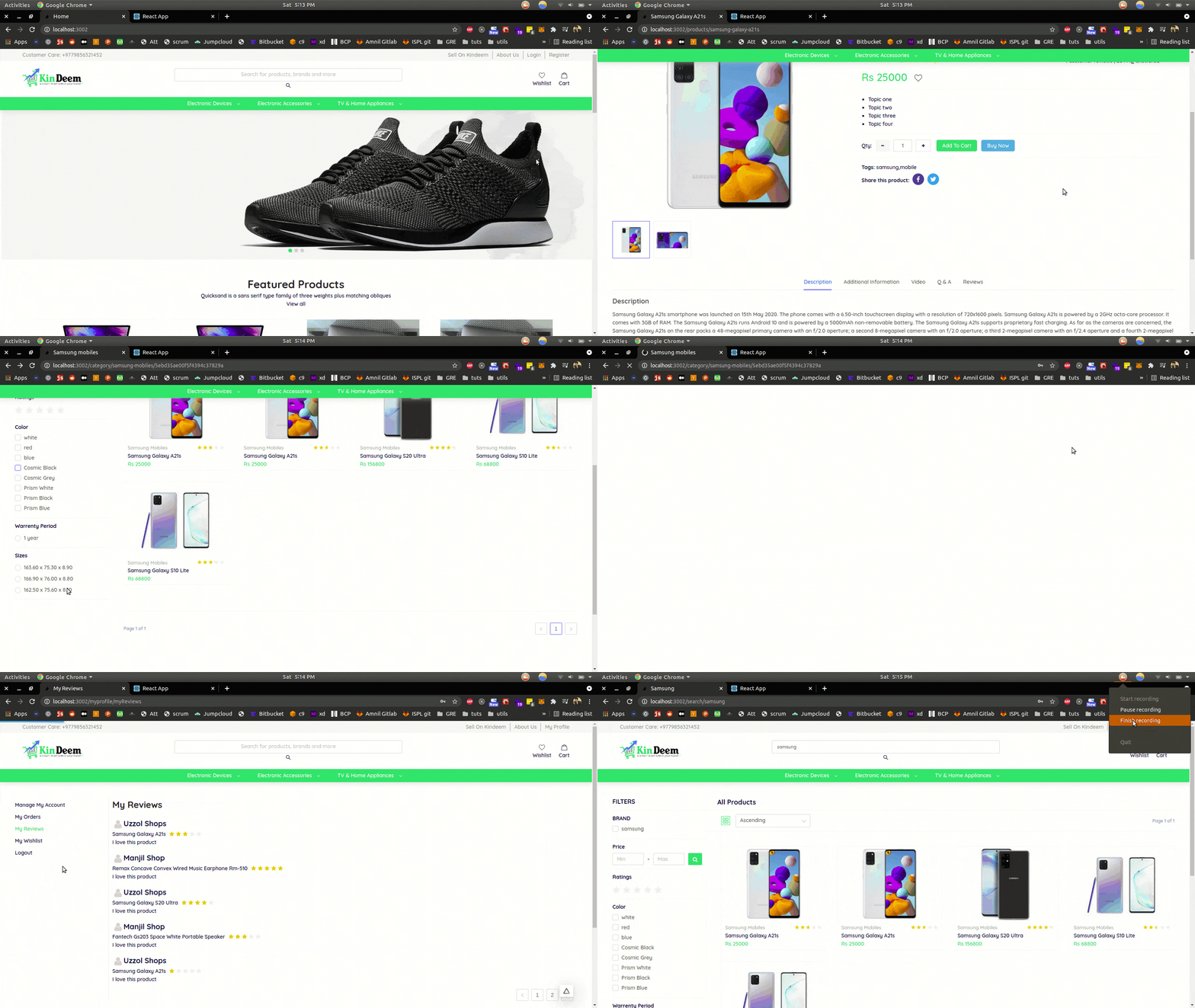
To run ->
-
clone the entire repo
-
go to server repo
-
make environment file with the following keys' values:
MONGO_URI_LOCAL = "path to mongodb url local"
MONGO_URI = "path to mongodb url prod"
PORT = 3001
ECOM_EMAIL = "your email"
ECOM_PASSWORD = "your password"
ADMIN_CRM_ROUTE= http://localhost:3003
CLIENT_URL = http://localhost:3002
JWT_EMAIL_VERIFICATION_KEY = console.log('eamilverify')
JWT_SIGNIN_KEY = console.log('signin')
BASE_URL_LOCAL = http://localhost:3001/api
SIGNIN_EXPIRE_TIME = 1d
EMAIL_TOKEN_EXPIRE_TIME = 1h
REFRESH_TOKEN_KEY = console.log('refreshtoken')
REFRESH_TOKEN_EXPIRE = 4d
TRANS_COLL = _transname_
-
yarn
-
yarn server
-
go to client repo
-
make environment file with the following keys' values:
BASE_URL = "http://localhost:3002"
SERVER_BASE_URL = "http://localhost:3001"
IMAGE_BASE_URL = "http://localhost:3001/uploads"
JWT_SIGNIN_KEY = console.log('signin')
JWT_EMAIL_VERIFICATION_KEY = console.log('eamilverify')
-
yarn
-
yarn dev
Demo (CRM => React):
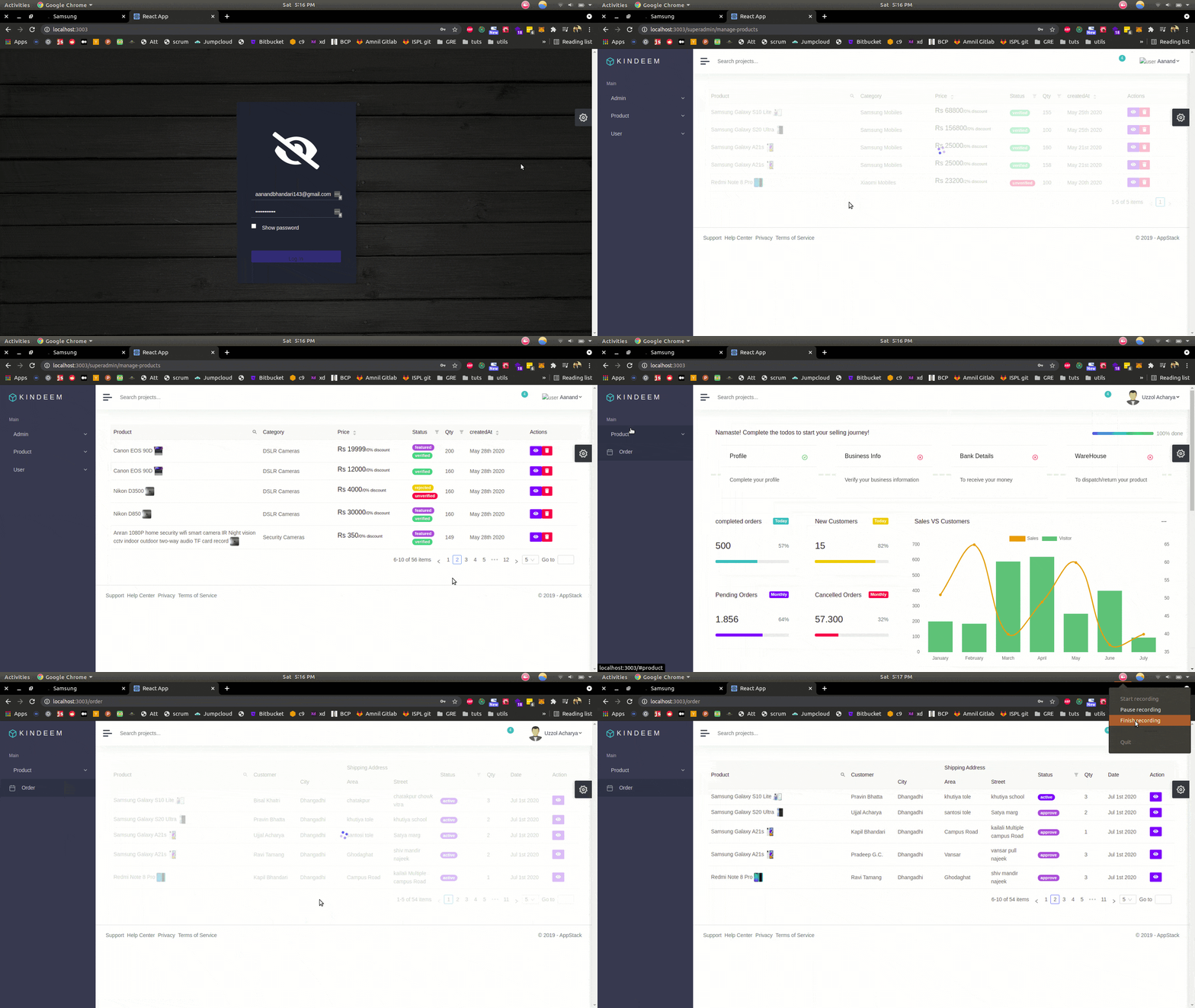
To run ->
-
clone the entire repo
-
go to CRM repo
-
make environment file with the following keys' values:
REACT_APP_ADMIN_CRM_ROUTE= http://localhost:3000
REACT_APP_CLIENT_URL = http://localhost:3002
REACT_APP_JWT_EMAIL_VERIFICATION_KEY = console.log('eamilverify')
REACT_APP_JWT_SIGNIN_KEY = console.log('signin')
REACT_APP_SERVER_URL = http://localhost:3001/
REACT_APP_SOCKET.IO_SERVER_URL = http://localhost:3001/
-
yarn
-
yarn start
Demo (Mobile App => React-Native)
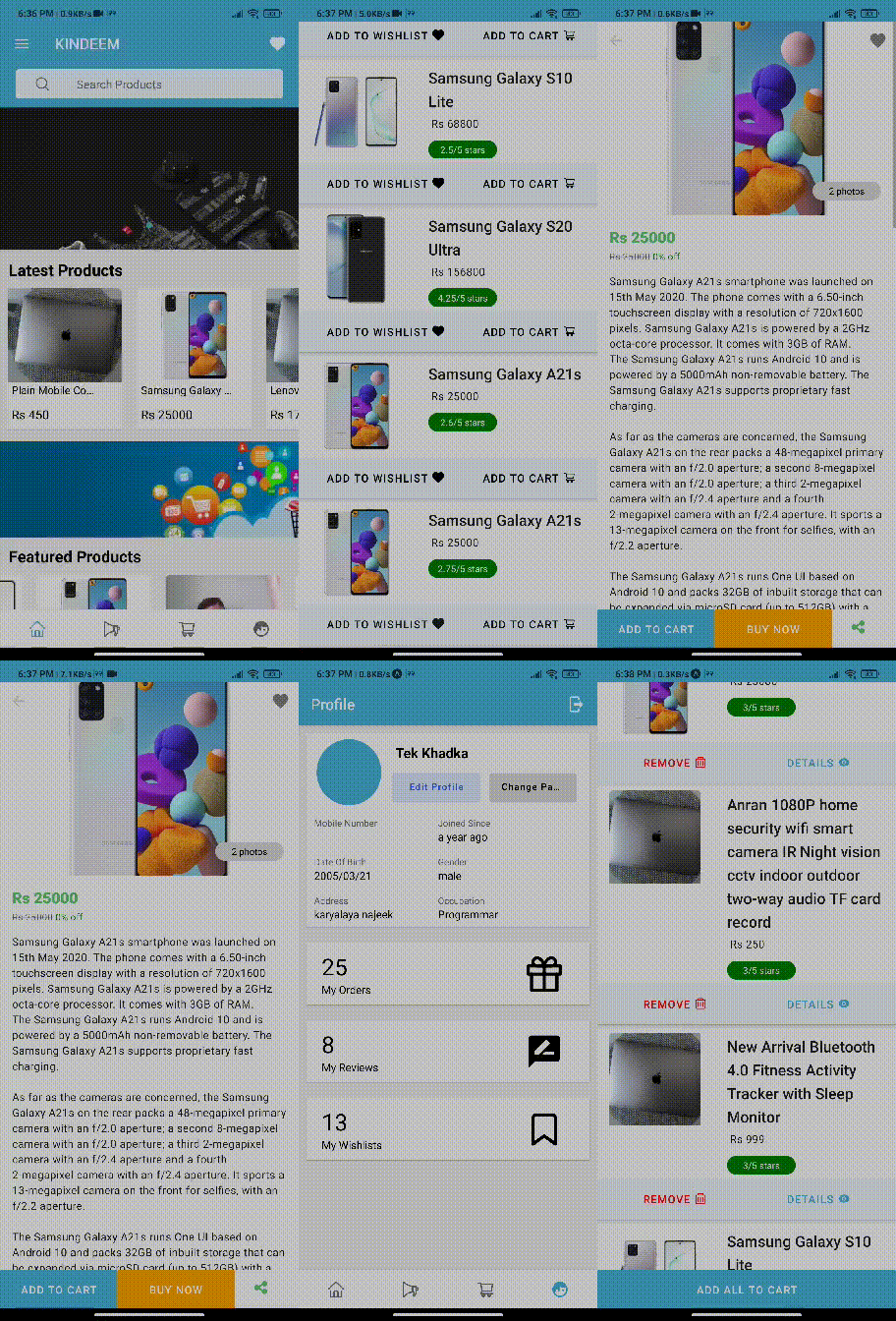
To run ->
-
clone the entire repo
-
go to app repo
-
yarn
-
having expo installed in your system, expo start