
Bit Blog
simple PHP blog
Table of Contents
General Information
A BitBlog ("weblog") is a simple online journal that can be run by a single person and provides regular updates (blog posts) on various topics.
and presents posts in reverse chronological order , and written with PHP 8.1
Technologies Used
- PHP 8.1.10
Features
List the ready features here:
- create , read , update and delete posts
- Change Status (enable or disable)
- Create & Edit Categories
- View Details
Screenshots



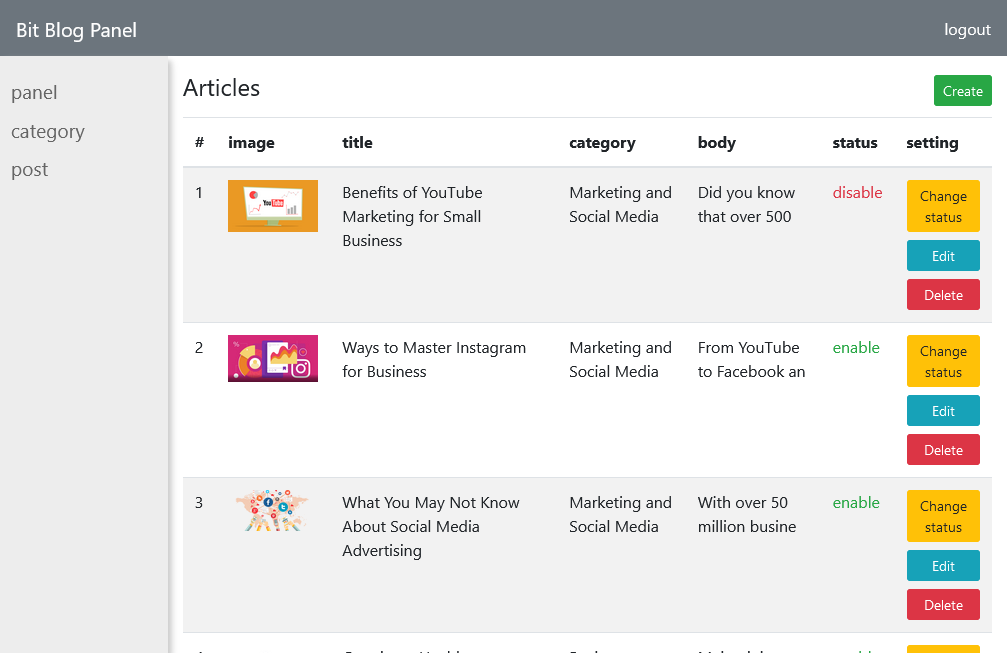
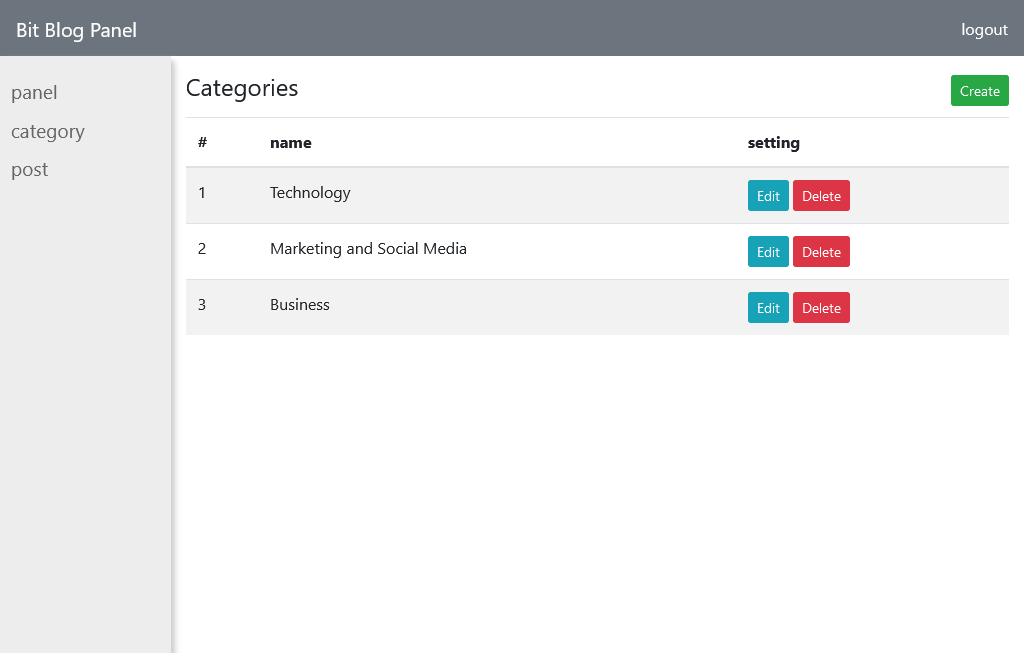
Setup
-
Install XAMPP or WAMPP
-
Open XAMPP Control panal and start [apache] and [mysql] .
-
Download project from github(https://github.com/MobinaJafarian/BitBlog)
OR follow gitbash commandsi>cd C:\xampp\htdocs\
ii>git clone https://github.com/MobinaJafarian/BitBlog.git
-
extract files in C:\xampp\htdocs.
-
open link localhost/phpmyadmin
-
click on new at side navbar.
-
give a database name as (bit-blog) hit on create button.
-
after creating database name click on import.
-
browse the file in directory [BitBlog/assets/database/bit-blog.sql].
-
after importing successfully.
-
open any browser and type http://localhost/BitBlog/
-
first register and then login
-
admin login details:
- Email = [email protected]
- Password = 123456
Usage
php -S localhost:8000
Project Status
Project is: complete
Contact
Created by @MobinaJafarian - feel free to contact me!