

BookHeaven Server
BookHeaven Server is part of the BookHeaven "ecosystem", which aims to provide a very convenient way to manage and read your ebook library.
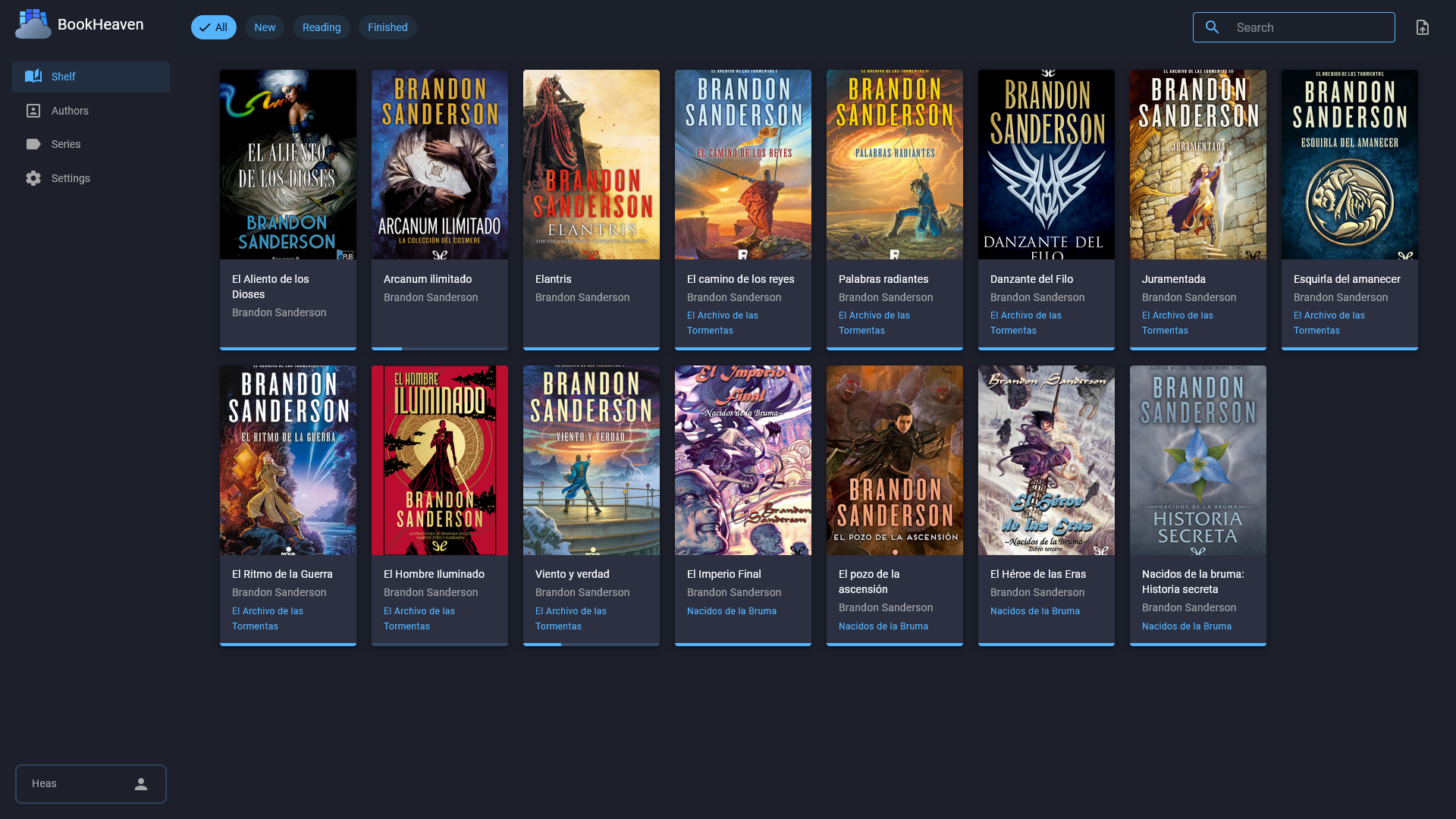
It allows to organize your books into authors and series, as well as add tags for filtering purposes.
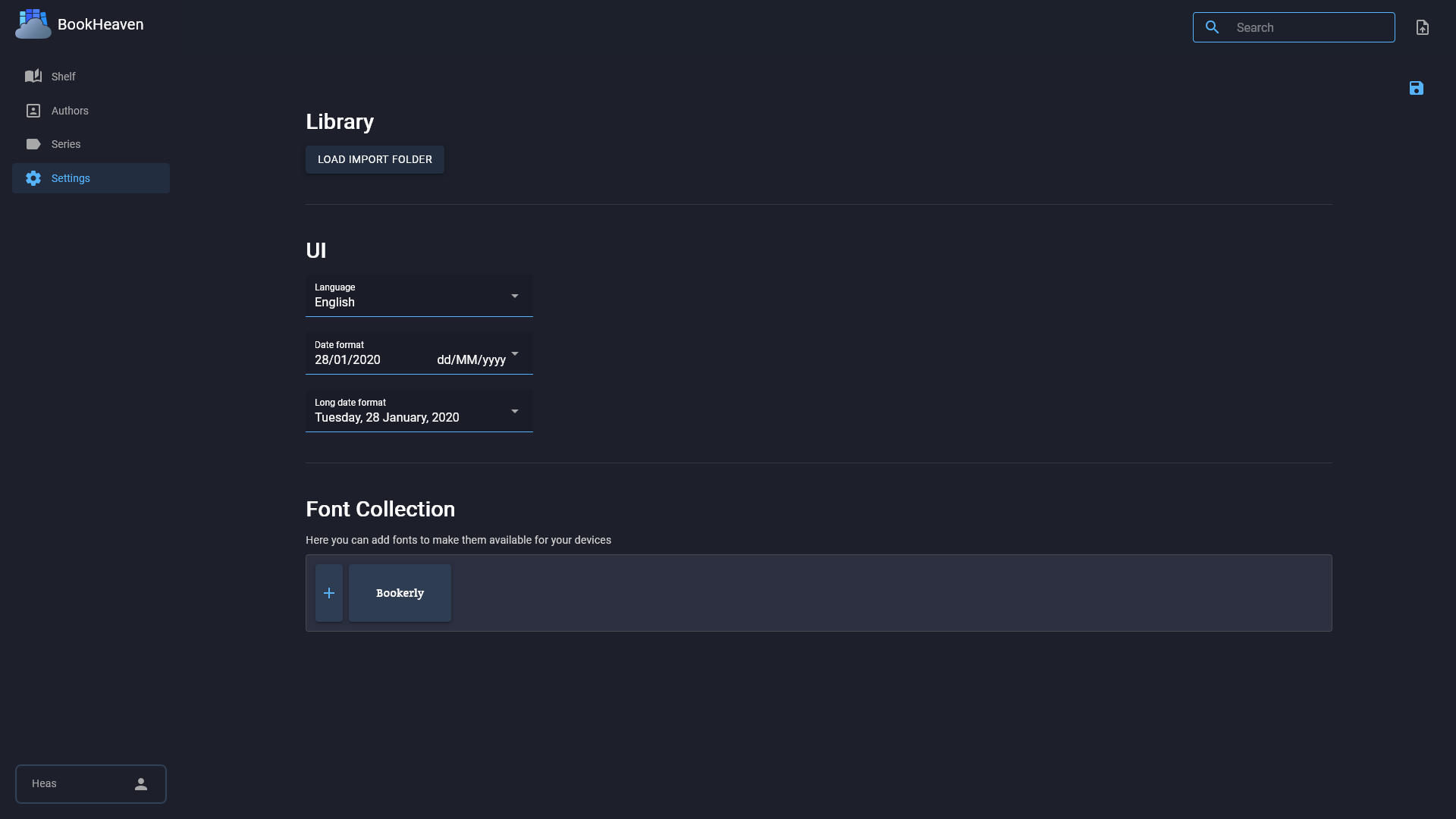
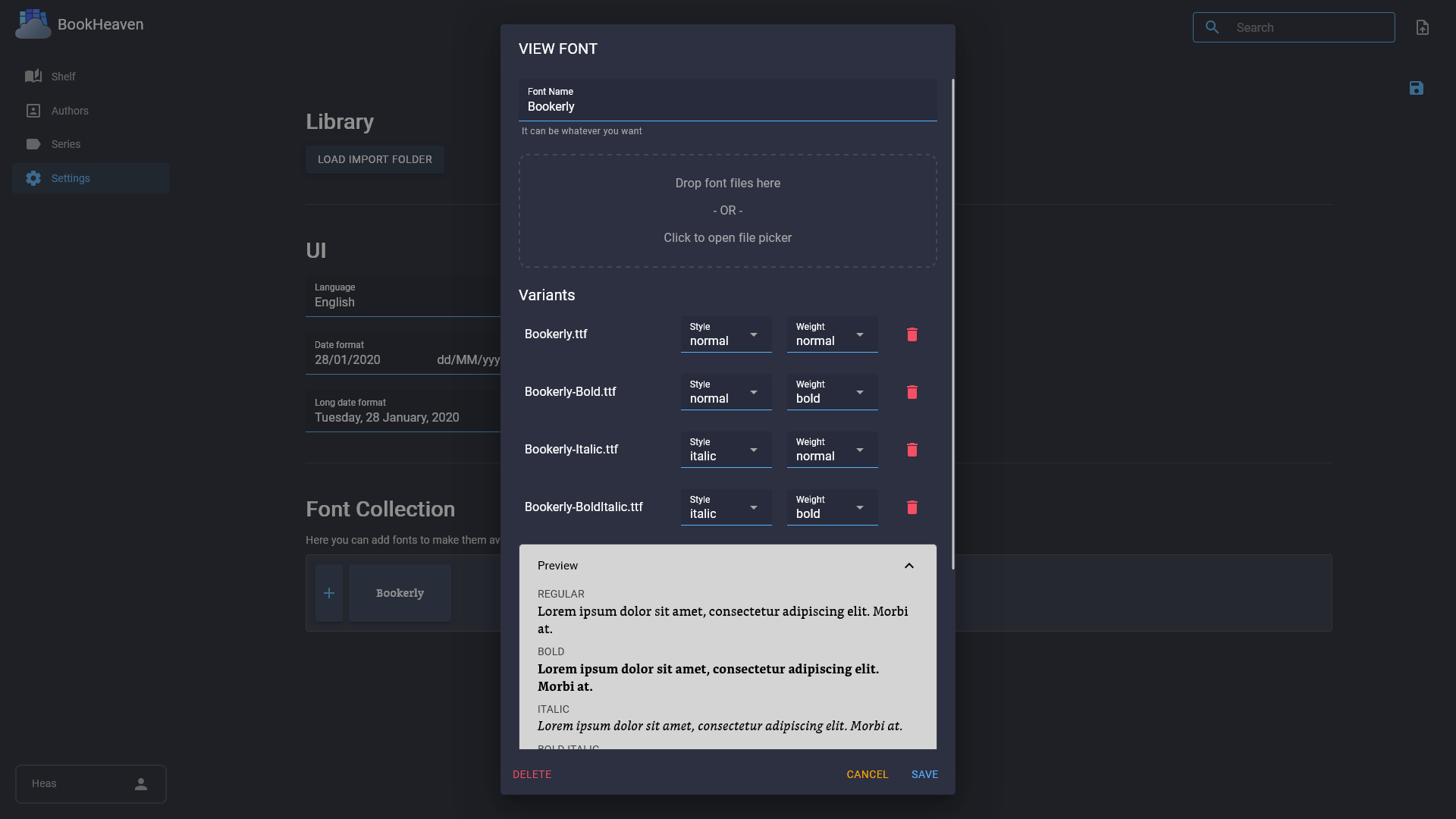
You can also add fonts so they can be easily downloaded and used by your devices.
[!IMPORTANT] Check out the roadmap for more information on the features that are currently planned for the future.
:sparkles: Features
- :computer: Modern and responsive UI
- :mag: Auto discovery: The server can be discovered by the client app automatically, so you don't have to manually configure it.
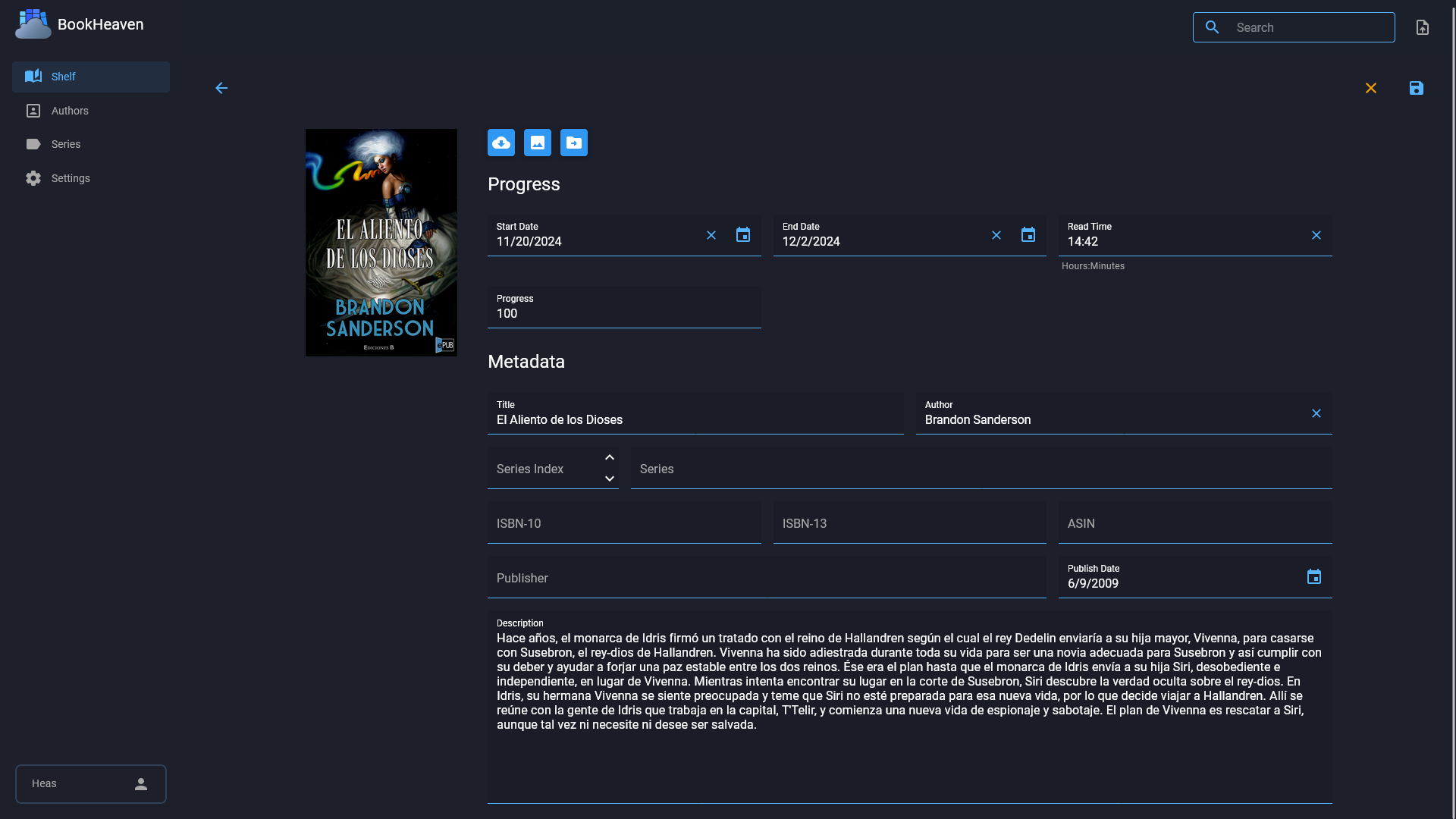
- :label: Metadata handling (title, author, etc): Metadata is read from the ebook itself and editable at any time. Any changes, including the cover, are persisted back into the file.
- :cloud: Metadata fetching: You can fetch covers and metadata from the internet.
- :clock10: Progress tracking[^1]: You can check the progress of your books at any given time, but also set it manually.
- :a: Font types management[^2]: Any font that you configure will be made available for your devices to easily download and use.
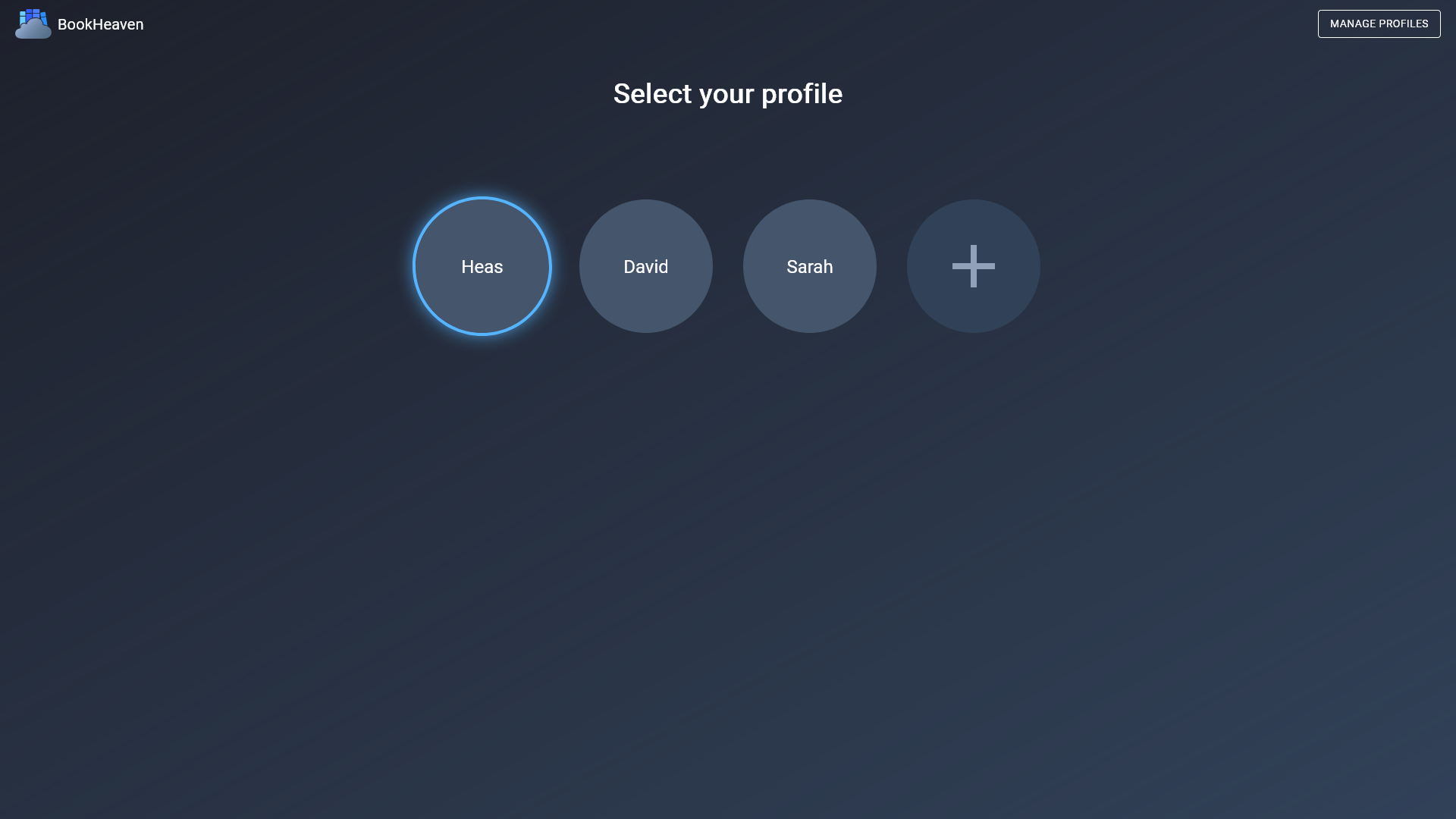
- :busts_in_silhouette: Profiles: You can create multiple profiles to keep your reading progress separate.
- :book: OPDS: Just add
/opds/v1to your server URL. - 🔄 KOReader Sync: Add you server url as a custom server in KOReader and use your profile name as the username, the password can be anything.
[^1]: Progress tracking includes start date, last read date, percentage, elapsed time as well as finished date. [^2]: Fonts can be split up into any combination of styles (regular, italic) and weights (normal, bold) or you can also use a single font file for everything.
:globe_with_meridians: Supported UI Languages
- English
- Spanish (features might release without translation for a while, but I'll try to keep up)
:rocket: Getting Started
Setting the server up is pretty straightforward using containers.
[!IMPORTANT] Check out the starting guide for more information.
[!TIP] If github doesn't work for you, you can use docker hub as well:
docker.io/heasheartfire/bookheaven-server:latest
[!CAUTION] Don't map the
/app/datafolder to a network share. This project uses SQLite and it is known to have issues.
Docker Compose
services:
  bookheaven:
    image: ghcr.io/bookheaven/bookheaven-server:latest
    container_name: bookheaven
    volumes:
      # point the /app/data path to a persistent location on your host
      # this is where all your books, covers, fonts, etc will be stored
      # make sure the user running the container down below has read and write permissions to this folder
      - ./data:/app/data
      # optional: if you want to import books by copying them directly into a folder on your host
      - ./import:/app/import
    ports:
      # web ui
      - 8080:8080
      # optional: required for auto discovery, changing the default port is not supported for now since it's hardcoded in the client
      - 27007:27007/udp
    environment:
      # optional: required for auto discovery, change to your desired domain or ip:port, including the protocol (http or https)
      - SERVER_URL=https://bookheaven.yourdomain.tld
      - TZ=Europe/Madrid
    user: 1000:1000
    restart: unless-stopped
Docker run
docker run -d --name bookheaven --user 1000:1000 \
  -p 8080:8080 -p 27007:27007/udp \
  -v $PWD/data:/app/data \
  -v $PWD/import:/app/import \
  -e SERVER_URL=https://bookheaven.yourdomain.tld \
  ghcr.io/bookheaven/bookheaven-server:latest
Podman run
podman run -d --name bookheaven --userns=keep-id \
  -p 8080:8080 -p 27007:27007/udp \
  -v $PWD/data:/app/data:Z,U \
  -v $PWD/import:/app/import:Z,U \
  -e SERVER_URL=https://bookheaven.yourdomain.tld \
  ghcr.io/bookheaven/bookheaven-server:latest
:memo: API reference
The API reference can be found here.
:framed_picture: Screenshots
Bear in mind that the UI and features are still a work in progress, so the screenshots may differ slightly.
|
|

|
|
|
|
:package: Credits
- MudBlazor (https://mudblazor.com)
- Toolbelt.Blazor.ViewTransition (https://github.com/jsakamoto/Toolbelt.Blazor.ViewTransition/)
- TailwindCSS (https://tailwindcss.com/)
- tailwind-animations (https://github.com/midudev/tailwind-animations)