
BookShoppingCartMvc (A basic e-comm system for beginners)📚🛒
It is a source code of the youtube tutorial on Build a Full E-commerce Application Using .NET Core 10, SQL Server 2025, MVC | Complete Tutorial. Initially it was designed to explain how shopping cart 🛒 works in dot net core mvc. But now it has more features except payment gateway. A ⭐ in repository is highly appreciated, helps to promote my content.
📢 Initially , this project was built with .net 7 and sql server 2022. But it is Upgraded to .net 10.0 and sql server 2025 and I will try to keep it up to date.
Tech stack 🧑💻
- Dotnet core mvc (.Net 10.0)
- MS SQLServer 2025 (Database)
- Entity Framework Core (ORM)
- Identity Core (Authentication)
- Bootstrap 5 (frontend)
Tools I have used and their alternative (Updated versions)
- Visual Studio 2026 (Alternatives : .NET SDK + VS Code or .NET SDK + JetBrains Rider).
- Microsoft Sql Server Management Studio (Alternative : mssql extension for vscode / dbeaver).
- Instead of manually installing
sql server, you can also usedsql serverwhich is spun up indocker.
Note: Every tool and tech is free for personal use.
Video tutorial 📺
Build a Full E-commerce Application Using .NET Core 10, SQL Server, MVC | Complete Tutorial
How to run the project?🌐
1. With docker compse (Quickest way)
It is the quickest way to run the application. You don't need to install anything on your system, except docker. Make sure you have installed Docker in your machine. Now, run the following command
docker compose up -d
- Your application will be served at
http://localhost:8080/. - Admin's
usernameandpasswordis given below (How to logged-in with admin account??🧑💻🧑💻).
Note: If you want to debug application and want to modify the project, I would recommend to follow the second approach.
2. Manually setup every thing (Recommended for developers)
Make sure:
- Either Dotnet sdk 10.0 or VisualStudio 2026 pre-installed in your machine
- pre-installed Sql server 2025 or spun up it in docker container
Now, you can follow these steps:
- Open the command prompt. Go to a directory where you want to clone this project. Use this command to clone the project.
git clone https://github.com/rd003/BookShoppingCart-Mvc
-
Go to the directory where you have cloned this project, open the directory
BookShoppingCart-Mvc. You will find a file with nameBookShoppingCartMvc.sln. Double click on this file and this project will be opened in Visual Studio. -
Open
appsettings.jsonfile and update connection string.
"ConnectionStrings": {
  "conn": "data source=your_server_name;initial catalog=MovieStoreMvc; integrated security=true;encrypt=false"
}
Note: It is not mandatory to install sql server 2025 in your machine. You can spin up the sql server in docker container and use that for this application. But in this case your connection string will be different Server=localhost,1433;Database=BookShoppingCartMvc;User Id=sa;Password=your_password;TrustServerCertificate=True.
- Run the project.
📢 When you run the project for the first time, it will do following things:
- It will generate the database
- It will seed some data
- It will create an account for
admin
How to logged-in with admin account?? 🧑💻🧑💻
Click on the link named login and get logged-in with these credentials.
username: [email protected]

password: Admin@123
Screenshots
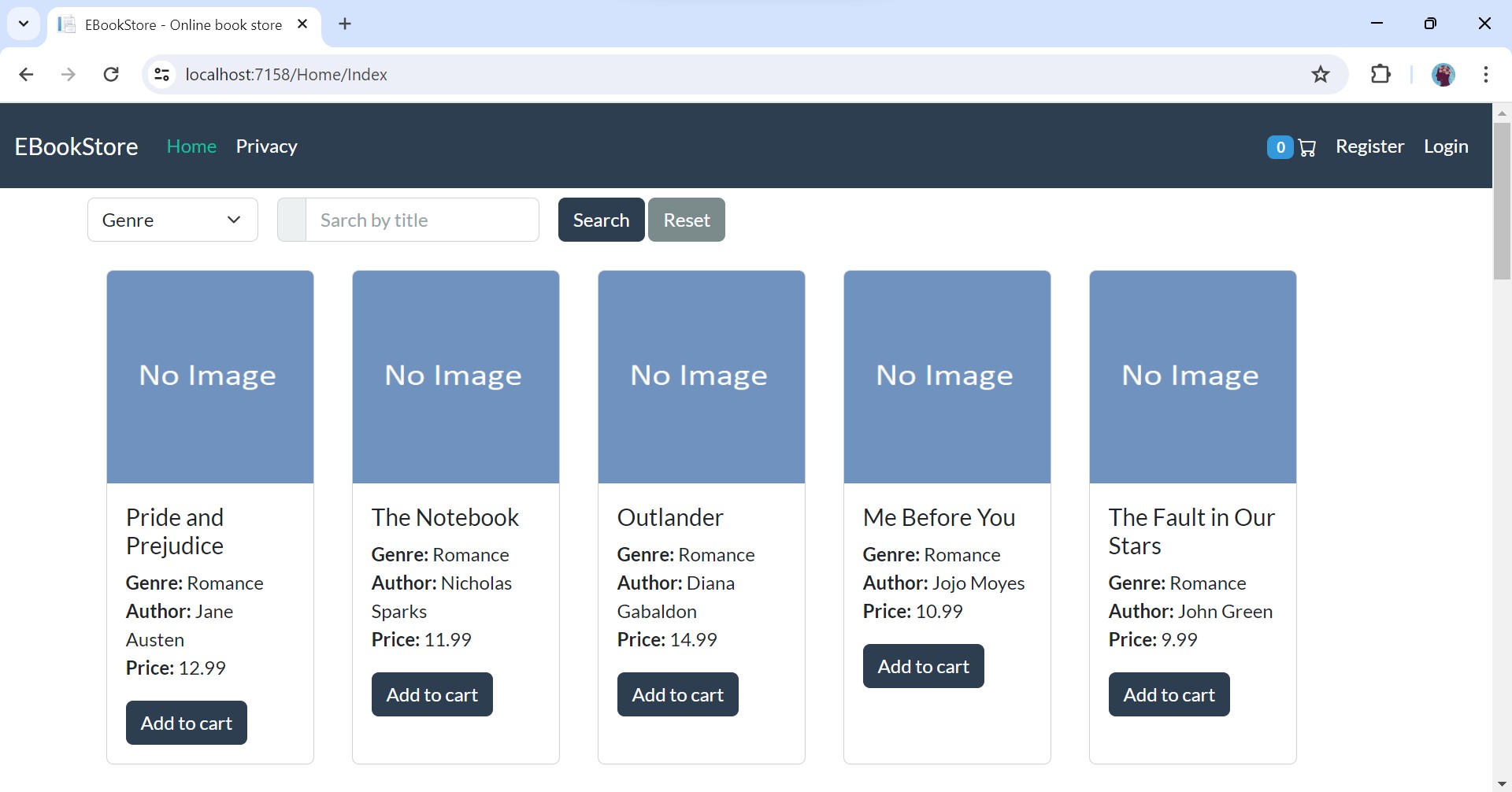
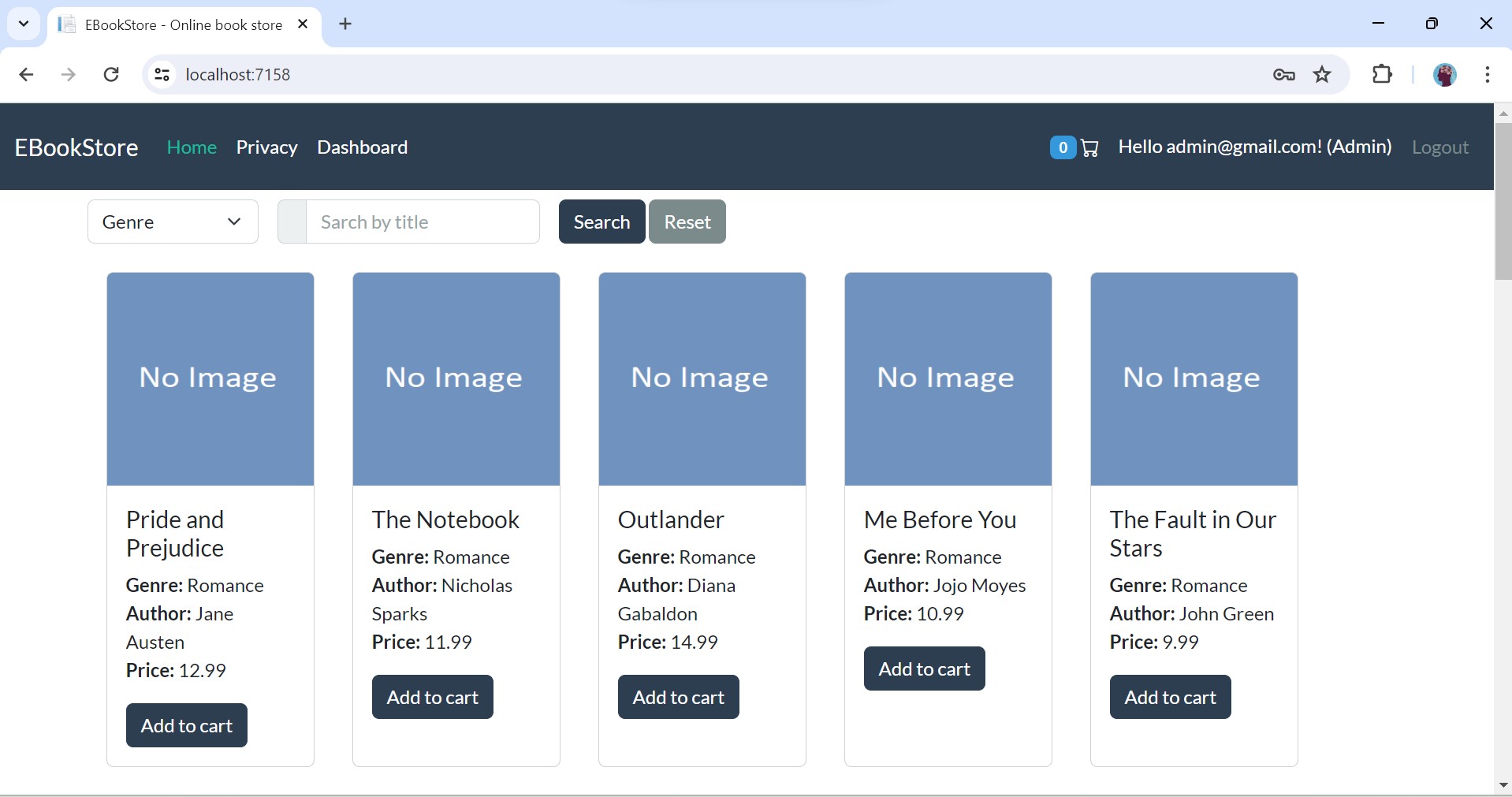
1.Homepage
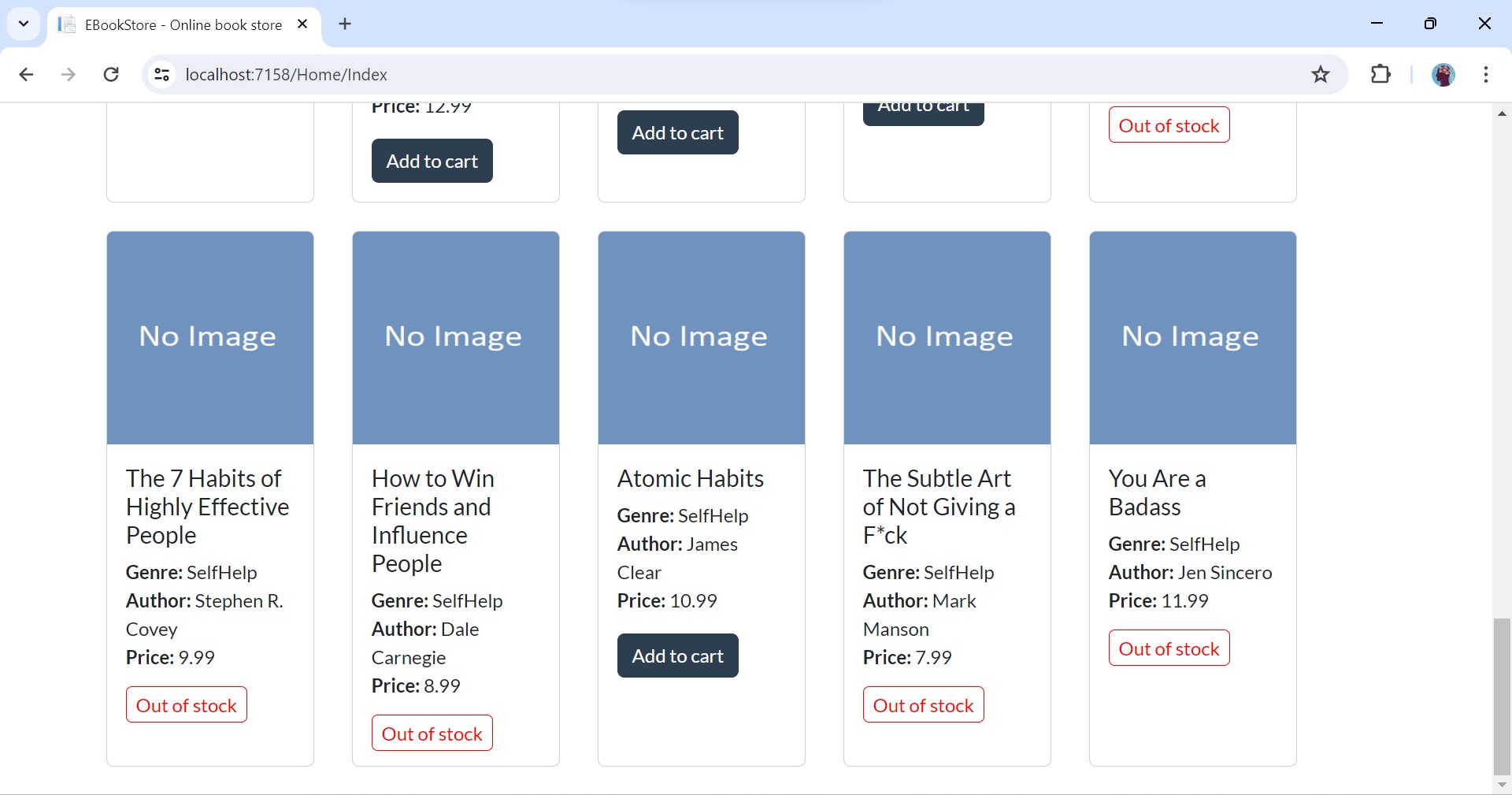
2.Homepage continued
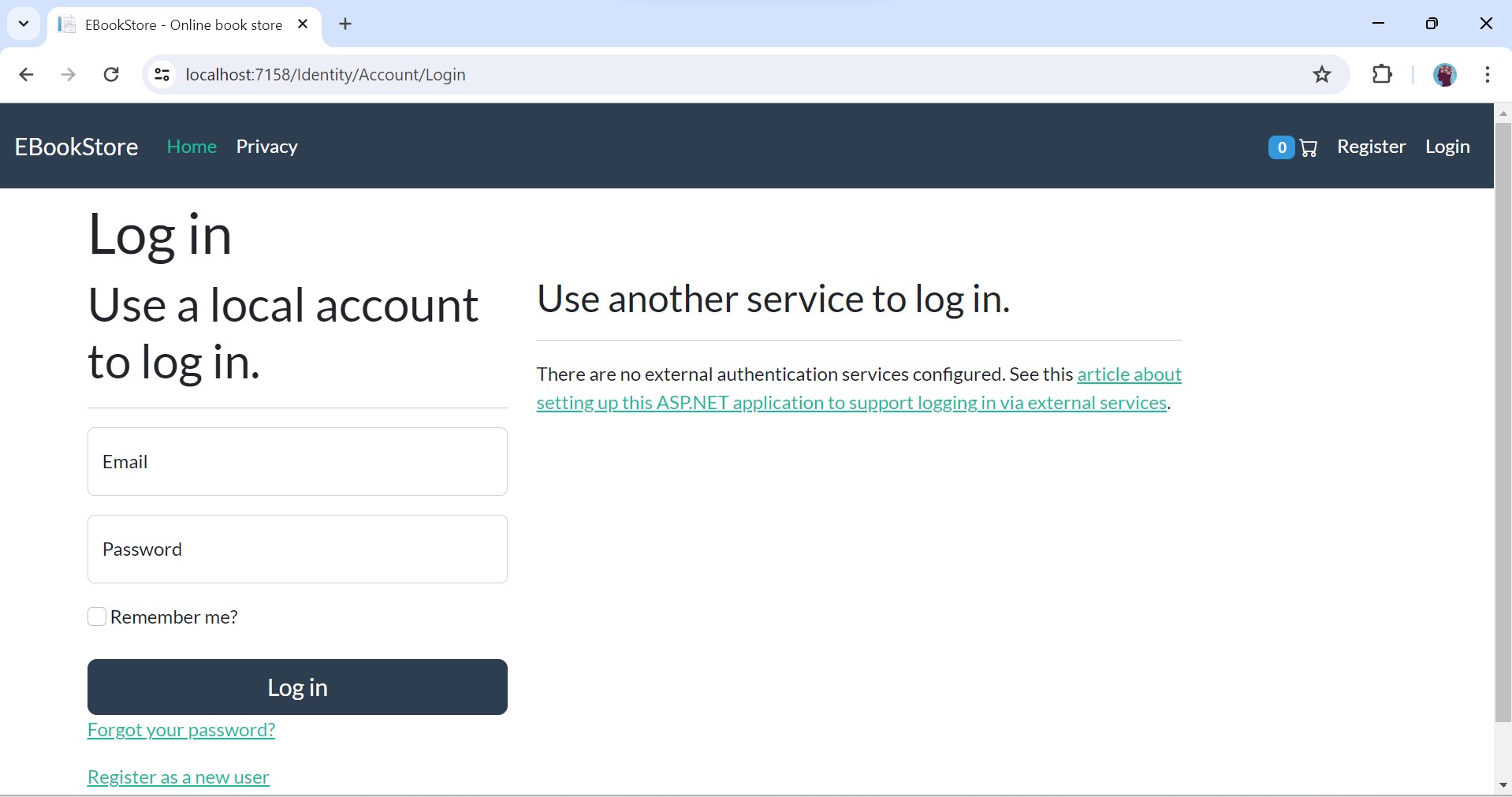
3.Login
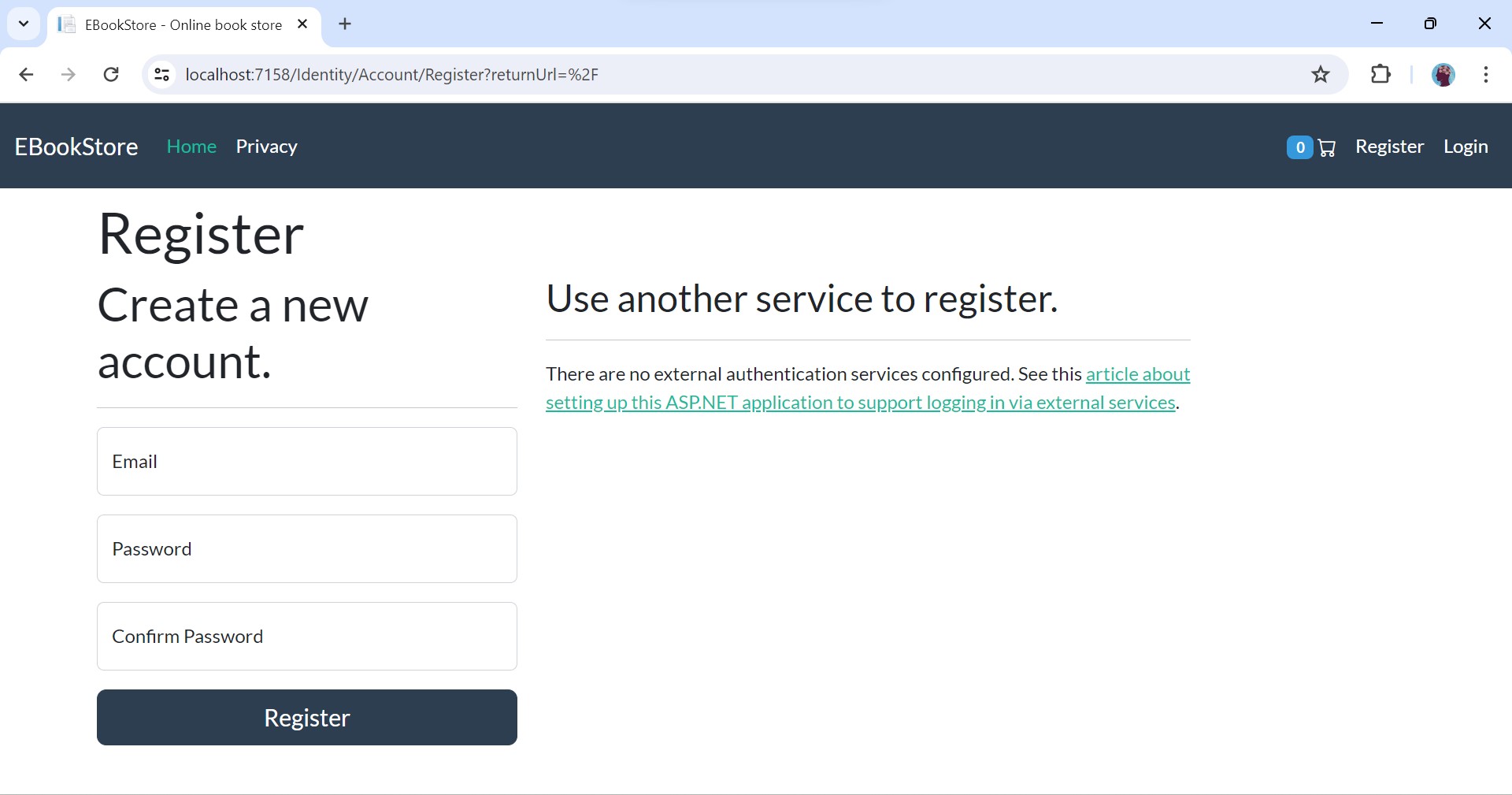
4.Registration
5.Add To Cart
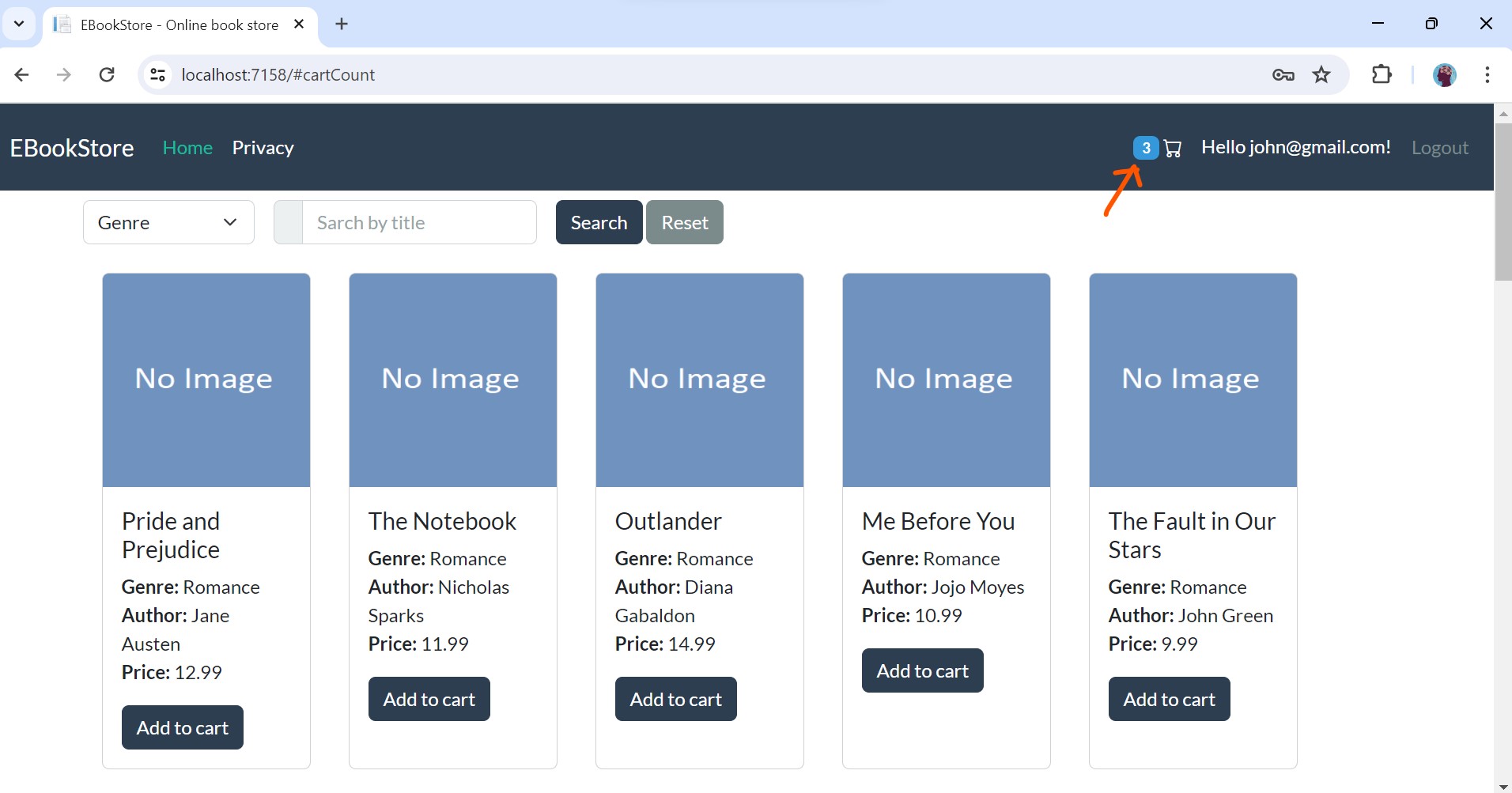
6.Cart
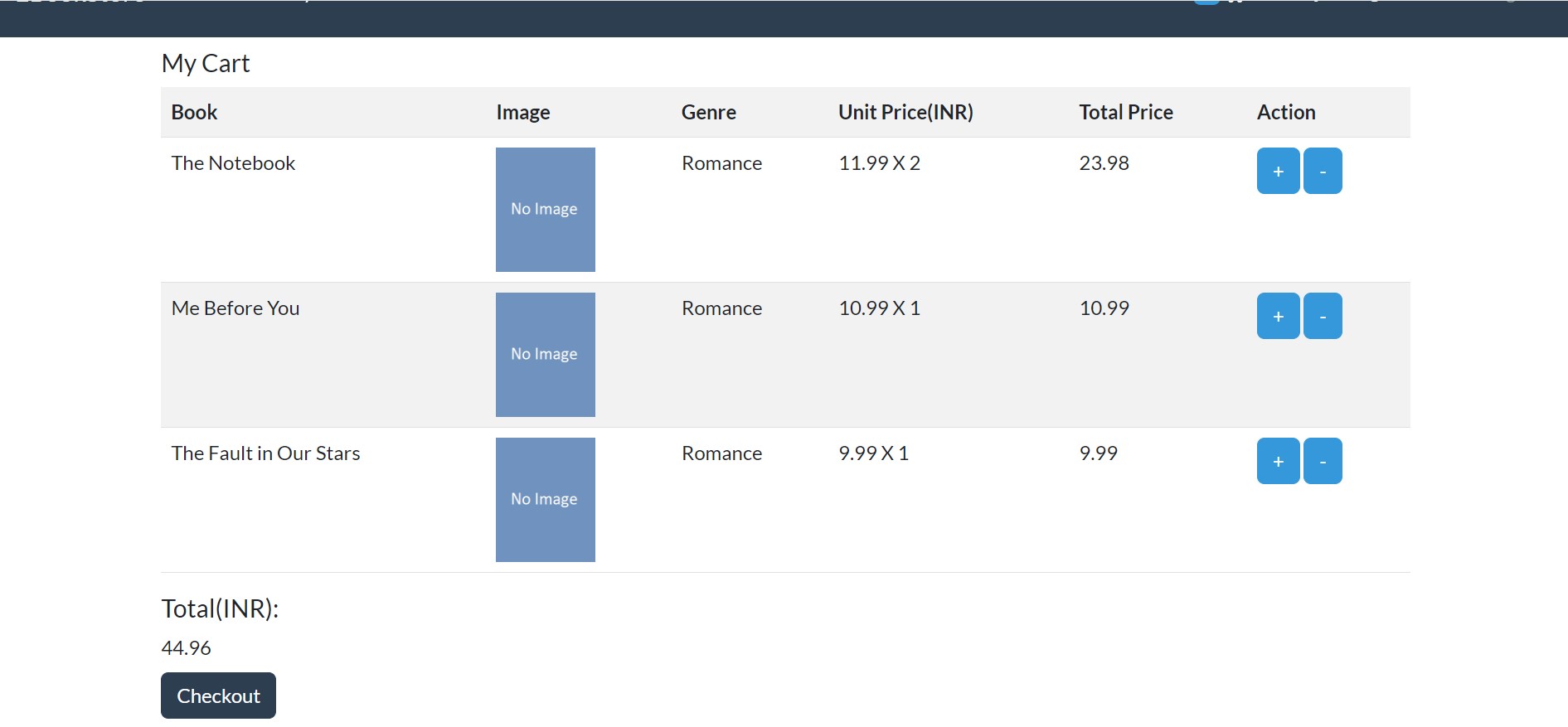
7.Checkout
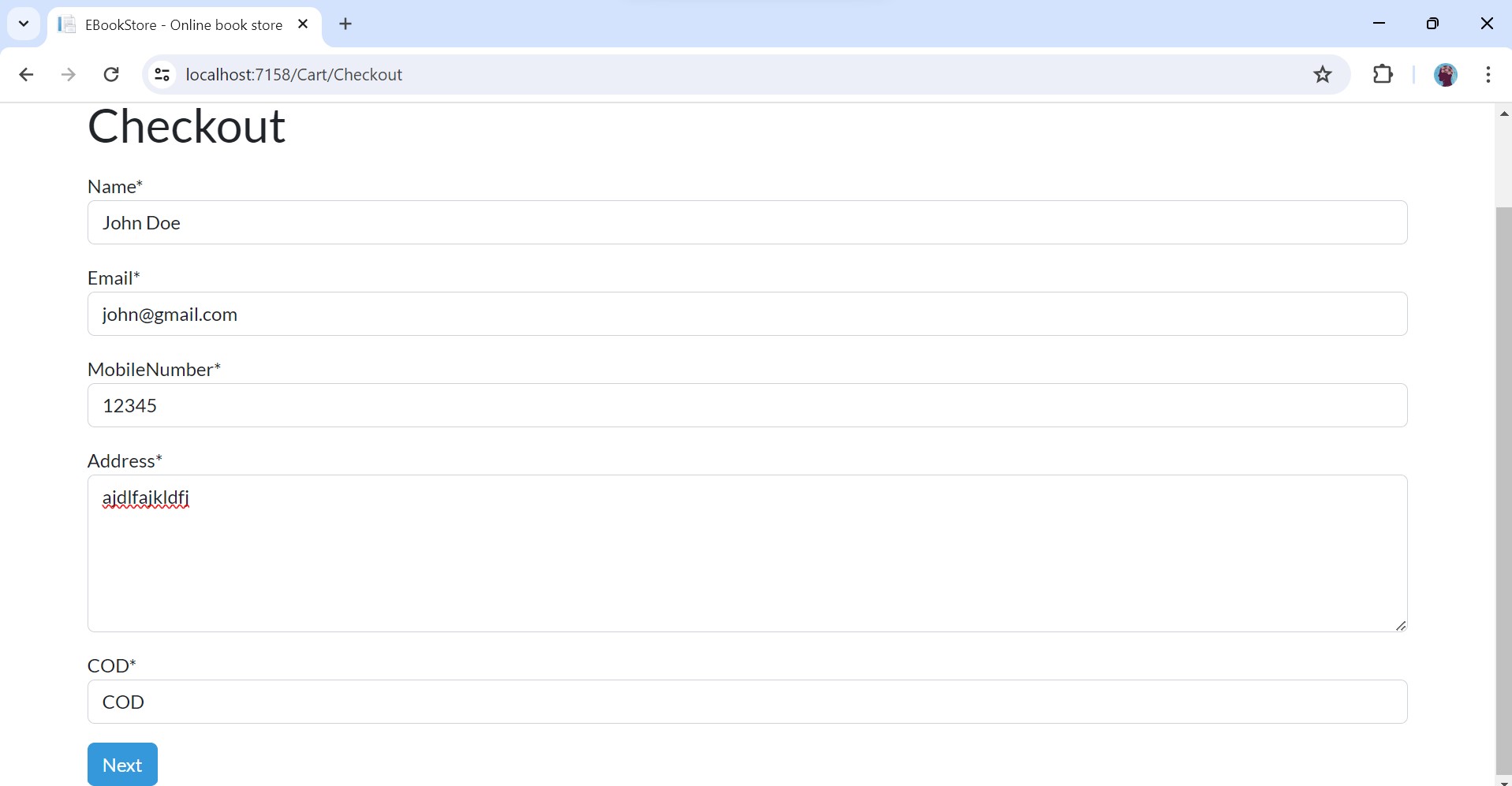
8.Order success
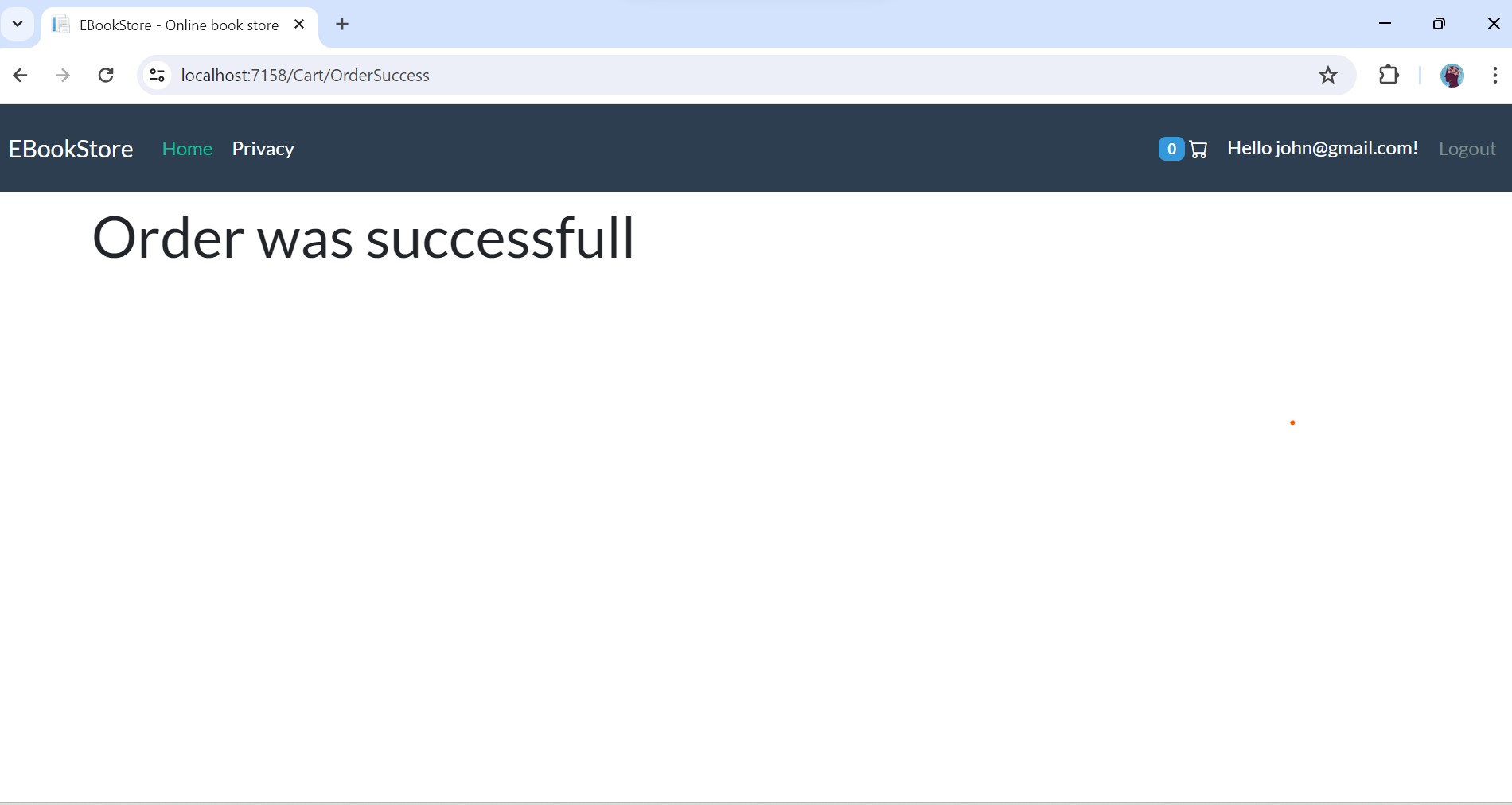
9.Admin Login
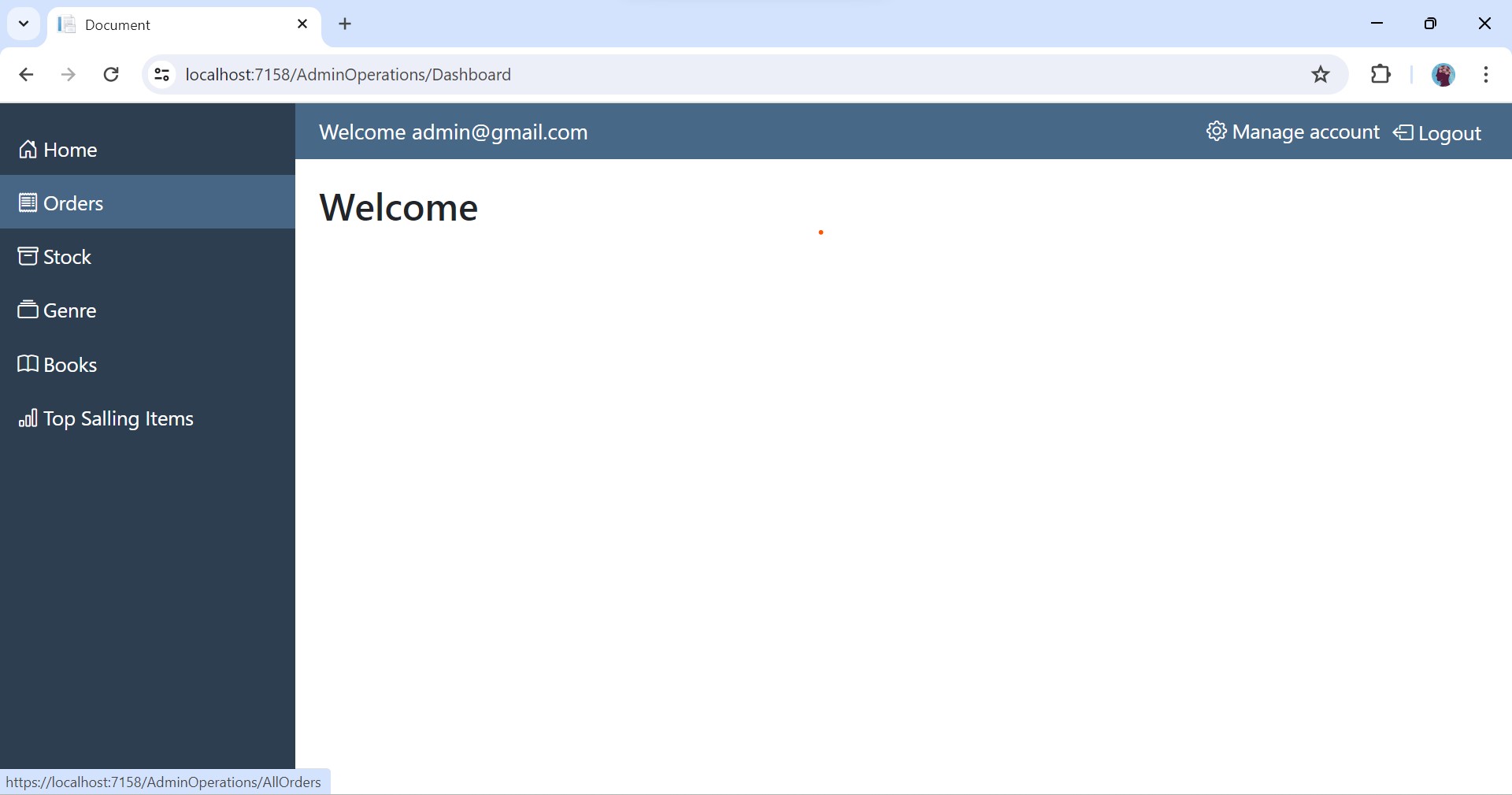
10.Admin Dashboard
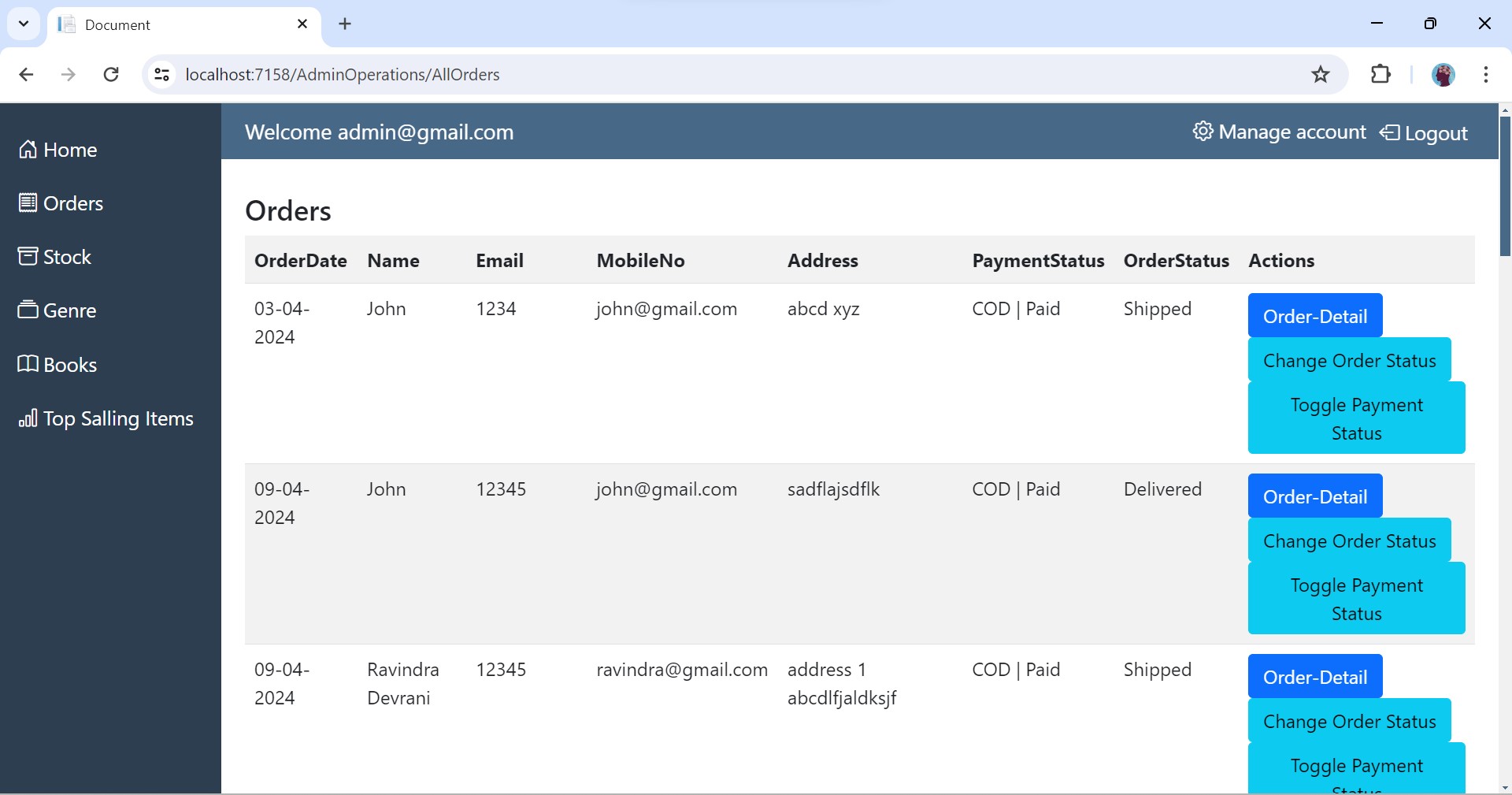
11.Orders
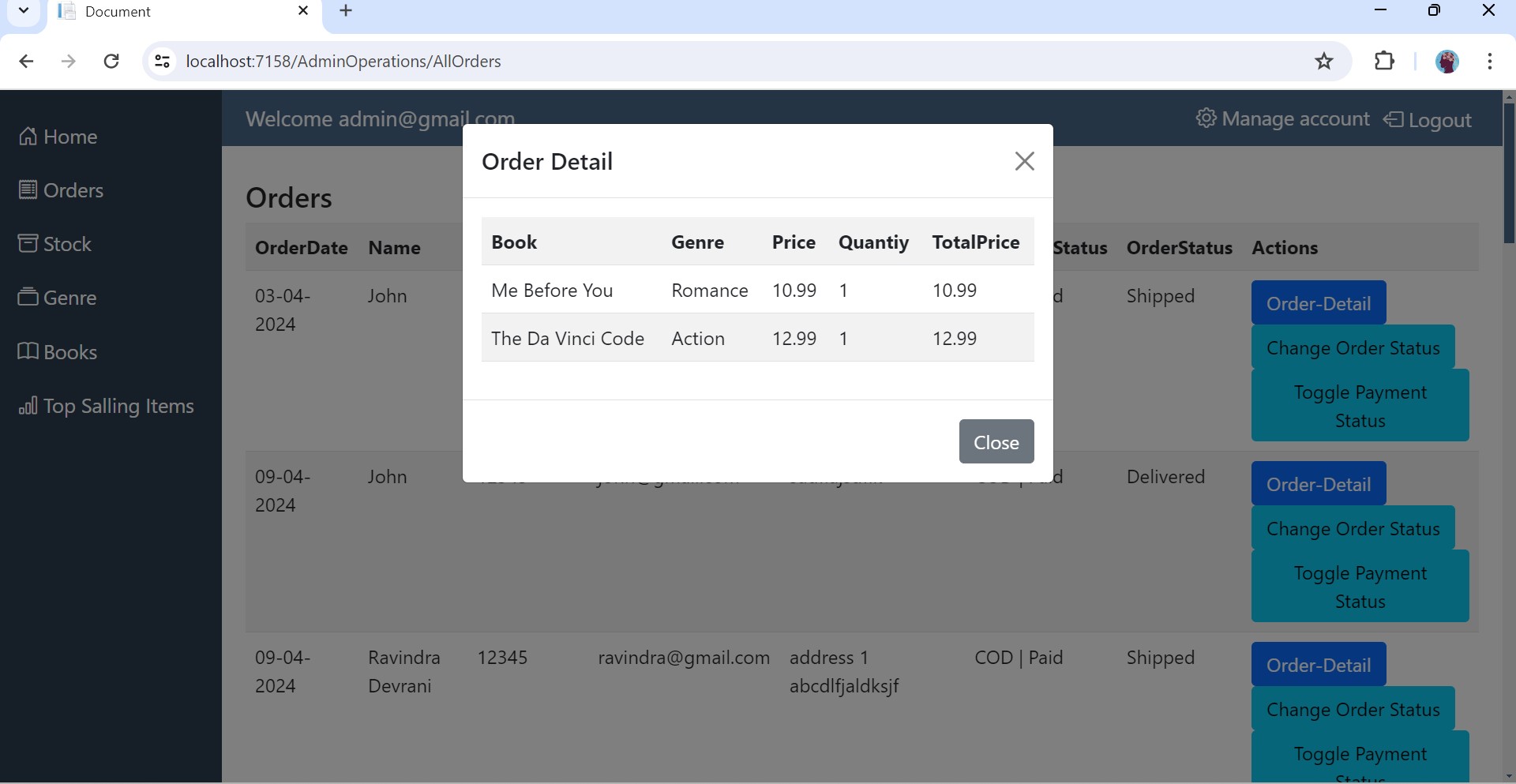
12.Order Detail
13.Update Order Status
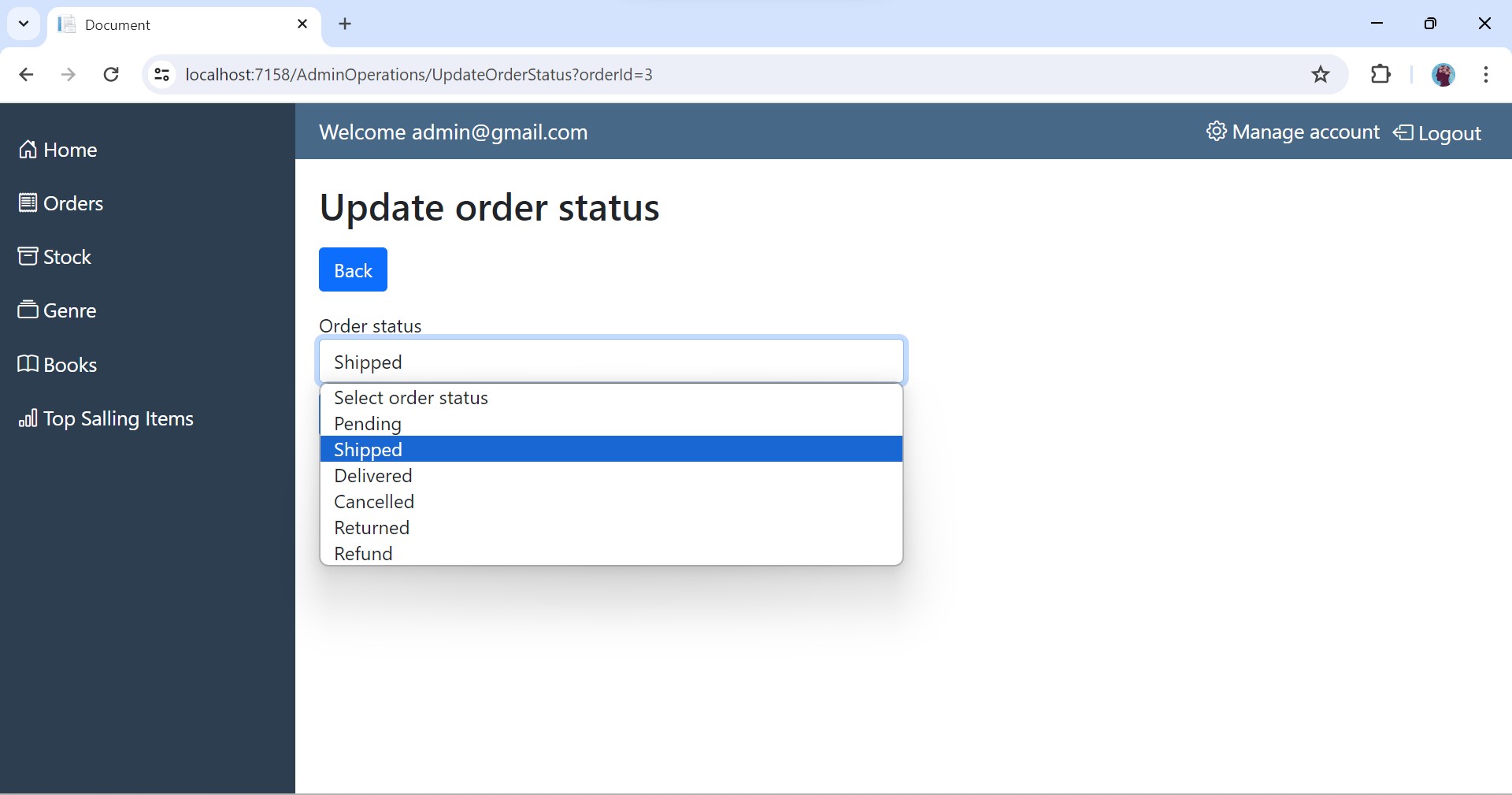
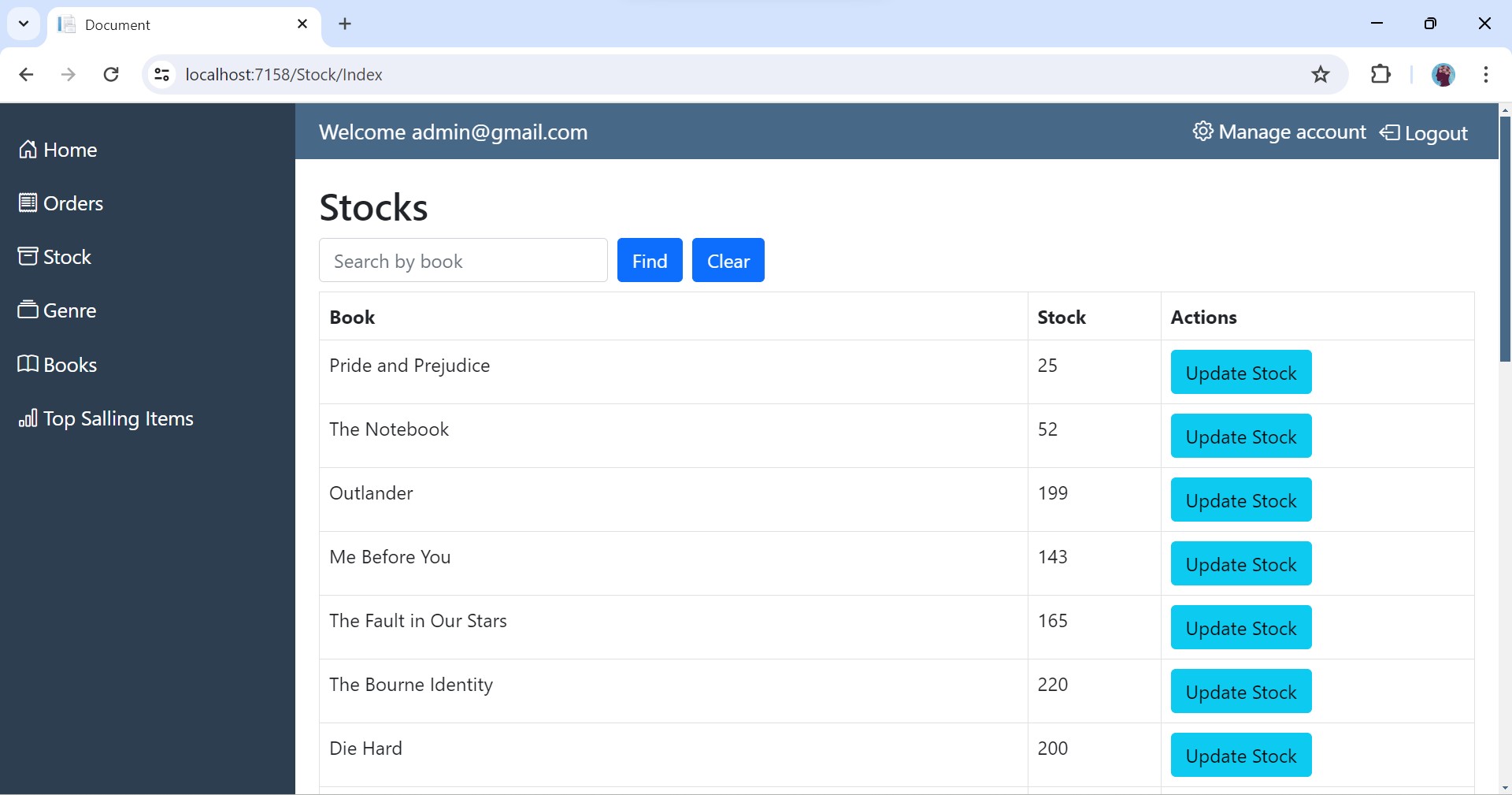
14.Display Stock
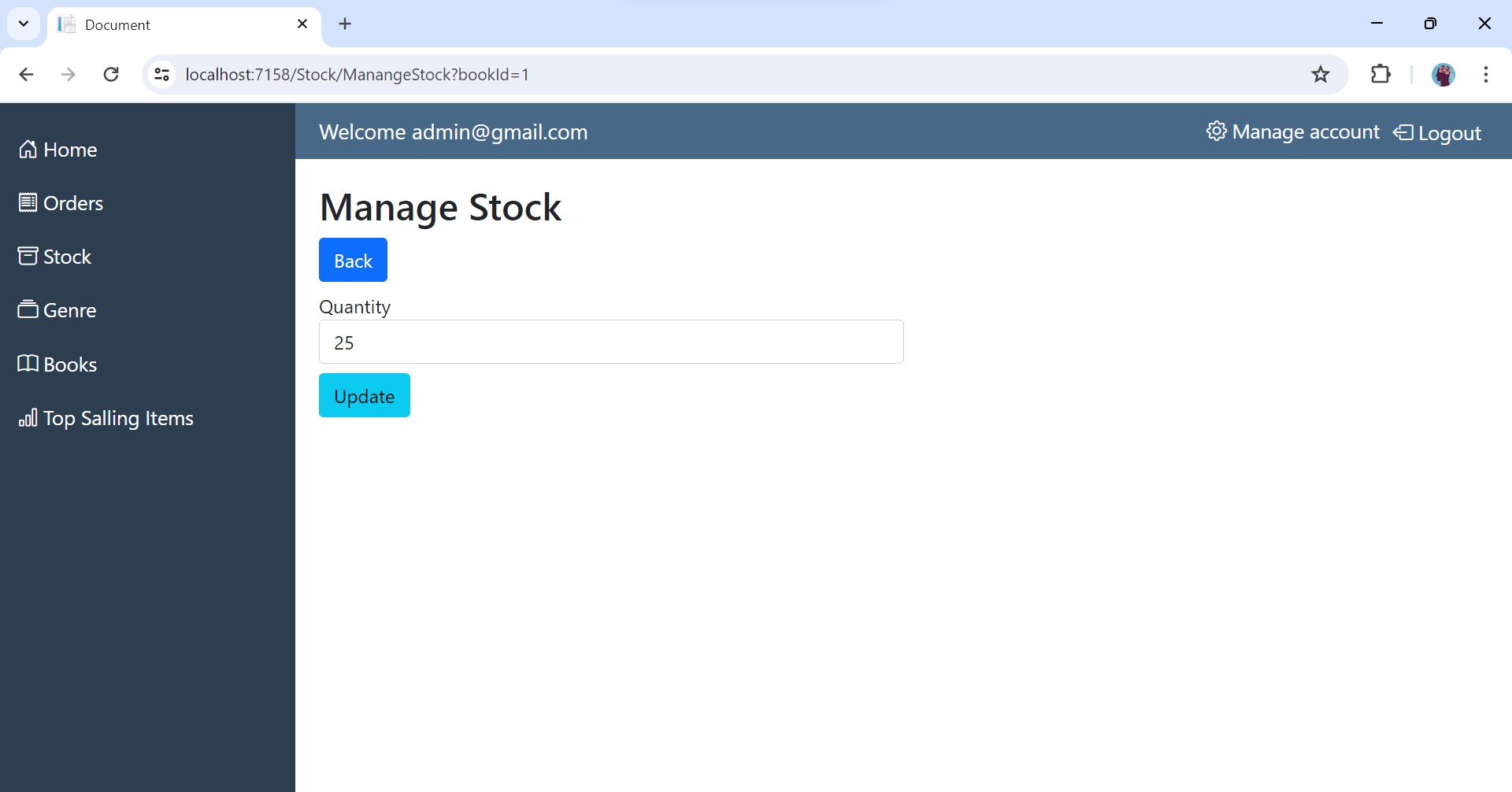
15.Update Stock
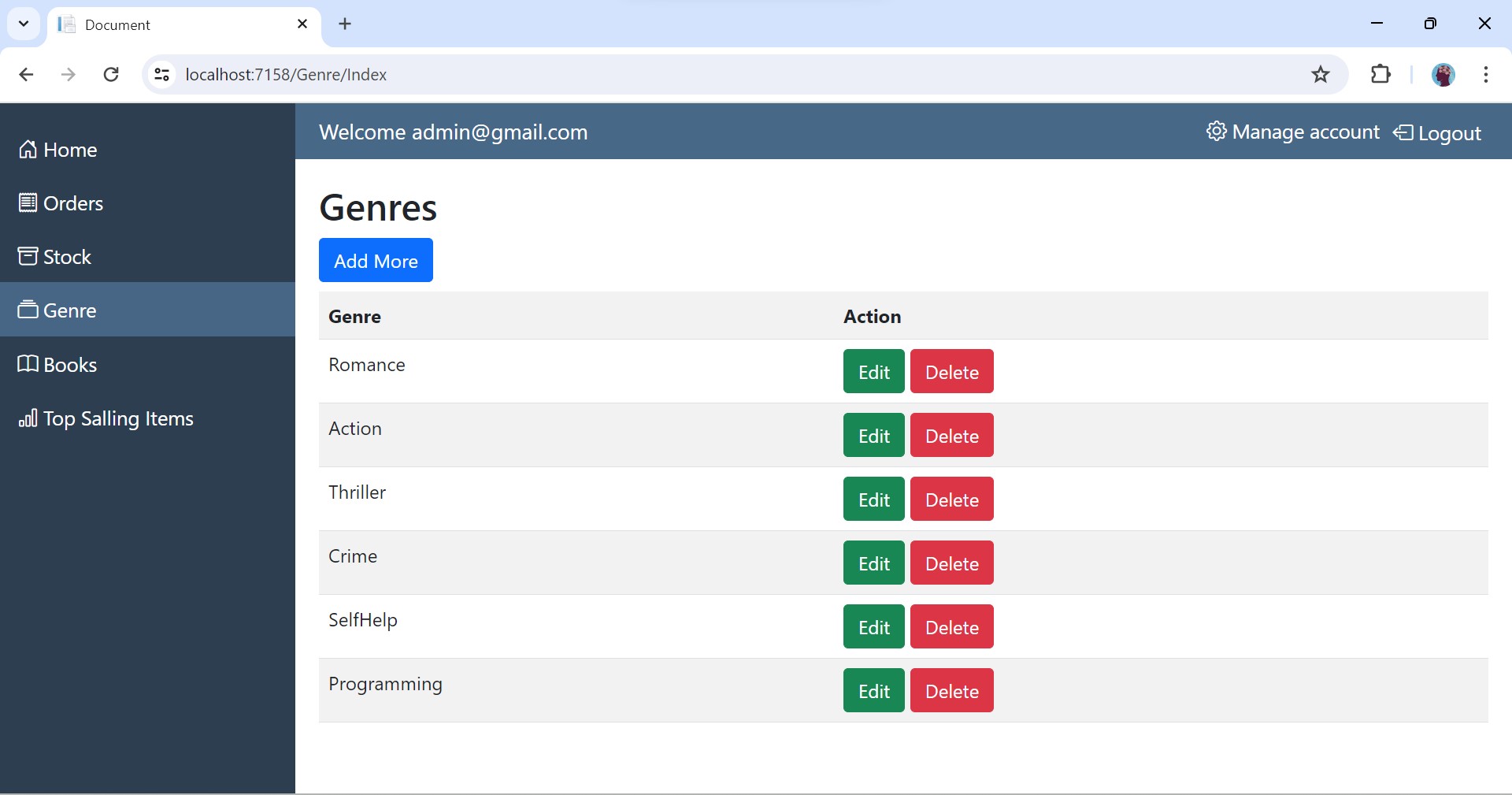
16.Display Genre
17.Add Genre
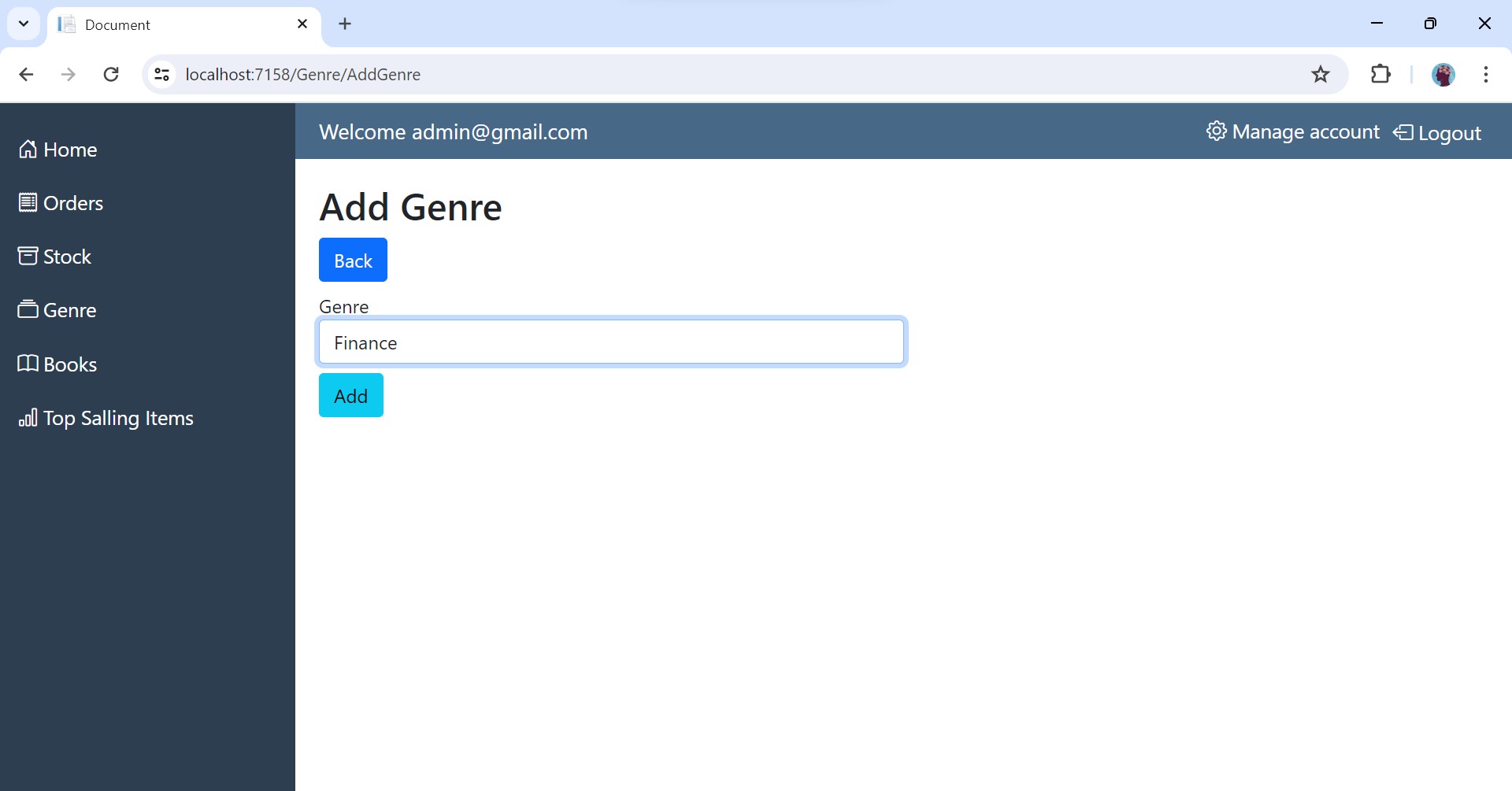
18.Update Genre
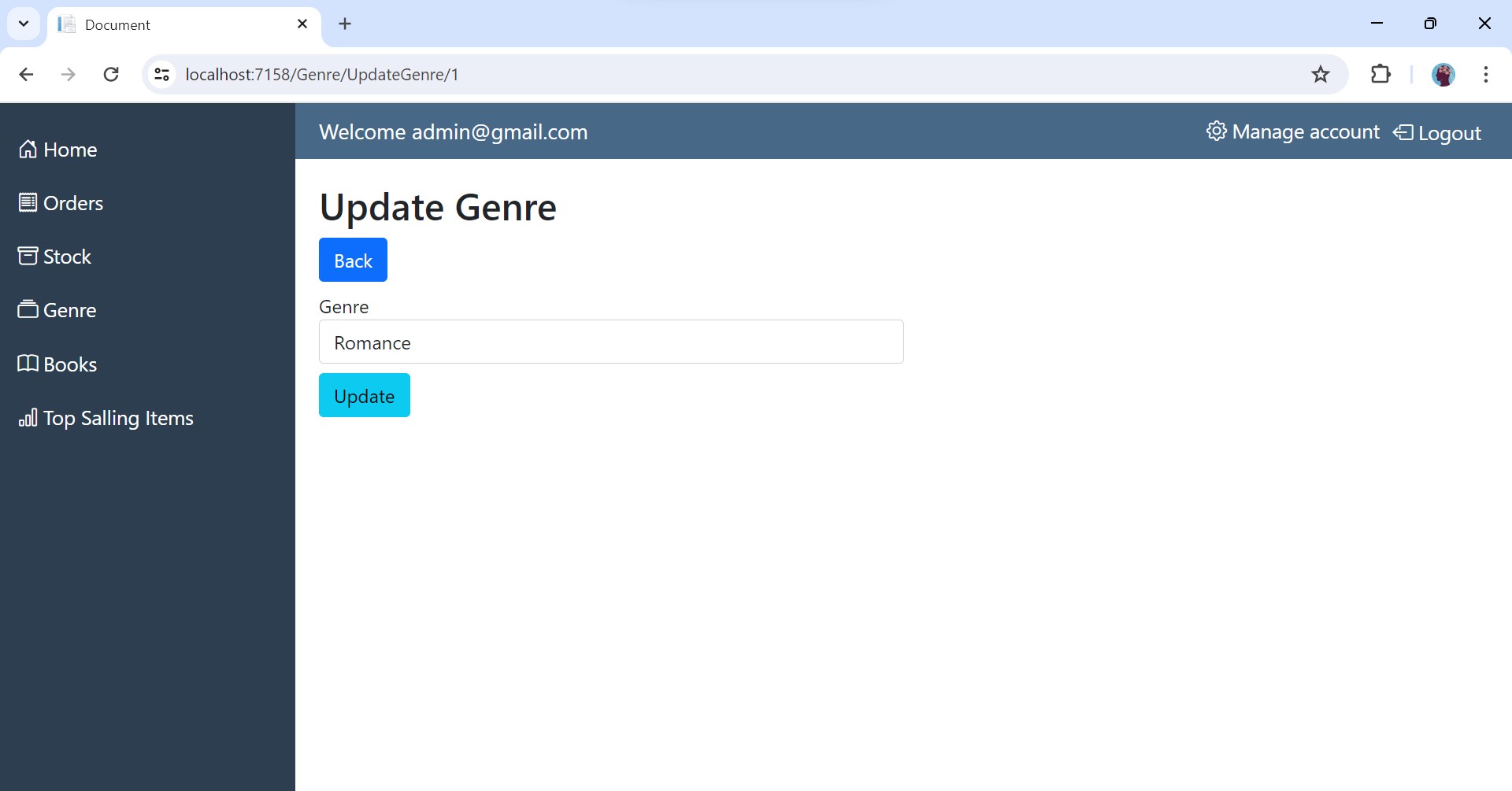
19.Display Books
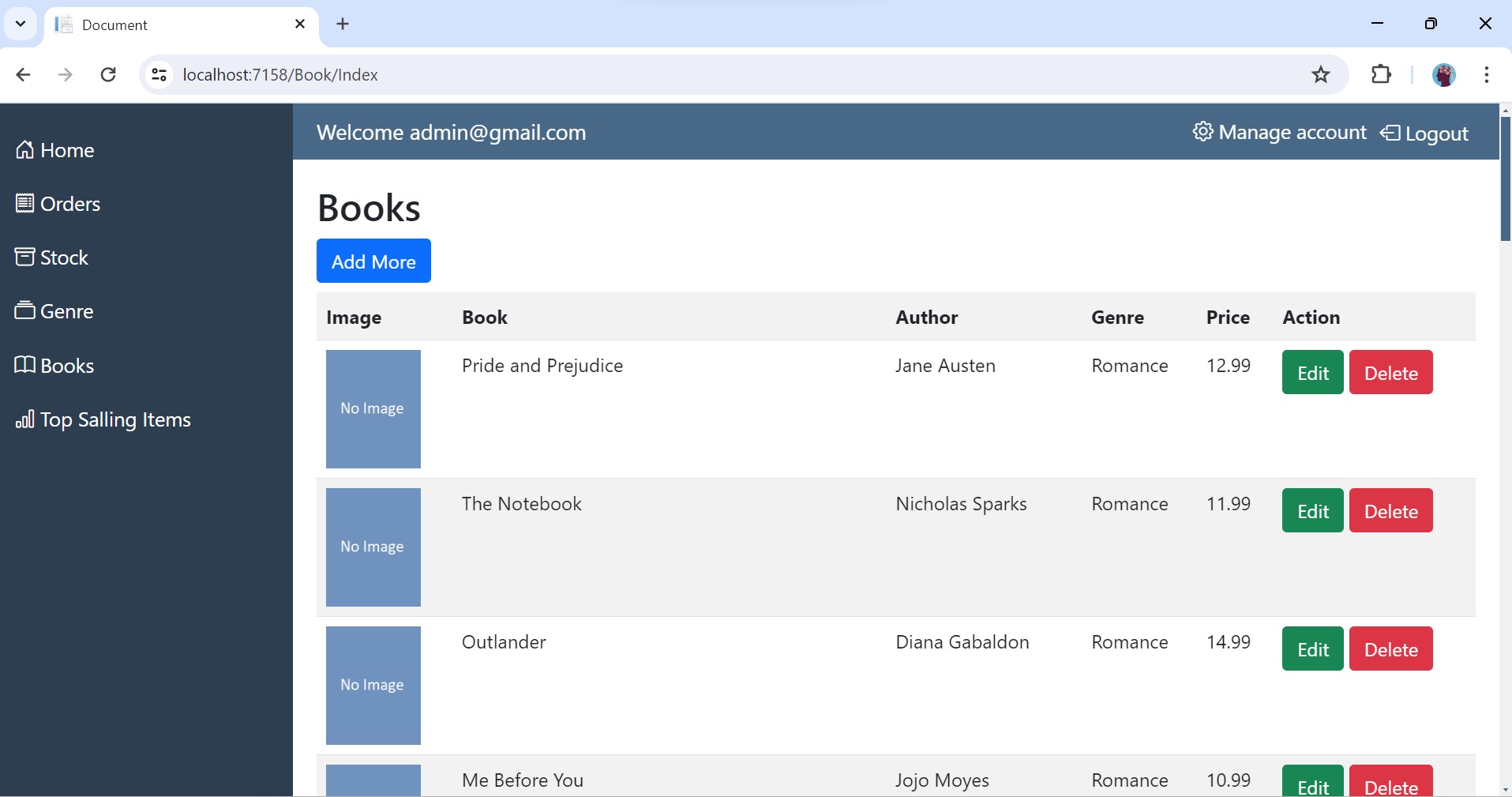
20.Add Book
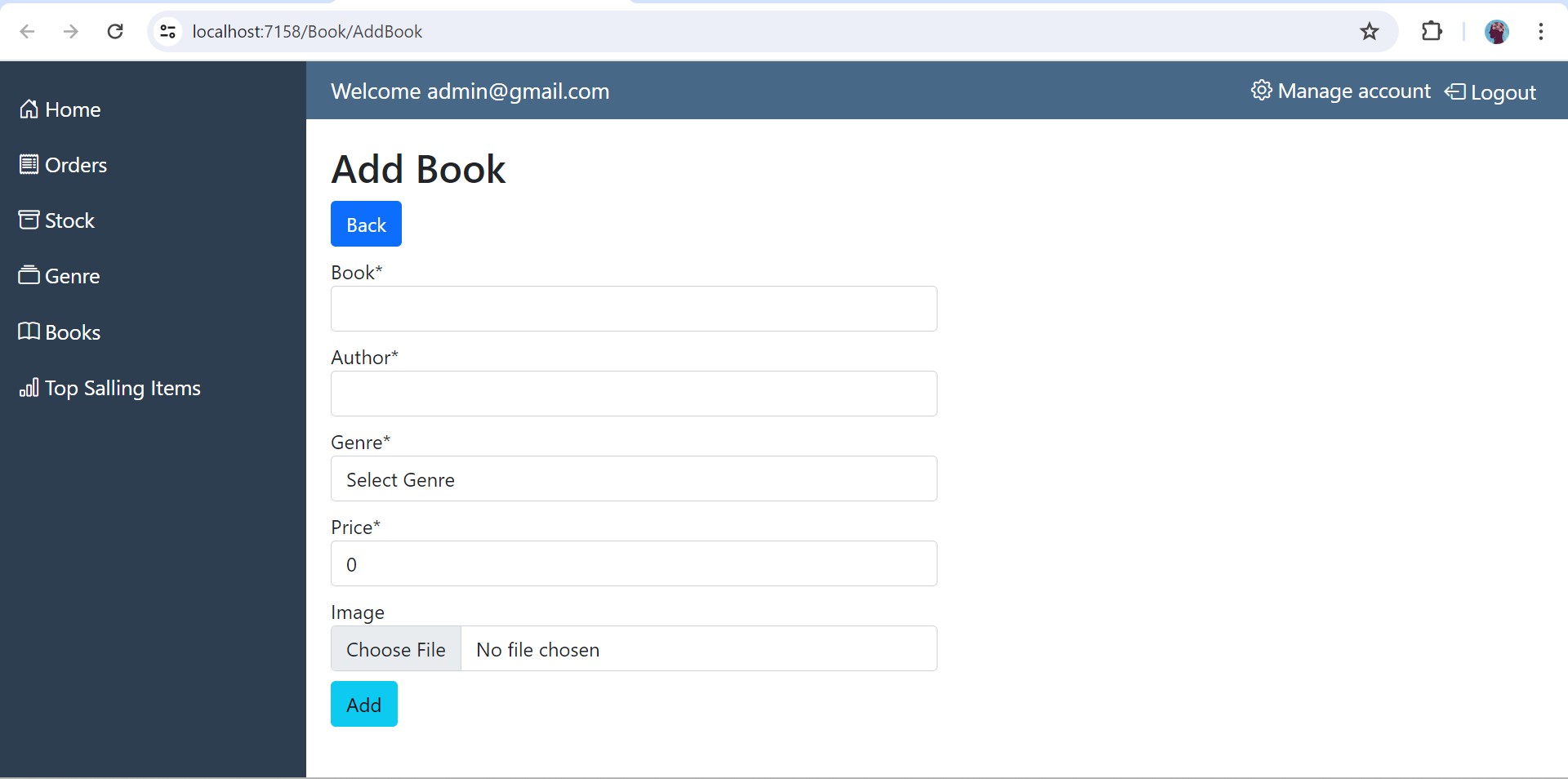
21.Update Book
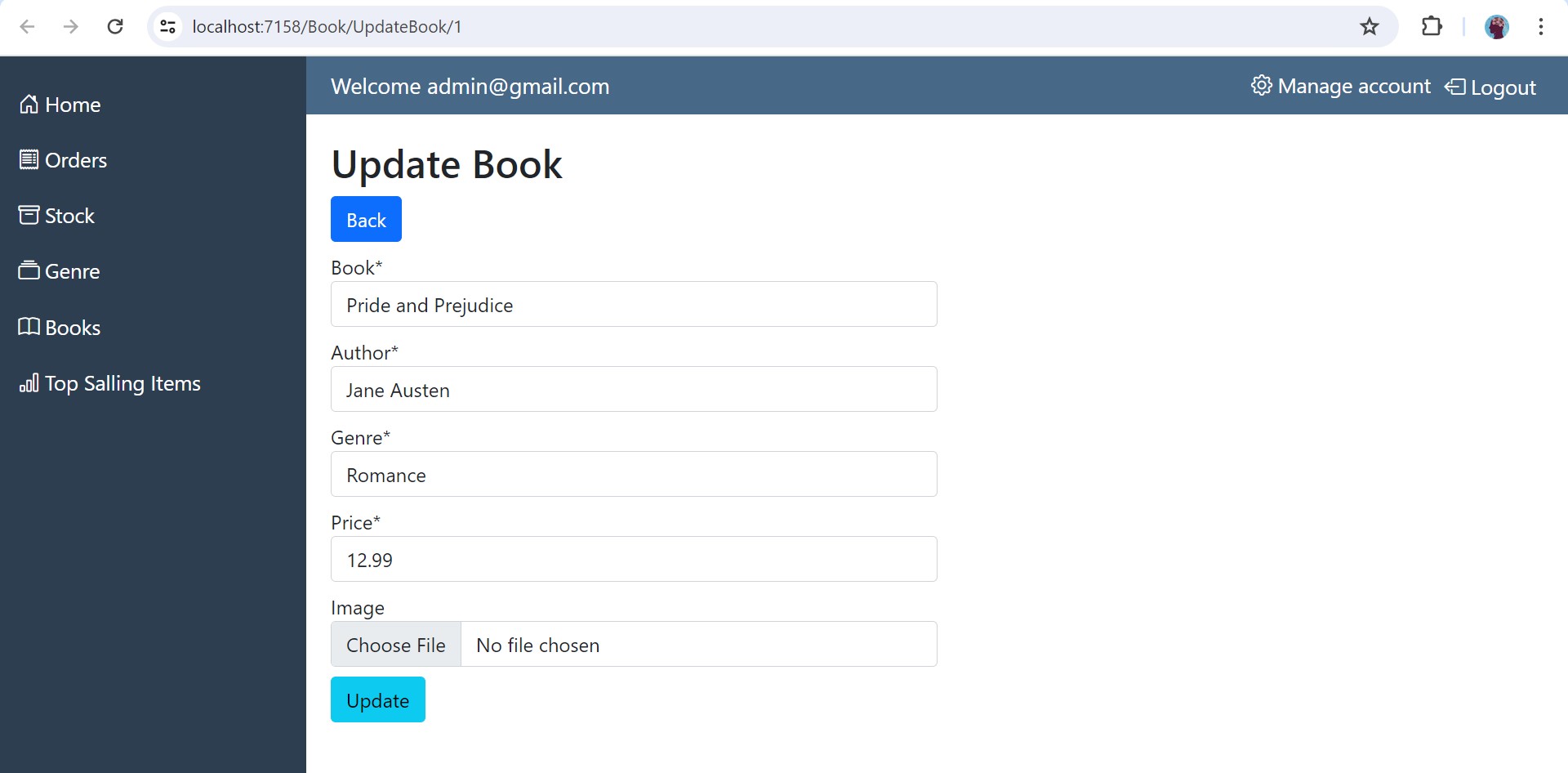
22.Top Selling Books
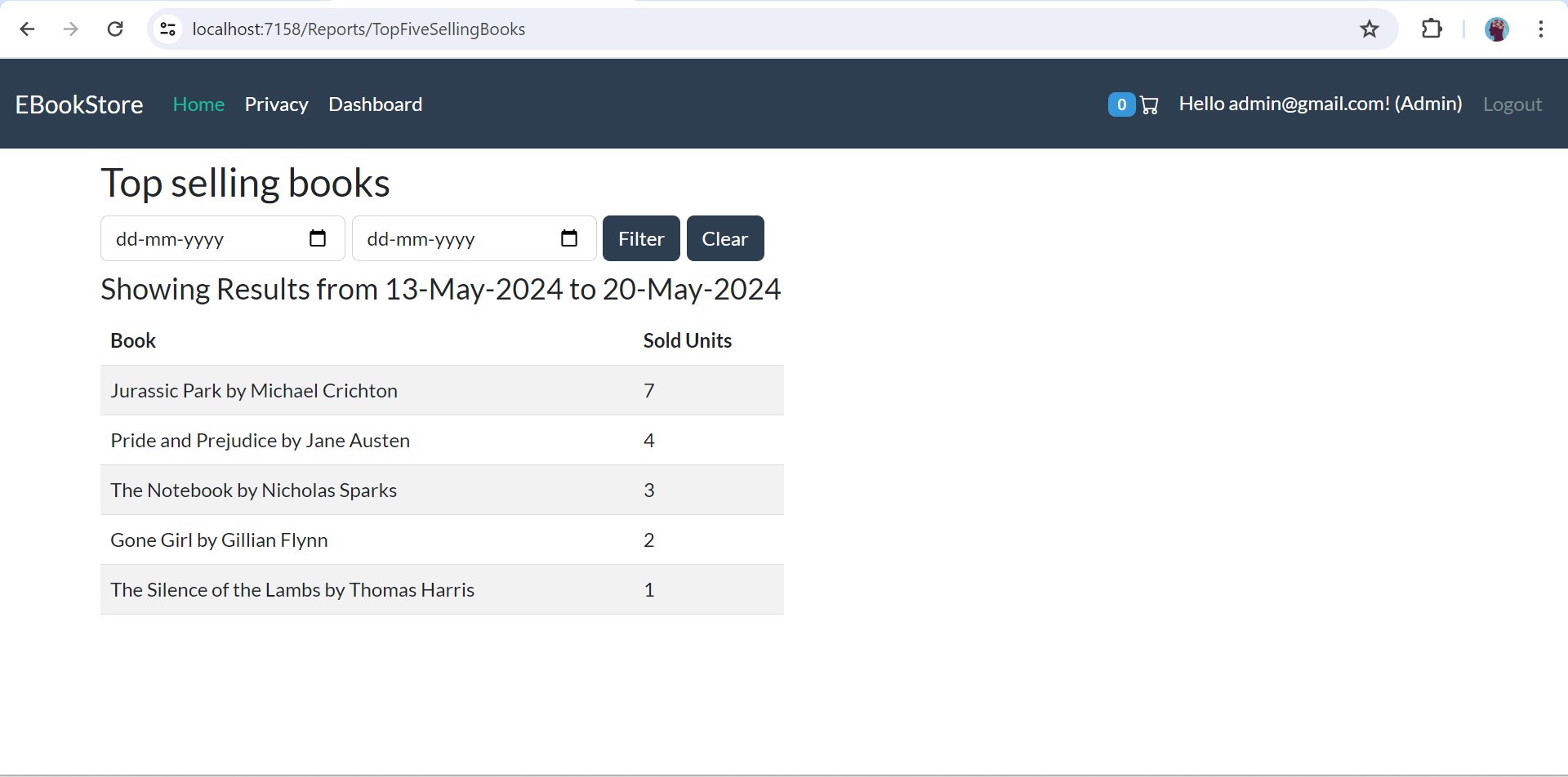
Thanks
If you find this repository useful, then consider to leave a ⭐.
Connect with me
👉 YouTube: https://youtube.com/@ravindradevrani
👉 Twitter: https://twitter.com/ravi_devrani
Become a supporter ❣️: You can buy me a coffee 🍵 : https://www.buymeacoffee.com/ravindradevrani
Thanks a lot 🙂🙂