





Get started • Documentation • Examples • Community & Support • Website
Theta
Design to Flutter in 1 command.
- 🦄 Why? Manually coding the entire UI can be time-consuming and costly. Transform your design into Flutter with just one command.
- 👥 Who? Individual developers and teams aiming for quicker and more visual UI development.
🧙 Design to Flutter
Tree steps:
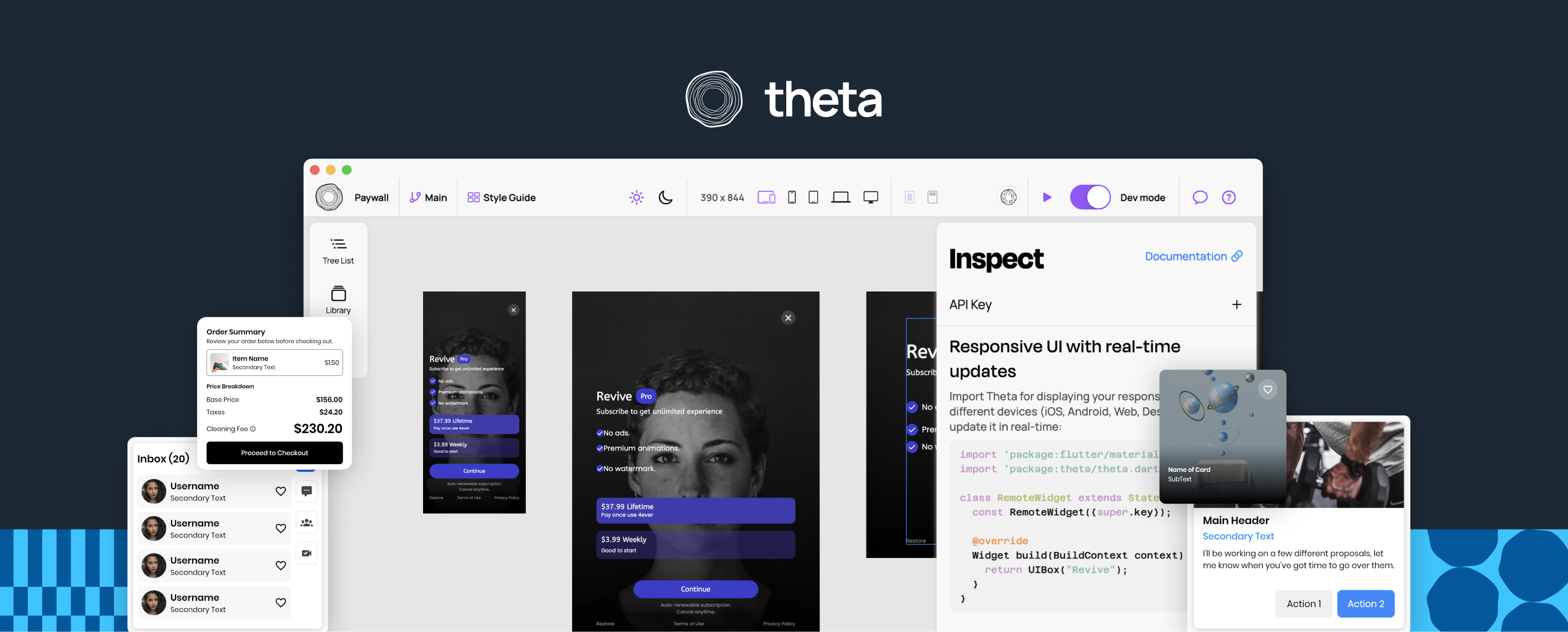
- Build your UI with Theta.
- 🔗 Website
- Navigate to a Flutter project, and open the terminal:
Install Theta CLI.
$ dart pub global activate theta_cli
Link a project by its key.
$ theta link -k <anon key>
You can generate files from design by running:
$ theta gen
- Use the generated UI widgets:
Theta will generate the following files
- /assets
- /theta_assets
- theta_preload.json
- ... all the media
- /lib
- theta_ui_assets.g.dart
- theta_ui_widgets.g.dart
You can use them as normal widgets:
PaywallWidget(
    initialTheme: ThemeMode.light,
)
🟡 Before running your app:
- Initialize ThetaClient instance for your project. Write at the root of your app:
await initializeThetaClient();
- Add the path in the pubspec.yaml file to theta_assets folder, to access the widget data:
assets:
    - assets/theta_assets/
Congrats, you have now your UI 🥳
🔴 Live widgets
There is an option for fetching widgets from the back-end in runtime.
You can easily active it by setting isLive: true.
PaywallWidget(
    initialTheme: ThemeMode.light,
    isLive: true,
)
By making it live, you can set A/B testing from Theta's editor or update its content in real-time.
Contributing
See CONTRIBUTING.md for details.
License
Theta is licensed under the Apache License 2.0. See LICENSE for details.