
Buka - EBook Management

About Buka
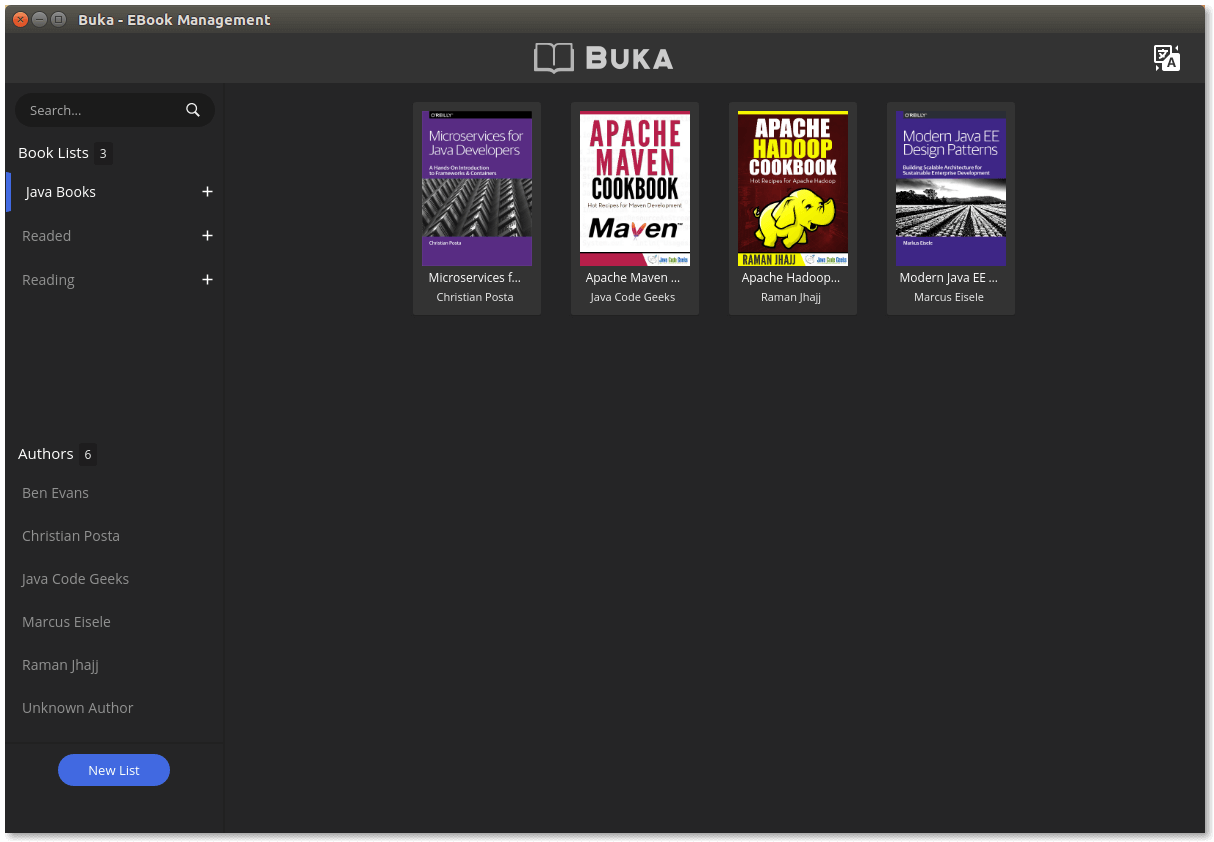
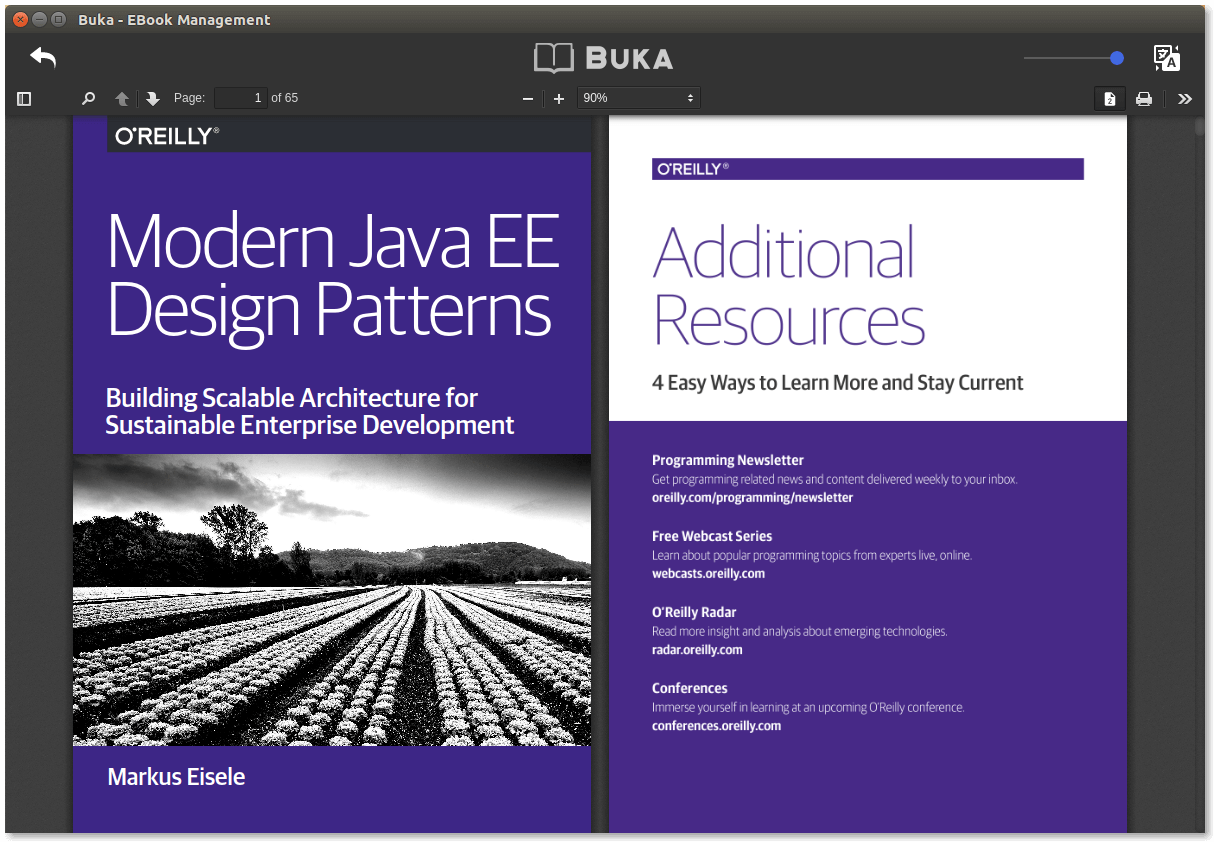
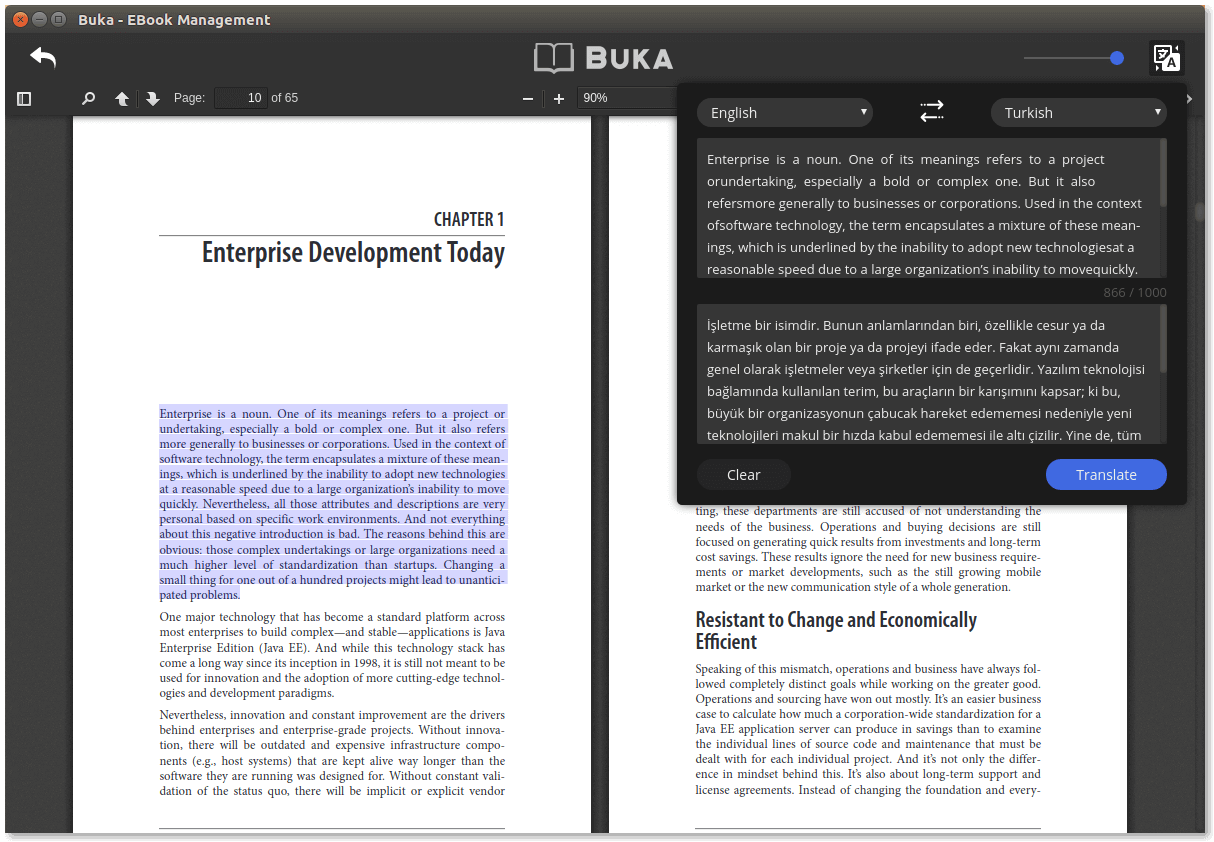
Buka is a modern software that helps you manage your ebook at ease. With a simple, clean and straight-forward user interface, Buka aims to gather your ebooks for a reading experience without hassles. Buka currently support .PDF format with configurations that helps user focus more on the content.
Installing
Snap
- Run
sudo snap install buka
- OR
- Download
buka_1.0.0_amd64.snapfrom the Buka releases page. - Run
sudo snap install --dangerous buka_1.0.0_amd64.snapon the downloaded package. - Launch Buka using the installed
bukacommand.
Debian x86
- Download
Buka_1.0.0_i386.debfrom the Buka releases page. - Run
sudo dpkg --install Buka_1.0.0_i386.debon the downloaded package. - Launch Buka using the installed
Bukacommand.
Debian x64
- Download
Buka_1.0.0_amd64.debfrom the Buka releases page. - Run
sudo dpkg --install Buka_1.0.0_amd64.debon the downloaded package. - Launch Buka using the installed
Bukacommand.
Of course you can always open .deb package with a package manager like Synaptic, Gnome Software or Gdebi then start the app instead of using command line options.
Fedora
- Download
Buka-1.0.0.rpmfrom the Buka releases page. - Run
sudo dnf install Buka-1.0.0.rpmon the downloaded package. - Launch Buka using the installed
Bukacommand.
AppImage
- Download
Buka-1.0.0-x86_64.AppImagefrom the Buka releases page. - Make it executable
sudo chmod a+x Buka*.AppImage - Run
./Buka*.AppImage
Build from source
git clone https://github.com/oguzhaninan/Buka.gitcd Bukanpm install && npm run build && npm start
Uninstalling
- Run
sudo dpkg -r Bukaorsudo apt remove --purge buka
Screenshots


Contributors
Code Contributors
This project exists thanks to all the people who contribute. [Contribute].

Financial Contributors
Become a financial contributor and help us sustain our community. [Contribute]
Individuals

Organizations
Support this project with your organization. Your logo will show up here with a link to your website. [Contribute]