Cake Shop
A sample Cake Shop Website built with ASP.NET Core (Multi-Page Application)
APP/Code Features
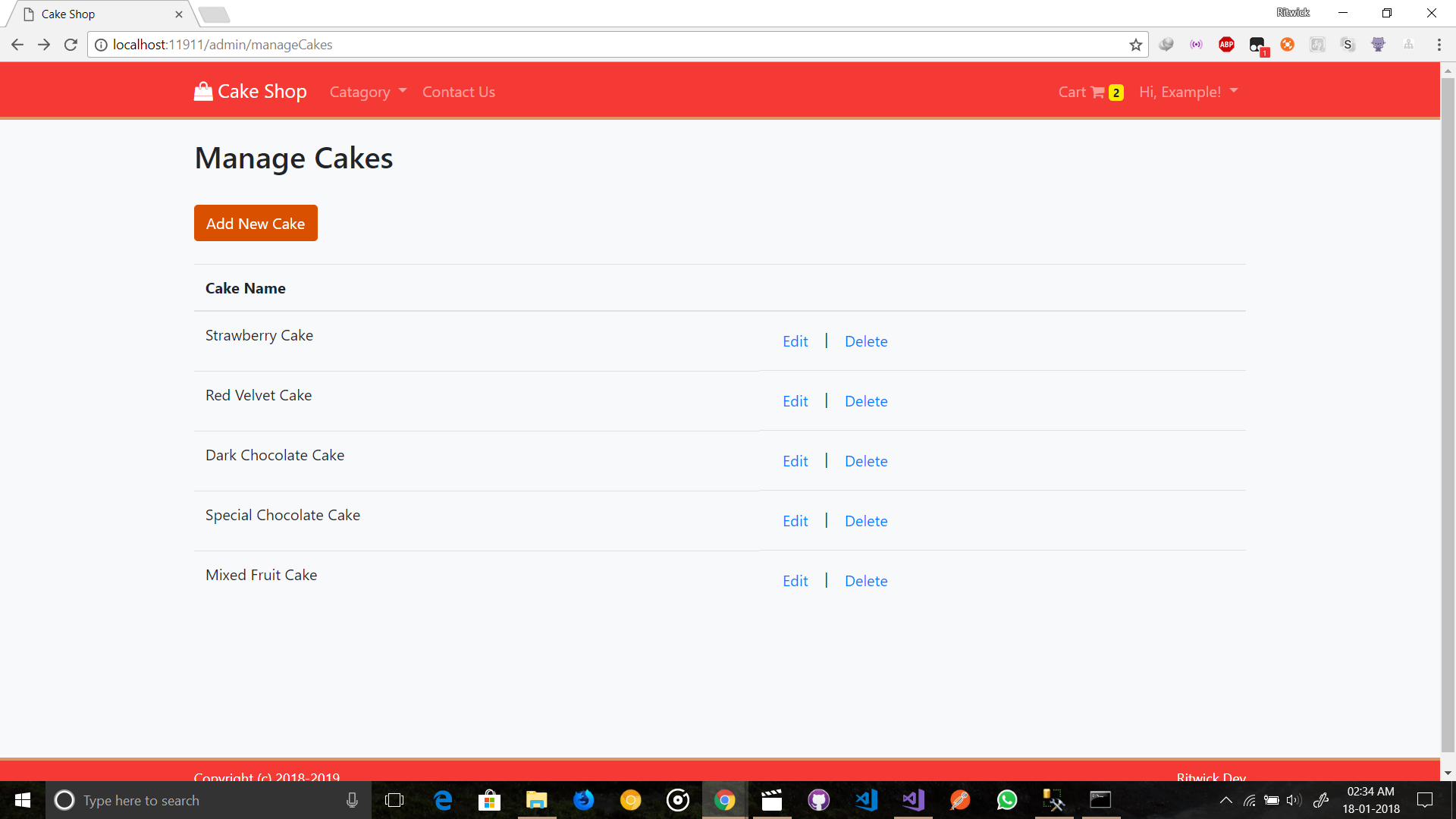
- Only Admin can perform Create/Edit/Delete cakes & manage Orders.
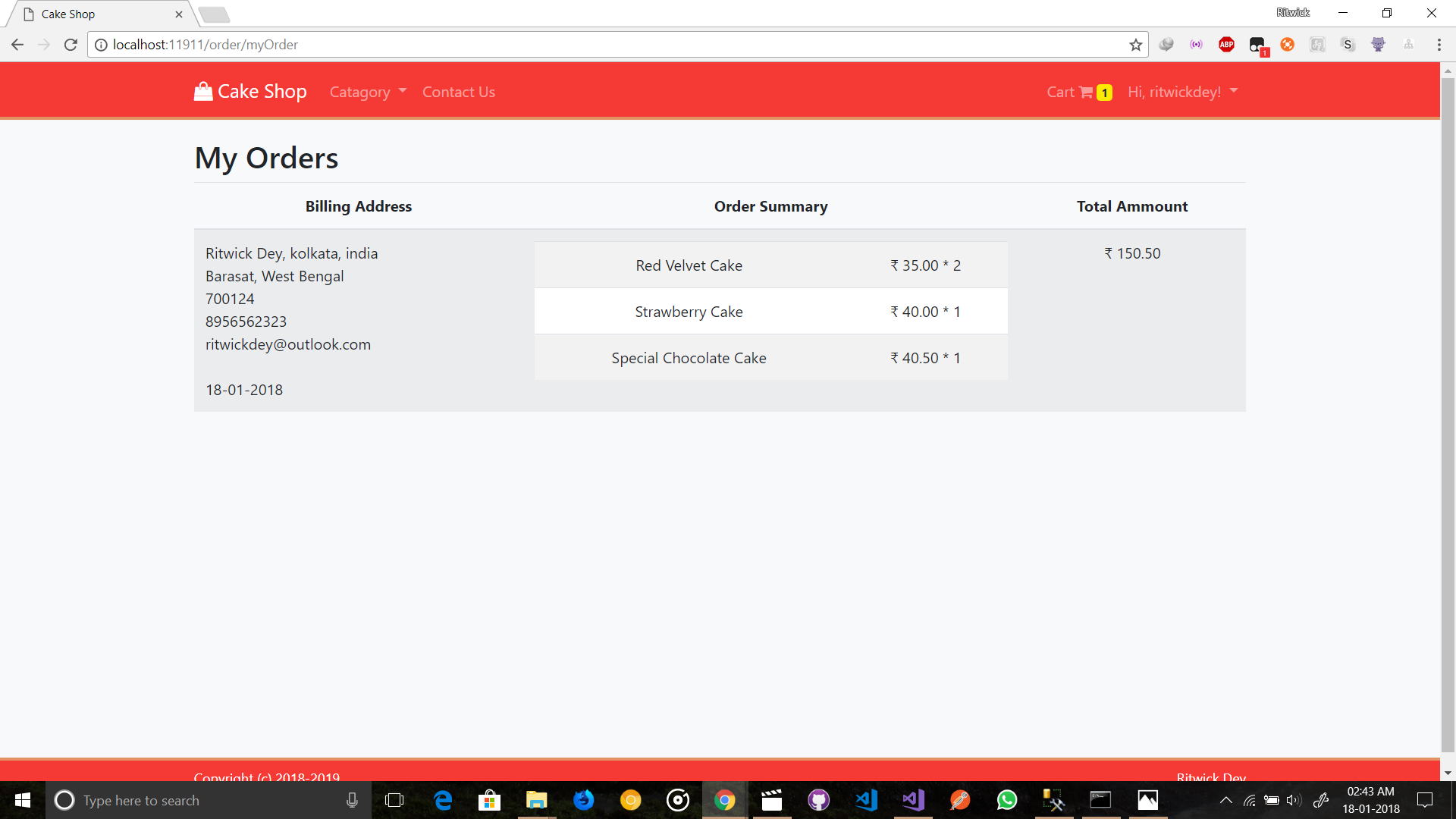
- Normal User can only can buy cakes & view their orders.
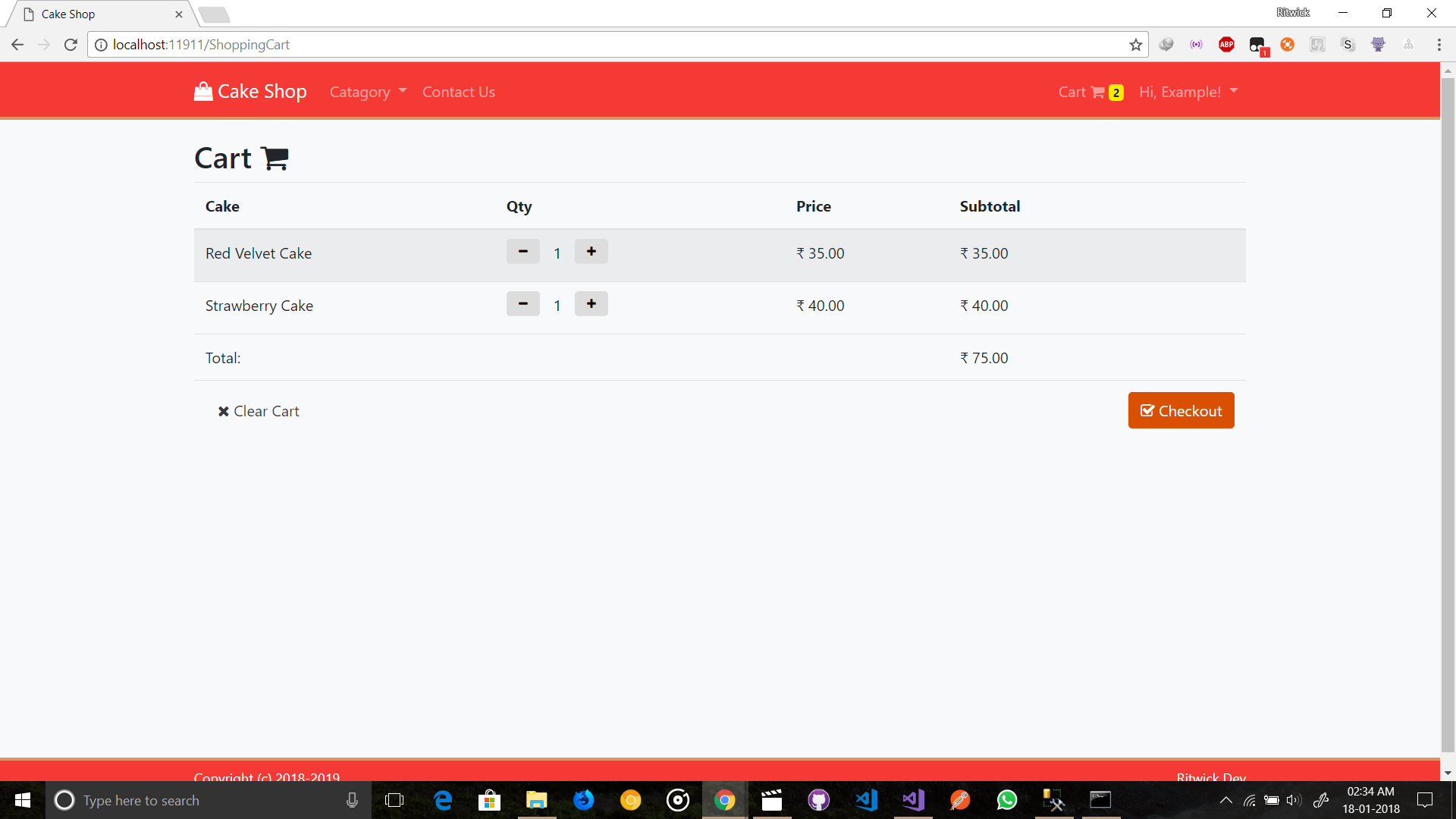
- Managing Cart System using cookie.
- Client Side & Server side validation,
- Cookie Based Authentication & Authorization - Not Session
- Login through either
UsernameorEmail. - Responsive UI
- Repository Pattern
- Application Architecture is decoupled form ORM (Entity Framework)
Framework / Library
- ASP.NET Core 2.0 (Backend)
- Razor View Engine (For generating markup)
- Entity Framework Core (ORM)
- ASP.NET Identity (Cookie Based Authentication & Authorization - Not Session)
- AutoMapper (For mapping into Domain Model & DTO)
- jQuery & Bootstap 4
To run the project locally:
admin account :
[email protected]and Password:Passw@rd!123(You can change it fromappsettings.jsonbefore applyupdate database)
Make sure, dotnet core SDK & npm is installed in your machine.
-
Using VS2017
> git clone https://github.com/ritwickdey/Cake-Shop.git > cd Cake-Shop/- Now Open the
CakeShop.slnthroughVS2017. - Open
appsettings.json& change the connection string. (But wait! you may not need to change it as this the default connection string ofSQL Server Expressthat comes withVisual Studio). - Hit
Ctrl+Shift+Bto build. - Open
Package Manager ConsolefromToolsand enterupdate-database. - Hit
Ctrl+F5to run without debugging.
- Now Open the
-
Using CLI
    > git clone https://github.com/ritwickdey/Cake-Shop.git
    > cd Cake-Shop/Cake-Shop/
    > npm install
    > dotnet restore
    > set ASPNETCORE_ENVIRONMENT=Development
    > set ConnectionStrings:DefaultConnection="<YOUR CONNECTION STRING>"
    > npm i webpack -g
    > webpack --config webpack.config.js
    > npm run build
    > dotnet build
    > dotnet ef database update
    > dotnet run
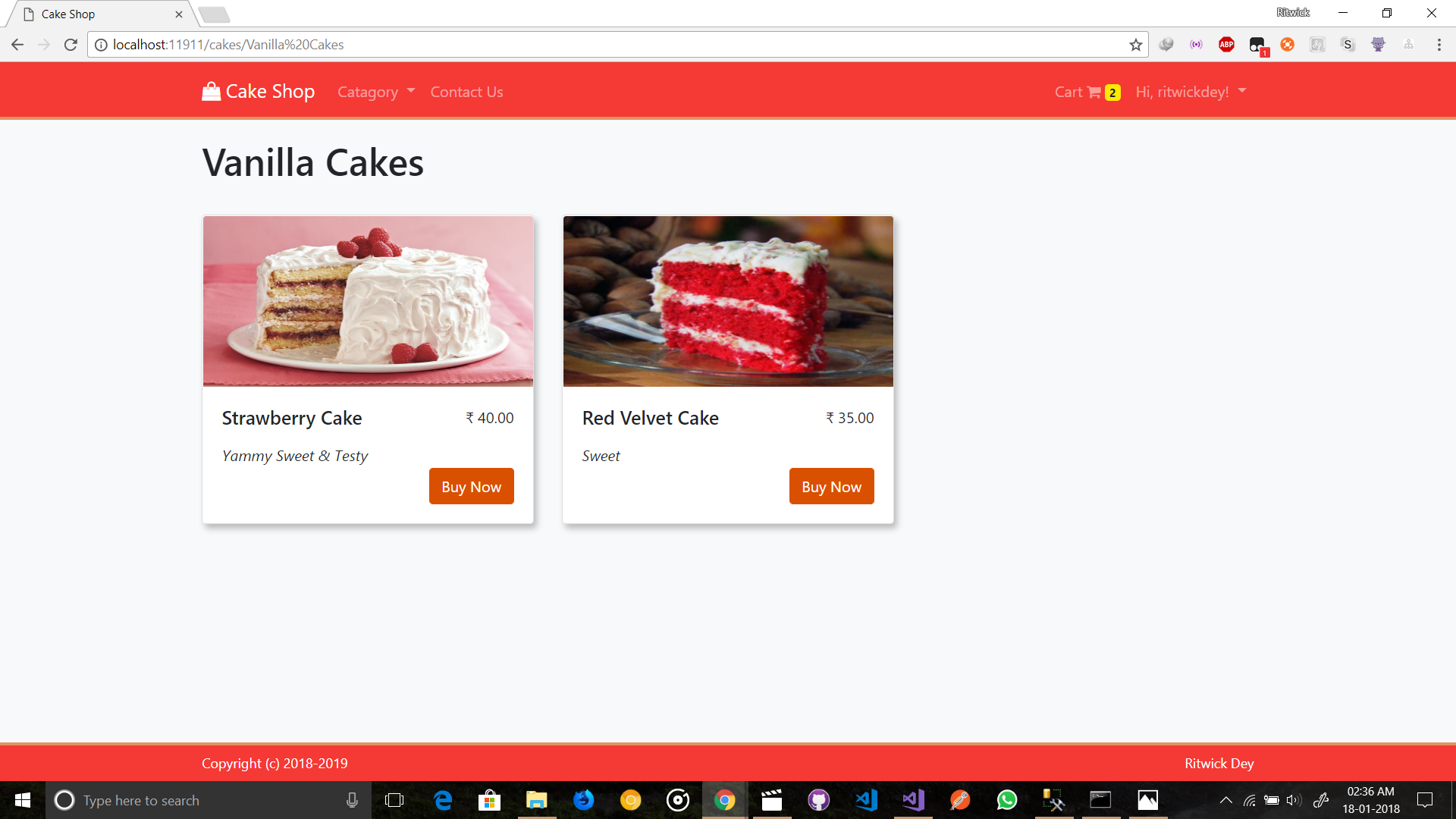
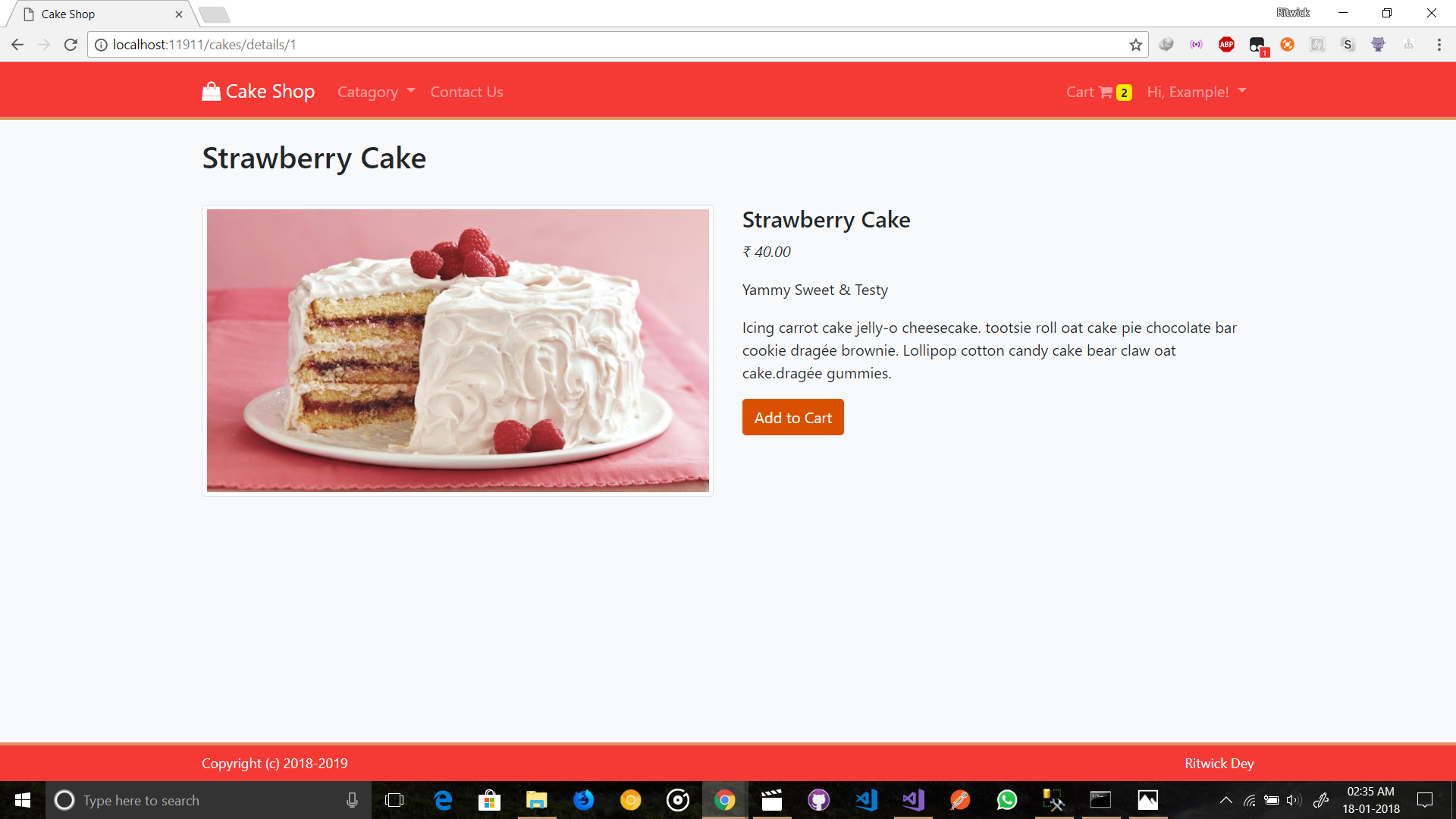
Sceenshots