
Call-me







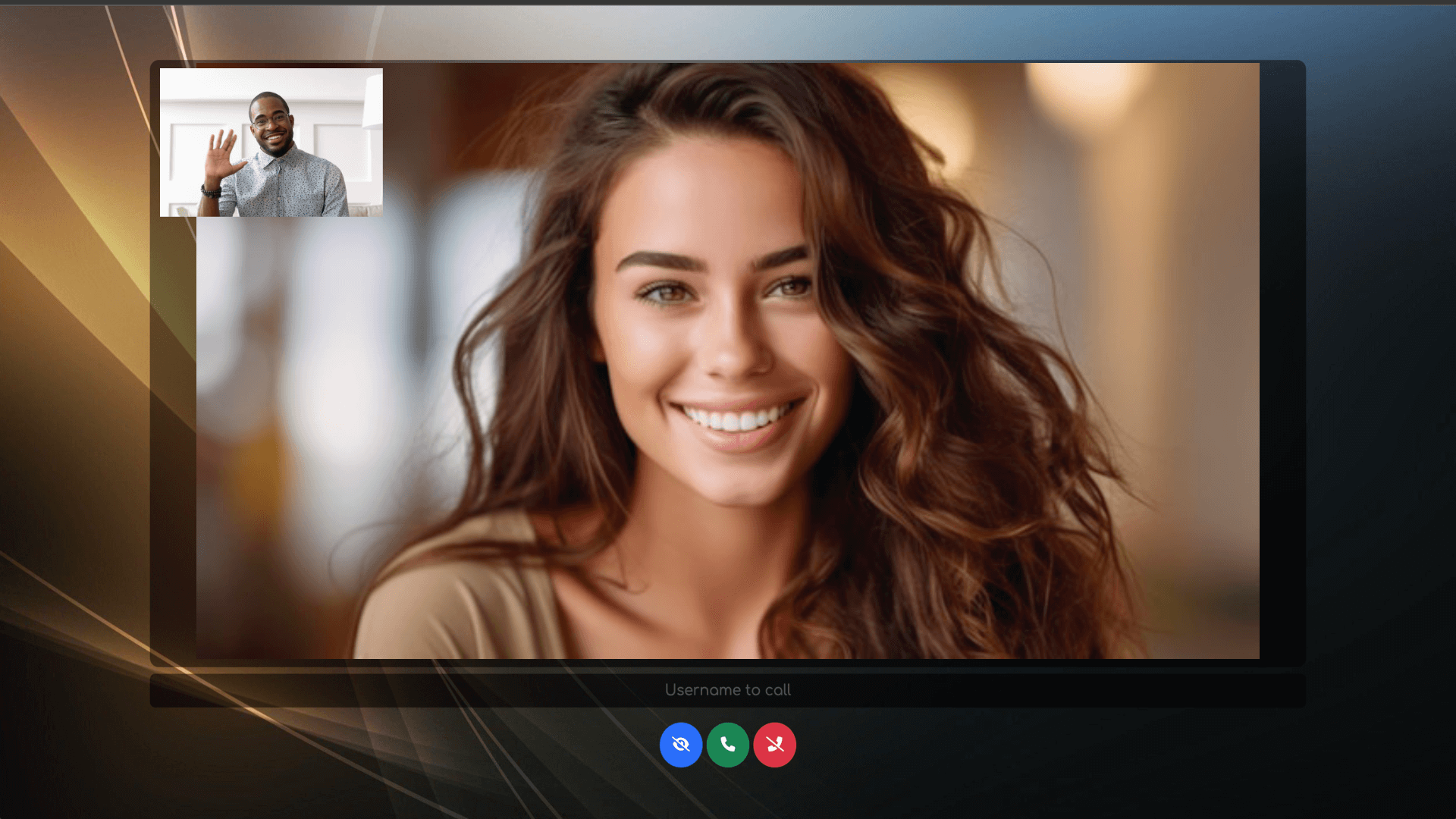
Instant click-to-call video communication in your browser, no signup, no setup, powered by WebRTC.
Try Live Demo · Privacy · Documentation · Discord · Sponsor
Getting Started
Features
End-to-End Encryptionfor secure and private communications.Joinwith a username or enter a name toCall now.Set your preferred language.Initiate video callsby clicking the call button next to a recipient’s username.Switch between cameras, microphones, and speakersduring a call.Chat in real timewith participants.Hide your videofeed when needed.Toggle your microphone(mute/unmute).Toggle your camera(video on/off).Share your screen(start/stop).Share fileswith other participants.Hang up the callwhen finished.Enable Host Protectionmode with a password.Enable Web Push Notificationsto get notified of incoming calls even when the app is in the background.Use the REST APIto retrieve the list of connected users or initiate a call.
Quick Start
-
Using NodeJs

# Clone this repo
git clone https://github.com/miroslavpejic85/call-me.git

# Go to to dir call-me
cd call-me

# Copy the config file
cp public/config.template.js public/config.js

# Copy .env.template to .env
cp .env.template .env

# Install dependencies
npm install

# Start the application
npm start
-
Using Docker

Install docker engine and docker compose
# Clone this repo
git clone https://github.com/miroslavpejic85/call-me.git

# Go to to dir call-me
cd call-me

# Copy the config file
cp public/config.template.js public/config.js

# Copy .env.template to .env
cp .env.template .env

# Create your own docker-compose.yml
cp docker-compose.template.yml docker-compose.yml

# Get official image from Docker Hub
docker-compose pull

# Create and start containers
docker-compose up
-
Openyour browser and visit http://localhost:8000. -
Joinwith your username orCallthe recipient directly. -
Selectthe connected recipient's username and clickCall. -
Enjoyyour one-to-one video call.
Click to Call
Allows a user to join the room as a user1
Lets the user2 join the room and initiate a call to the user1
- http://localhost:8000/join?user=user2&call=user1 (dev)
- https://cme.mirotalk.com/join?user=user2&call=user1 (prod)
You can explore a widget example that demonstrates this functionality here.
Self-Hosting

Requirements
- A clean server running Ubuntu 22.04 or 24.04 LTS
- Root access to the Server
- A domain or subdomain pointing to your server’s public IPv4
Note
When prompted, simply enter your domain or subdomain. Then wait for the installation to complete.
# Install
wget -qO cme-install.sh https://docs.mirotalk.com/scripts/cme/cme-install.sh \
  && chmod +x cme-install.sh \
  && ./cme-install.sh
# Uninstall
wget -qO cme-uninstall.sh https://docs.mirotalk.com/scripts/cme/cme-uninstall.sh \
  && chmod +x cme-uninstall.sh \
  && ./cme-uninstall.sh
# Update
wget -qO cme-update.sh https://docs.mirotalk.com/scripts/cme/cme-update.sh \
  && chmod +x cme-update.sh \
  && ./cme-update.sh
Fast Integration

Easily integrate Call-Me into your website or application with a simple iframe. Just add the following code to your project:
<iframe
    allow="camera; microphone; speaker-selection; fullscreen; clipboard-read; clipboard-write; web-share; autoplay"
    src="https://cme.mirotalk.com/"
    style="width: 100vw; height: 100vh; border: 0px;"
></iframe>
API
Get all connected users
# Get all connected users
curl -X GET "http://localhost:8000/api/v1/users" -H "authorization: call_me_api_key_secret" -H "Content-Type: application/json"
curl -X GET "https://cme.mirotalk.com/api/v1/users" -H "authorization: call_me_api_key_secret" -H "Content-Type: application/json"

# Generate call links for connected users to call
curl -X GET "http://localhost:8000/api/v1/connected?user=call-me" -H "authorization: call_me_api_key_secret" -H "Content-Type: application/json"
curl -X GET "https://cme.mirotalk.com/api/v1/connected?user=call-me" -H "authorization: call_me_api_key_secret" -H "Content-Type: application/json"
Docs: http://localhost:8000/api/v1/docs/ or you can check it out live in prod here.
🌐 Explore all MiroTalk projects: