
Claude Session Switch
A lightweight macOS desktop app for Claude Code / Claude CLI session switching. Built with Tauri + Rust + React + xterm.js, with project grouping, session resume, and embedded terminal workflows.
English (current) | 中文
Overview
Claude Session Switch is not trying to replace your CLI workflow.
It focuses on making session management visual, recoverable, and automation-friendly:
- Organize projects and sessions with a clear UI hierarchy
- Execute real work in embedded/native terminal flows
- Keep behavior config-driven so both humans and AI can manage it
- UI layout and interaction patterns are inspired by the Codex app (desktop), adapted for session-heavy workflows
Design philosophy
This app is not trying to become a heavier IDE. It is designed as a lighter, calmer, terminal-first workspace for session-heavy workflows:
- Immersive by default: restrained UI with clear hierarchy, avoiding visual noise
- Low interruption: non-essential signals stay subtle so focus remains on active work
- Terminal-centered: CLI stays the execution core; GUI focuses on organization and switching
- Session management first: quickly locate projects, switch sessions, and restore context
- Config-driven behavior: settings live in files for personal tuning and AI-assisted automation
In short: keep native CLI flow, remove session-management friction.
Why this exists
Common pain points in daily Claude CLI workflows:
- Too many projects/sessions, hard to navigate in pure terminal
- tmux is powerful but has a higher cognitive overhead
- Heavy GUI tools can feel slow and over-engineered
This project intentionally splits responsibilities:
- GUI handles structure, discoverability, and quick context switches
- CLI handles execution speed, ecosystem compatibility, and continuity
In short: keep CLI performance, upgrade session management UX.
Screenshots (Expanded/Collapsed + Light/Dark)
The screenshots below are captured from the current code version (real local app runtime).
| Light Theme | Dark Theme |
|---|---|
Expanded sidebar 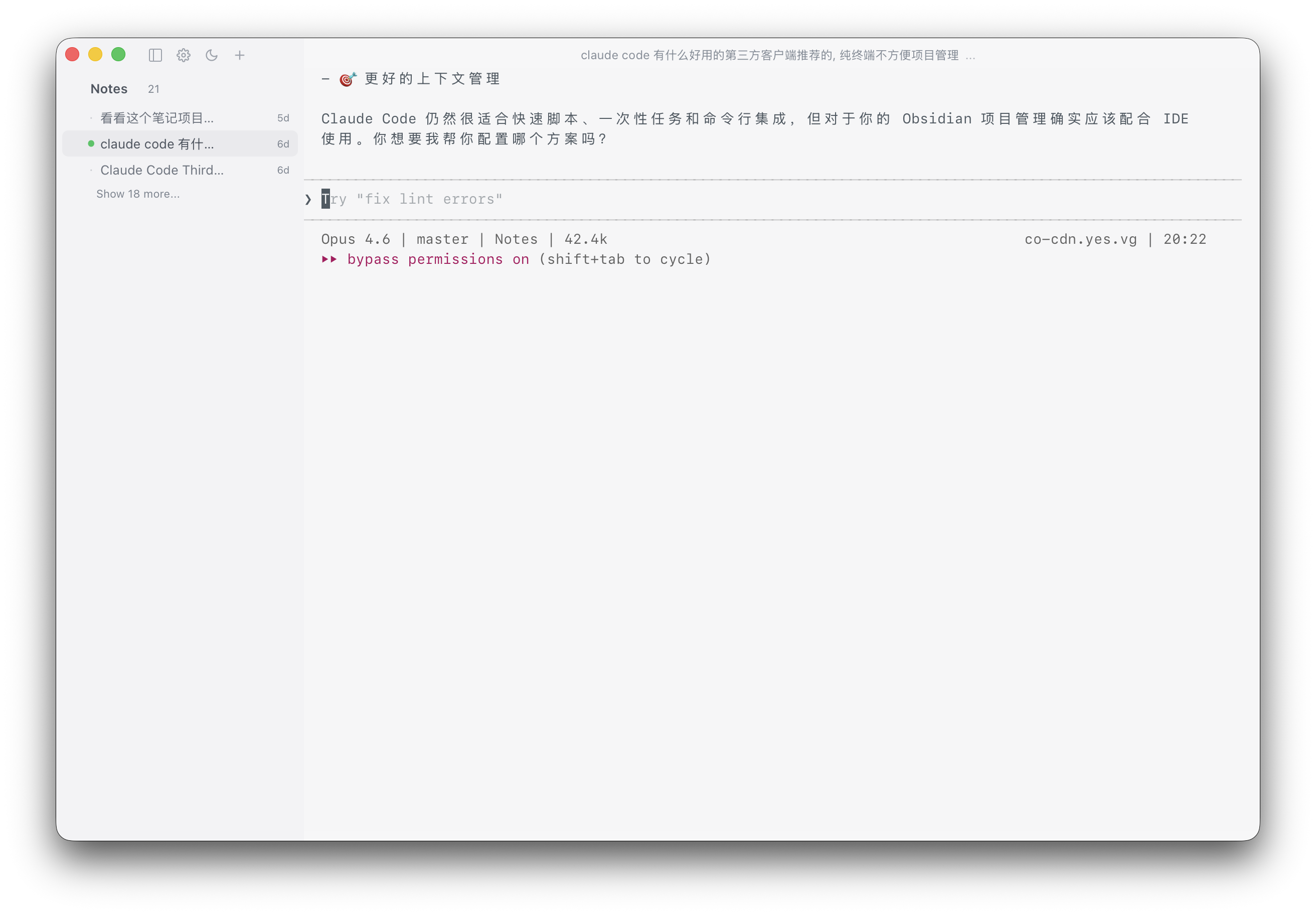 |
Expanded sidebar 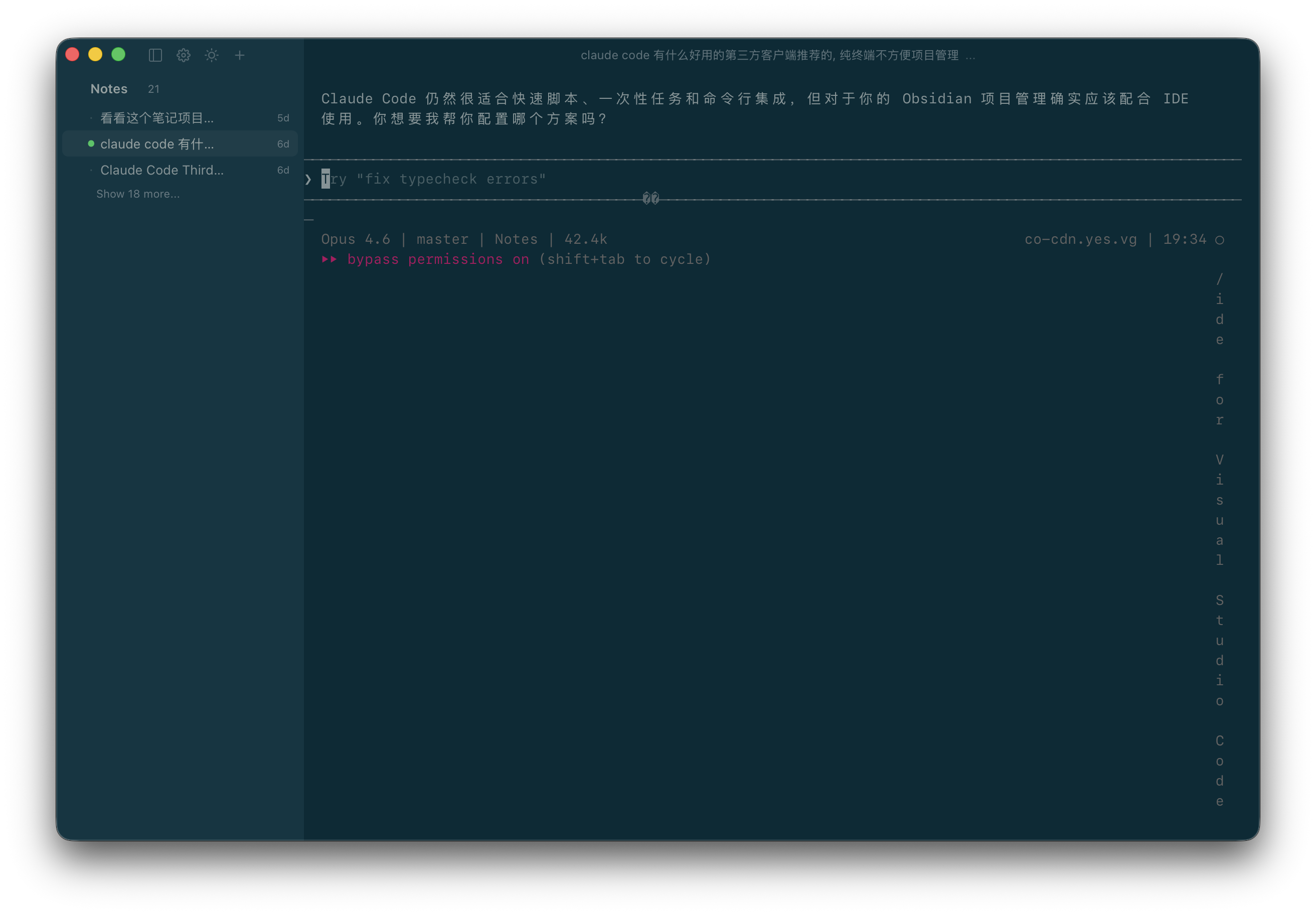 |
Collapsed sidebar 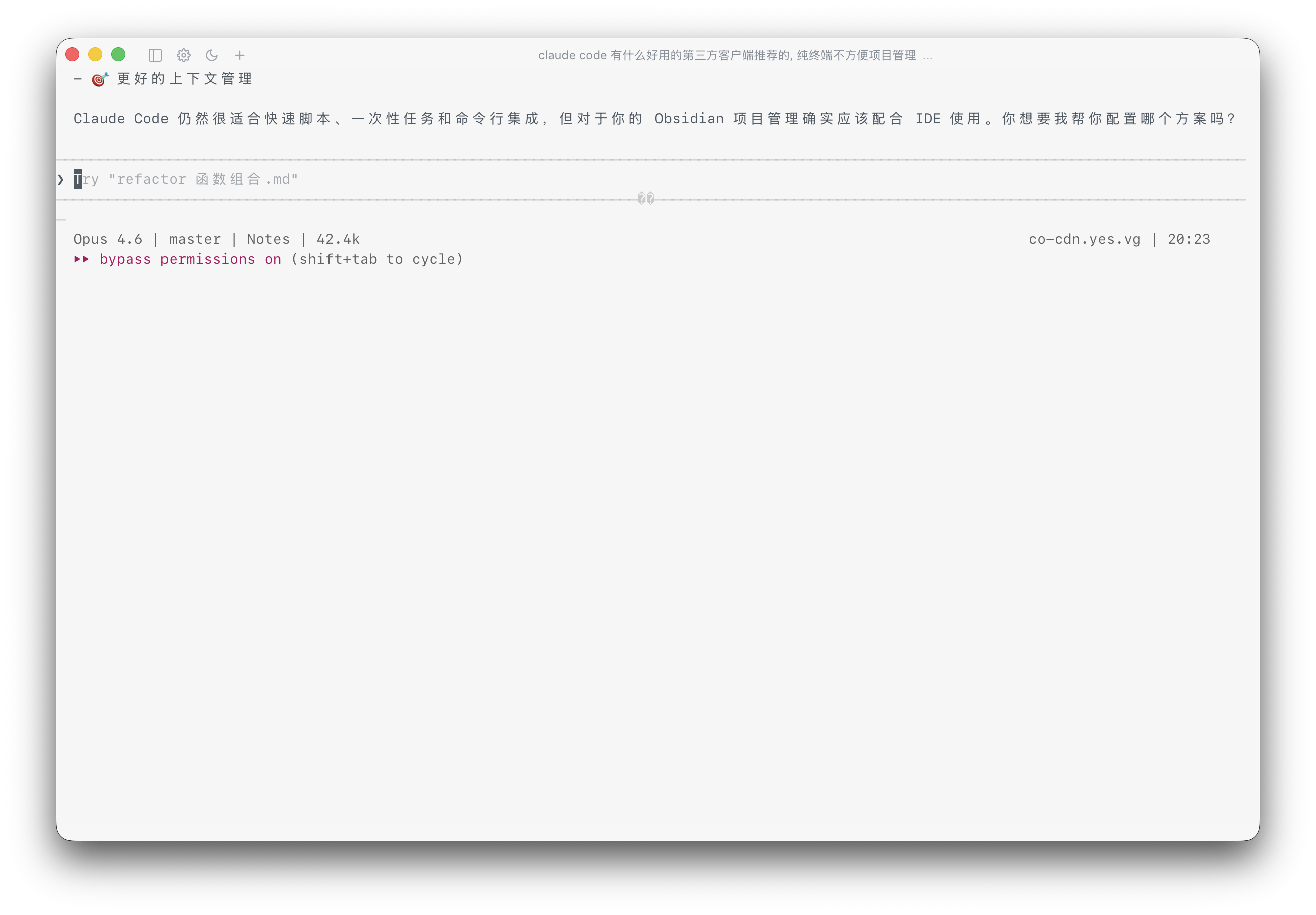 |
Collapsed sidebar 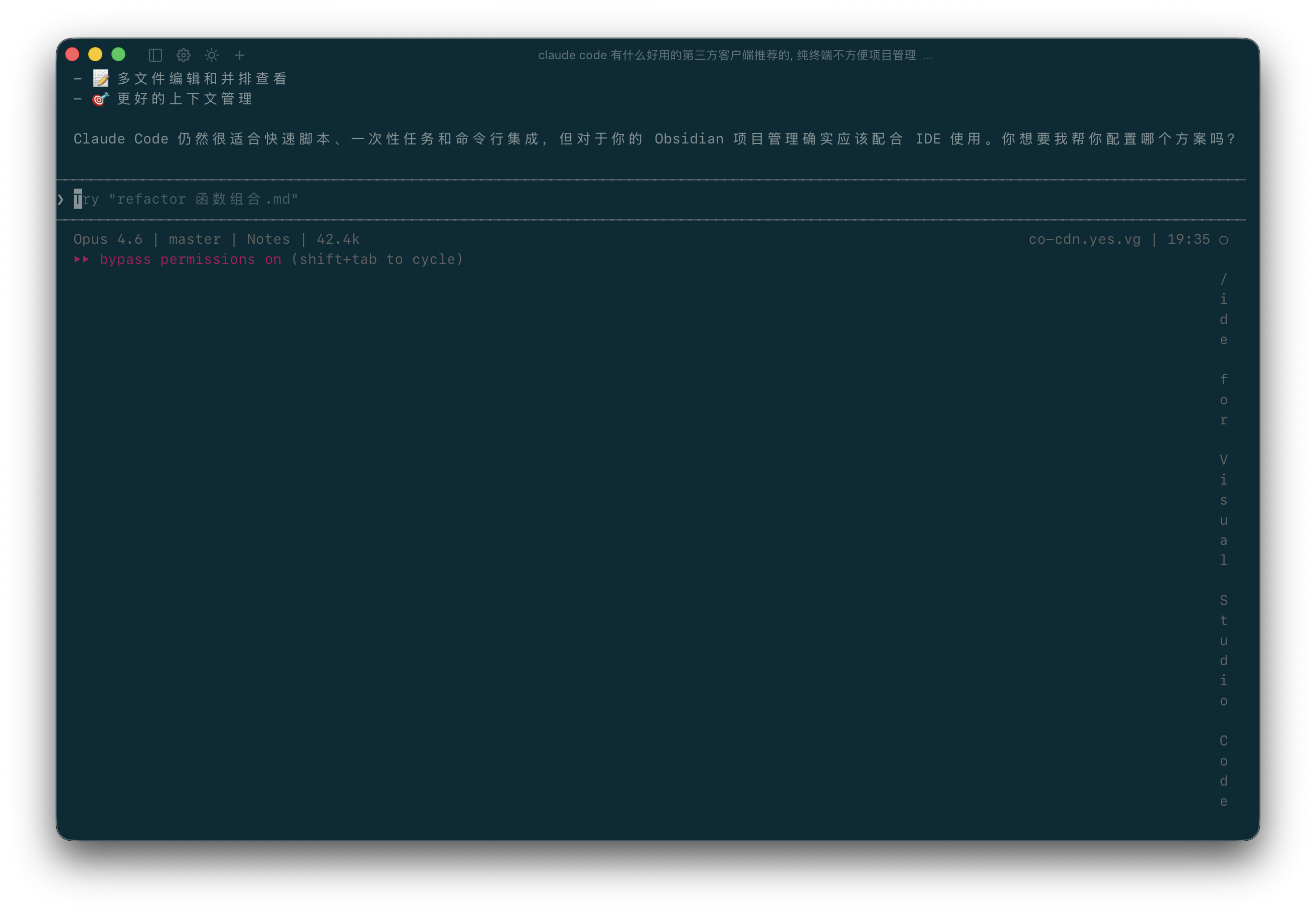 |
Feature highlights
1) Project and session management
- Project/session tree in sidebar (expand/collapse, quick navigation)
- Session rename/stop/delete actions
- Current session title in top bar with
...action dropdown
2) Claude session resume
- Embedded terminal launch supports
claude --resume <session_id> - Prefer
tmuxsession reuse when available, fallback gracefully otherwise - Configurable Claude startup args (optional default
--dangerously-skip-permissions)
3) Embedded terminal UX
- Powered by
xterm.js+portable-pty - Supports output streaming, resize, and external link opening
- Two-column layout polish: tighter left sidebar gutter, extra left padding in terminal for better readability
- Ongoing tuning for smoother scrolling and interaction
Current version note:
- "Claude completion system notifications" are temporarily disabled
- "PTY-output-based running/loading indicator" is temporarily disabled
This is intentional to prioritize correctness and stability first; these capabilities may return once the detection model is more reliable.
4) Config-driven (AI-friendly)
- Settings persisted to
preferences.json - Theme/language/layout/window size/integrations/session restore are configurable
- Easy to extend via “config-as-interface” automation
5) macOS menu integration
App menu includes:
Settings…Open Config File(open config in system default app)Reload Config(hot reload latest config into current UI)
Architecture
Frontend
- React 18 + TypeScript
- xterm.js
- Tauri API (IPC / Window / Event)
Backend
- Rust + Tauri 2
- portable-pty (PTY lifecycle)
- JSON file persistence for projects/sessions/settings
Data files
projects.jsonsessions.jsonpreferences.json
Default macOS data directory:
~/Library/Application Support/CloudCodeSessionManager/
Config keys (brief)
All app settings are stored in preferences.json. Use Open Config File from the app menu to edit it.
Commonly used keys:
appearance.theme_preference: theme mode (light | dark | system)appearance.language: UI language (zh-CN | en-US)appearance.theme_palettes: app + terminal color palettesclaude.use_custom_startup_args/claude.custom_startup_args: Claude startup argsintegrations.default_external_terminal/integrations.default_external_editor: external toolsui.sidebar_collapsed/ui.layout/ui.window: sidebar/layout/window sizingsessions.restore_last_opened_session/sessions.last_opened: startup restore behavior
After editing, click Reload Config in the app menu to hot-reload without restarting.
Quick start
Prerequisites
- Node.js 18+
- Rust 1.70+
- Recommended:
claudeCLI installed - Optional:
tmuxfor stronger resume behavior
Run locally (pnpm recommended)
corepack enable pnpm
pnpm install
pnpm run dev
Build
pnpm run build
Compatibility note: npm scripts are still kept, so
npm run dev/npm run buildcontinue to work.
CI and release
CI (.github/workflows/build.yml)
On main/develop pushes and pull requests:
pnpm install --frozen-lockfile- frontend build
- Rust
cargo check
Release (.github/workflows/release.yml)
On v* tags:
- build and publish macOS binaries for:
arm64x64(Intel)
- auto-generate release notes and
SHA256SUMS - release notes are generated from commits/PRs between the previous release and current tag (
generate_release_notes: true) pnpmversion is sourced only frompackage.jsonpackageManagerto avoid Action/project mismatch
Project layout (brief)
src/                 # React frontend
src-tauri/src/       # Rust backend
  commands/          # Tauri command entrypoints
  services/          # Domain services (settings/project/session/pty/storage)
  models/            # Data models
Roadmap (optional)
- Session search / tags / pin
- More settings (font, keybindings, terminal fine-grained options)
- Better settings schema migration visibility
- Diagnostics export and self-check tooling
License
Released under the MIT License.