
clifm-colors
Extra color schemes for the clifm file manager


Table of contents
Themes list
Screenshots
Installation
License
Constributing
Community
Creating themes
Themes list
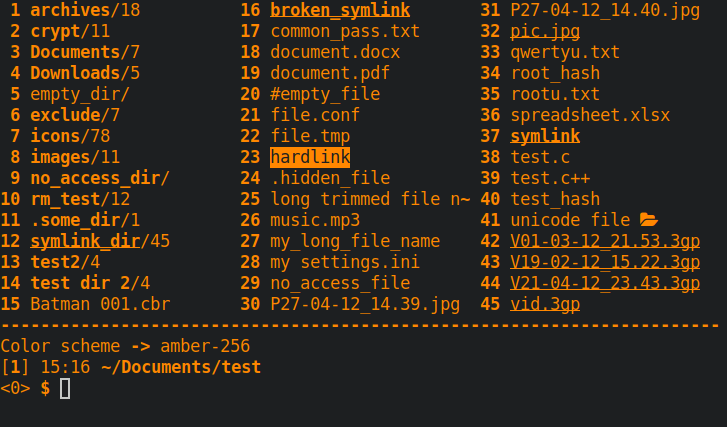
- amber-256 (based on old amber monochrome monitors)
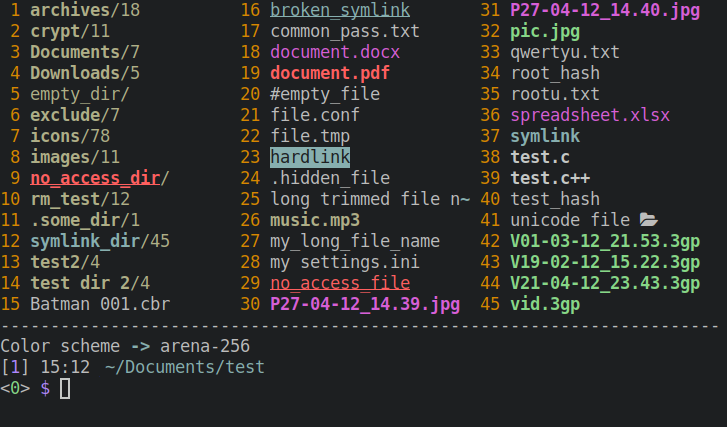
- arena-256
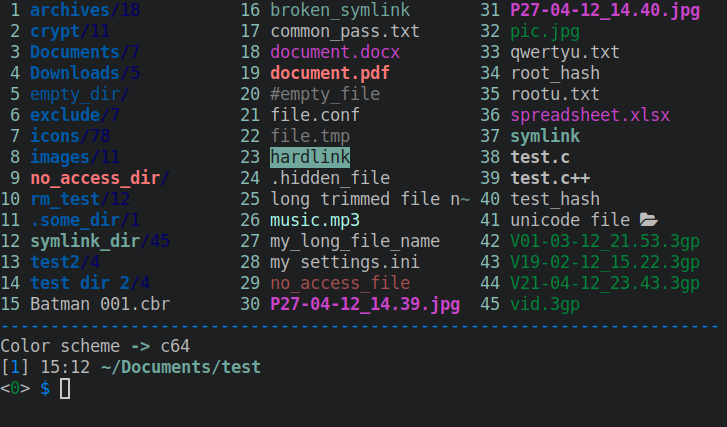
- c64 (based on the Commodore64 color palette)
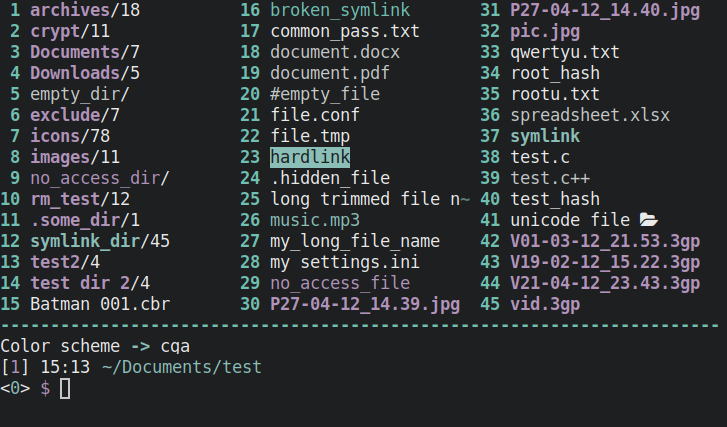
- cga (based on the CGA color palette)
- cold
- contrast
- cyberpunk
- dm10s
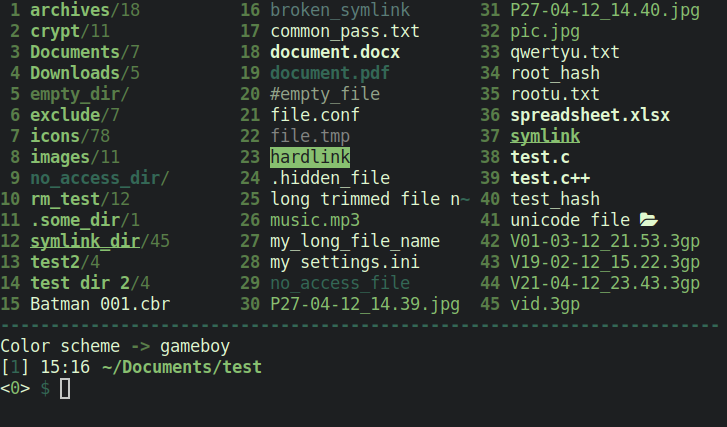
- gameboy (based on the GameBoy color palette)
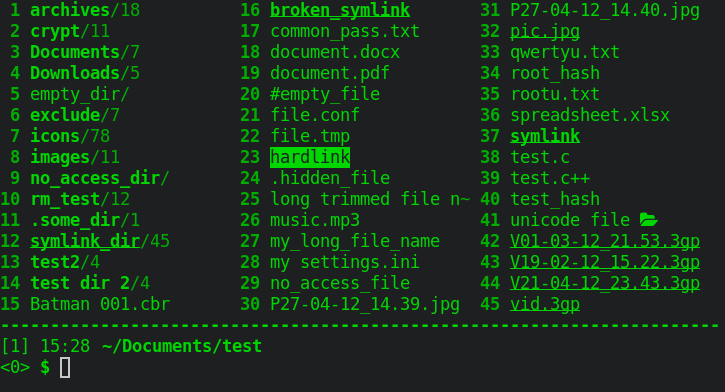
- green-256 (based on the old green monochome monitors)
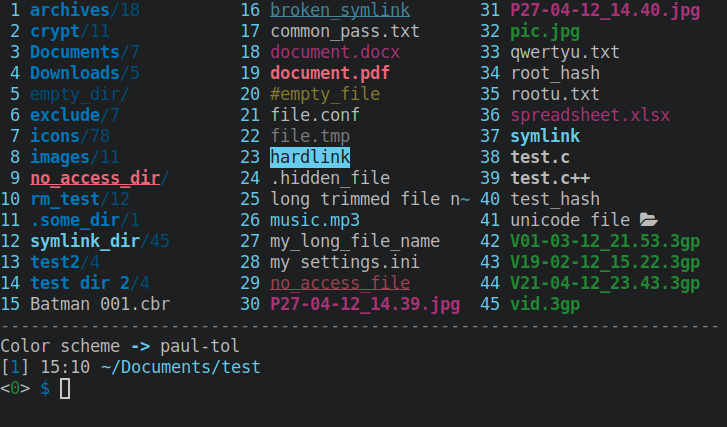
- paul-tol (based on Paul Tol's color-blind safe scheme)
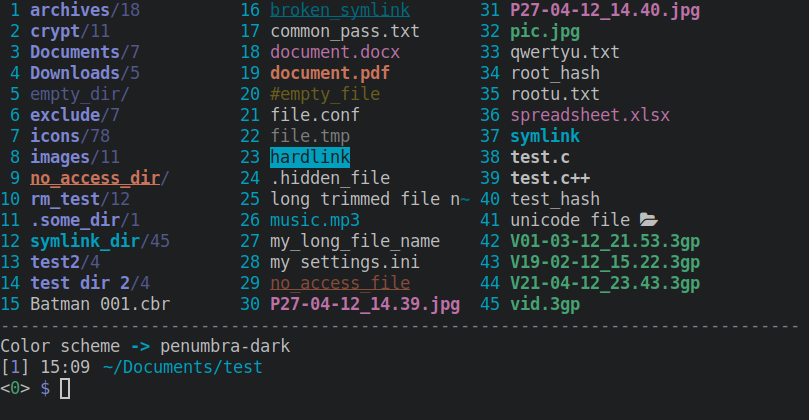
- penumbra-dark (based on the penumbra color scheme, by nealmckee)
- white
Screenshots
Amber-256
Arena-256
C64
CGA
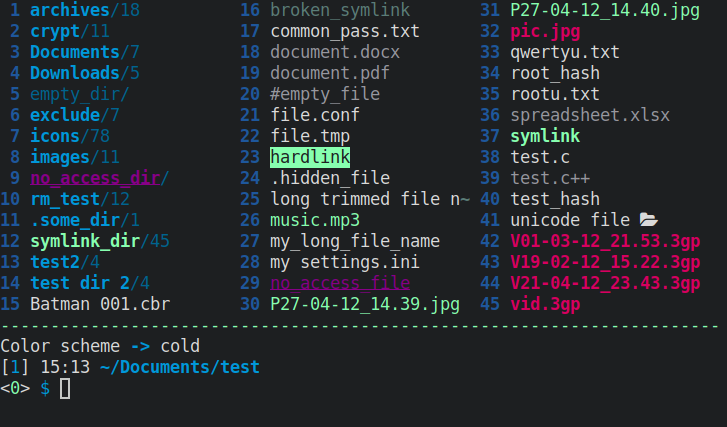
Cold
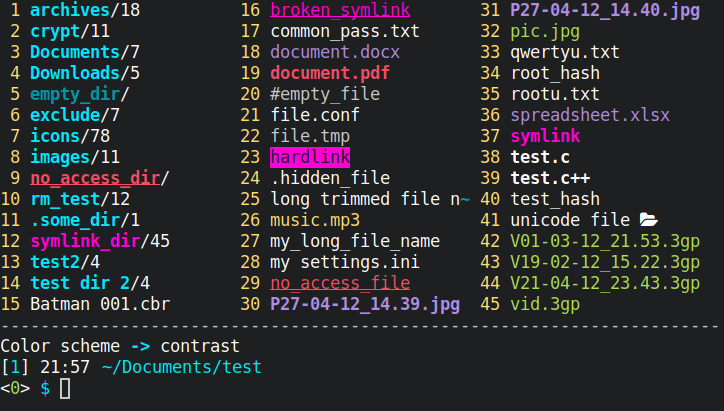
Contrast
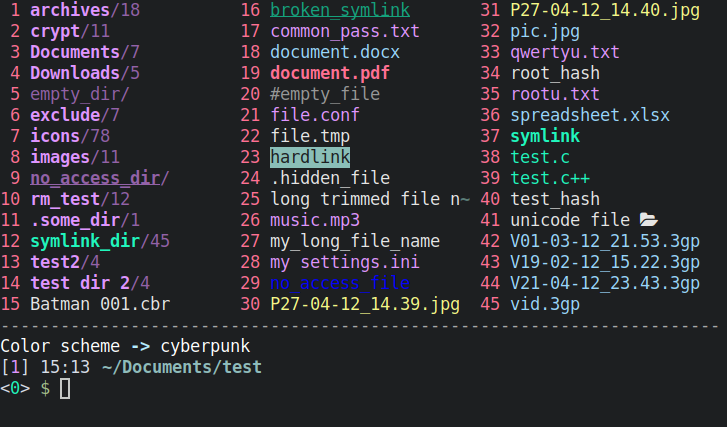
Cyberpunk
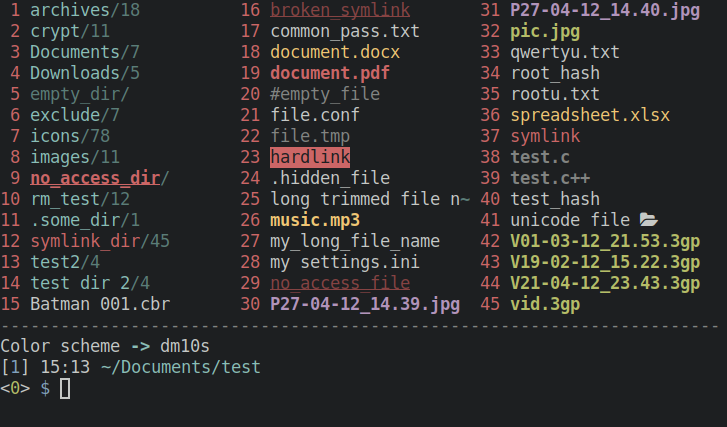
Dm10s
Gameboy
Green-256
Paul-tol
Penumbra-dark
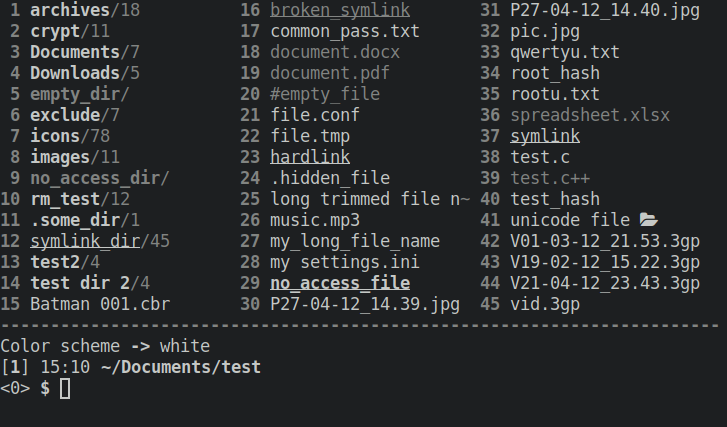
White
Installation
1.a For Archlinux users:
Install the package (it is available in the AUR). Color schemes are installed in $XDG_DATA_DIRS/clifm/colors (usually /usr/share/clifm/colors).
1.b If not using Arch:
a) Clone this repo:
git clone https://github.com/leo-arch/clifm-colors
b) cd into the colors directory and copy the color schemes (.clifm files) into the colors directory of your clifm local directory ($XDG_CONFIG_HOME/clifm/colors or $HOME/.config/clifm/colors).
2. Set your theme
Once the theme is copied, set the desired color scheme, either via the command line (with the --color-scheme option) or, once in clifm, with the cs command. You can also permanently set the color scheme using the main configuration file: clifmrc (which can be accessed via the config command or pressing F10).
Note: If using a version of clifm prior to 1.6.1, the extension of the color theme files must be changed from .clifm to .cfm. Follow this link for more details on this issue.
Creating new themes
You can create modified/custom versions of these color schemes by copying them into the appropriate directory and editing them to your liking via a simple text editor. For more detailed information consult the clifm wiki.
License
This project is licensed GPL version 2 (or later).
See the LICENSE file for details.
Contributing
Yes. Try these color schemes, modify them, and even create your own themes. If you do so, you can always fork this repo, add your theme, and submit a pull request.
Community
The Discussions section of clifm is always open to input.