


clix
An easy to use clipboard manager made using tkinter.
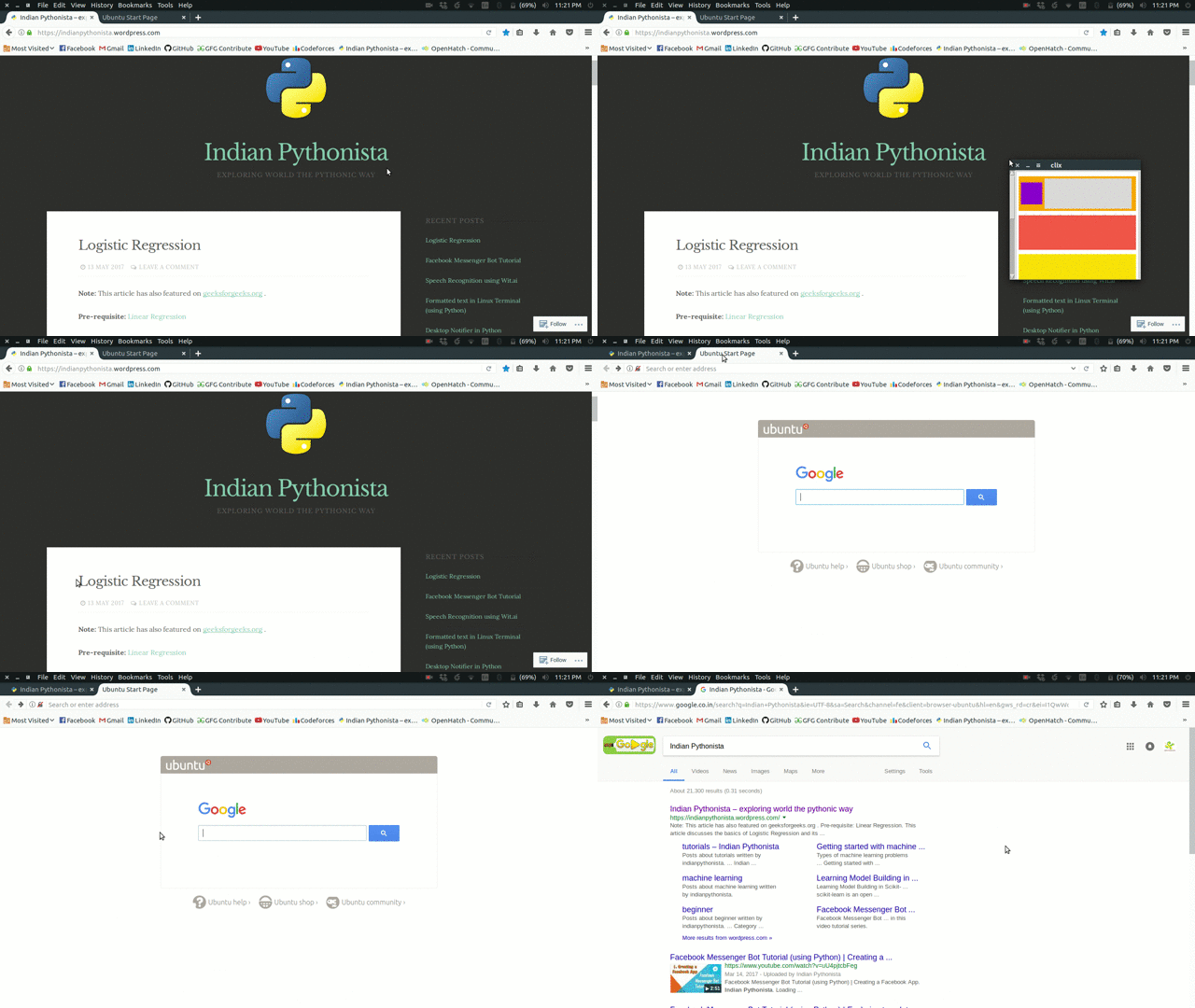
Note: Currently, clix works only on Linux systems.
Installation
-
To install clix, simply,
pip install clix -
If you get
ImportErrorfor Xlib module, install it using this command:sudo apt-get install python-xlib
Usage
-
To run clix, open terminal and run this command:
clixif error shown try:
sudo clixOn Mac OSX, one of the following must be true:
  -The process must run as root.
  -Your application must be white listed under Enable access for assistive devices. Note that this might require that you package your  	application, since otherwise the entire Python installation must be white listed.
Note: Leave this terminal open as long as you want to use clix.
Another alternative is to use this command:
$ nohup clix &Now, you can close the terminal but clix will keep running.
To close clix, open a terminal and simply run:
$ pkill clix -
Press Ctrl + space keys to open clix GUI. And Ctrl + space again to close it. Initially, all clip frames are empty.
-
Now, as you copy any text, (using Ctrl + c keys), the text is saved to topmost frame of clix clipboard.
-
Whenever you want to paste any clip, just open clix GUI (usin Ctrl + space keys) and click on clip it button to copy clip text to main clipboard.
Now, simply pressing Ctrl + v keys will paste the desired clip text!
-
CLI usage to configure keys
clix [-h] [-s SET_KEYBINDING] [-a] [-c]You can always use
$ clix -hcommand to open this help message:ptional arguments: -h, --help show this help message and exit -s SET_KEYBINDING, --set-keybinding SET_KEYBINDING Set alternate key binding. Default is LCTRL+SPACE Format :- <KEY1>+<KEY2>. Ex:- RCTRL+RALT. To see availble key bindings use 'clix -a' option -a, --available-keybindings Show available key bindings -c, --show-current-keybinding
TODO
-
Add support for user configurable keys.
-
Add support for Windows and MacOS.
-
Create a file system to log the clipboard.
-
Improve UI.
-
Add more functionalities.
Want to contribute?
-
Clone the repository
git clone http://github.com/nikhilkumarsingh/clix -
Install dependencies
pip install -r requirements.txt -
Remove the
.prefix from.pyxhookand.guifor the following imports in clix.py, so it changes from:rom .pyxhook import HookManager rom .gui import clipboardto:
rom pyxhook import HookManager rom gui import clipboard -
To test local version of clix:
pip install -U .OR :
pip install -e <project dir.> .
Finally, do report bugs and help us make clix more and more productive!