

ClusterCut
Sync your clipboard, securely & locally.
ClusterCut keeps your clipboard in sync across Windows, macOS, and Linux without your data ever leaving your local network. No clouds, no accounts, just seamless productivity.
[!NOTE]

This project voluntarily adheres to The Friendly Manifesto. Read more here
Features
Seamless Clipboard Sync
Copy text on one device and paste it on another instantly, without any extra interactions. It just works.
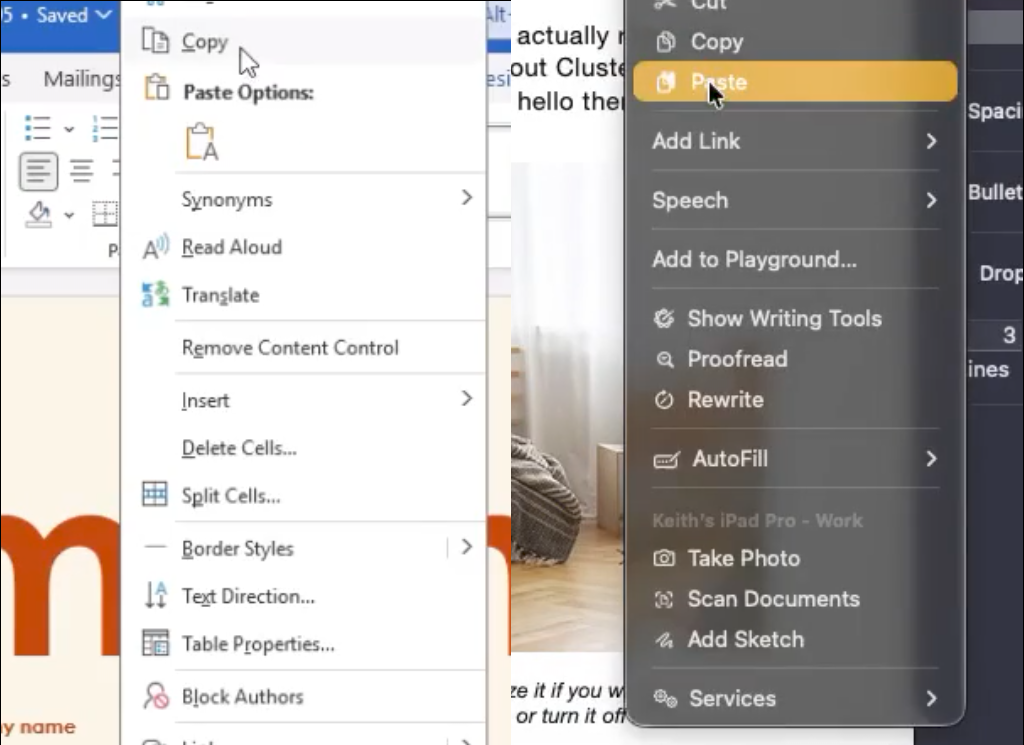
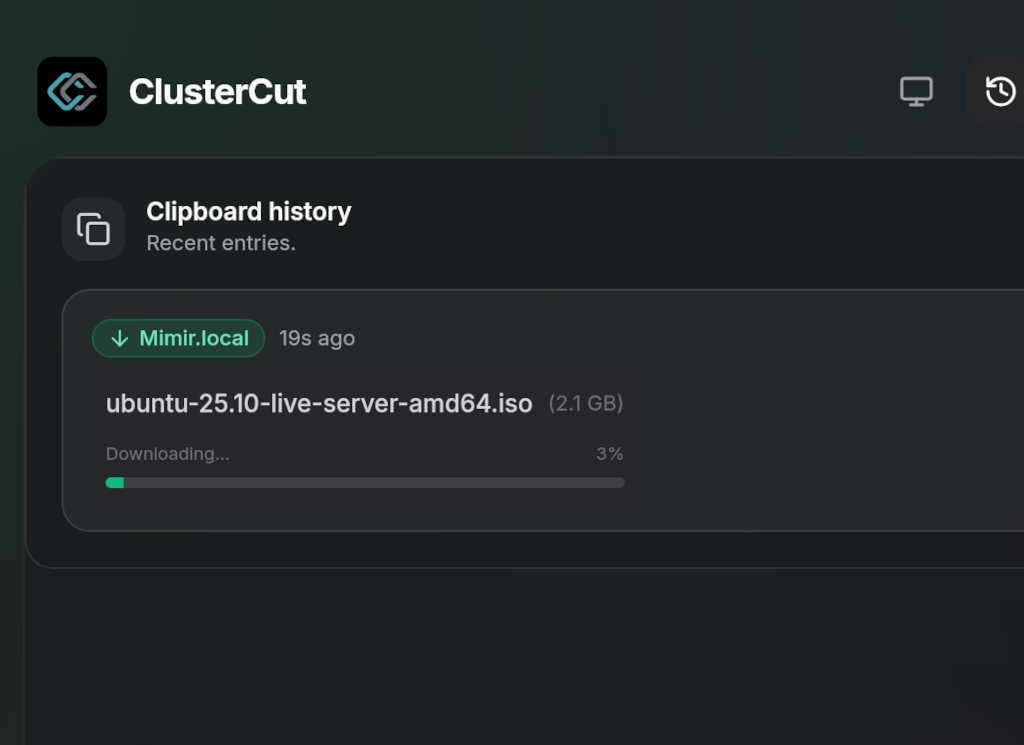
Smart File Transfers
ClusterCut handles files intelligently. Small files are sent automatically—just copy and paste. For larger files, you'll receive a notification to download them when you're ready.
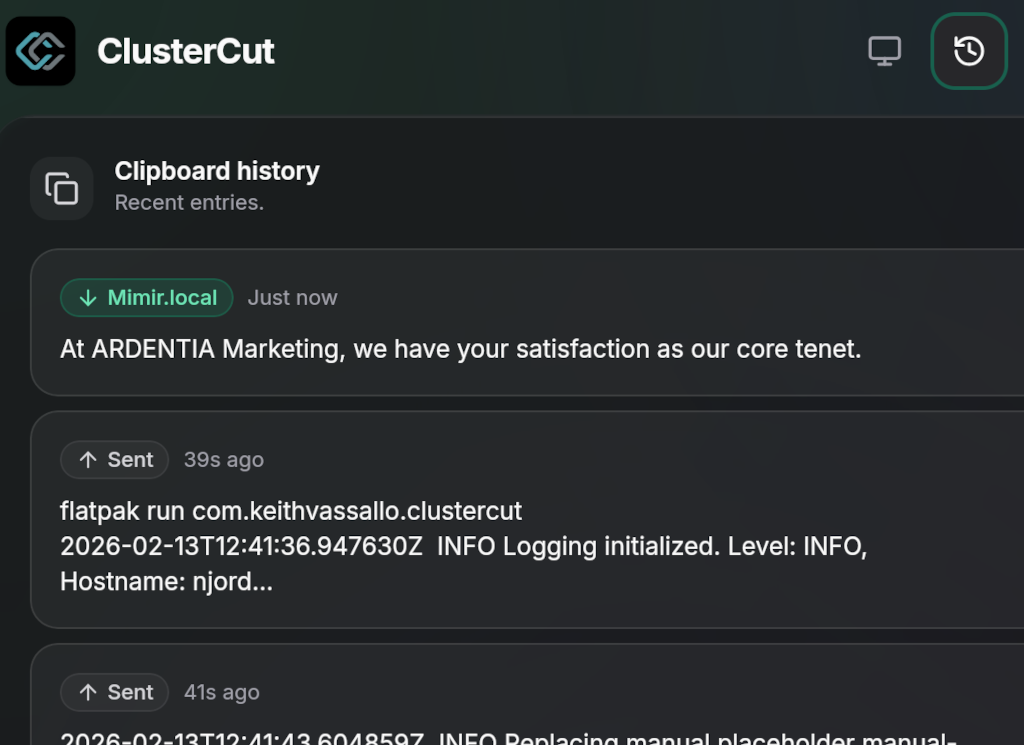
Clipboard History
Never lose a clip again. ClusterCut automatically saves your clipboard history, so you can access and paste previous items whenever you need them.
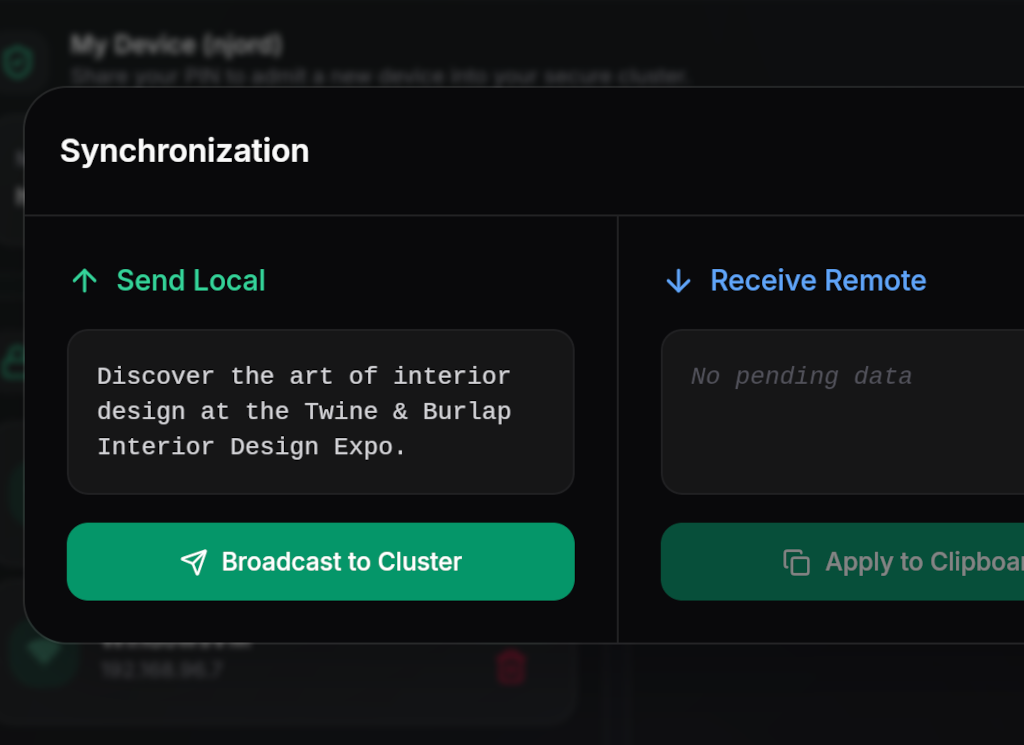
Manual Mode
Don't want to automatically send or receive everything? Enable manual mode to be in full control of your data flow.
Works Remotely
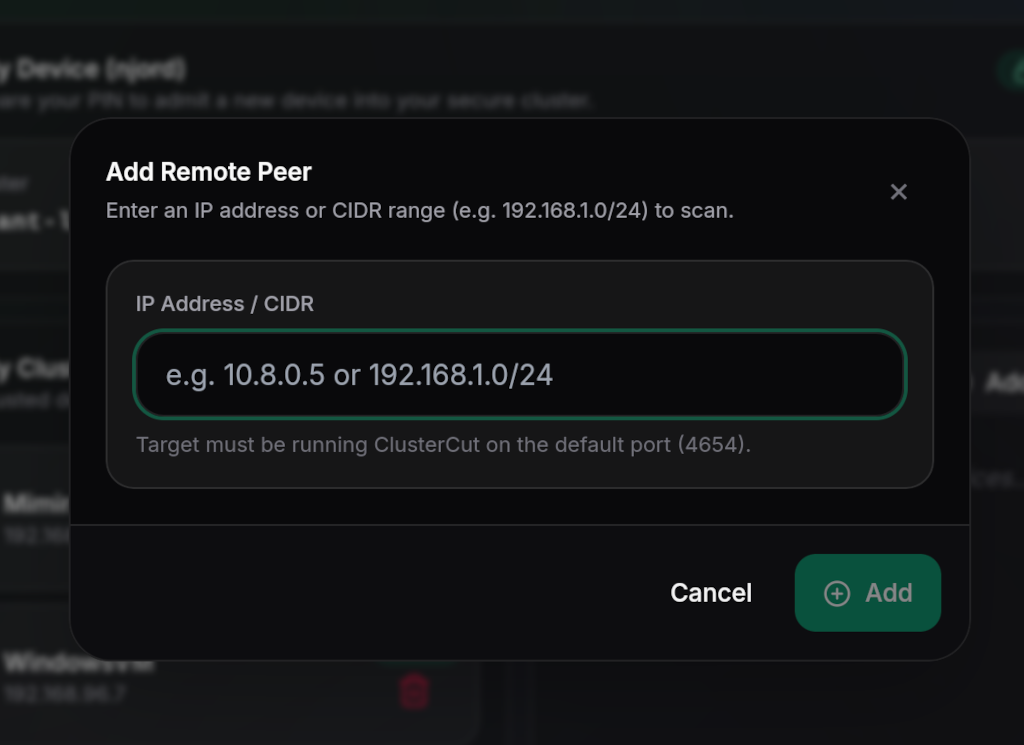
Your cluster isn't limited to one network. Manually add remote clusters to sync over a VPN or the internet securely.
Built for Privacy & Speed
| Feature | Description |
|---|---|
| End-to-End Encryption | Your clipboard content is encrypted before it leaves your device. Only your trusted devices can read it. |
| Lightning Fast | Built with Rust and optimized for local networks. Copy on one device, paste on another instantly. |
| Cross-Platform | Native experience on macOS, Windows, and Linux. Your clipboard works everywhere you do. |
| Local Network Only | No servers, no cloud, no internet required. Your data stays within your four walls. |
| Zero Knowledge | We don't collect data, telemetrics, or logs. Your privacy is our top priority. |
| Open Source | ClusterCut is fully open source. Inspect the code, contribute, or build it yourself. |
Development
Prerequisites
- Rust & Cargo: Install Rust
- Node.js (v18+): Install Node.js
- Just:
cargo install just(or via your package manager) - Tauri Prerequisites: Follow the Tauri v2 System Dependencies guide for your OS.
- Linux (Debian/Ubuntu):
libwebkit2gtk-4.1-dev build-essential libssl-dev libgtk-3-dev libayatana-appindicator3-dev librsvg2-dev - Linux (Fedora/RHEL):
webkit2gtk4.1-devel openssl-devel gtk3-devel libappindicator-gtk3-devel librsvg2-devel
- Linux (Debian/Ubuntu):
Setup
-
Clone the repository:
git clone https://github.com/keithvassallomt/ClusterCut.git cd ClusterCut -
Install dependencies:
npm install
Running Locally
To start the development server with hot-reload:
npm run tauri dev
Building
We use a Justfile for all build workflows (requires just):
just build          # Build native package (.exe/.dmg/.deb/.rpm)
just flatpak        # Build and install a local Flatpak from working tree
just run-flatpak    # Run the locally-installed Flatpak
just extension-zip  # Build the GNOME extension ZIP
just release        # Full release: version sync, tag, push, build everything
just clean          # Clean all build artifacts
See BUILD.md for detailed build instructions, Flatpak setup, GNOME extension installation, and the release workflow.
Clipboard Architecture (Linux)
On Linux, ClusterCut uses a three-path clipboard backend:
| Environment | Backend |
|---|---|
| X11 | tauri-plugin-clipboard (same as Windows/macOS) |
| Wayland + KDE/Sway/Hyprland | wl-clipboard-rs via wlr-data-control |
| Wayland + GNOME | ClusterCut GNOME extension (clipboard bridging over D-Bus) |
The backend is detected automatically at startup. On GNOME Wayland, the ClusterCut extension is required for clipboard sync to function.