Codo File - Code Edior with extending features.
1. It is Basically a Code Editor Which can Execute Javascript, Python and Dart Code.

2 .It have Two Features:
  a. Image to Text - In this you can upload any image .if the image contains any Text then it will extract that text and show in the browser.

  b. Voice to Text = In this you can speak your words and the text will be printed in the browser.

3 Do try this Code Editor andd give your Precious Feedback .(feedback form already available in home page of CodoFile Page ).
Preview
Requirement
- Internet Connectivity is Required.
- Try to Run The Compiler in Latest Browsers like Chrome, Brave, Edge.
- Voice to Text Feature in not supported in Mozrilla Firebox.
- Due to Beginning Stage ,Server Responding Might takes some time. Please wait while login/Register. and if not respond.Try to Refresh and it will work Proper.👍
- For not the Dart Compiler is not support.Due to SDk Installation Plbm but soon it will be Live.
- All the Best / Code Daily ,Learn Daily /
Installation
1. Open Command Prompt\ Terminal

2. git clone https://github.com/faizan619/Codo-File.git

3. cd .\Codo-File\

4. npm install

5. cd .\frontend\

6. npm install

7. npm i gsap

8. cd ../backend

9. npm install

10. npm install dotenv

11. cd..

12. npm run both
About this Project
[ A ] Overview of CodoFile Compiler
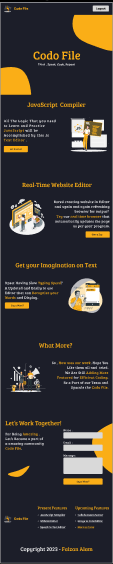
1. Home Page
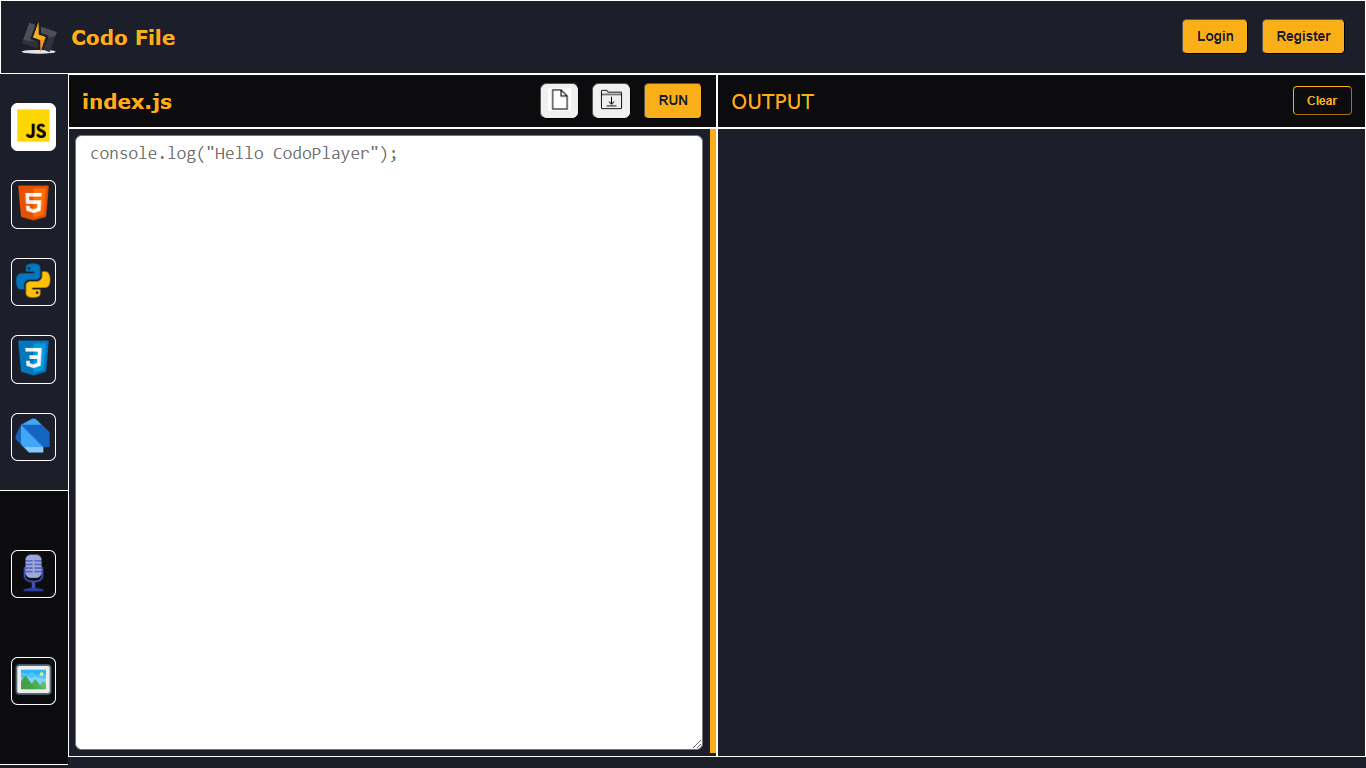
2. JavaScript Editor Page
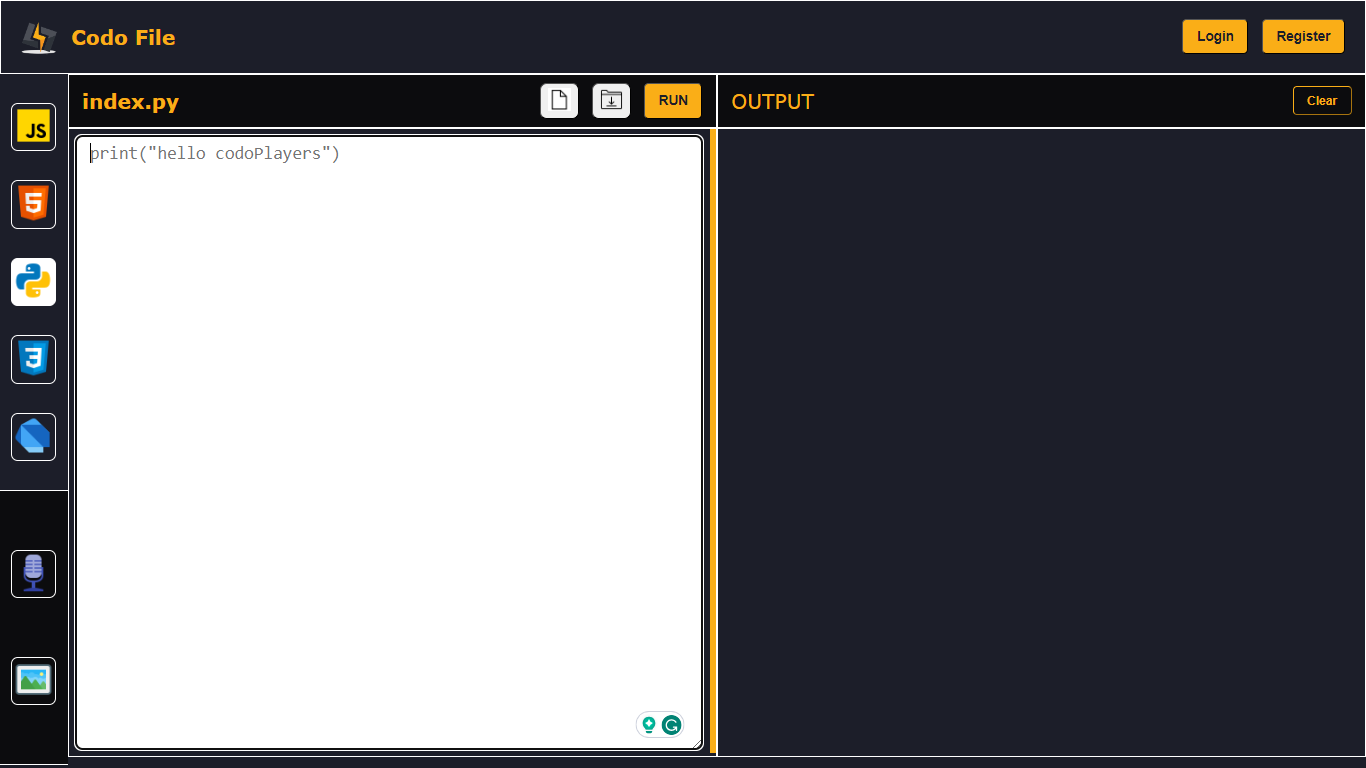
3. Python Editor Page
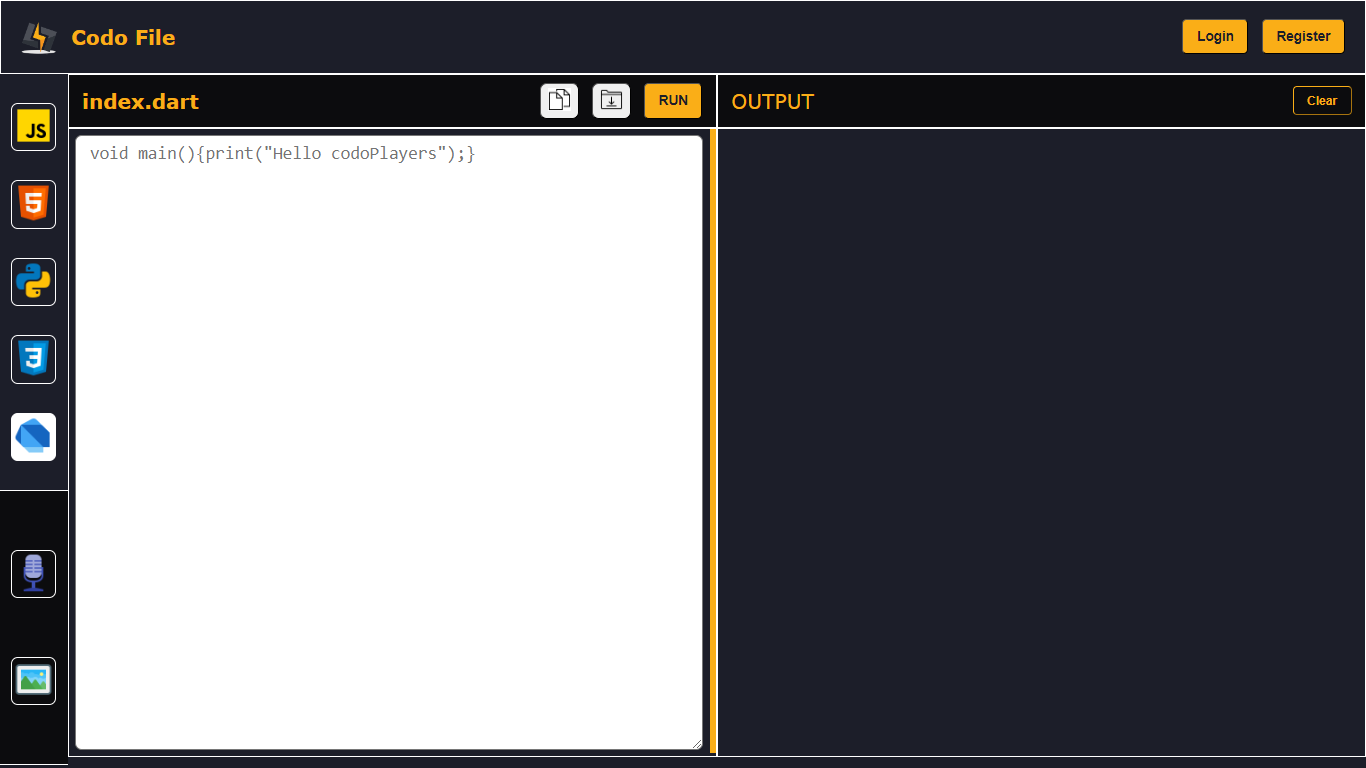
4. Dart Editor Page
5. Html Editor Page
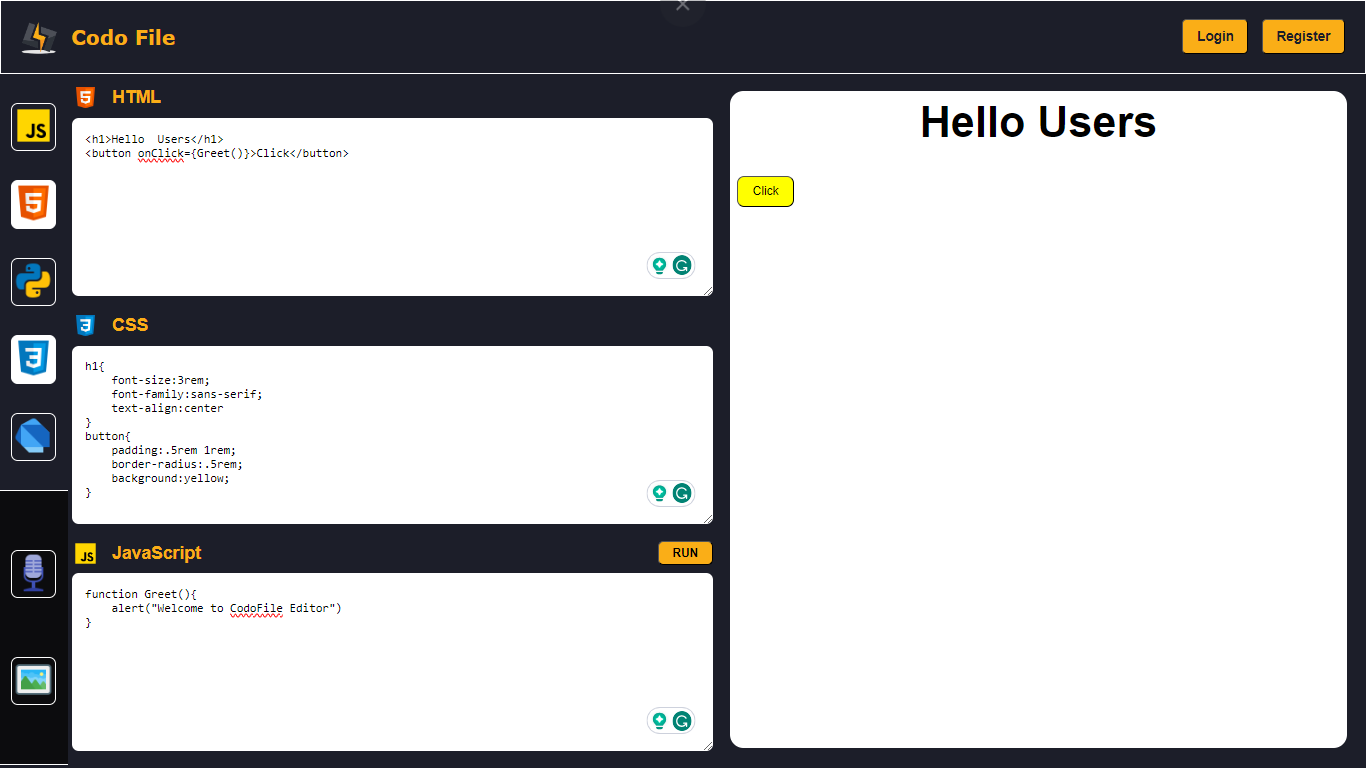
6. Voice to Text Page
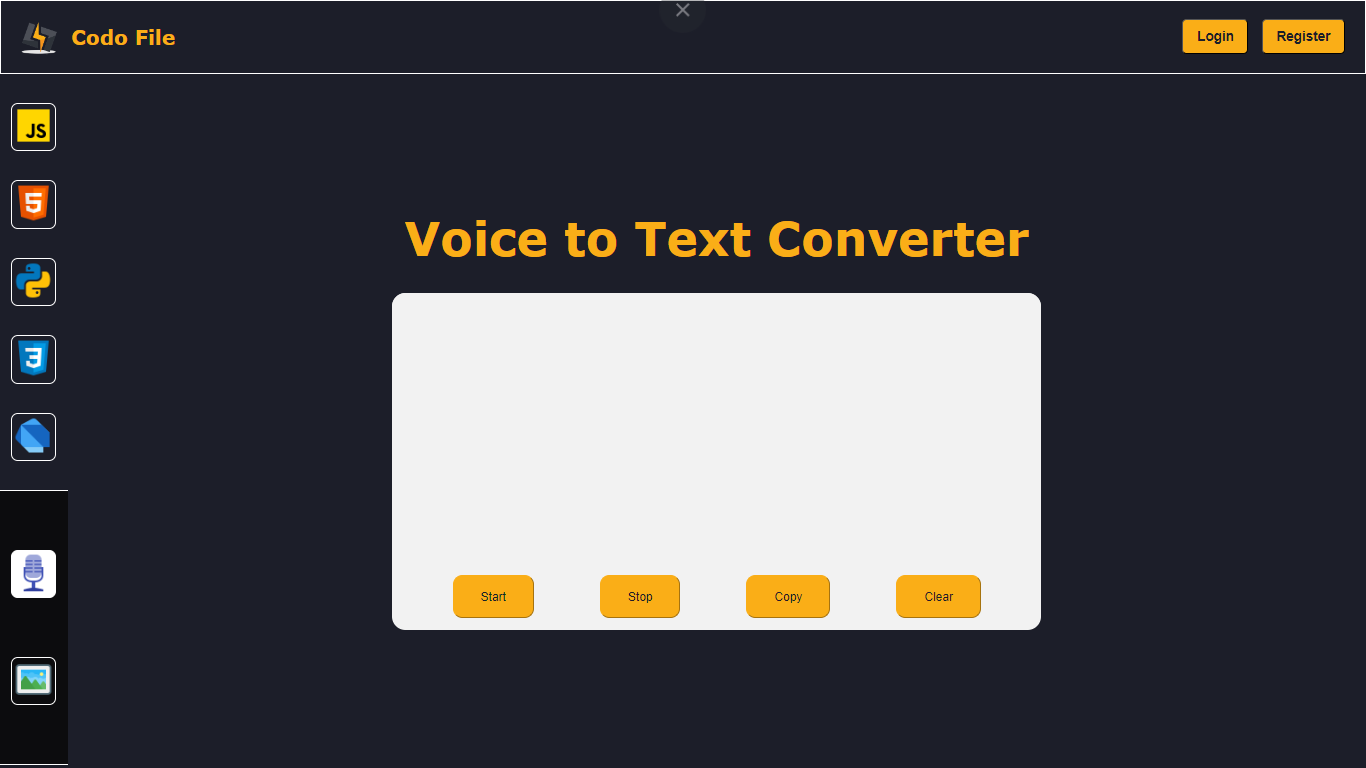
7. Image to Text Page
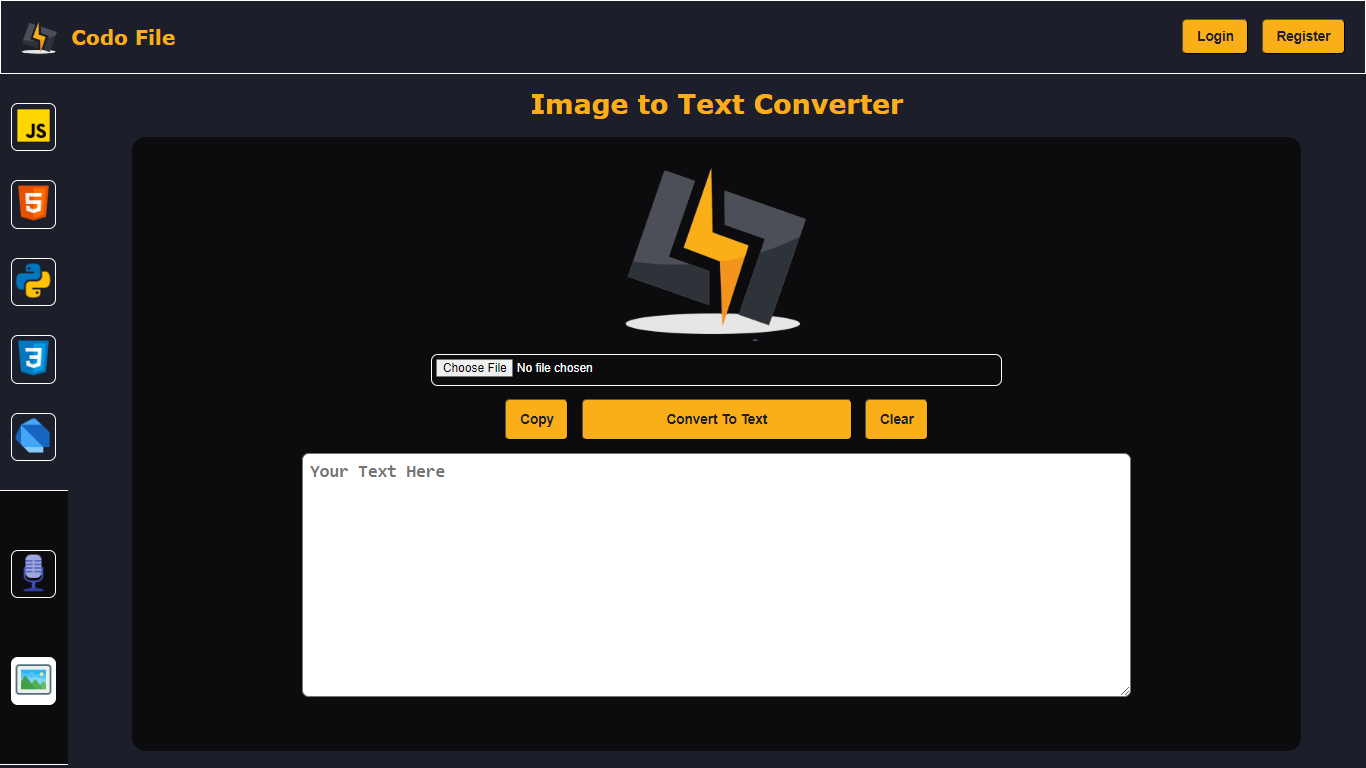
8. Page not Found Page
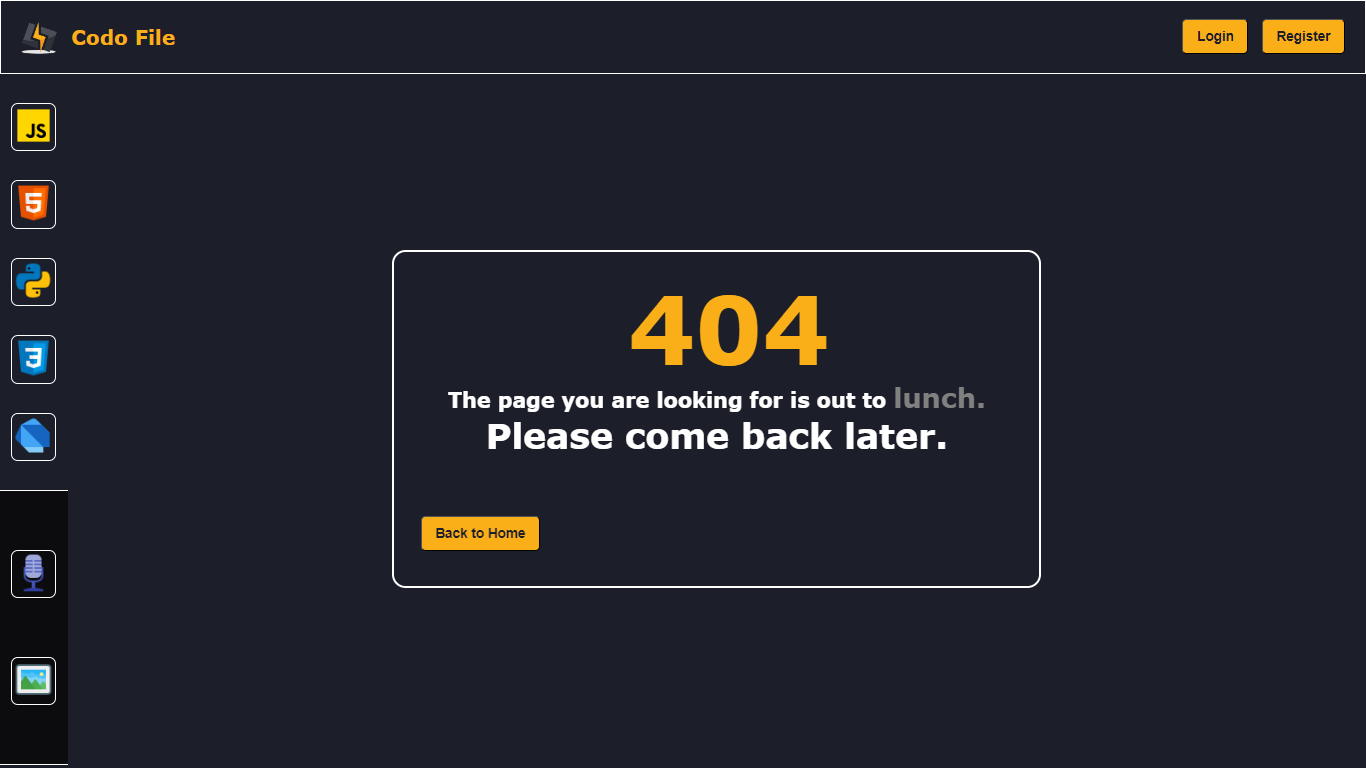
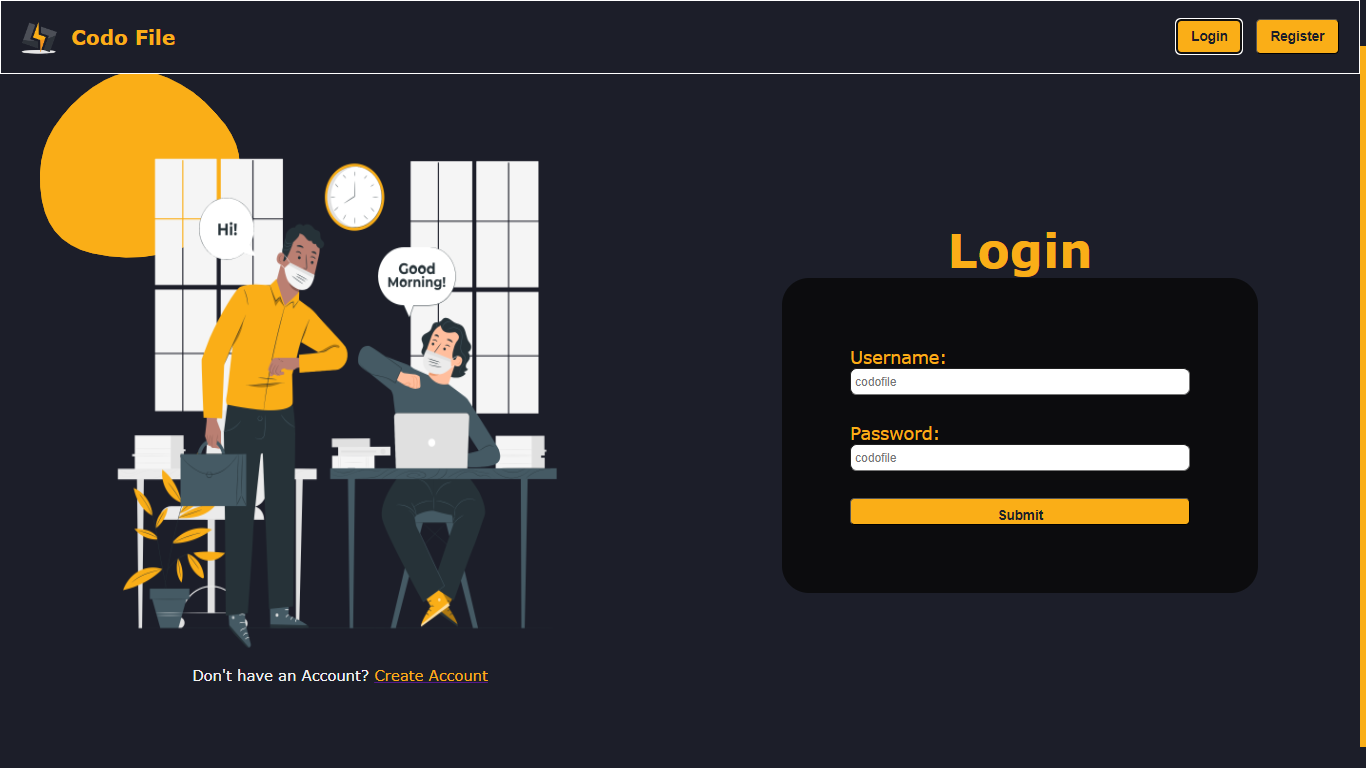
9. Login Page
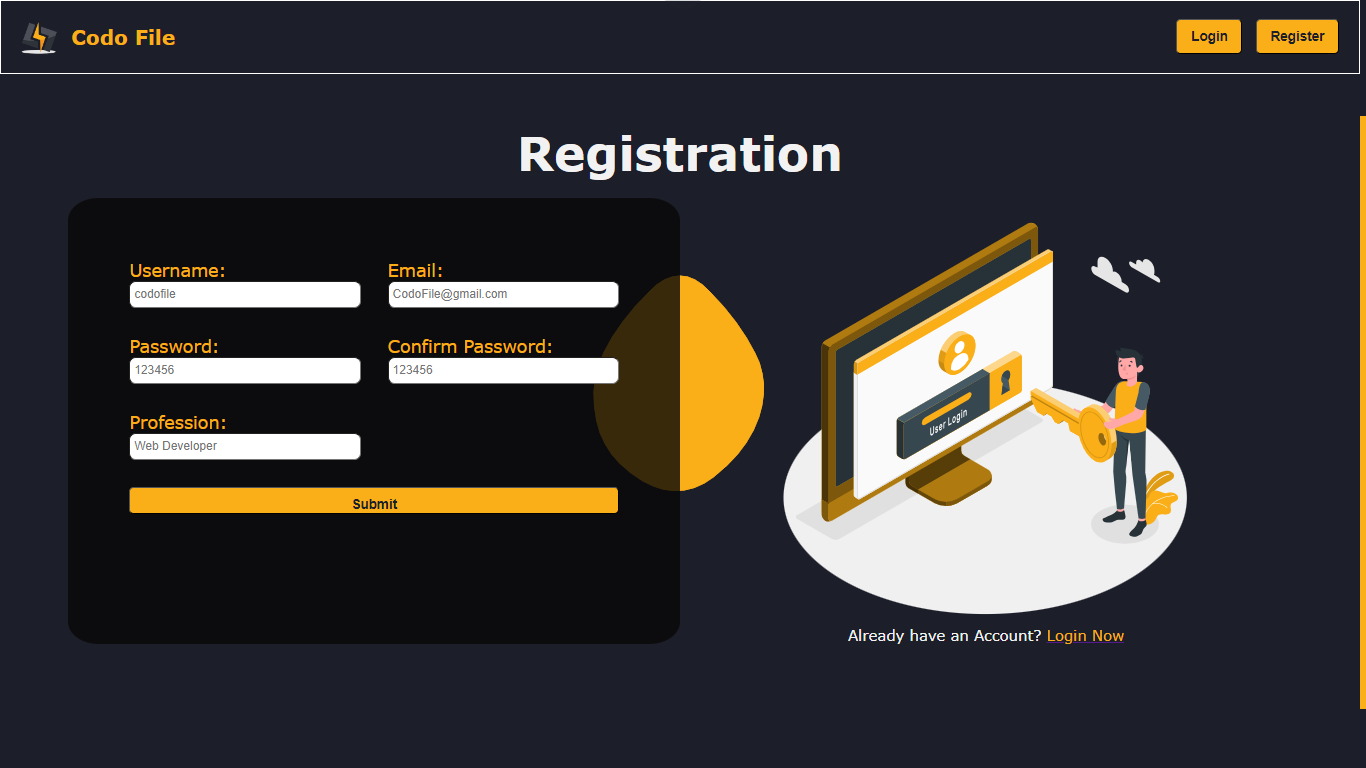
10. Register Page
[ B ] Contributor
- This Whole Project Solely Belong to Faizan Alam.
Contact Information
Copyright (C) 2023-2024 Faizan alam , [email protected].


