
Collectd-web: A User-Friendly Interface for Collectd


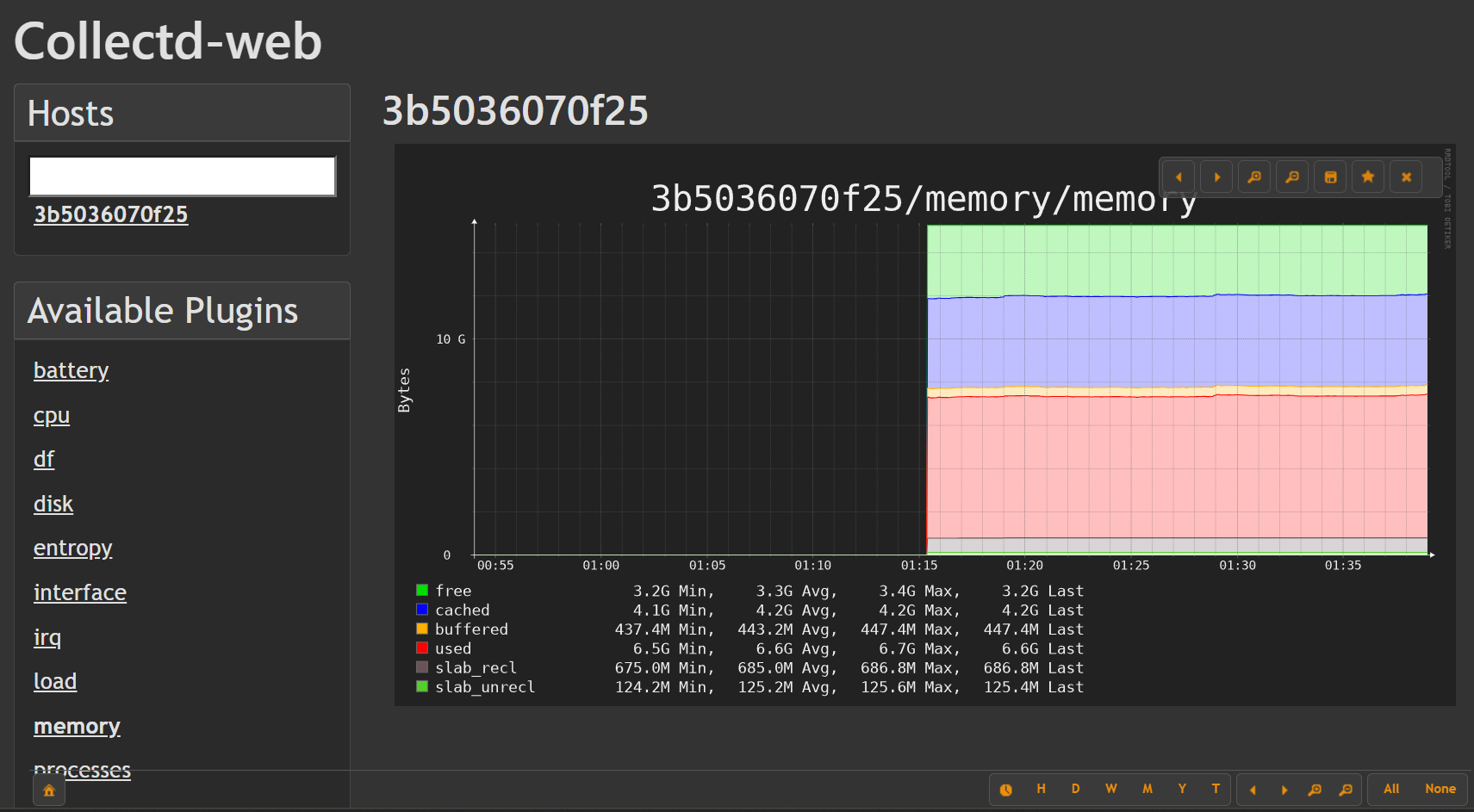
Collectd-web provides a sleek, intuitive, and customizable web interface for Collectd – the robust resource monitoring tool. Originally, Collectd's bundled frontend was designed only for testing, leaving its full potential untapped. Collectd-web bridges that gap by offering an efficient, user-centered experience for monitoring system statistics.
🐍 Upcoming: Python Backend Rewrite
The Perl CGI backend is being replaced with a clean Python Flask application. All graph functionality is preserved — just lighter, easier to deploy, and ready for community contributions.
PR #168 — Python Flask backend is open for review. Feedback welcome!
Key changes: removes
librrds-perl,libjson-perl,libhtml-parser-perl,libcgi-pm-perl,libipc-run-perl— replaced bypip install flask rrdtool. Full pytest suite included.
📌 Project Status
Maintenance mode. Collectd-web is stable and actively maintained for bug fixes and security updates. New feature development is limited. If you depend on collectd-web, it is safe to use — just expect incremental rather than major changes going forward.
Found a bug? Please open an issue. Have a question or want to discuss the project? Join us in GitHub Discussions.
📊 Table of Contents
🚀 Features
- Intuitive Dashboard: Easily visualize system statistics with a responsive design.
- Customizable Interface: Adjust the display to highlight the data that matters to you.
- Quick Deployment: Launch the built-in, standalone web server with minimal setup.
- Efficient Monitoring: Optimized for performance and usability in monitoring diverse systems.
🛠 Installation
Prerequisites
Before installing Collectd-web, please ensure:
-
Directory Structure: Organize your files so that each host's data resides in its own sub-directory named after the host. For example:
/etc/collectd/collectd-web/localhost/ -
Python 3.6+ Requirement: The standalone web server requires Python version 3.6 or higher.
Configuration
After setting up your directories, create a configuration file to define your data directory. For example, create /etc/collectd/collection.conf with the following content:
datadir: "/etc/collectd/collectd-web/"
Debian-based Installation
To install collectd-web, you need to download the latest .deb package from the GitHub Releases page.
Steps
-
Find the Latest Release Navigate to the collectd-web Releases page.
-
Download the
.debFile You can manually download the latest.debfile from the release assets or use the following command to fetch it automatically:wget $(curl -s https://api.github.com/repos/httpdss/collectd-web/releases/latest | grep "browser_download_url.*\.deb" | cut -d '"' -f 4) -
Install the Package Once downloaded, install it using:
sudo dpkg -i collectd-web*.deb -
Resolve Dependencies (if needed) If there are missing dependencies, run:
sudo apt-get install -f -
Start the Service Finally, start the service:
sudo service collectd-web start
🌐 Usage
Standalone Server
To start the Collectd-web standalone server, simply run:
sudo service collectd-web start
Once running, open your web browser and navigate to the provided address (typically http://localhost:8888) to begin monitoring your systems.
Nginx Configuration
Check the Nginx configuration for setting up Collectd-web with Nginx.
Apache Configuration
Add these lines to your apache vhost configuration:
    Alias /collectd-web/collectd-web /path/to/vhost/httdocs/collectd-web
    <Directory /path/to/vhost/httdocs/collectd-web/cgi-bin>
      Options +ExecCGI +FollowSymLinks
      AddHandler cgi-script .cgi .pl
    </Directory>
🔗 Links
- Project Homepage: Collectd-web on GitHub
- Community Discussions: GitHub Discussions
- Code of Conduct: Please review our Code of Conduct for community guidelines.
📄 License
Collectd-web is licensed under the Apache 2.0 License. For full license details, please refer to the LICENSE file.
💰 Funding
If you find Collectd-web useful, please consider supporting its development. Donations can be made via PayPal. Your support is greatly appreciated!
📝 Contributing
We welcome contributions from the community. For details on how to get involved, please see our CONTRIBUTING.md.