
 Conar.app
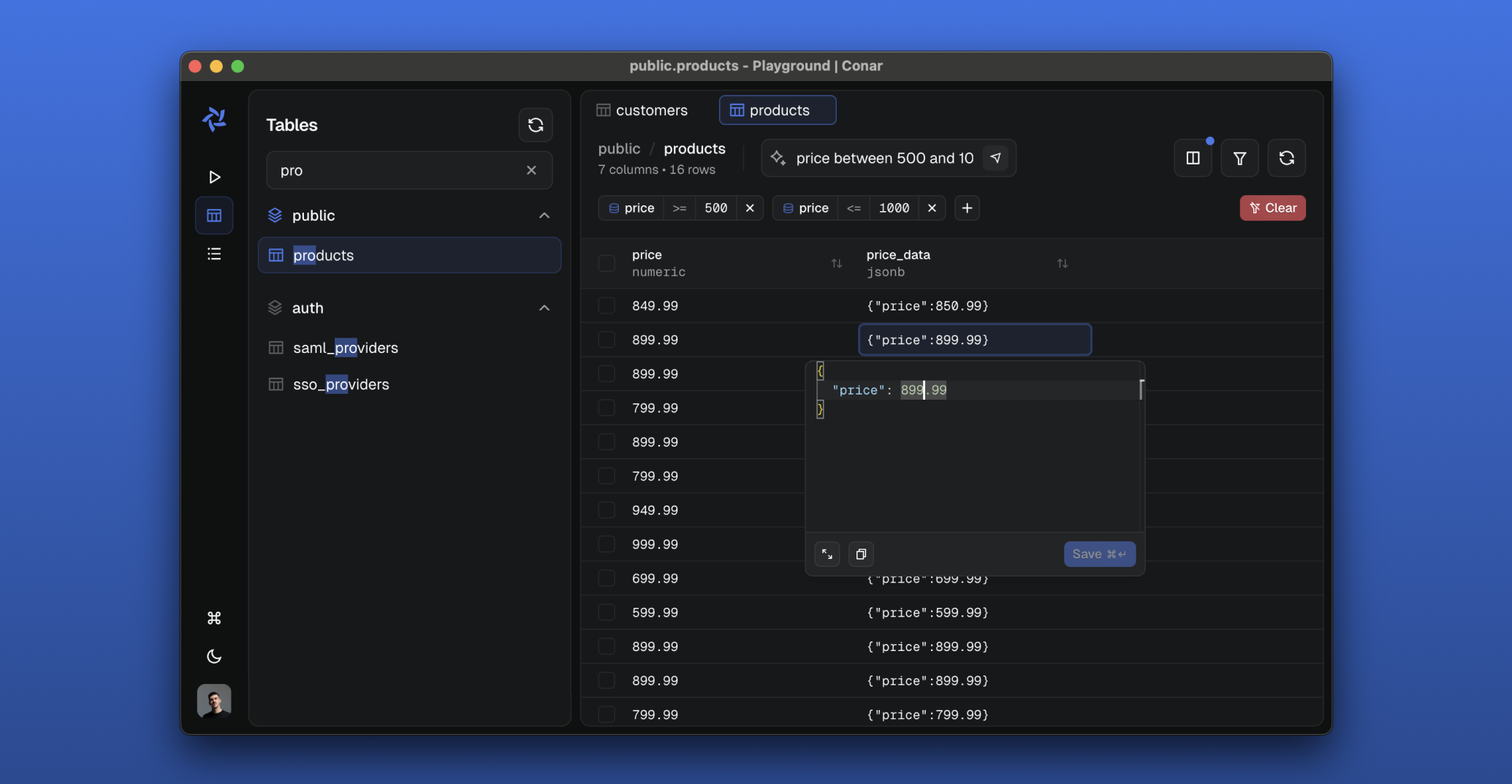
Conar is an AI-powered open-source project that simplifies database interactions. Built for PostgreSQL, MySQL, MSSQL, Clickhouse with support for other databases coming in the near future. Store your connections securely in our cloud and ask AI to help you write and optimize SQL queries.

Features
-
🔐 Secure & Open
- Open-source codebase
- Encrypted connection strings
- Password protection
-
💾 Multi-Database Support
- PostgreSQL
- MySQL
- MSSQL
- Clickhouse
- Sqlite (coming soon)
- MongoDB (coming soon)
-
🤖 AI-Powered Features
- Intelligent SQL assistance
- Ability to change AI model
- More coming soon..
Stack
- React with TypeScript
- Electron
- TailwindCSS and shadcn/ui
- Vite
- TanStack Start/Router/Query/Form/Virtual
- Arktype
- Bun
- Hono
- oRPC
- Drizzle ORM
- Better Auth
- AI SDK with Anthropic, OpenAI, Gemini and XAI
- Railway
- PostHog
- Resend
- ToDesktop
- Stripe
Development Setup
-
📦 Package Installation
pnpm install -
🐳 Start Database with Docker Compose
This will start the PostgreSQL database & Redis in the background.
pnpm run docker:start -
🗄️ Prepare Database
This will run database migrations to set up the required tables and schema.
pnpm run drizzle:migrate -
🚀 Run the Project
This starts all development servers through portless (HTTPS on
.local.conar.appdomains):Service URL API https://api.local.conar.app App https://app.local.conar.app Main https://main.local.conar.app Proxy https://proxy.local.conar.app pnpm run devTo run a single app without Turbo,
cdinto its directory (e.g.apps/api) and runpnpm run dev.
Testing
- Unit Tests
pnpm run test
Before running E2E tests, make sure to start the test server:
pnpm run test:startand dbpostgresql://postgres:postgres@localhost:5432/conar
- E2E Tests
pnpm run test:e2e