


CrateDB Alt panel - 0.3.4
This is an Admin panel that intends to support all the features from CrateDB 5.4+ and add extra functionality to make the lives of CrateDB users easy.
Why this tool?
On-prem CrateDB currently ships with the admin-ui, it is no longer developed, it is quite dated and lacks certain modern features, it still works fine for querying though.
Cloud users have their own ui in https://console.cratedb.cloud/.
This admin tool is intended for on-prem users that want to have a modern, updated and feature rich solution.
Features:
- Statistics: View your Node load, queries per second and query duration in live charts.
- Health: View your node health and node checks live.
- Console: Modern console with CrateDB syntax highlighting, code completion, different console tabs, cancel current running query, query history, auto format, live update.
- Tables: View the system and your user tables and views information, size, records, view schema, show create, drop table, data sampling, table querying and table creation from the UI.
- Cluster: View your cluster live information such as version, os info, loads, heap usage, disk usage and live view of the current running jobs.
- Users: View current existing users, users permissions, add new permission, revoke permissions, drop user, create user, alter user.
- Logs: Actions from the Admin UI (Example: drop table, create user, drop user..) are logged and can be filtered depending on the severity.
- Repositories & Snapshots: Create, delete and admin your repositories, create, delete and restore the snapshots.
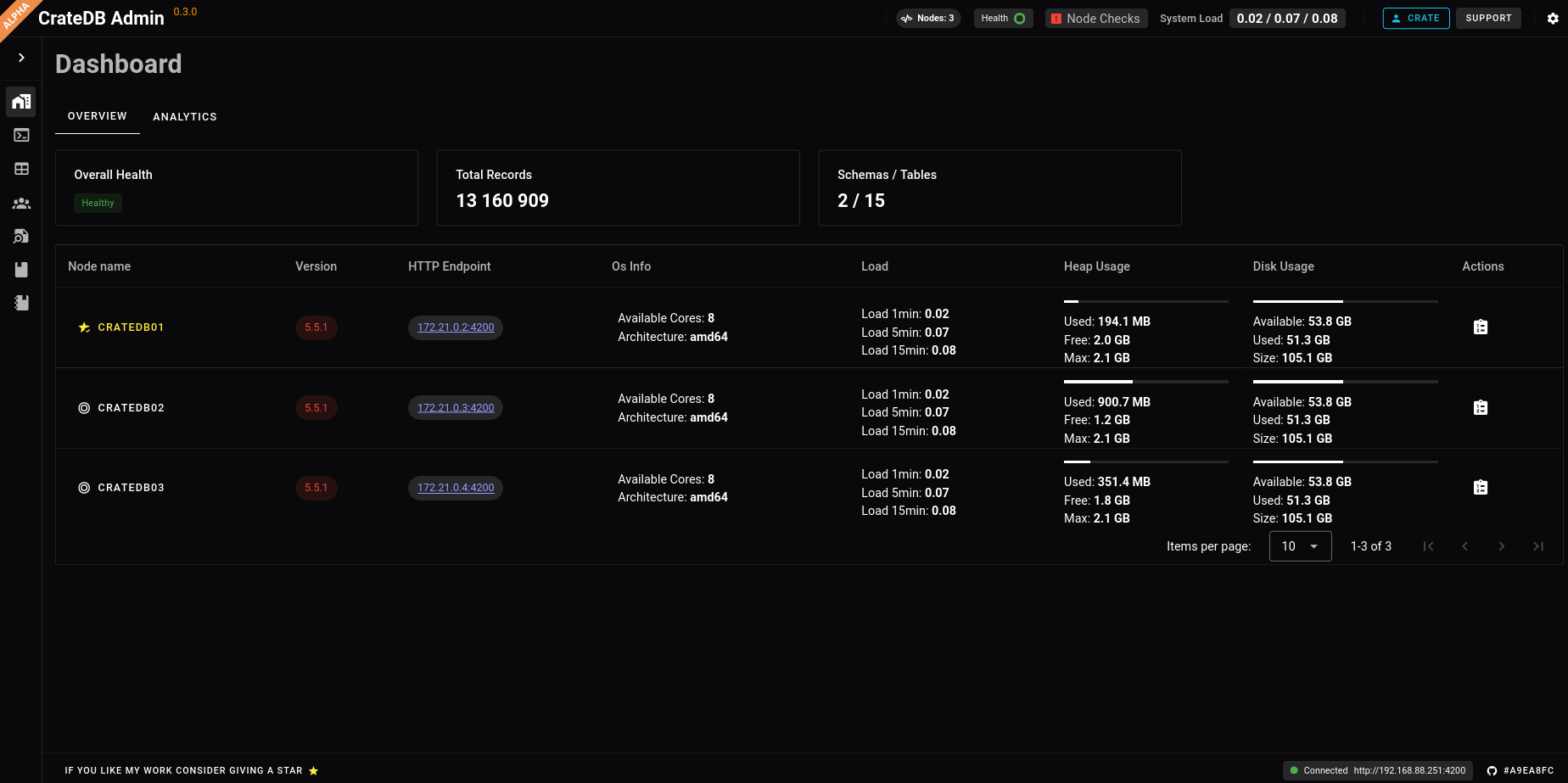
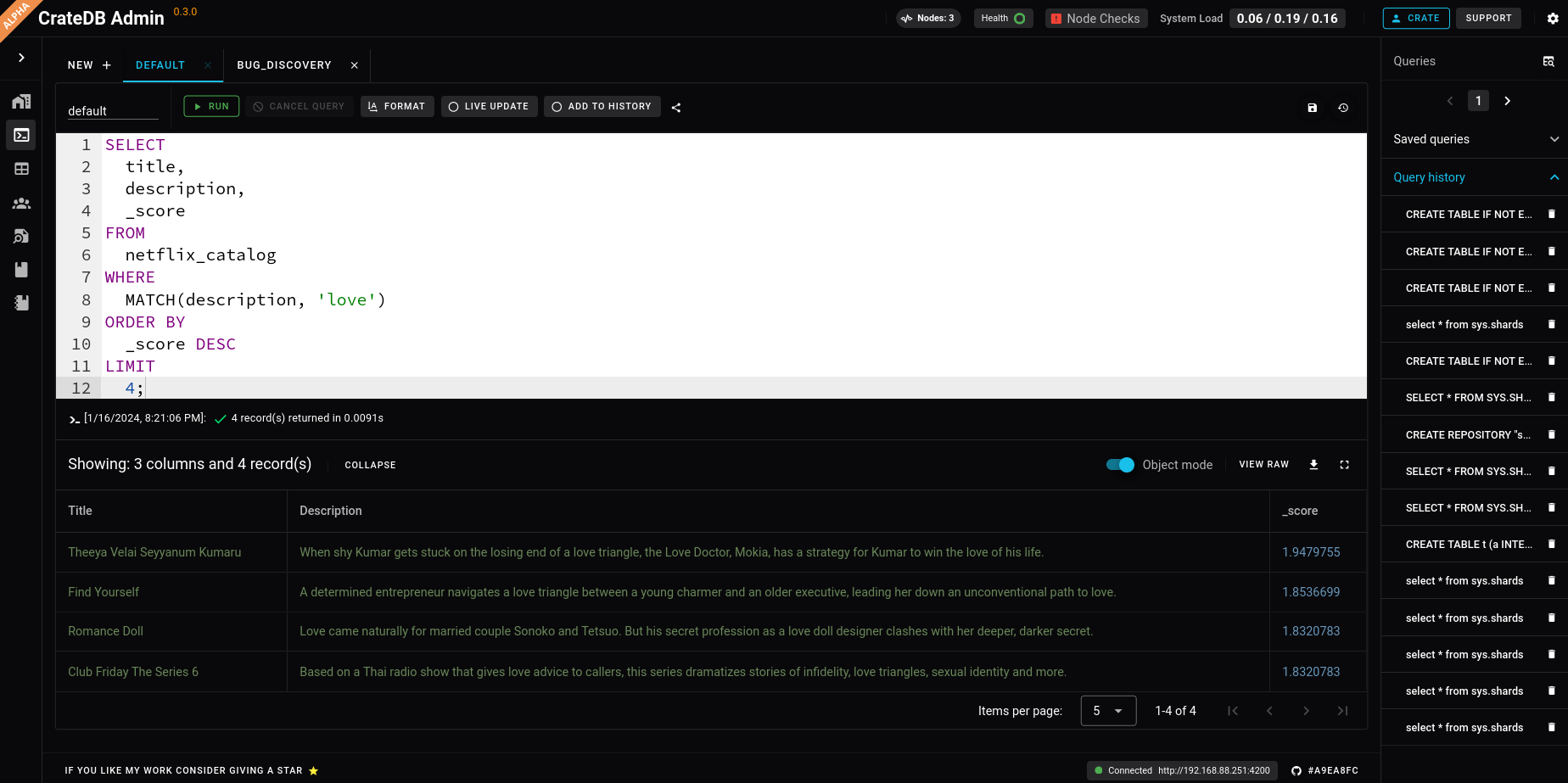
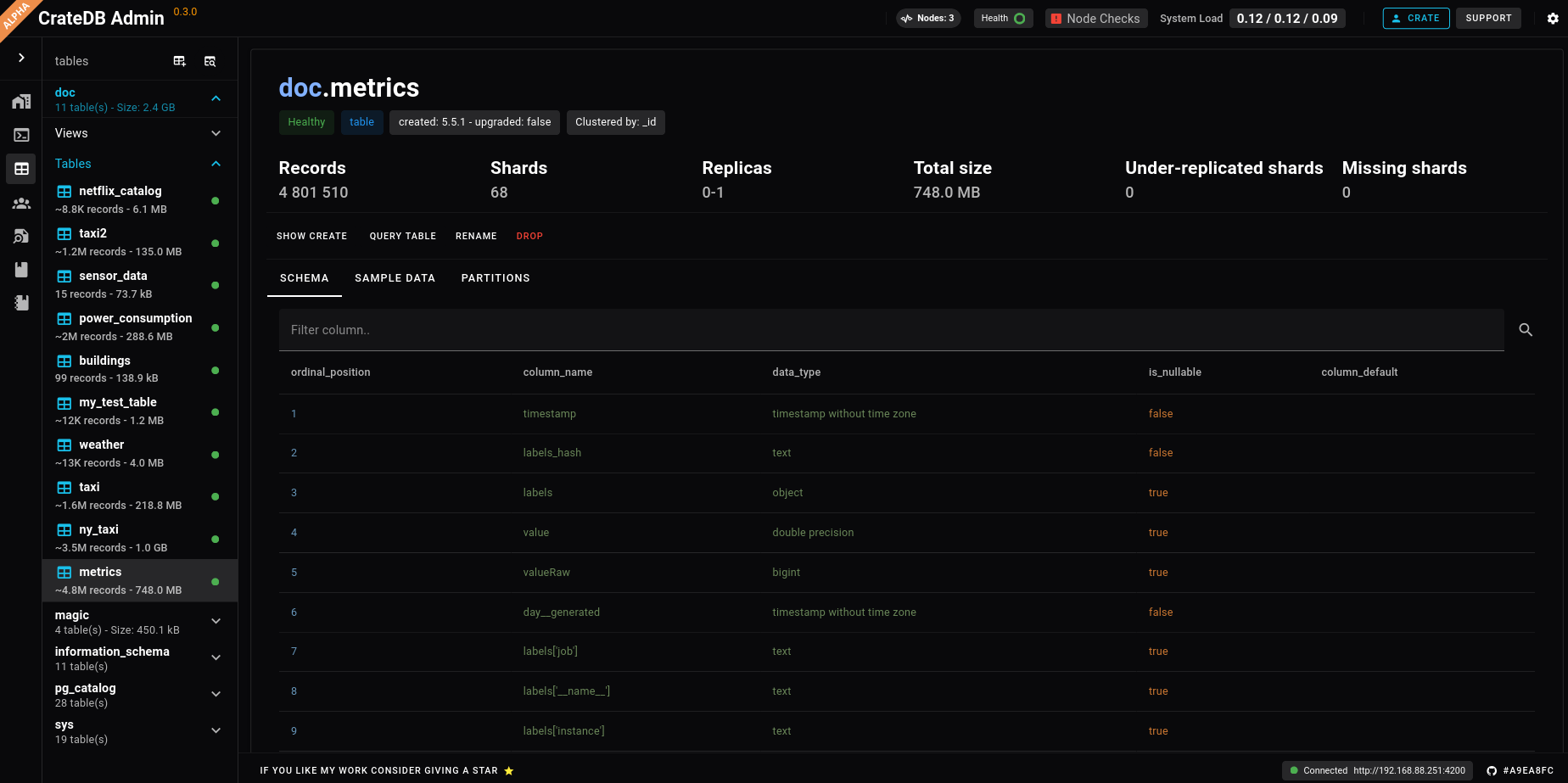
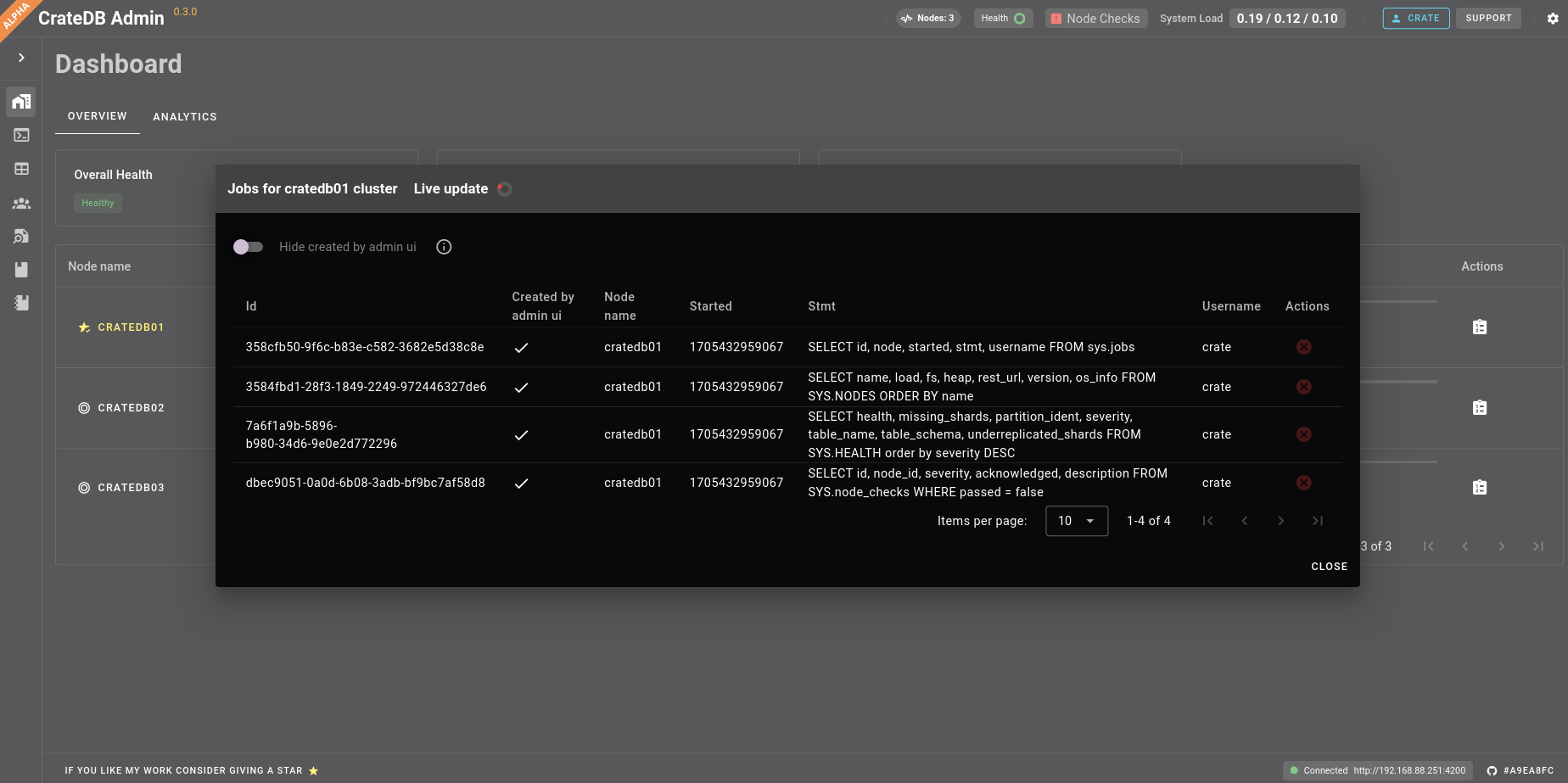
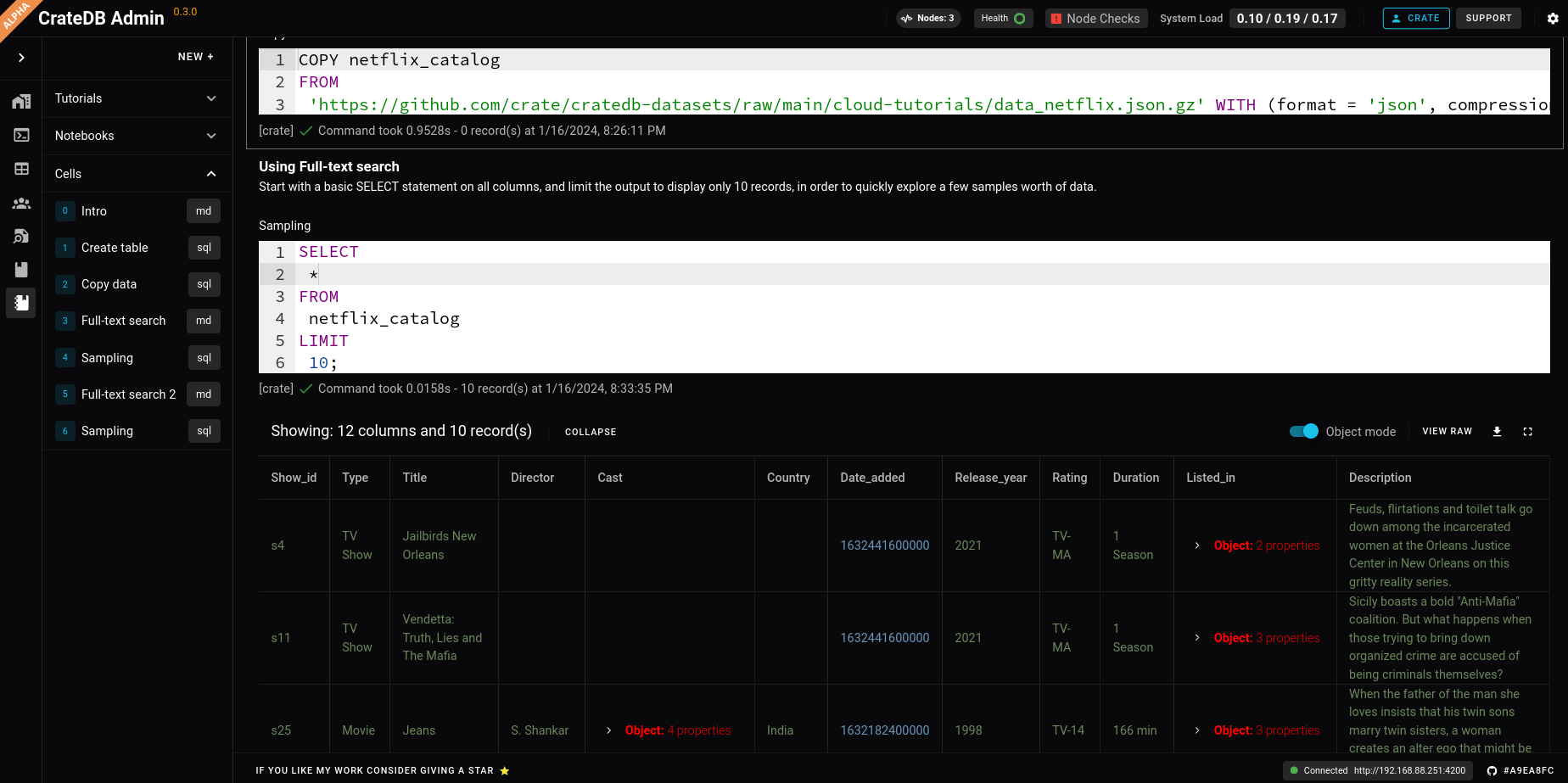
You can see more screenshots in /screenshots
Getting started
The easiest way of getting started is to run a docker container:
docker run -p 3000:80 surister/cratedbaltadmin:latest
We also upload different versions, more in https://hub.docker.com/repository/docker/surister/cratedbaltadmin/general
Which version should I pick for my CrateDB instance?
If you are running a CrateDB version >=5.4, any version of the admin UI should work, it is always advisable to be running the latest CrateDB version.
If you are running <5.4, the admin ui might not fully work; I would only rely on basic console querying, since many features depend on CrateDB 5.4+
Again, upgrade your CrateDB cluster!
Configuring CrateDB to use cratedb-admin-alt
For CrateDB to be able to be connected from cratedb-admin-alt, you need to enable Cross-Origin
Resource Sharing in your CrateDB configuration, like:
-Chttp.cors.enabled=true
-Chttp.cors.allow-origin=http://localhost:3000
Docker example:
docker run --rm -d \
      --name=crate01 \
      --net=crate \
      -p 4200:4200 \
      --env CRATE_HEAP_SIZE=1g \
      crate -Cnetwork.host=_site_ \
            -Cnode.name=crate01 \
            -Chttp.cors.enabled=true \
            -Chttp.cors.allow-origin=http://localhost:3000
If you run the admin panel from another port, it will have to match
the http.cors.allow-origin setting.
Extra configuration
base_uri
You can specify the base_uri with the query parameter base_uri
http://localhost:3000/?base_uri=http://localhost:4200
query
You can specify the query in the console with the query parameter query
http://localhost:3000/console?query=select+*+from+sys.shards
Contributing
This project is currently being developed by me, but it's open for contributions, also if you have some ideas, feature request or happen to find a bug, please let me know in an issue, so it can be addressed.
See DEVELOPER_SETUP.