Home
Softono
cscan

cscan

Open source MIT Go
367
Stars
59
Forks
2
Issues
6
Watchers
2 weeks
Last Commit

About cscan

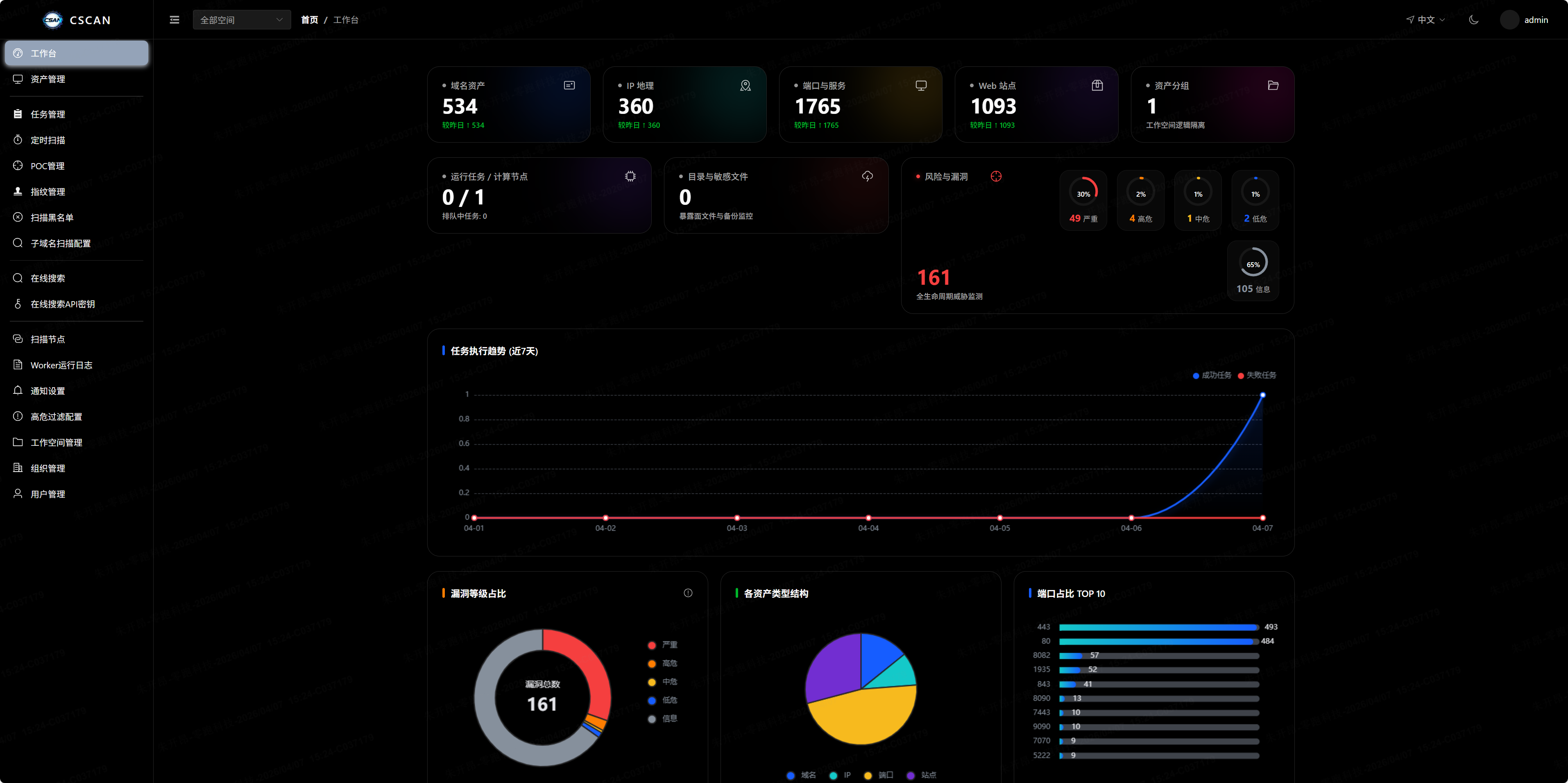
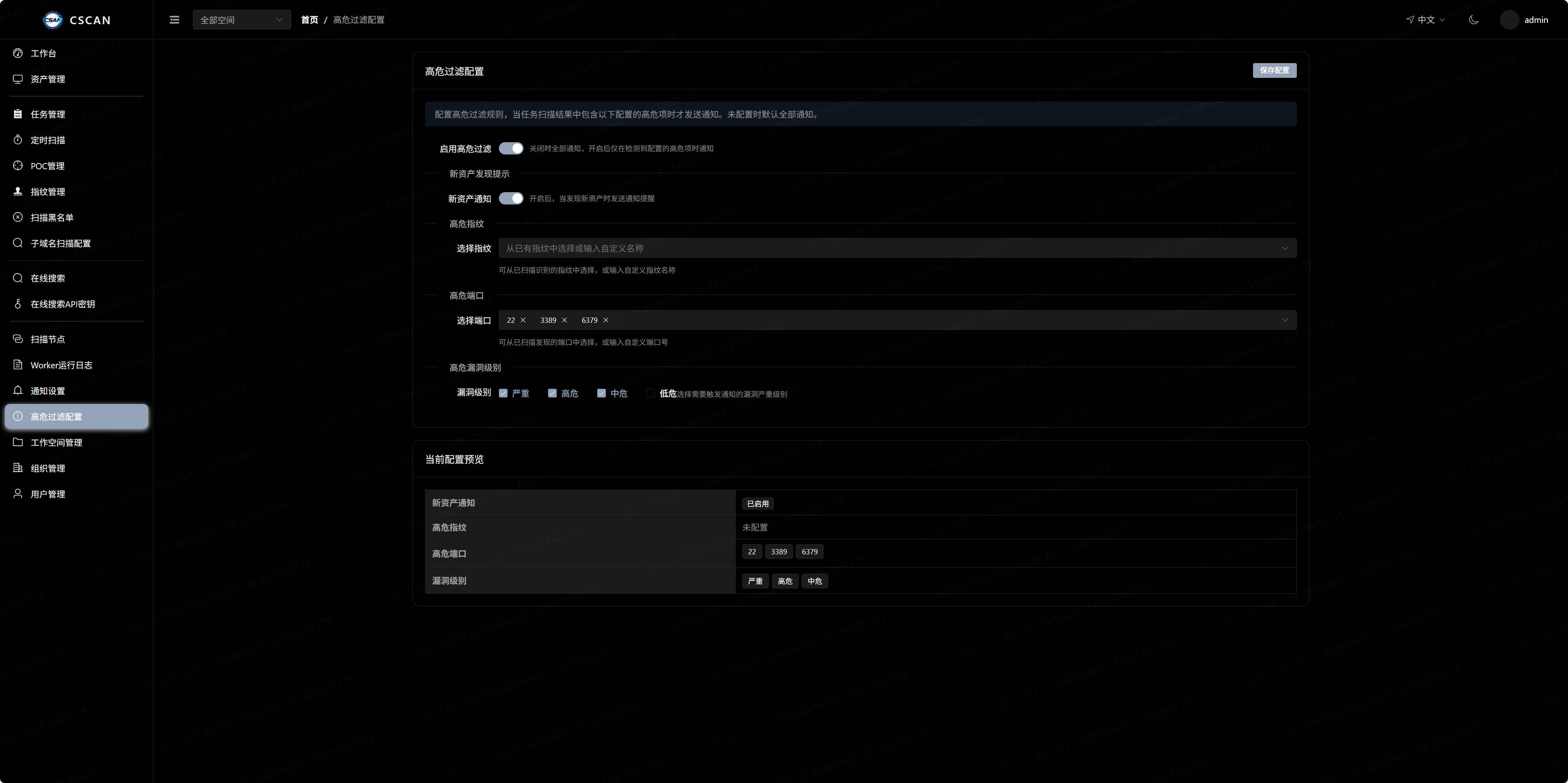
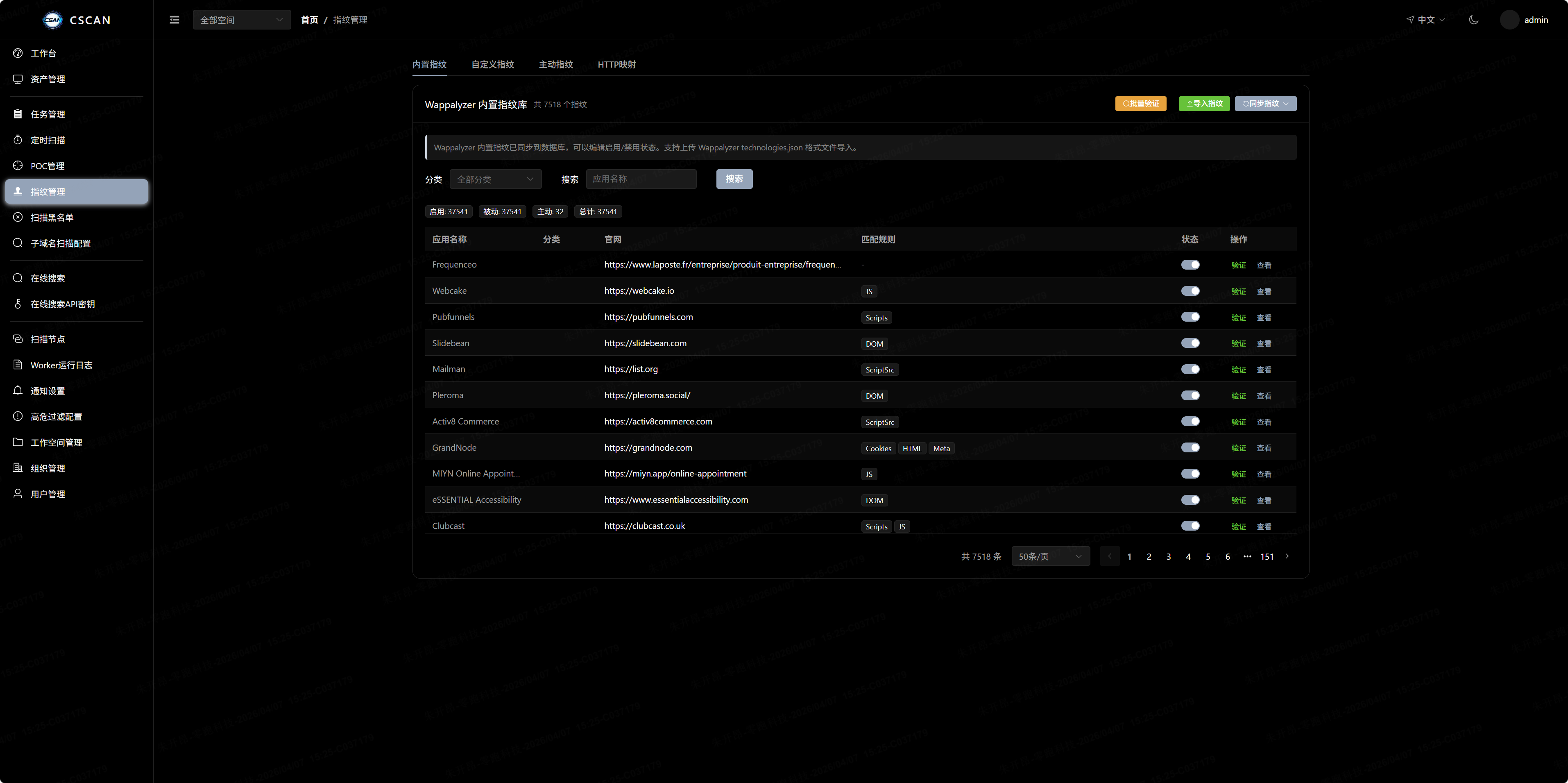
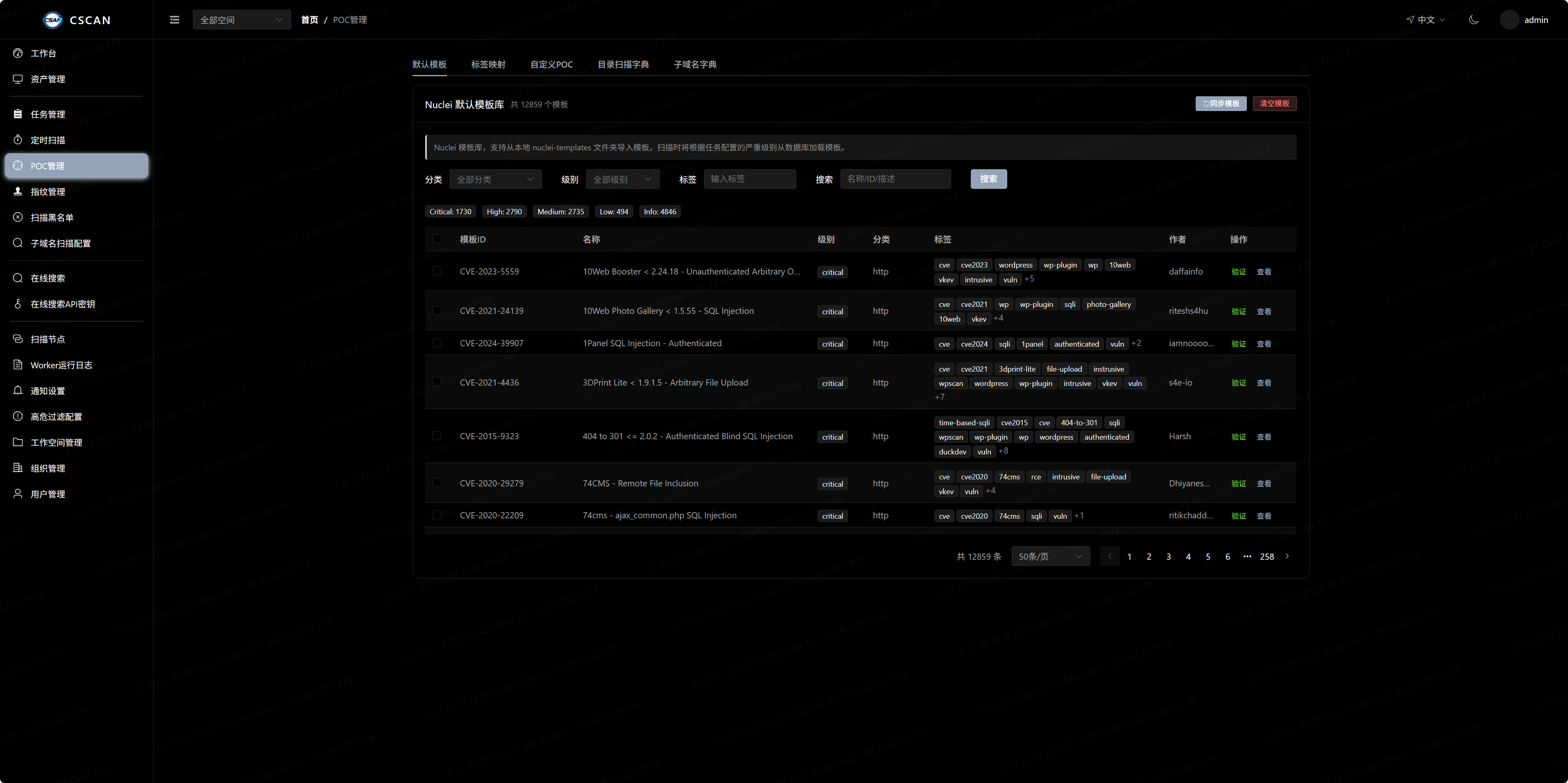
CSCAN is an enterprise-grade distributed asset and vulnerability scanner built with Go-Zero and Vue 3. It provides a high-performance platform for discovering and analyzing network assets through features including subdomain brute-forcing, port scanning, service fingerprinting, weak password auditing, JavaScript asset identification, and PoC-based vulnerability detection. The system uses a Master/Worker architecture that supports elastic scaling across multiple nodes, with pipeline orchestration that automatically passes results between scan stages. Additional capabilities include customizable weak password dictionaries, Cron-based scheduled tasks, automatic asset grouping by domain, multi-tenant workspace isolation, and real-time notifications via DingTalk, Feishu, WeChat Work, email, and webhooks. Built-in tools cover dashboard management, asset search, fingerprint management, a vulnerability library, node monitoring, and notification configuration. Installation is available via shell scripts on Linux and m

Platforms

Web Self-hosted

Languages

Go
CSCAN

CSCAN-企业级分布式网络资产扫描平台

Go Vue License Version

中文 · English


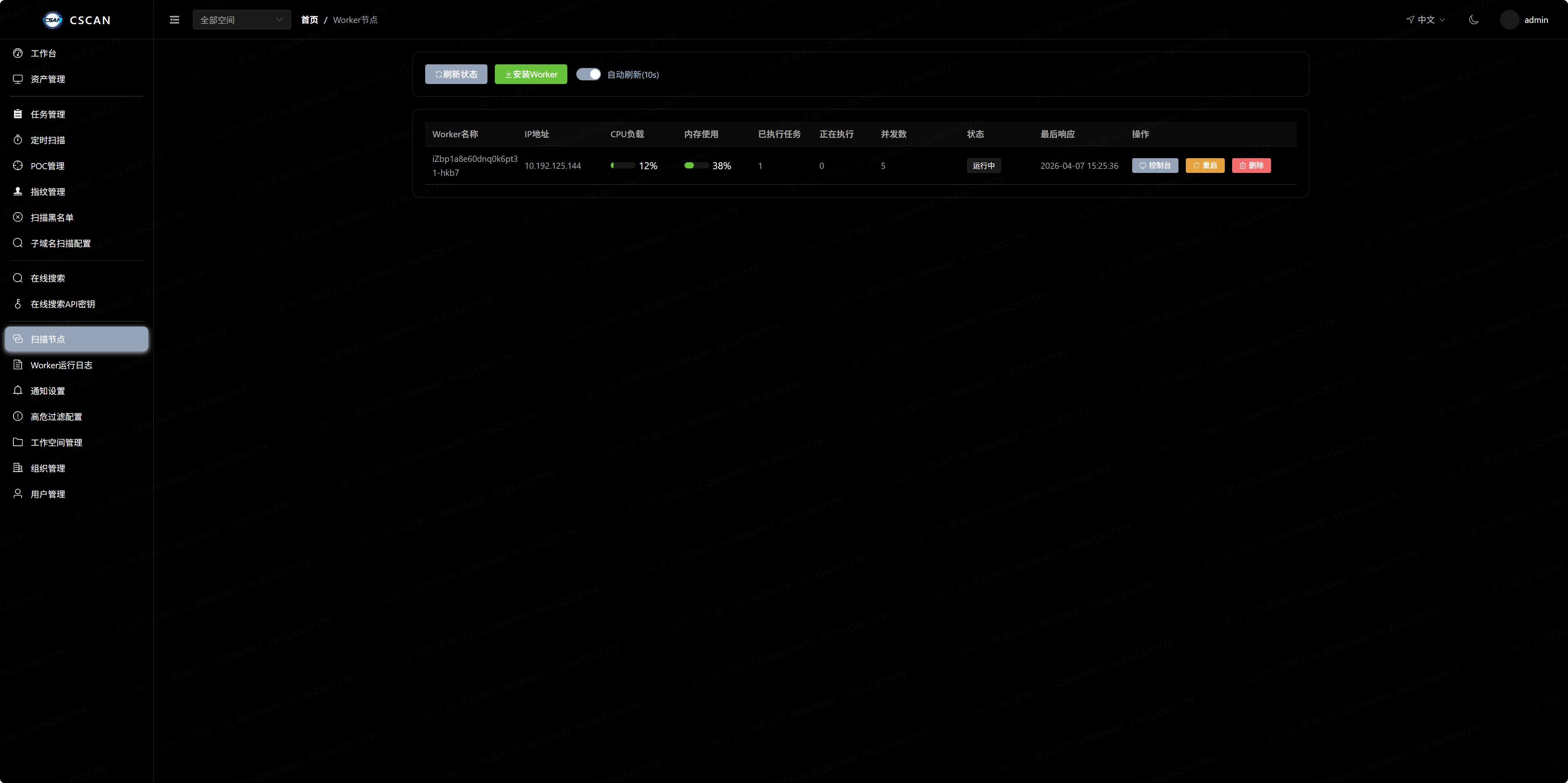
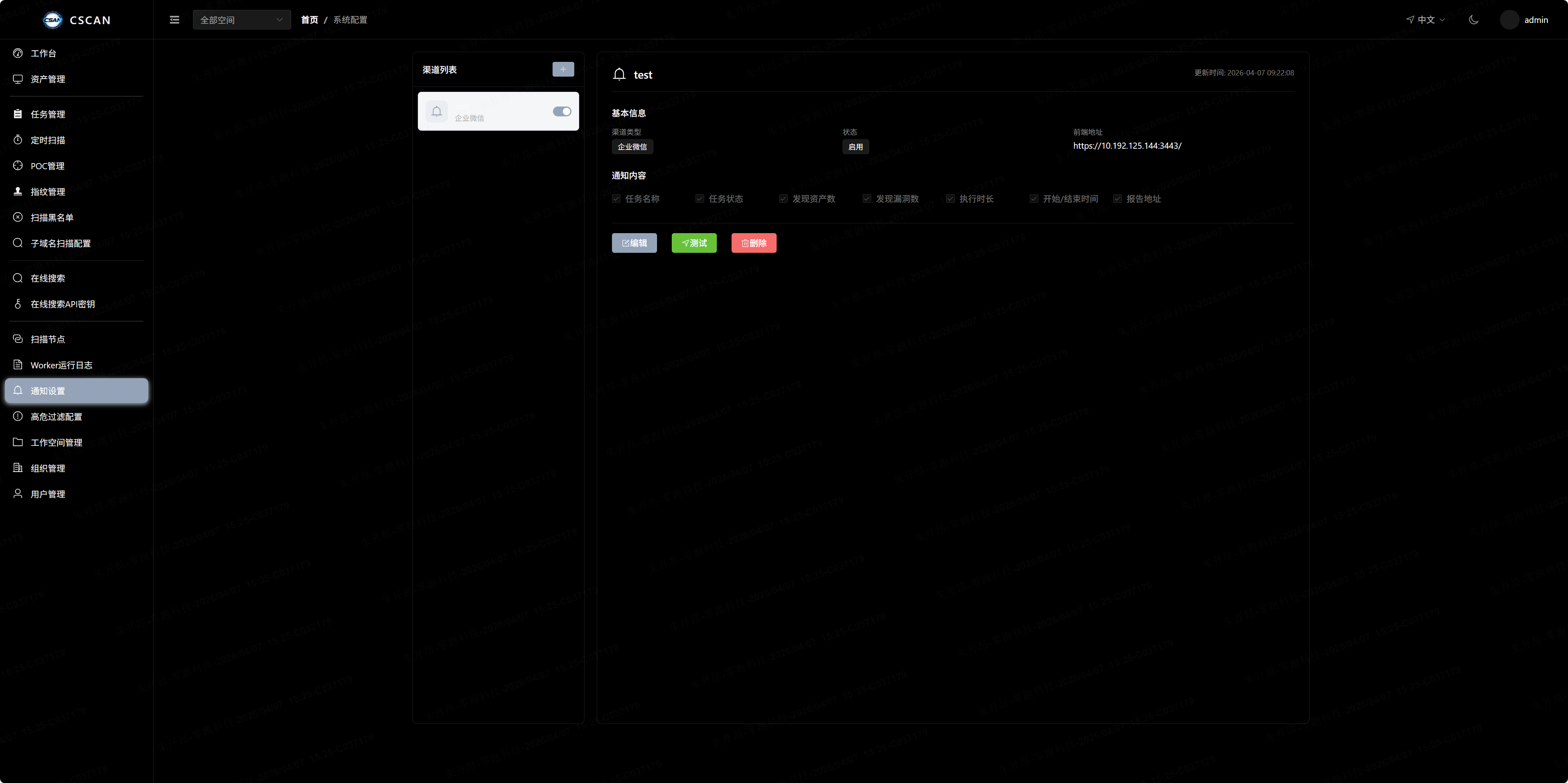
控制台 资产检索 指纹管理 漏洞库 节点监控 通知订阅

功能特性

核心能力

  • 分布式架构 - Master/Worker 分离,支持多节点弹性扩缩容
  • 流水线编排 - 扫描阶段自动串联,前序结果自动传递给后续阶段
  • 弱口令字典管理 - 内置默认字典,支持自定义字典增删改查、导入导出
  • 定时任务 - Cron 表达式驱动的周期性扫描任务
  • 资产分组 - 按域名自动聚合资产,实时反映任务状态
  • 多工作空间 - 租户级数据隔离,支持组织/团队维度管理
  • 通知订阅 - 扫描结果实时推送(钉钉/飞书/企业微信/邮件/Webhook)

快速开始

# 克隆项目
git clone https://github.com/tangxiaofeng7/cscan.git
cd cscan

# Linux/macOS
chmod +x cscan.sh && ./cscan.sh

# Windows
.\cscan.bat

访问 https://ip:7777,默认账号 admin / 123456

执行扫描前需先部署 Worker 节点


本地开发

# 1. 启动依赖
docker-compose -f docker-compose.dev.yaml up -d

# 2. 启动服务
go run rpc/task/task.go -f rpc/task/etc/task.yaml
go run api/cscan.go -f api/etc/cscan.yaml

# 3. 启动前端
cd web ; npm install ; npm run dev

# 4. 启动 Worker
go run cmd/worker/main.go -k <install_key> -s http://localhost:8888

Worker 部署

# Linux
./cscan-worker -k <install_key> -s http://<api_host>:8888

# Windows
cscan-worker.exe -k <install_key> -s http://<api_host>:8888

License

MIT