

[!WARNING] The project is being completely rewritten in Flutter to enhance performance and expand compatibility with Debian-based systems. All currently open issues will be addressed in the new version.
What is DaVinci Helper?
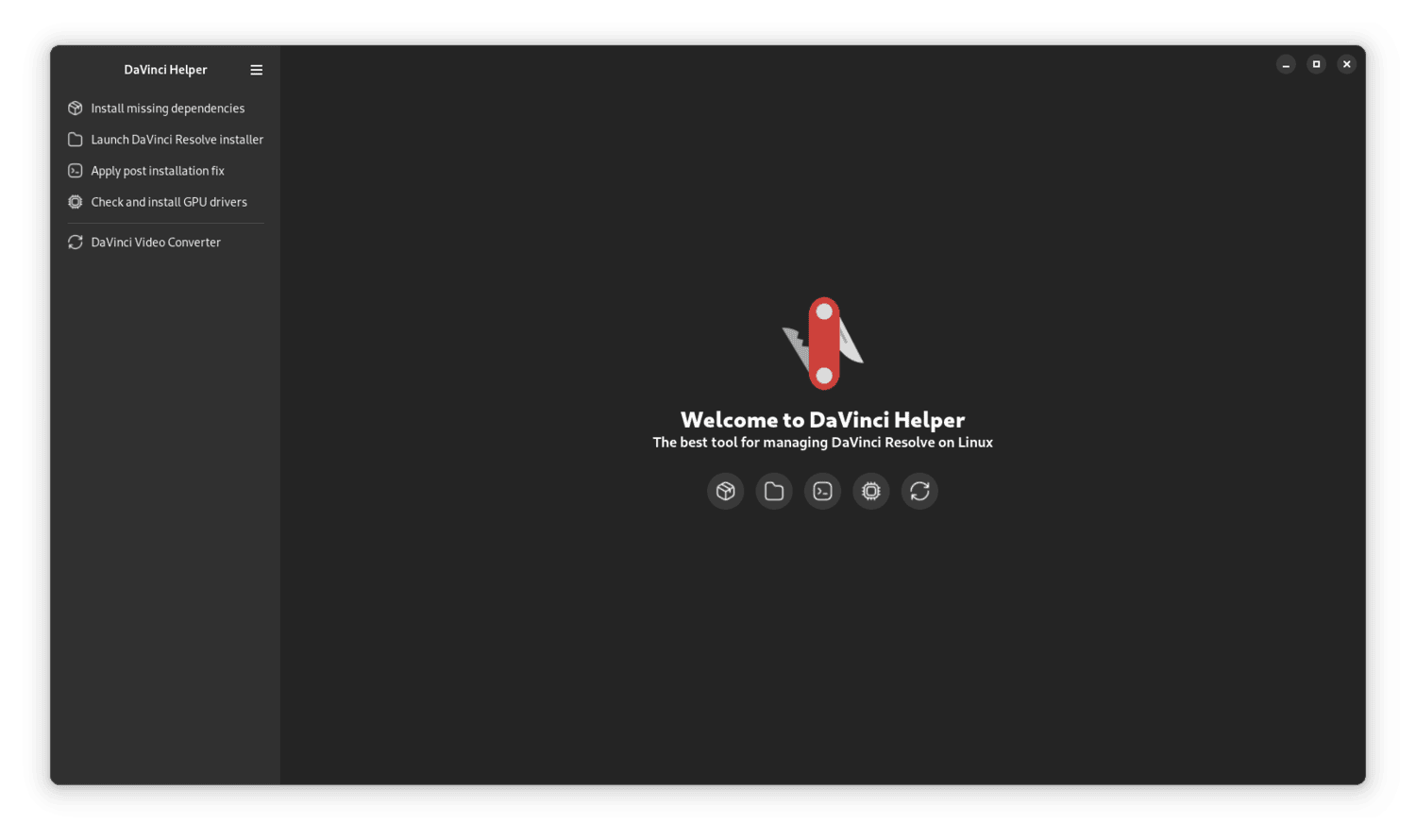
DaVinci Helper is a companion app that simplifies the installation and use of BlackMagic DaVinci Resolve (both Free and Studio versions) on Linux.
The app is written in Python and features a modern GTK4 + Adwaita interface.
Currently, DaVinci Helper officially supports only Fedora Linux (all spins and derivatives).
If the project receives good feedback, I plan to release a version for Debian-based systems like Ubuntu and Linux Mint.
Main Features
DaVinci Helper will help you with:
- Installing all the required dependencies to get DaVinci Resolve running smoothly
- Launching the official DaVinci Resolve installation wizard
- Applying essential post-install tweaks so that DaVinci Resolve works out of the box
- Installing the necessary GPU drivers to ensure your graphics card works correctly with DaVinci Resolve
- Converting videos for compatibility with DaVinci Resolve Free
Supported DaVinci Resolve Versions
- DaVinci Resolve 18.x.y
- DaVinci Resolve 19.x.y
- DaVinci Resolve 20.x.y
- Both Free and Studio versions are supported.
Supported Operating Systems
Tested and working on:
- Fedora Rawhide (experimental)
- Fedora 42 (all spins)
- Fedora 41 (all spins)
- Fedora 40 (all spins)
- Nobara 41
- Nobara 40
- Ultramarine Linux 40 (experimental)
- Ultramarine Linux 41 (experimental)
- Ultramarine Linux 42 (experimental)
Supported GPUs
- Nvidia: Desktop/mobile GPUs from the 1000 series to 5000 series
- AMD: Dedicated GPUs from 5000 to 9000 series, plus iGPUs 780M, 880M, 890M
- Intel: Intel ARC GPUs and some integrated GPUs
Supported Languages
- English
- Italian
- French (Coming soon)
- Spanish (Coming soon)
- German (Coming soon)
- Japanese (Coming soon)
How to Install DaVinci Helper on Fedora-based Distros
The easiest way to install and keep DaVinci Helper updated is by enabling the project’s COPR repository and installing it via DNF.
1. Enable the COPR Repository
Open a terminal and run:
sudo dnf copr enable -y herzen/davinci-helper
2. Install DaVinci Helper
Then, install the app with:
sudo dnf install -y davinci-helper
How to Use DaVinci Helper
A complete, step-by-step tutorial is available here.
Want to Contribute?
You can help DaVinci Helper grow by:
- Testing GPU drivers
- Translating the app into your language
- Making a donation to support ongoing maintenance and development
Project Roadmap
All details about upcoming features and plans are available on the Project Roadmap page.
Tags:
davinci resolve; davinci; resolve; linux; davinci resolve linux; davinci resolve fedora; davinci fedora; how install davinci linux; how install davinci fedora; how fix davinci linux; how fix davinci fedora; davinci fedora error; davinci linux error; fedora error; fedora davinci error; davinci fedora does not start; davinci linux gpu error; davinci fedora gpu error; davinci fedora zlib; davinci fedora mesa-libGLU; davinci fedora libraries; davinci fedora does not start; davinci fedora don't start;