
[Python] DFile: A fancy S3-based file sharing mode
This is a no-bullshit and S3-based file hosting that also runs on https://dfile.app
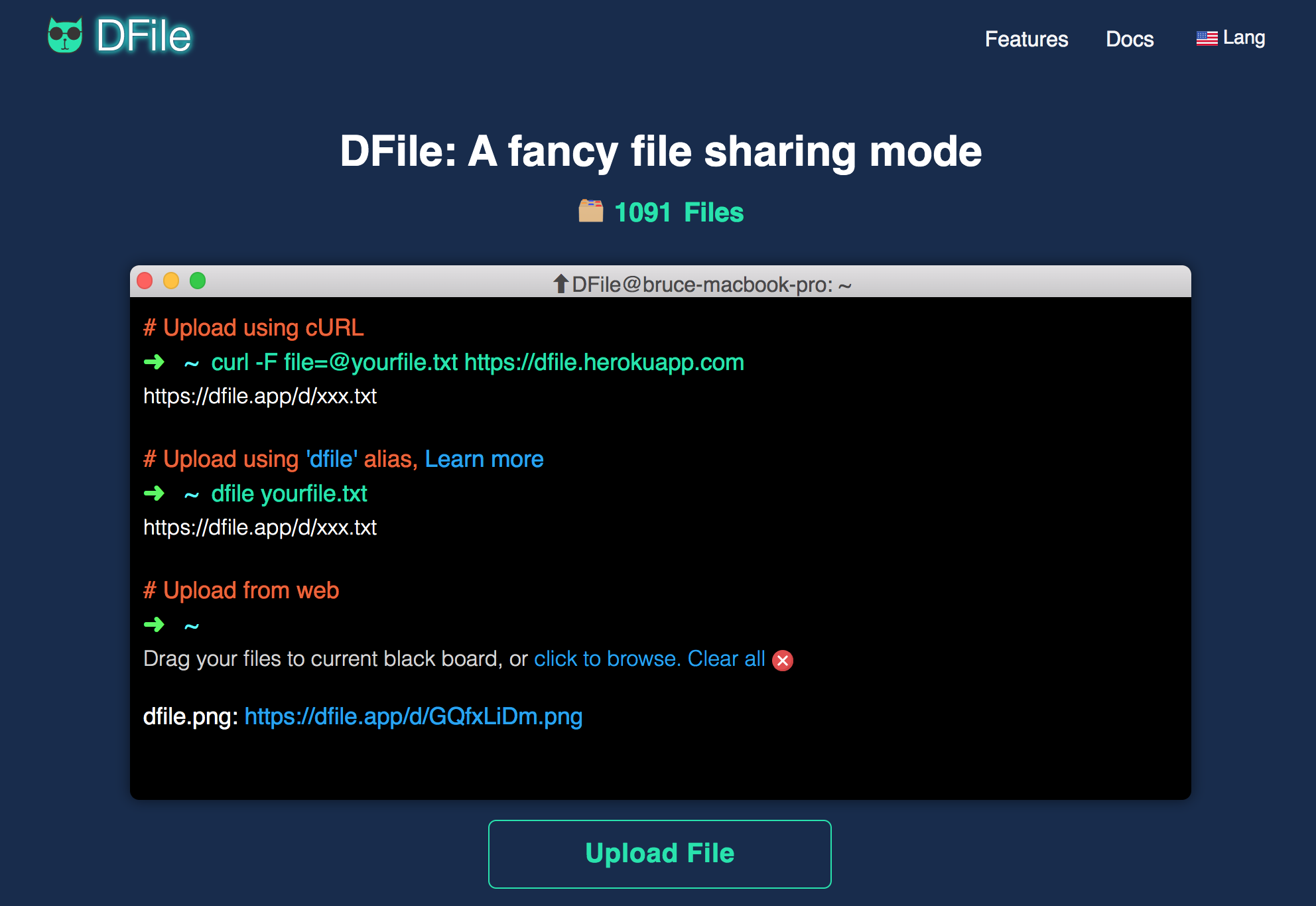
DFile backend (api)
Before running the service for the first time, run
cp config.sample config.py
Modify config.py (mainly setup your S3)
DOMAIN = "http://localhost:5000"
S3_REGION = "<s3 region>"
S3_ENDPOINT = "https://s3-domain.com"
S3_KEY = "<your s3 key>"
S3_SECRET = "<your s3 secret>"
Run it
python3 -m venv venv
source ./venv/bin/activate
pip install -r requirements.txt
export FLASK_APP=app
export FLASK_ENV=development
export FLASK_DEBUG=1
flask run --host 0.0.0.0 --port 5000
DFile frontend (app)
Install yarn first: https://yarnpkg.com/lang/en/docs/install/
# run
cd app
yarn
yarn dev

# export to production
yarn export
How to use
# Upload using cURL
➜ curl -F [email protected] https://dfile.herokuapp.com
https://dfile.app/d/F5r3yiDM.png

# Download the file
➜ curl -L https://dfile.app/d/F5r3yiDM.png -o xxx.png
Release History
-
2020/05/20: https://github.com/coolcode/dfile/tree/v0.20.0520
- UI theme changed from Semantic React to Reactstrap (aka. React Bootstrap)
- nextjs upgraded to 9.4.2
- reactjs upgraded to 16.13.1
-
2020/05/16: https://github.com/coolcode/dfile/tree/v0.20.0516
- File server changed from DigitalOcean to AWS S3
- API server changed from Singapore to USA (us-west-2)
- Saved uploads and downloads to Postgresql (us-west-2)
- API changed to https://dfile.herokuapp.com
- Shorten file url, easy to share file. https://dfile.app/d/F5r3yiDM.png
- Breaking changes, old files in Singapore server would be removed.
-
2019/10/21: https://github.com/coolcode/dfile/tree/v0.19.1021
- S3-based file sharing mode
- Deployed to DigitalOcean
- All servers were in Singapore
-
2019/10/03: https://github.com/coolcode/dfile/tree/v0.19.1003
- IPFS-based file sharing mode
- Deployed to DigitalOcean
- All servers were in Singapore
