
eConky: The Linux Power-User Dashboard for Emacs
eConky (Emacs-Conky) is a lightweight, side-buffer system monitor for GNU Emacs, heavily inspired by the classic Linux Conky. It provides a real-time, high-fidelity overview of your system's health, networking, and power status, specifically optimized for multi-interface laptop setups.




Screenshots
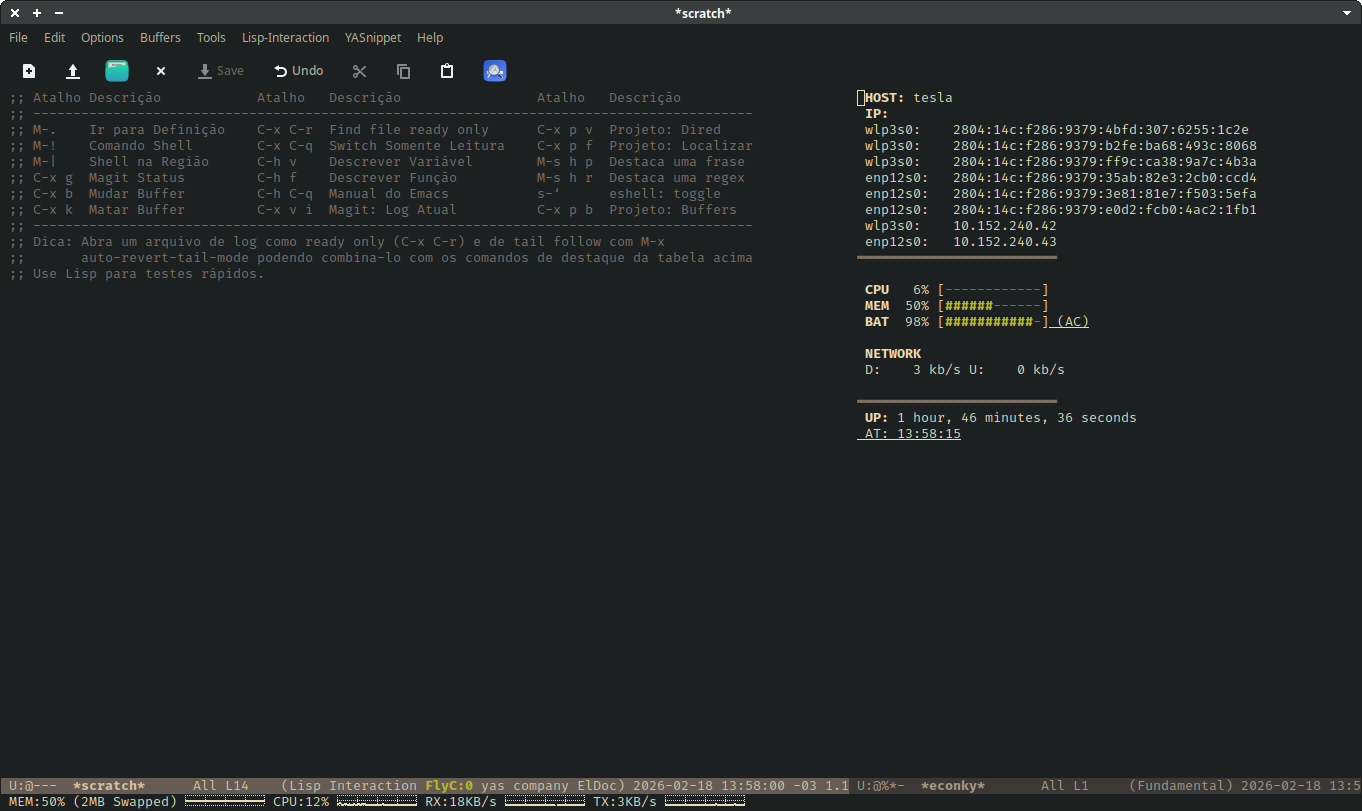
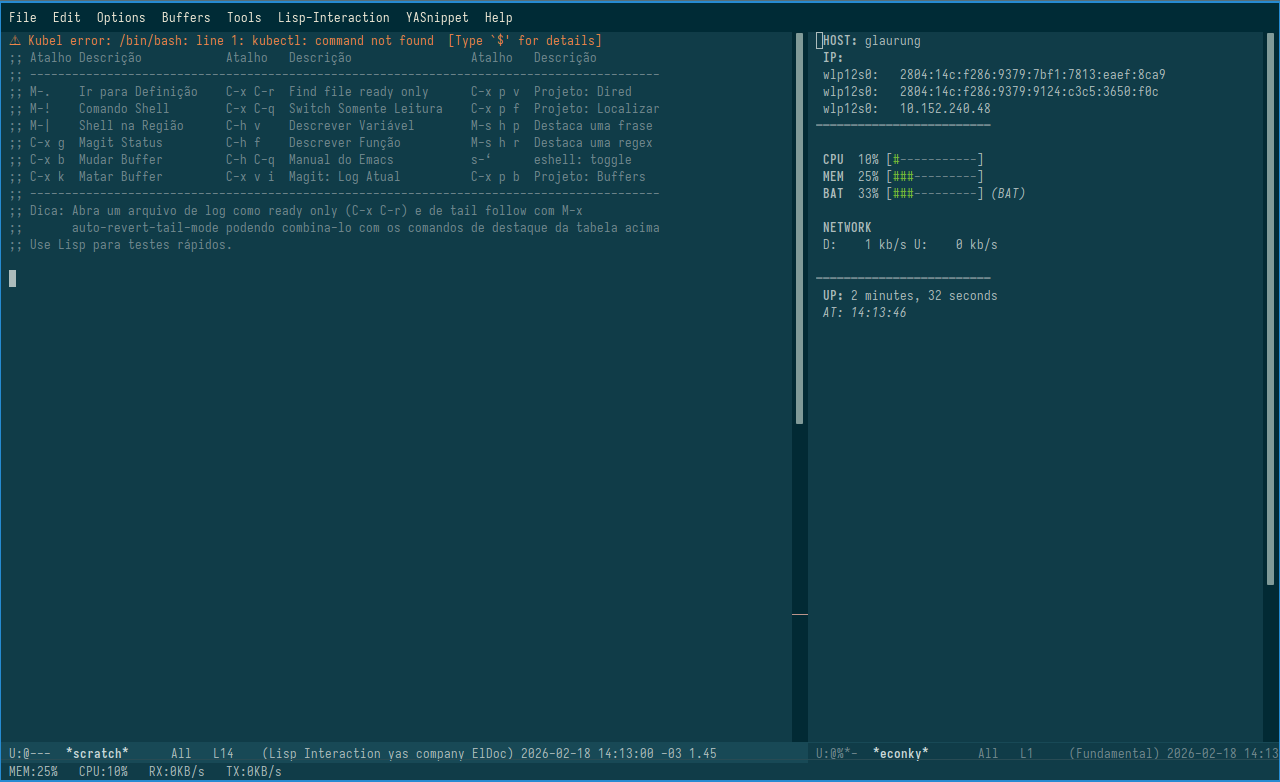
Features
- Smart Networking Table: Lists all IPv4 and Global IPv6 addresses with precise column alignment, ignoring local
fe80addresses. - Intelligent Battery Monitor: Automatically detects battery presence. Displays a progress bar and status (AC/Discharging) or hides itself on desktops/servers.
- Resource Visualization: Clean ASCII bars for CPU and Memory usage with "shielded" logic to handle null values.
- Traffic Monitoring: Real-time Download and Upload speeds (in kb/s) using
symonlogic adapted for modern interface names. - Modular Architecture: Built as an independent project with
symonas a dependency, allowing for a clean versioning cycle.
Installation
Prerequisites
eConky depends on the symon package for its core metric collection.
- Ensure you have
symoninstalled:M-x package-install RET symon RET. - Clone this repository into your load path:
git clone [https://github.com/Jeremias-A-Queiroz/econky.git](https://github.com/Jeremias-A-Queiroz/econky.git) ~/.emacs.d/lisp/econky
Basic Configuration
Add the following to your init.el:
(add-to-list 'load-path "~/.emacs.d/lisp/econky")
(require 'econky)

;; The dashboard is started manually or via hooks
;; M-x econky-start
Usage
M-x econky-start: Initializes the*econky*buffer and starts the 2-second refresh timer.M-x econky-stop: Stops the refresh timer.
Pro Setup: The 80/20 Layout (emacsclient)
A common use case for eConky is to have it automatically appear when opening a new Emacs frame via emacsclient -c, creating a dedicated system monitoring area.
Add the following hook to your init.el. It ensures that when a new frame is created, the window is split: 80% for your work (*scratch* or current buffer) and 20% pinned on the right for eConky.
(defun my/setup-econky-frame (frame)
  "Configura o layout 80/20 ao abrir um novo frame via emacsclient."
  (with-selected-frame frame
    (let ((econky-buffer (get-buffer-create "*econky*")))
      ;; 1. Inicia o timer do eConky caso não esteja rodando
      (econky-start)

      ;; 2. Divide a janela: 80% esquerda, 20% direita
      (let ((window-side (split-window-right (- (window-total-width)
                                                (/ (window-total-width) 5)))))
        ;; 3. Garante o foco no scratch à esquerda
        (switch-to-buffer "*scratch*")

        ;; 4. Exibe o eConky na janela da direita
        (set-window-buffer window-side econky-buffer)

        ;; 5. Torna a janela 'dedicada' para evitar que outros
       ;; buffers ocupem o lugar do eConky
        (set-window-dedicated-p window-side t)))))

;; Ativa o layout apenas para novos frames criados (ex: emacsclient -c)
(add-hook 'after-make-frame-functions #'my/setup-econky-frame)
License
This project is licensed under the GNU General Public License v3.0.
Created with focus on performance and aesthetics for the emacs environment.