
Eddo
GTD-inspired todo & time tracking with AI integration
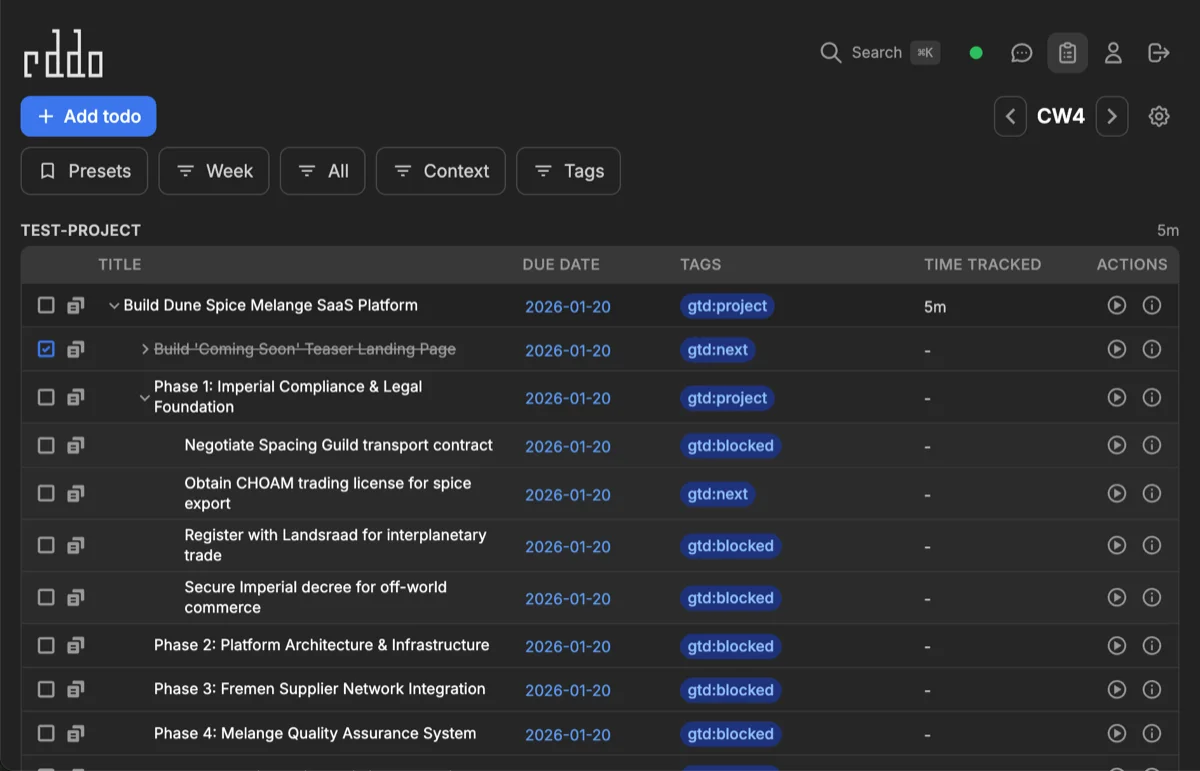
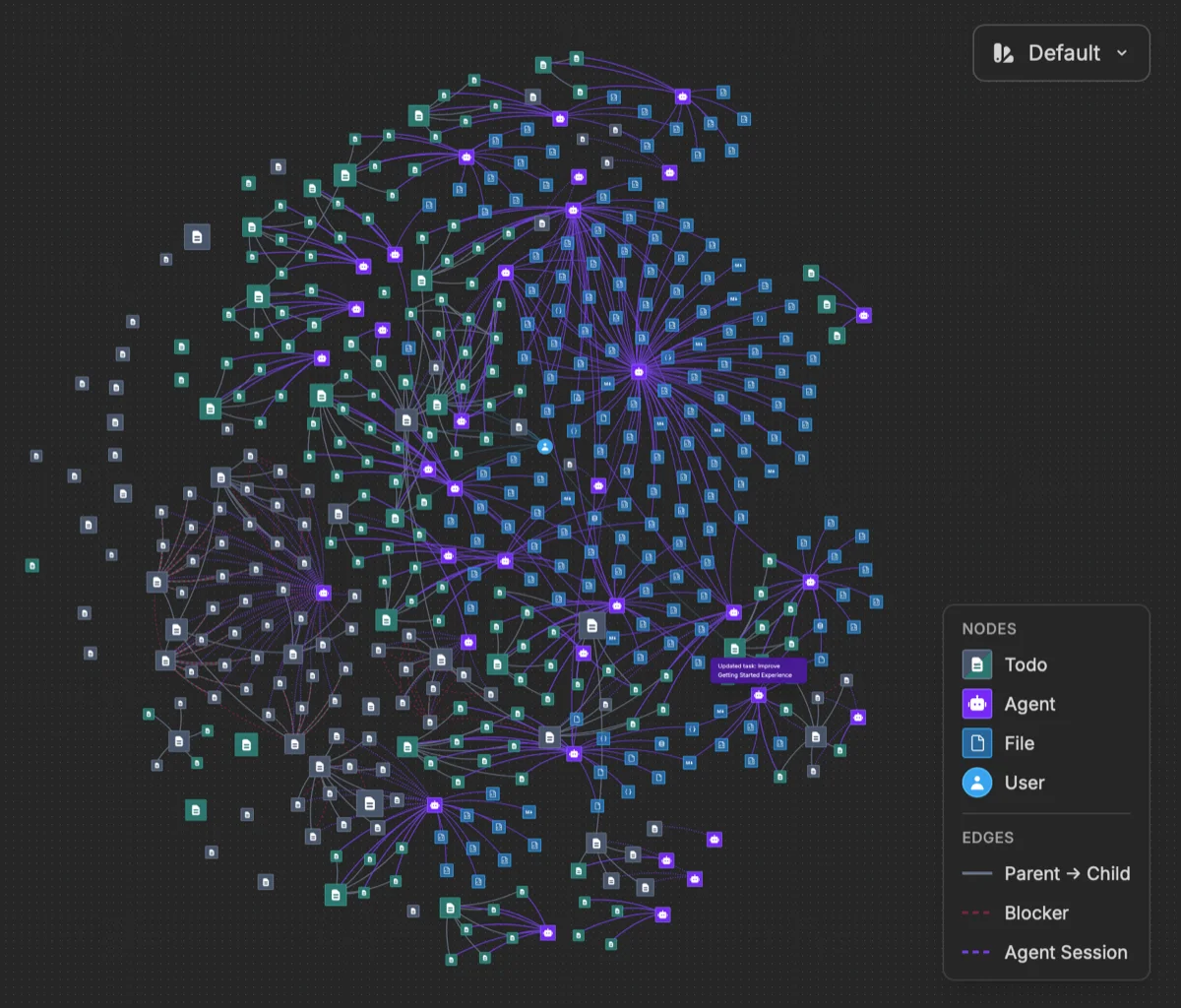
📺 Watch the sneak peek intro on YouTube
📺 Setup walkthrough & pi-coding-agent demo
⚠️ Alpha Software: This is a solo side project under active development. Feel free to try it and provide feedback, but expect rough edges, breaking changes, and don't rely on data integrity across updates.
Overview
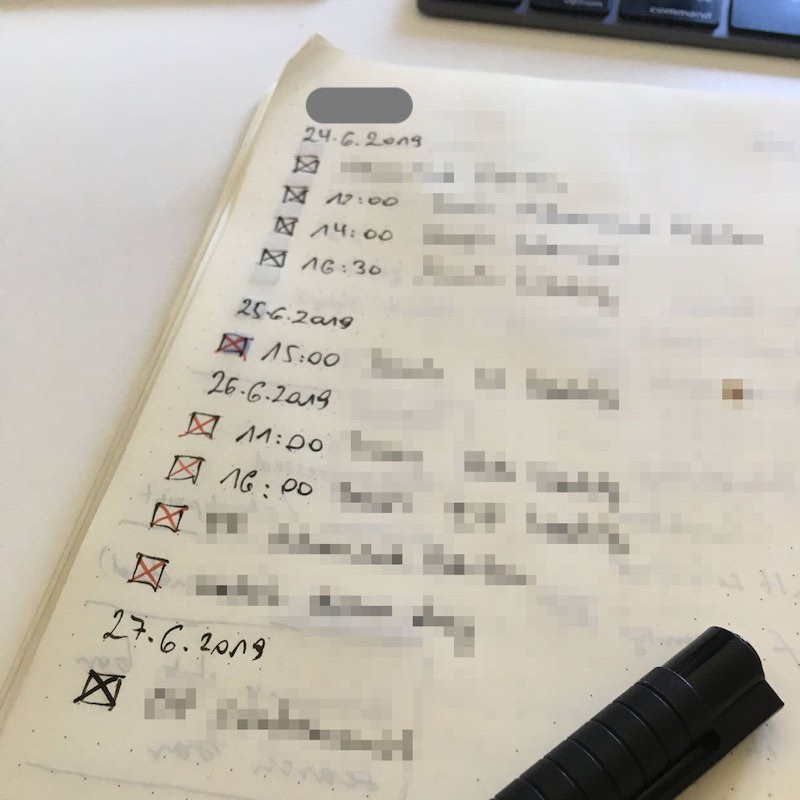
Eddo is a personal project that combines classic GTD (Getting Things Done) methodology with modern AI capabilities. Born from a notebook-based system refined over 10+ years, it's my attempt to digitize that workflow while exploring what's possible with AI assistants.
Manage todos through a web interface, Telegram bot with Claude AI, or programmatically via MCP. Includes pi-coding-agent integration with custom skills and extensions for AI-assisted development workflows.
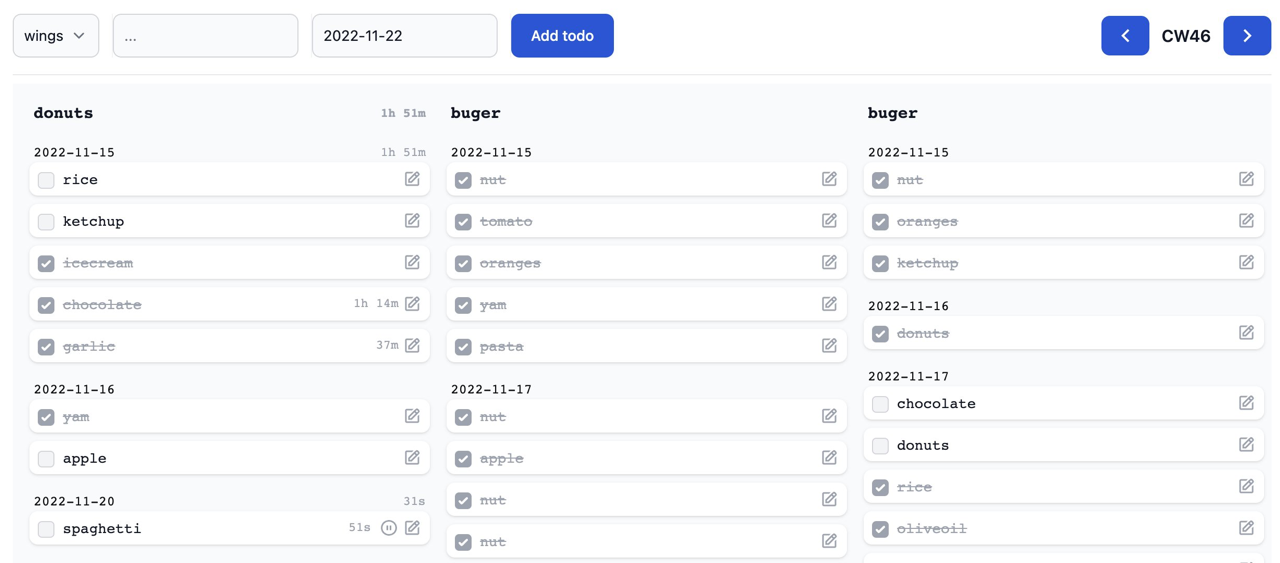
| Inspiration | Eddo (initial 2022 verrsion) |
|---|---|
 |
 |
Features
- GTD Contexts — Organize todos by context (work, home, projects) in Kanban columns
- Calendar Week View — Navigate todos by week with date-range queries
- Dependency Graph — Open focused parent/child + blockedBy graph from table row actions with Graphviz leveling
- Time Tracking — Start/pause timers with daily summaries and filter views by active tracking state
- Offline-First — PouchDB local storage with real-time sync
- AI Agent — Telegram bot with Claude for natural language todo management
- GitHub Sync — Auto-import issues assigned to you
- RSS Feeds — Subscribe to feeds, create todos from items
- Email Sync — Gmail OAuth integration for email-to-todo
- MCP Server — Programmatic access via Model Context Protocol
- pi-coding-agent Skills — AI coding assistant integration
Quick Start
Requirements: Node.js ≥18.11.0, pnpm ≥7.1.0, Docker
# Clone repository
git clone https://github.com/walterra/eddoapp.git
cd eddoapp

# Optional: Use latest stable release instead of main branch
git checkout $(git describe --tags --abbrev=0)

# Install dependencies
pnpm install

# Run interactive setup wizard
pnpm dev:setup

# Start development server
pnpm dev

# Open http://localhost:3000
What Setup Does
The pnpm dev:setup wizard:
- Checks prerequisites — Node.js, pnpm, Docker, Git
- Starts Docker services — CouchDB and Elasticsearch
- Generates
.env— Development defaults - Builds packages — Core libraries and setup tools
- Creates user —
eddo_pi_agentfor MCP/agent access - Links pi-coding-agent skills — If pi is installed globally
Troubleshooting
pnpm dev:doctor
Diagnoses: prerequisites, Docker status, service health, port availability, configuration.
Code Quality
pnpm check:commit
Runs TypeScript build checks, ESLint, and Prettier verification.
Architecture
Monorepo with these packages:
| Package | Description |
|---|---|
web-client |
React frontend with PouchDB offline storage |
web-api |
Hono API server, CouchDB proxy, sync schedulers |
core-shared |
Shared types, utilities, data models |
core-server |
Server-side database and config |
core-client |
Client-side config |
mcp-server |
Model Context Protocol server |
telegram-bot |
AI bot with Claude integration |
setup |
Setup wizard and doctor tools |
chat-agent |
Skills and extensions for pi-coding-agent |
Data Flow
Browser (PouchDB) ←→ Web API ←→ CouchDB
                         ↓
                  Elasticsearch (search)

Telegram Bot → MCP Server → CouchDB
Integrations
Telegram Bot
AI-powered assistant for natural language todo management:
"Add a work todo for tomorrow's meeting"
"What's overdue?"
"Start tracking time on the API refactor"
Setup: Set TELEGRAM_BOT_TOKEN and ANTHROPIC_API_KEY in .env
pnpm dev:telegram-bot
Features:
- Multi-step instruction handling
- Daily briefings at scheduled times
- GitHub/RSS/Email sync configuration via bot commands
GitHub Issue Sync
Sync issues assigned to you into Eddo todos:
- Create PAT at https://github.com/settings/tokens (scope:
repoorpublic_repo) - Configure:
/github token ghp_your_token - Enable:
/github on - Check:
/github status
Each repository becomes its own context. Issues auto-complete when closed on GitHub.
RSS Feed Sync
Subscribe to RSS/Atom feeds:
- Add feed:
/rss add https://example.com/feed.xml - Enable:
/rss on - List feeds:
/rss list
Supports autodiscovery — add a website URL and Eddo finds the feed.
Email Sync (Gmail)
Sync emails from a designated folder to todos:
- Start OAuth:
/email auth - Authorize in browser
- Enable:
/email on - Set folder:
/email folder Eddo
Requires Google Cloud project setup. See Gmail OAuth Setup.
MCP Server
Programmatic todo access via Model Context Protocol:
pnpm dev:mcp-server
pnpm test:mcp-server  # Interactive testing
Note: MCP requests require an API key via
Authorization: Bearer <key>orX-API-Key. Generate the API key in User Profile → Security or frompnpm dev:create-useroutput. Don't expose the MCP server to untrusted networks.
pi-coding-agent Integration
If you use pi-coding-agent, Eddo provides skills and extensions:
Skills:
eddo-todo— Task management commandseddo-work— Structured implementation workfloweddo-spawn— Multi-agent git worktree orchestrationelasticsearch-esql— ES|QL query generationsearxng-search— Web search integration
Extensions:
graphviz-chart— Diagram renderingvega-chart— Data visualization
The setup wizard auto-links these if pi is installed globally (npm i -g @mariozechner/pi-coding-agent).
Backup & Recovery
# Interactive backup/restore
pnpm backup:interactive
pnpm restore:interactive

# Automated backups
pnpm backup:auto --pattern "eddo_user_*"

# Retention policy
pnpm backup:retention
Development
pnpm dev              # Start all services
pnpm test             # Run tests
pnpm lint             # Check code style
pnpm build            # Production build
pnpm dev:create-user  # Create user manually
See DEVELOPMENT.md for architecture details, testing, and contribution guidelines.
License
MIT