
NOTE: THIS IS A MIRROR, REAL DEVELOPMENT HAPPENS ON https://codeberg.org/gopiandcode/emacs-viewer
Emacs Viewer
A web frontend for your Org files! (100% faithful to GNU+Emacs!)
Screenshots
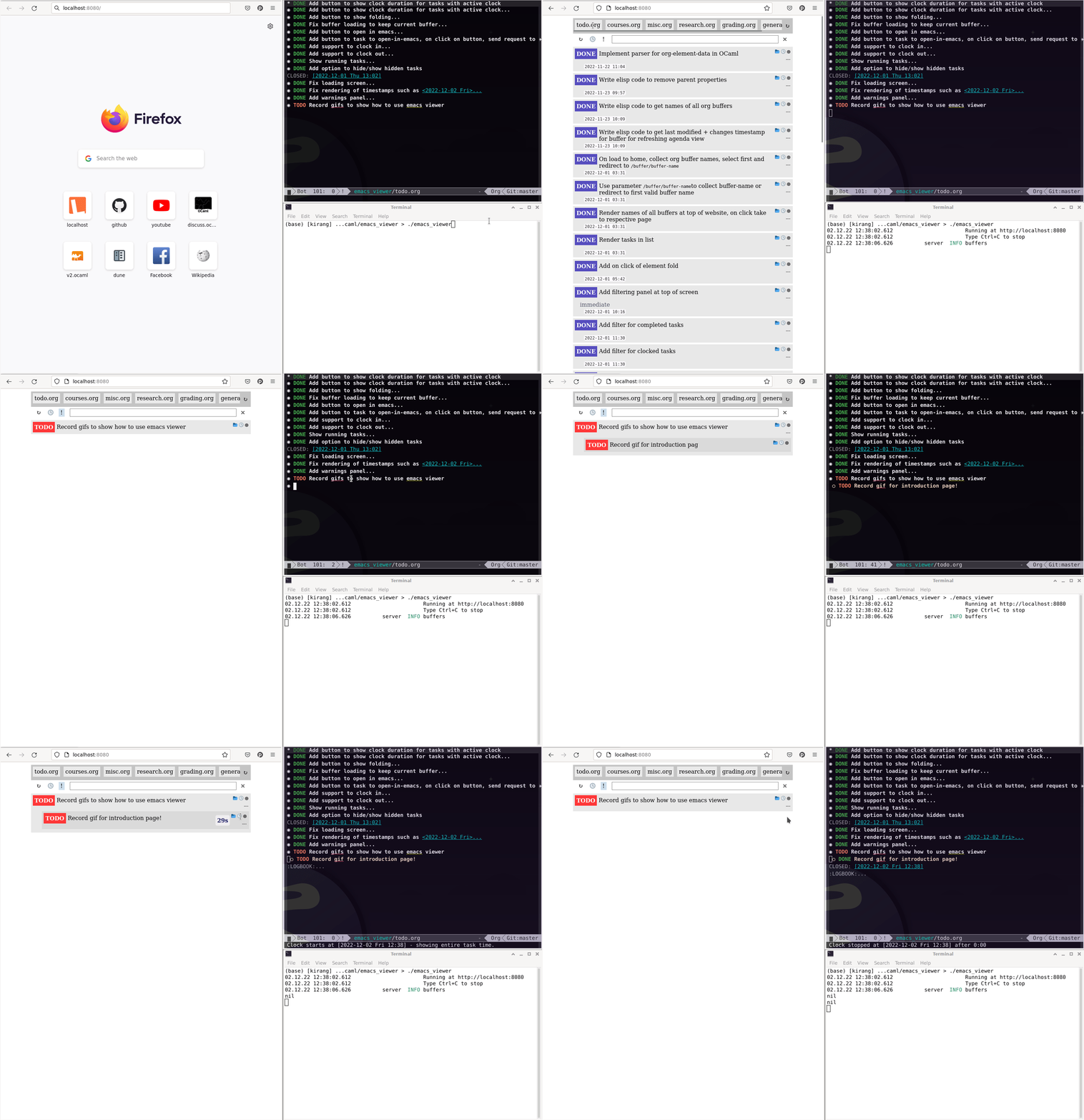
Damn, feels good to be FREE (AGPL3+).
Awesome features!
-
Live updating:
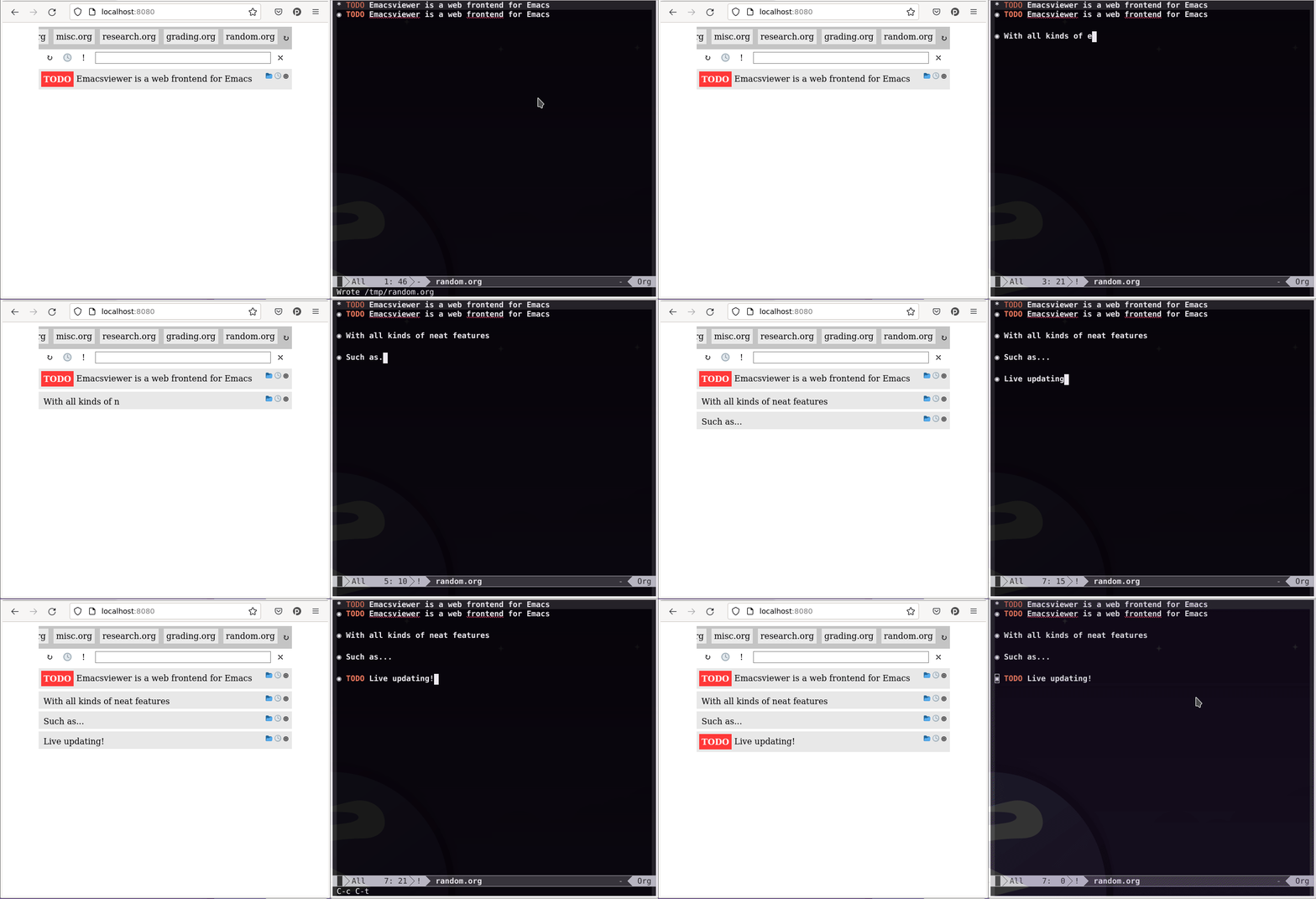
-
Clocking support:
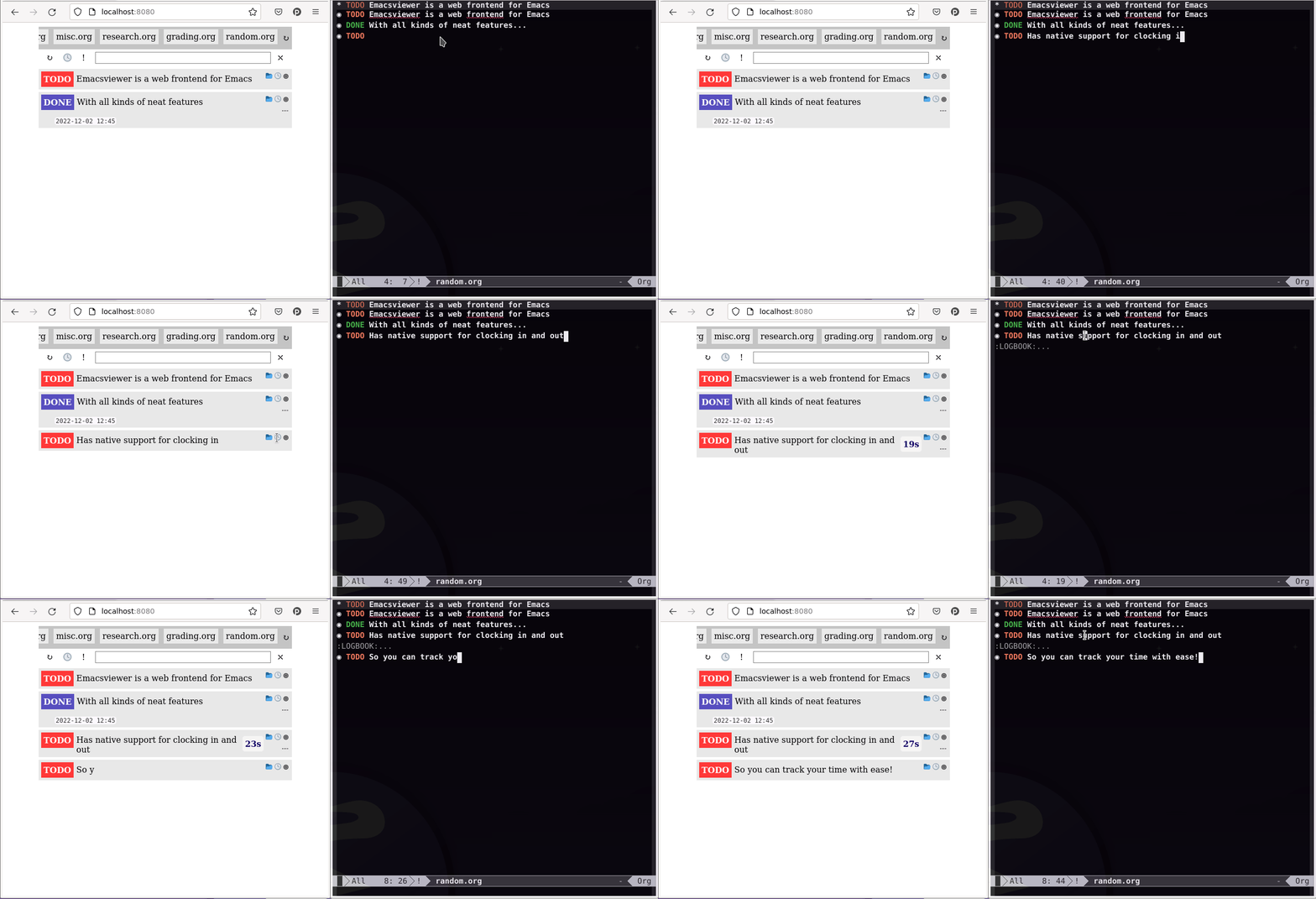
-
Filtering by completed tasks:
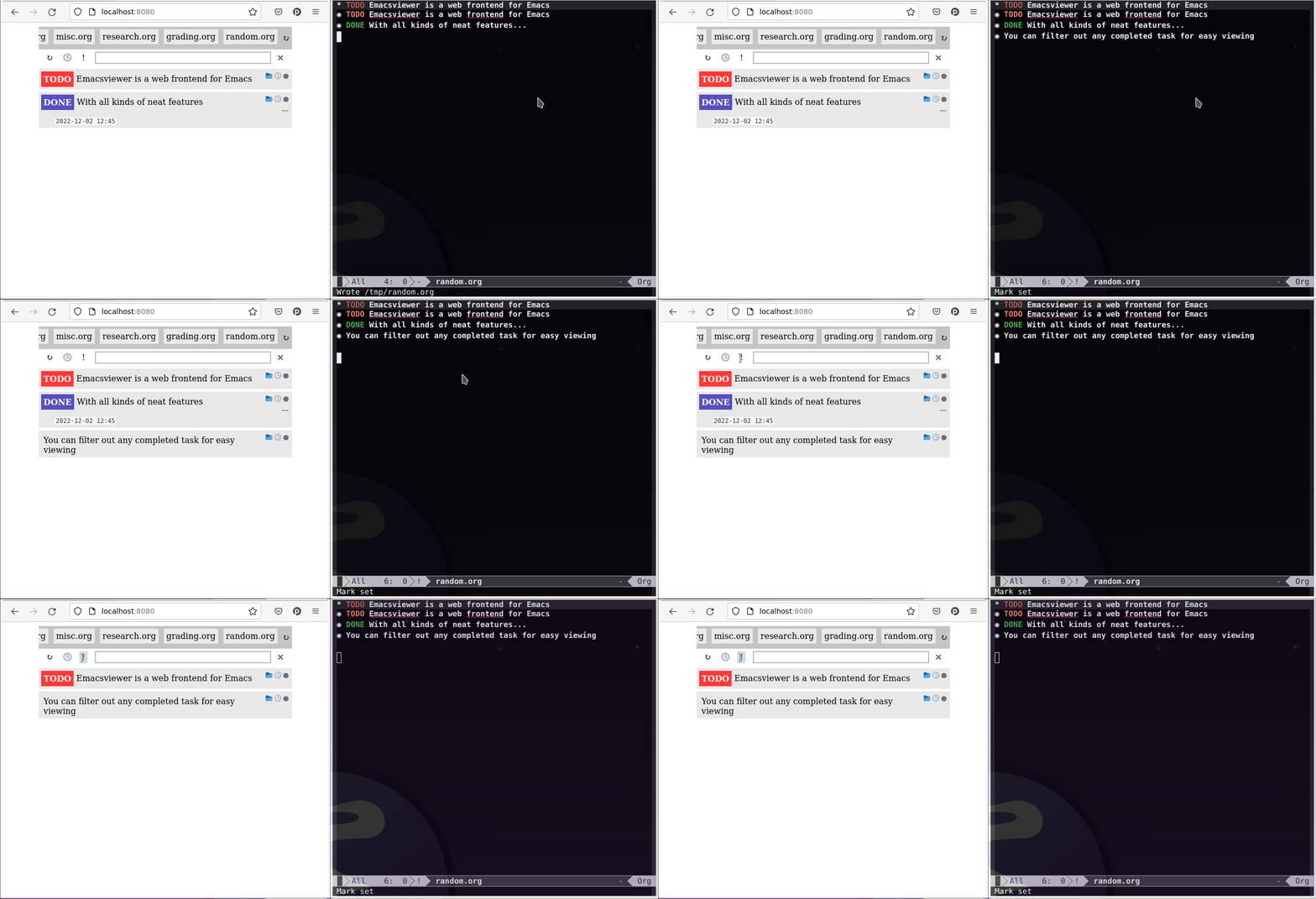
-
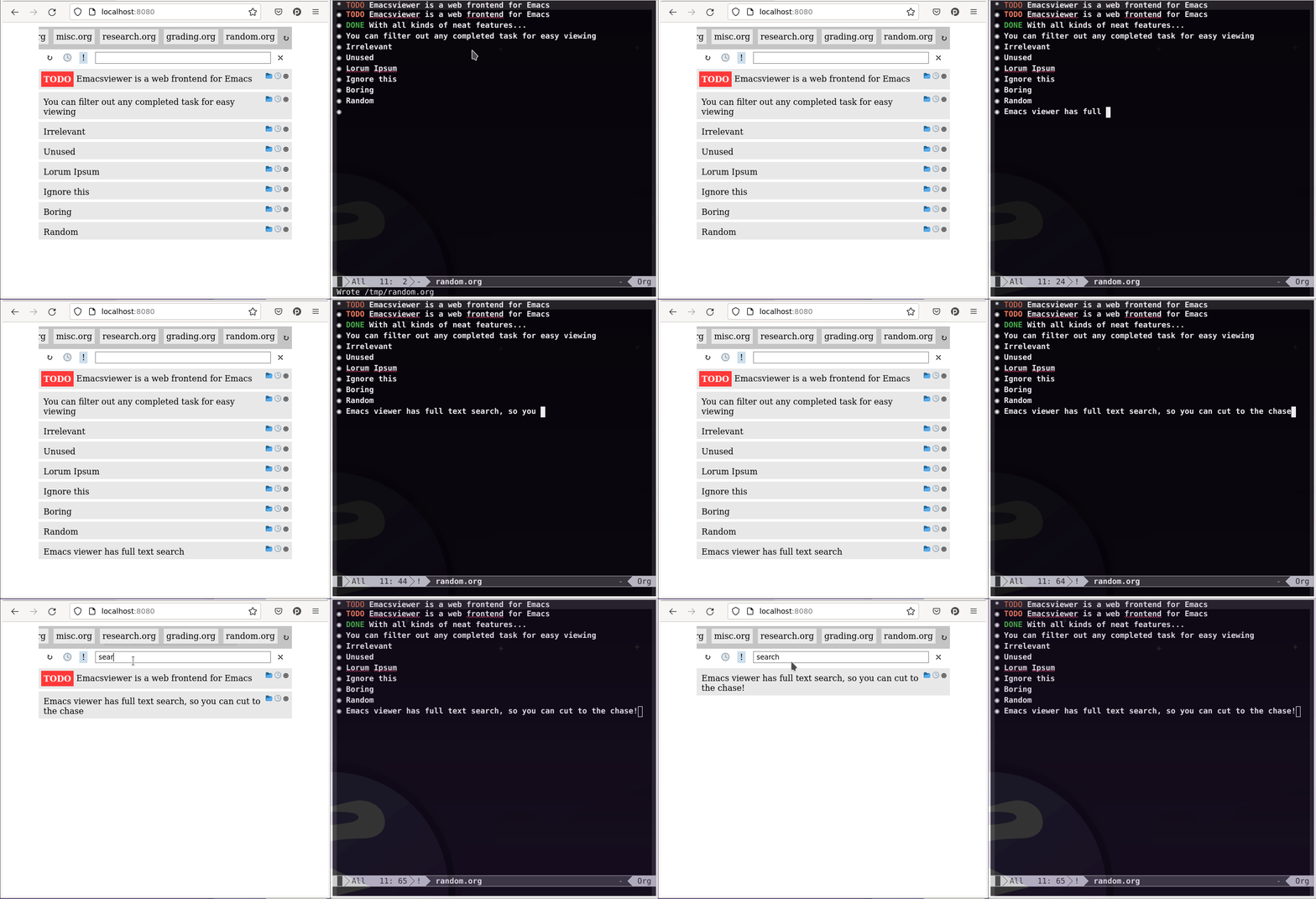
Full text search over org headlines:
-
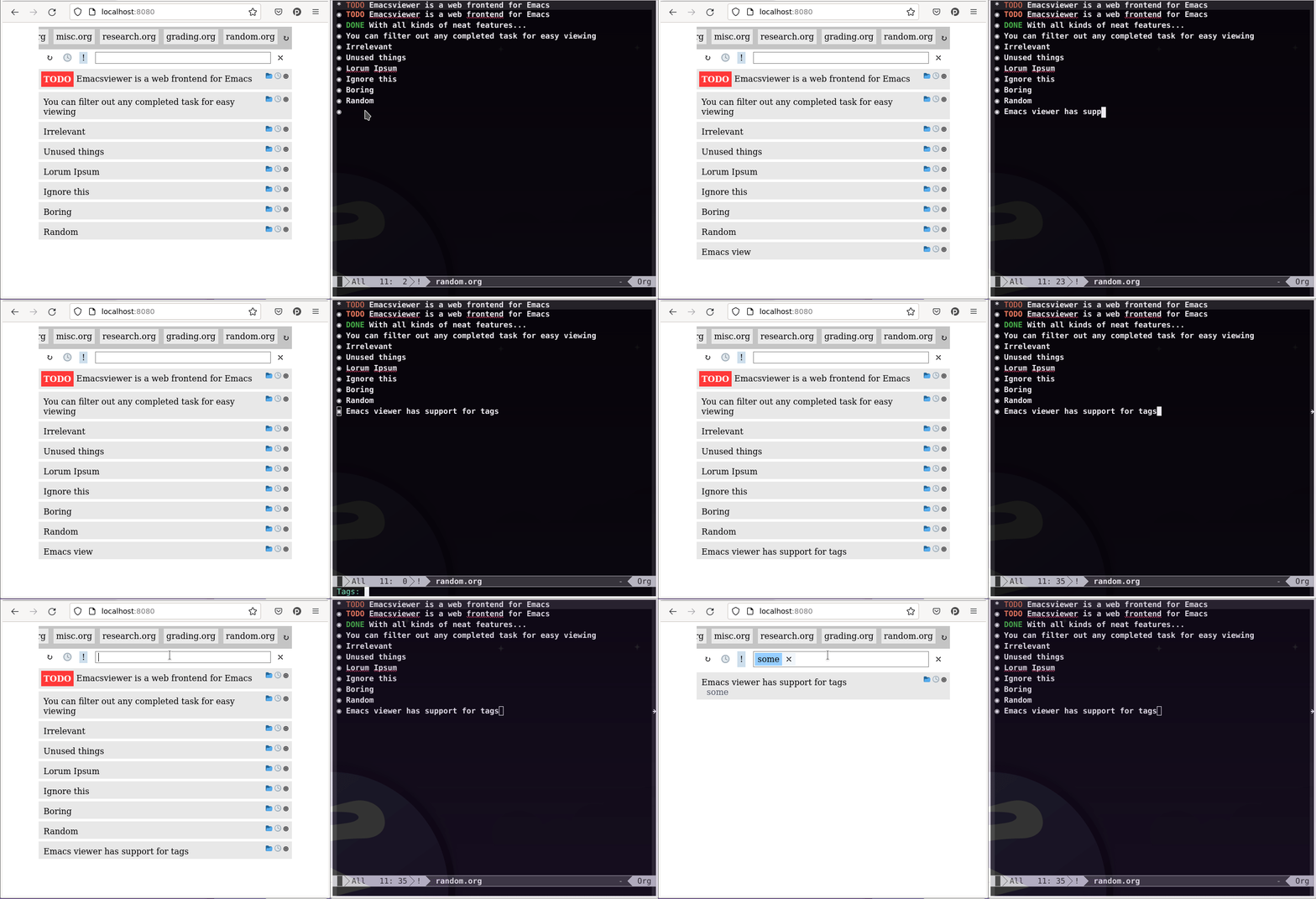
Filtering by tags :
Project setup
Emacs_viewer requires OCaml 4.14.0 to build, to install the project dependencies, simply run:
opam install --deps-only .
Then to build the executable, simply run:
dune build --release ./bin/main.exe
Copy the executable in ./_build/default/bin/main.exe to somewhere
convenient with the name emacs_viewer (on your path), and run to your
hearts content!
./emacs_viewer --help

NAME emacs-viewer

SYNOPSIS
       emacs-viewer [--client=VAL] [--debug] [--port=VAL] [OPTION]…

OPTIONS
       -c VAL, --client=VAL
           Command to use for Emacsclient, defaults to emacsclient.emacs.

       -D, --debug
           Whether to run in debug mode.

       -p VAL, --port=VAL
           Port to run server on, defaults to 8080.
Developer setup
Then to build and run the tests:
opam exec -- dune build
Finally, to run the tool:
opam exec -- dune exec ./bin/main.exe -- <options-go-here>
For development, we provide an OCaml script that uses inotify to rebuild and rerun the project automatically when the sources change:
opam exec -- dune exec ./scripts/run_and_rebuild.exe
Project structure
The project is organised as follows:
.
|-- LICENSE
|-- bin/                         -- CLI & entry point
|-- data/                        -- generic representation of Org data in OCaml
|-- js/                          -- frontend using Bonsai
|-- lib/                         -- Dream server
|-- scripts/                     -- Utility tools for development
|-- styles/                      -- Project styling
|-- test/                        -- Tests
|-- dune
`-- dune-project