
Kestra Enterprise Edition Examples
This repository provides code needed to PoC Kestra Enterprise Edition, including apps, dashboards, and flows. Use this repository as a starting point.
Repository Structure
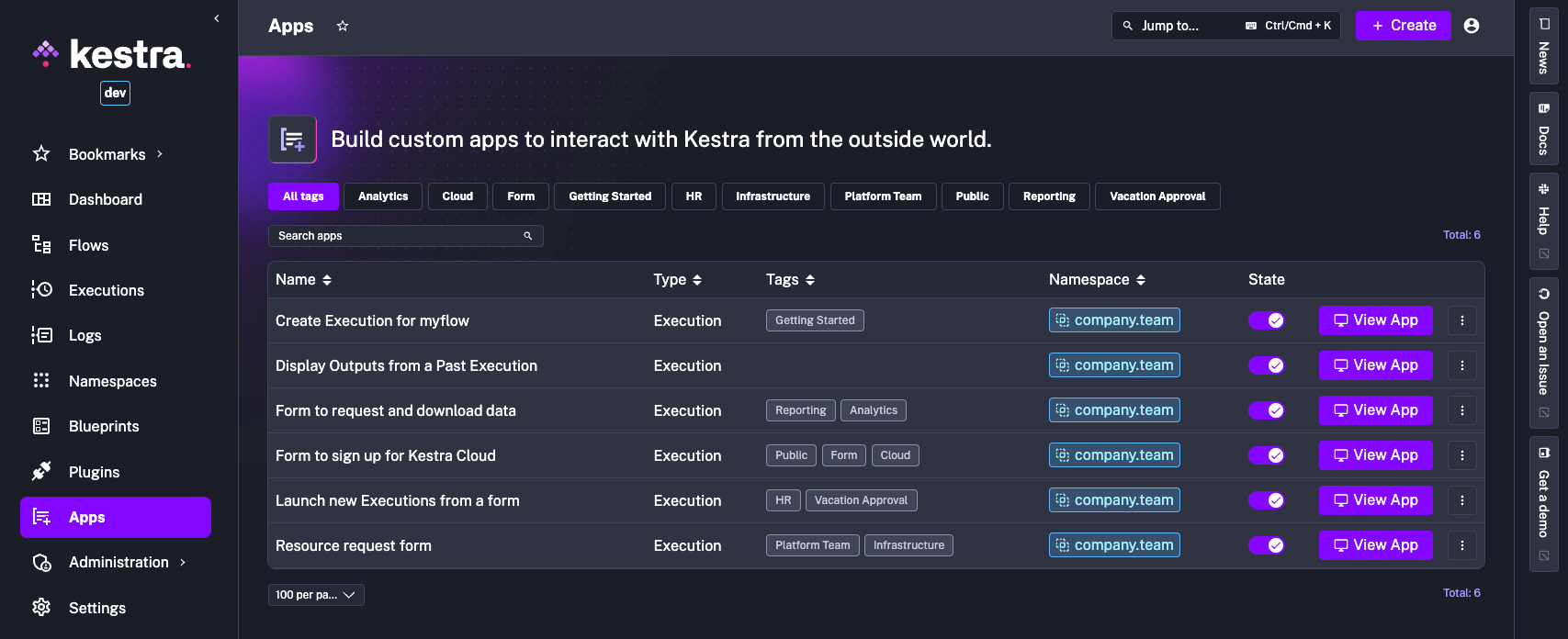
apps/: contains verified Apps configuration as codedashboards/: provides examples of custom dashboards as code which you can use to build custom charts querying your executions, metrics and logsflows/: flow definitionsdocker-compose-example.yml: basic Docker Compose configuration for setting up the environment with Postgres backend. Use this file as a reference for running services locally in a containerized setup.
Prerequisites
- Docker and Docker Compose installed
- Basic knowledge of Kestra and YAML
- Kestra Enterprise Edition license
Usage
-
Clone the Repository:
git clone https://github.com/kestra-io/enterprise-edition-examples.git cd enterprise-edition-examples -
Set Up Docker Compose:
- Review and customize
docker-compose-example.ymlto match your environment. - Rename the
docker-compose-example.ymltodocker-compose.ymland add your license key. - Login to the Kestra registry using your license ID and fingerprint:
docker login registry.kestra.io --username=licenseId --password=fingerprint - Pull the latest Kestra Enterprise Edition image:
docker pull registry.kestra.io/docker/kestra-ee:latest - Start the services:
docker compose up -d
- Configure Flows, Apps or Dashboards:
- Add or modify flow definitions in the
flows/directory. - Add or modify Apps configuration in the
apps/directory. - Add or modify Dashboards configuration in the
dashboards/directory.
- Access the Kestra UI:
- Open your browser and navigate to
http://localhost:8080. - Add the flows, apps, and dashboards to your Kestra instance (or deploy via CI/CD pipeline).
Contributing
We welcome contributions to this repository.
Expand for instructions on how to contribute to this repository.
- Fork the repository.
- Create a feature branch:
git checkout -b feature/<feature-name> - Commit your changes:
git commit -m "Add <feature-name>" - Push to the branch:
git push origin feature/<feature-name> - Open a Pull Request.