
EveryRay-Rendering-Engine

Ver 1.1.2 (Change Log)
Introduction
"EveryRay" is a rendering engine that is written in C++ with a focus on quick prototyping of graphical techniques and features. It is lightweight, easy to use and already contains many existing rendering solutions inside.
"EveryRay" is not a game engine. It was never made with that in mind which resulted in building the engine with a minimal amount of components/systems outside the graphics part. It is not impossible to make a proper game engine out of "EveryRay", however, there are many other projects that were architectured specifically for that instead.
"EveryRay" is not a library that can be disconnected and connected to your project either. It is not modular and was never meant to be. However, there is at least a distinction between low-level graphics code and high-level systems in the engine which you can borrow for your own needs.
Lastly, "EveryRay" was made by a graphics programmer for those who are interested in real-time rendering and who do not want to spend time setting up a bunch of engine-related things that are needed when you begin writing your personal engine of any kind. You can think of "EveryRay" as a "toy engine/tech demo on steroids" or, in other words, a simple sandbox with minimal UI for testing complex ideas with the help of various prepared functionalities.
You can read more about the architecture of "EveryRay" in the documentation:
You can see a video demonstration of "EveryRay" here (scroll down for screenshots):
Rendering features
- Deferred + Forward Rendering
- Local illumination w/ Physically Based Rendering
- Global illumination w/:
-
- Static: Image Based Lighting from light probes:
-
-
- diffuse (2nd order spherical harmonics)
-
-
-
- specular (cubemaps)
-
-
- Dynamic: Cascaded Voxel Cone Tracing (AO, diffuse, specular)
- Cascaded Shadow Mapping
- Parallax-Occlusion Mapping w/ soft self-shadowing
- Terrain w/ GPU tessellation
- Foliage zones
- Volumetric clouds
- Volumetric fog
- Post Processing Volumes with Linear Fog, Screen Space Reflections, Separable Subsurface Scattering, Tonemapping, LUT color grading, Vignette, Anti-aliasing (FXAA)
- Special materials: Snow, Fresnel-Outline, Fake-Transparency (reflect+refract), Fur Shell
You can read more in Graphics Overview
Engine features
- Concept of an "ER_RHI" (aka "Rendering Hardware Interface"): graphics API is abstracted from the general code (systems, etc.)
-
- supports DX11, DX12
- Concept of a simplified generic game object - "ER_RenderingObject":
-
- supports model loading (.obj, .fbx and etc.) with Assimp Library
-
- supports multiple meshes
-
- supports texture loading (.png, .jpg, .dds)
-
- supports materials
-
- supports GPU instancing
-
- supports LOD groups
-
- supports indirect GPU rendering (GBuffer, Shadow, Forward passes) w/ GPU culling
-
- supports AABB (with visualization)
-
- supports on-terrain procedural placement & instances distribution
-
- customizable via "Object editor" (with instancing support)
- Concept of a generic scene, which contains "ER_RenderingObject" elements + scene data (lights, terrain, GI and other info):
-
- supports loading from & saving to JSON scene files
- Concept of graphics presets for achieving performance on various hardware configurations
-
- loaded from graphics_config.json file
-
- impacts the quality of several systems (resolutions, shadows, textures, etc.)
- CPU frustum culling
- ImGUI, ImGuizmo
- Input from mouse, keyboard and gamepad (XInput, but you can add your own)
You can read more in Engine Overview
Controls
- "Mouse + Right Click" or "Right Thumbstick" - camera rotation
- "W/A/S/D" or "Left Thumbstick" - camera side movement (on gamepad holding "Left Trigger"/"Right Trigger" will slow/fasten the movement)
- "E/Q" - camera up/down movement
- "Backspace" or "Back Gamepad Button" - enable/disable editor
- "R/T/Y" - scale/translate/rotate object in the editor mode
Gamepad is currently not supported/tested with ImGui.
Screenshots
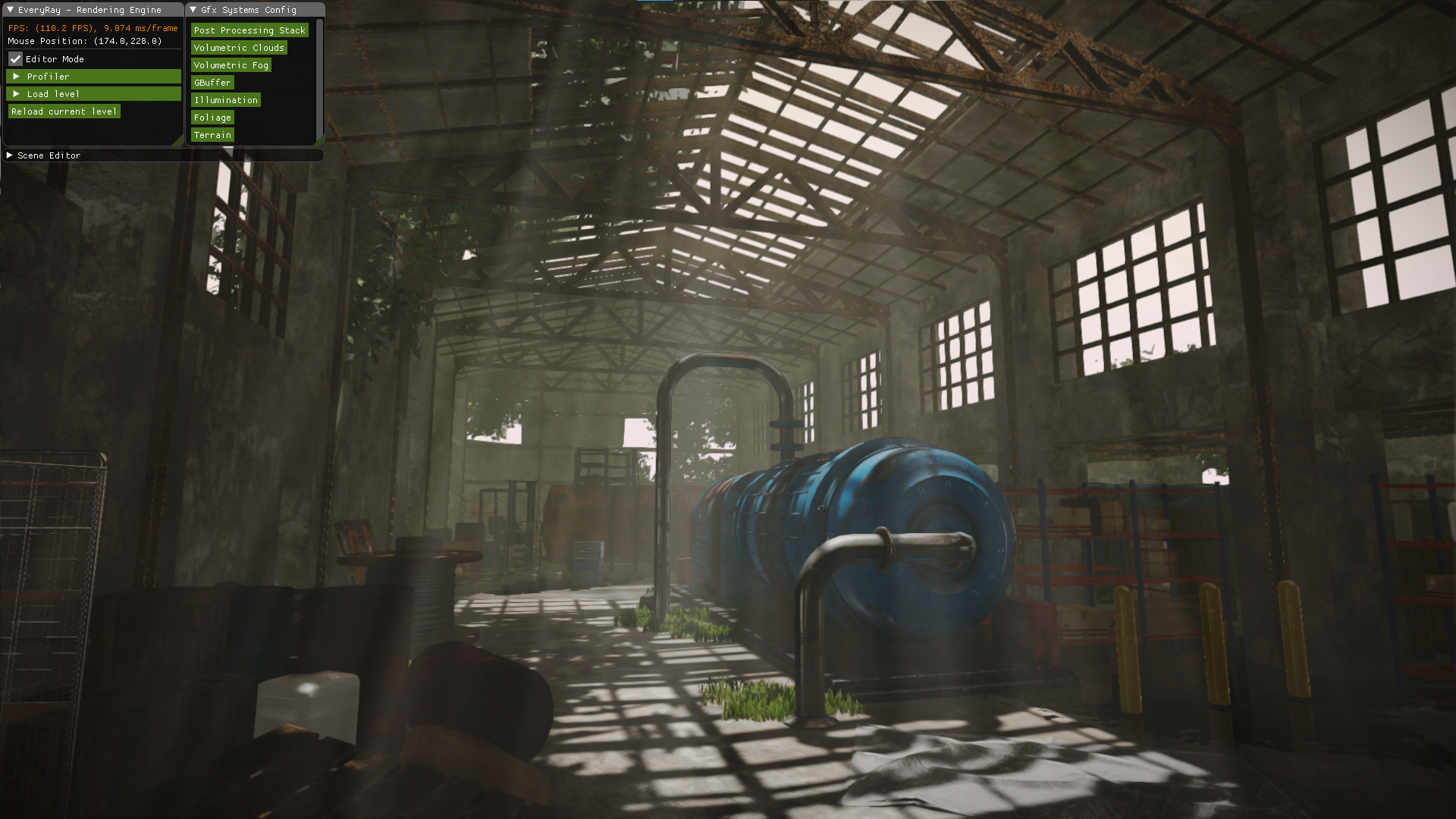
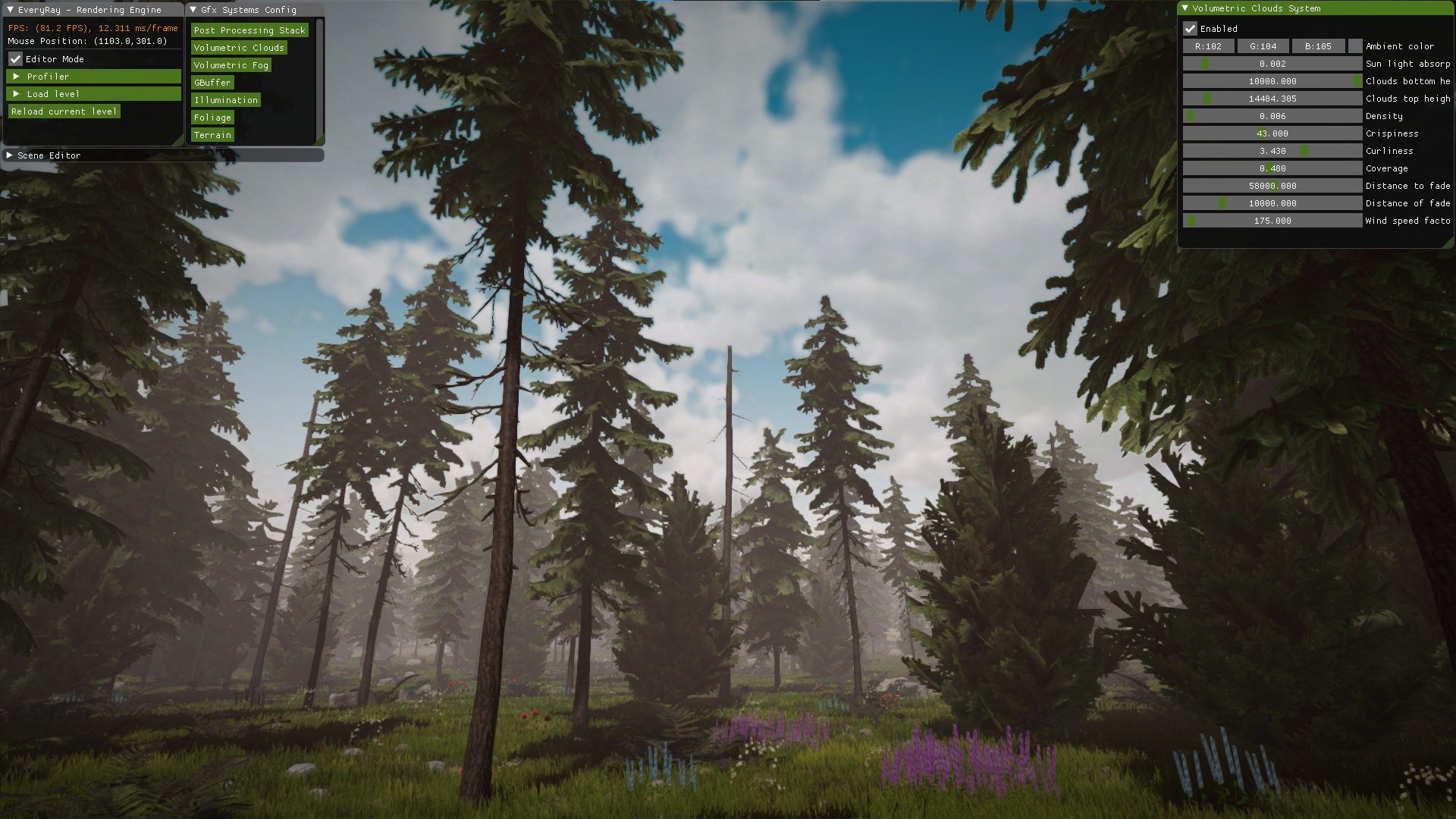
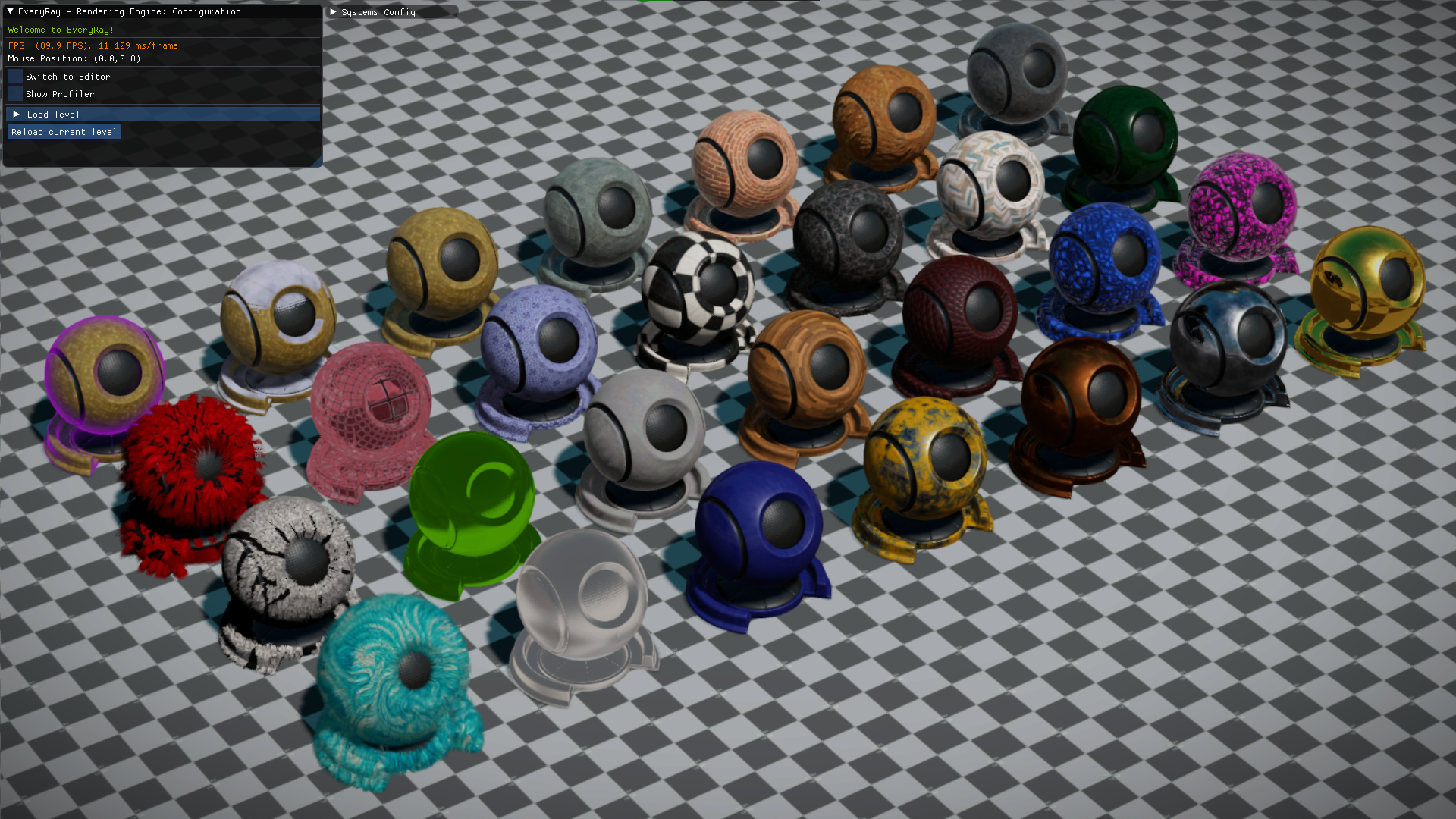
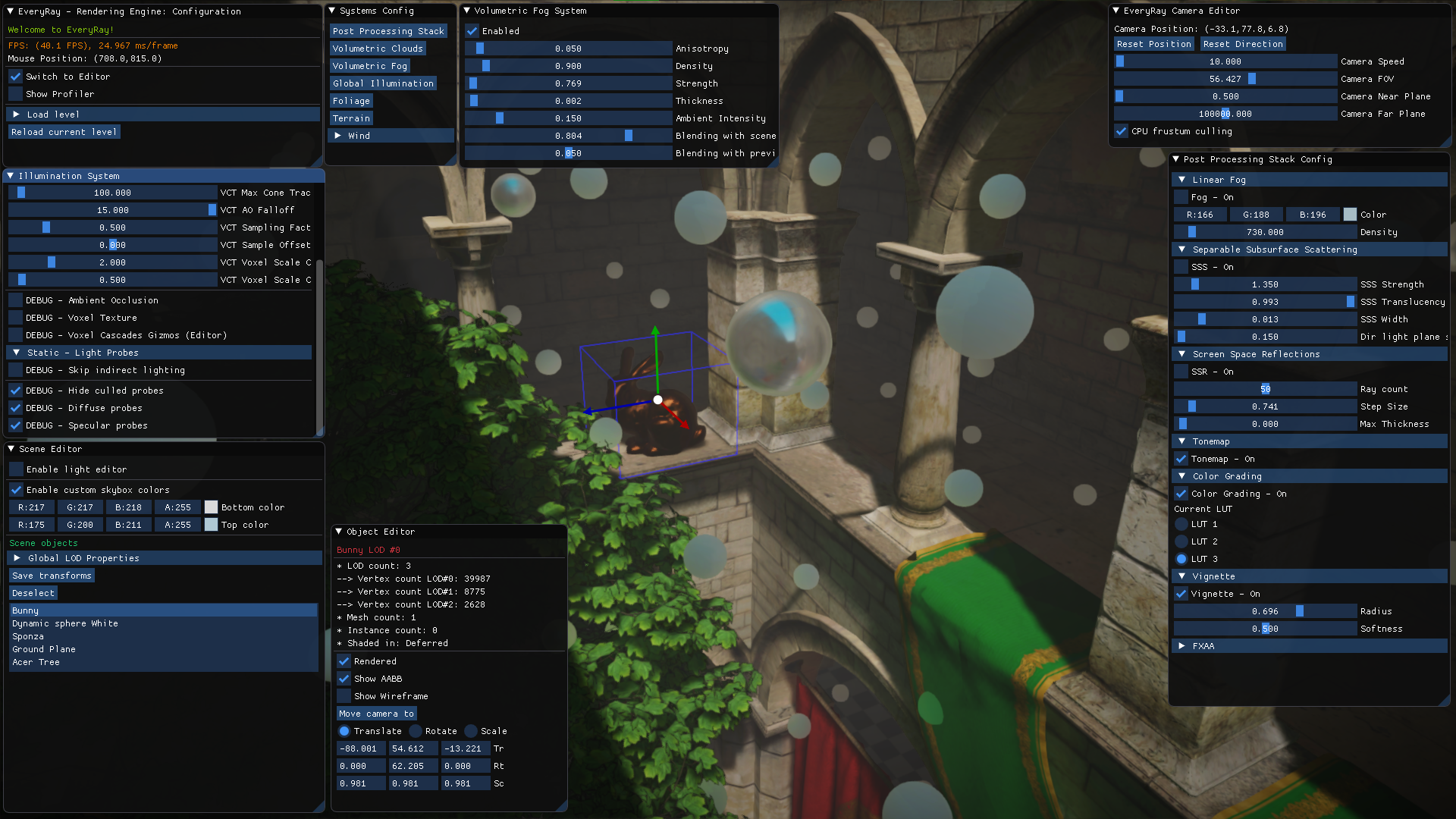
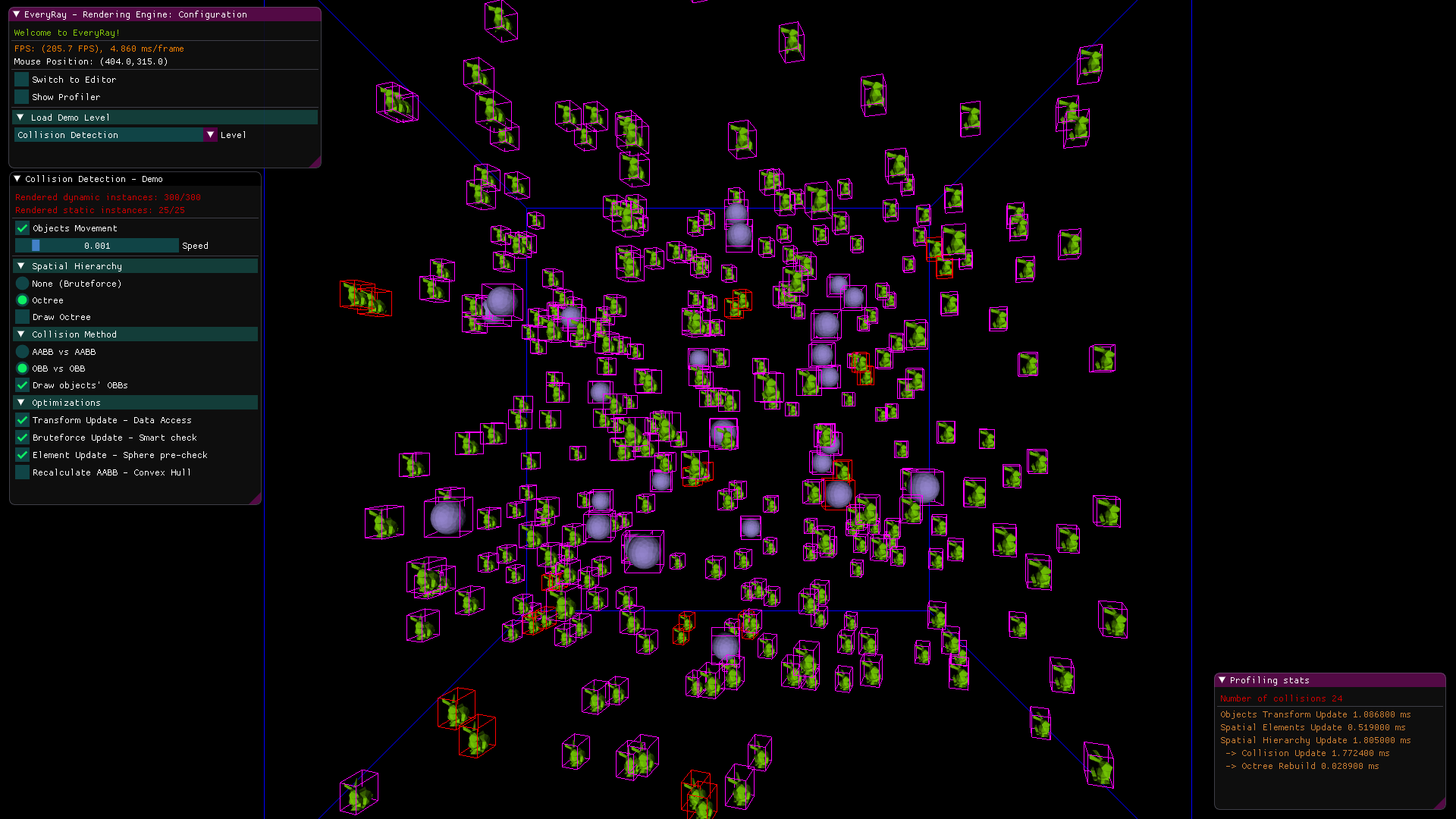
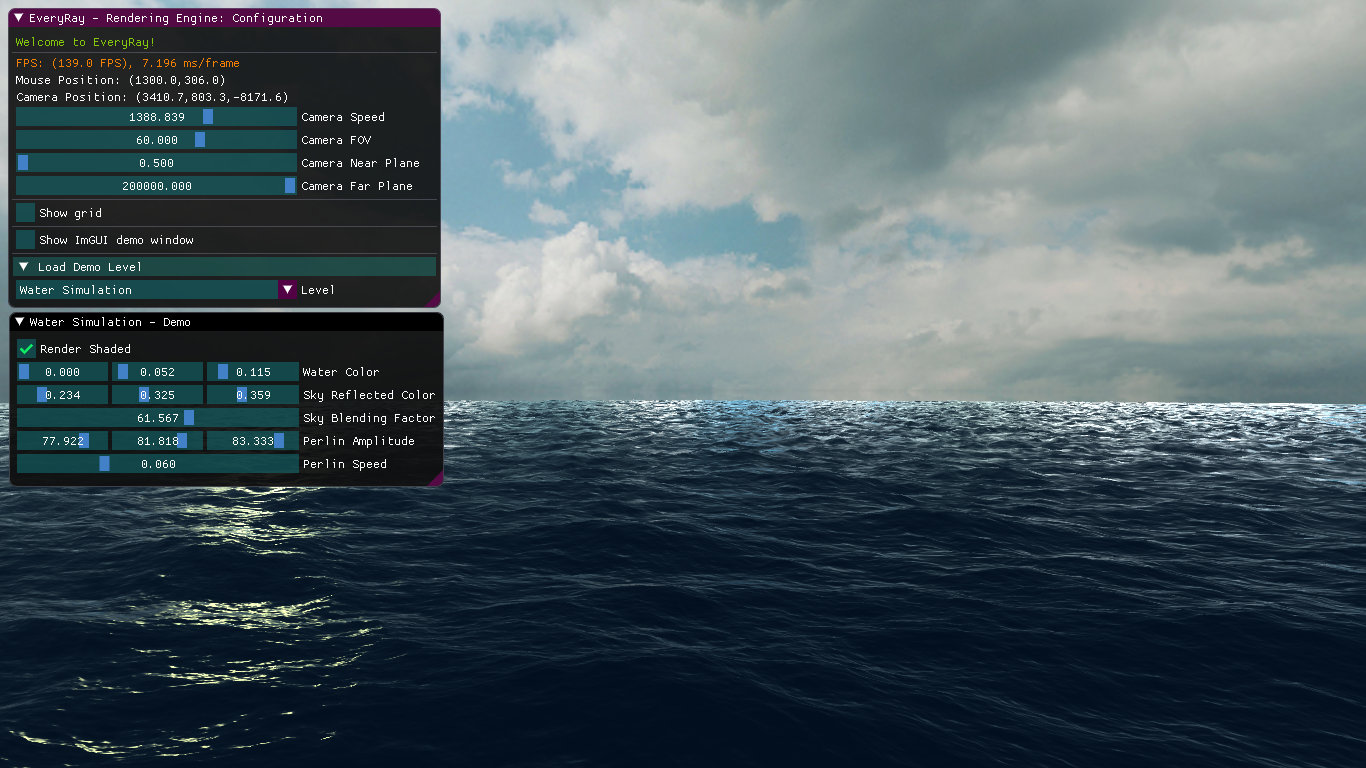
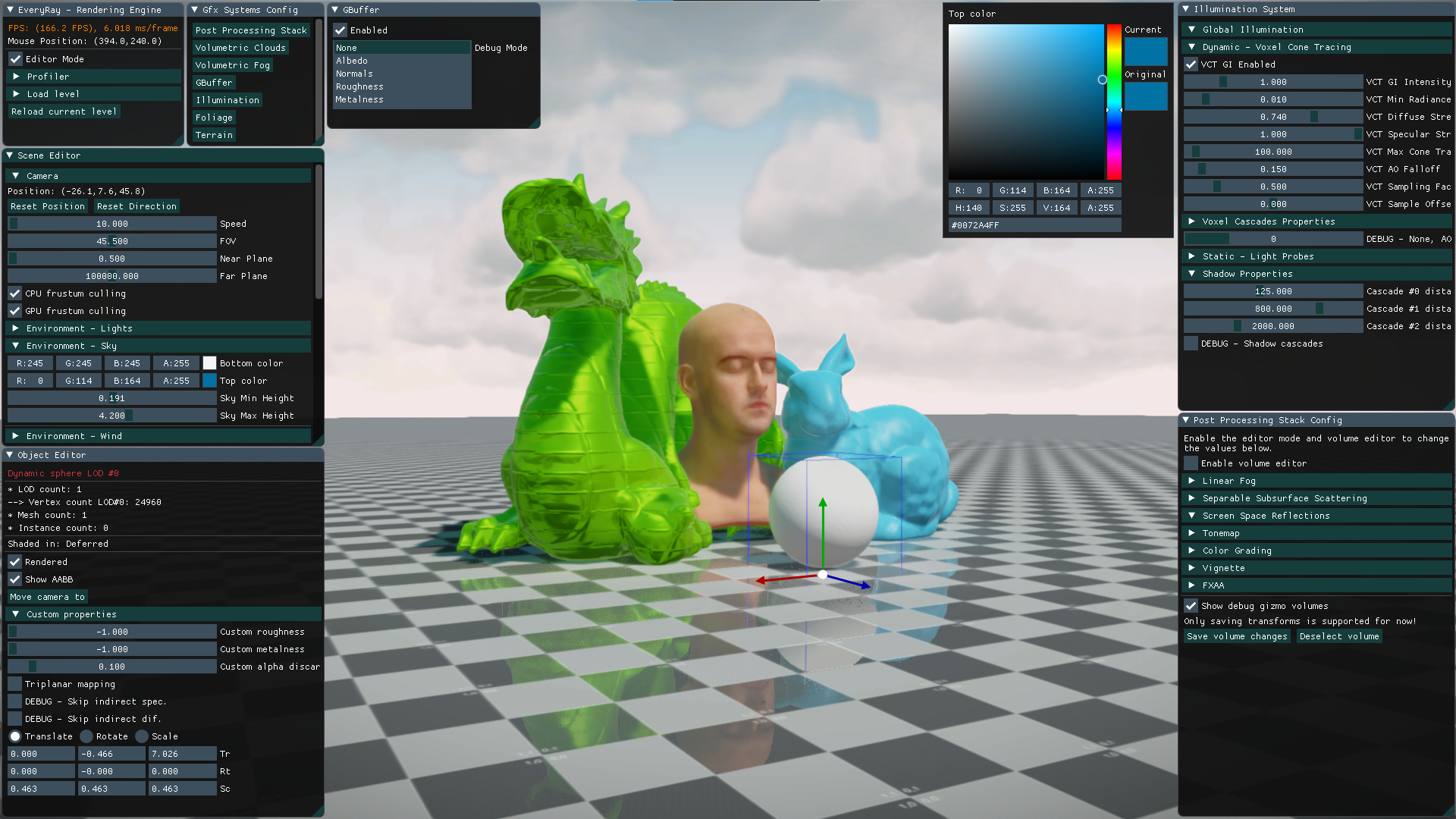
Scenes
Over the years many scenes have been created for "EveryRay". However, to make things simpler, only a few are included in the public version of this repository:
| Name | Description | Screenshot |
|---|---|---|
| testScene_simple | Default startup scene with a few basic objects | |
| testScene | Advanced scene with various materials, post-effects volumes, foliage, lights, and light probes | 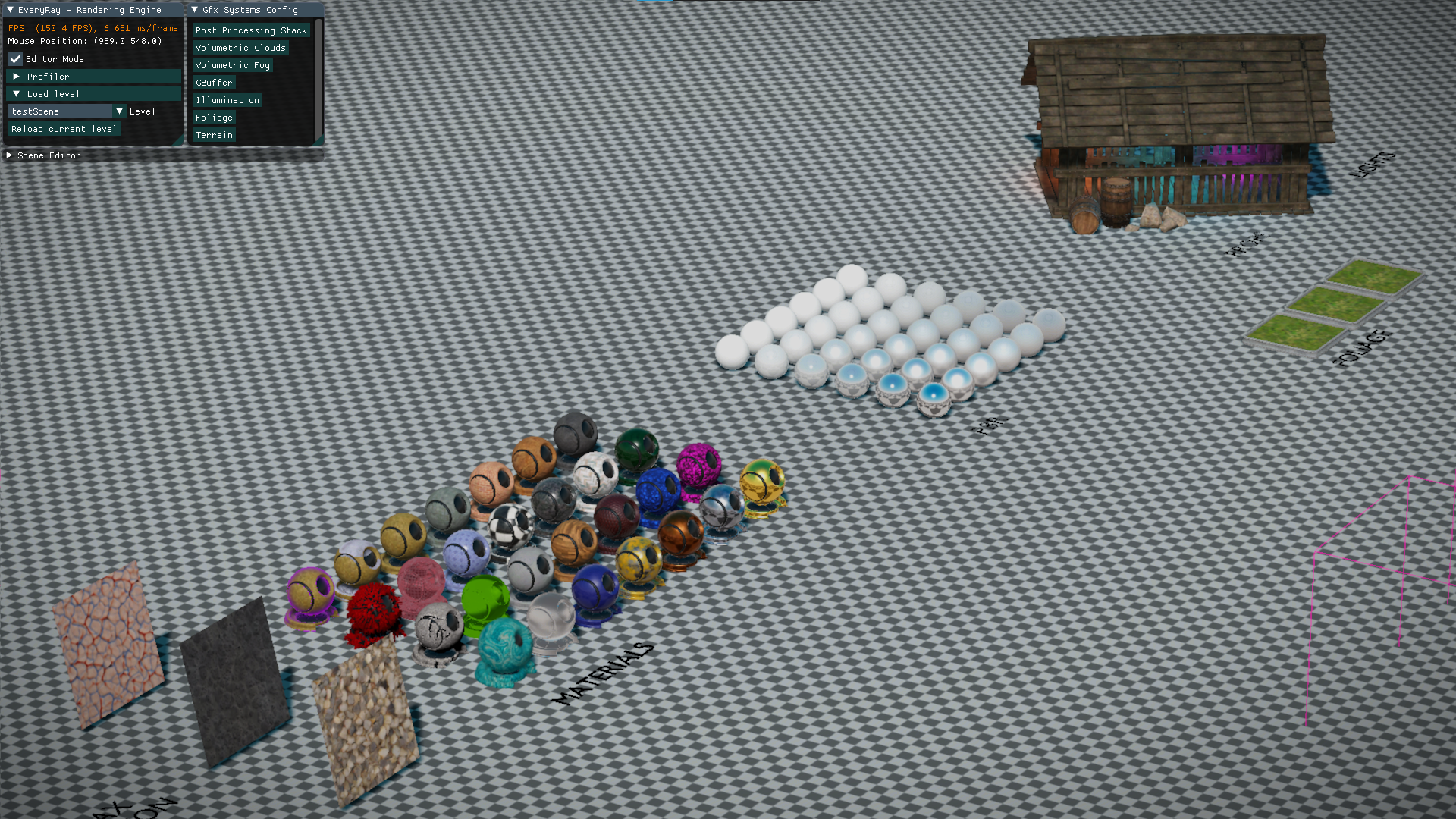 |
| terrainScene | Foliage and several types of GPU indirect objects scattered on top of terrain | 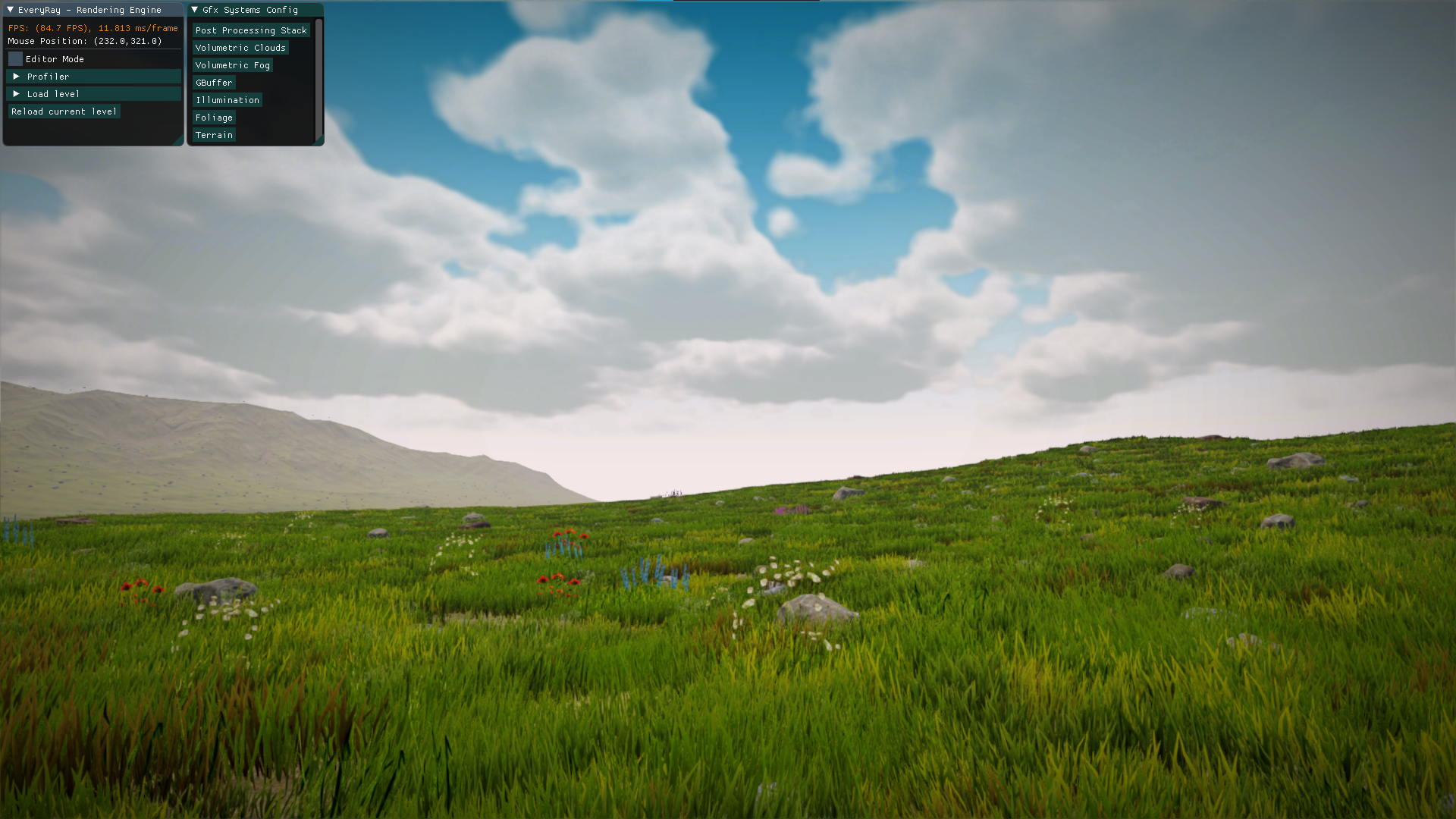 |
Learn more about levels in Engine Overview
Roadmap
Big features that require a branch/merge request and a considerable amount of time.
Engine
-
remove DX11 "Effects" library, all .fx shaders and refactor the material system (DONE)(https://github.com/steaklive/EveryRay-Rendering-Engine/pull/51) -
remove all low-level DX11 code and put it into the abstracted RHI (DONE)(https://github.com/steaklive/EveryRay-Rendering-Engine/pull/56) -
add support for DX12 (DONE)(https://github.com/steaklive/EveryRay-Rendering-Engine/pull/57) - remove DirectXMath and its usages (maybe come up with a custom math lib)
- add cross-API shader compiler
- add simple job-system (i.e. for Update(), CPU culling, etc.)
- add support for multi-threaded command lists on modern APIs (after job-system)
- add simple memory management system (for now CPU memory; at least linear, pool allocators)
Graphics
- Order Independent Transparency (in Forward pass)
- Atmospheric Scattering (Mie, etc.)
- Contact hardening shadows
- Stochastic reflections
- Better Anti-Aliasing (SMAA, TAA, explore FSR/DLSS)
- Hardware accelerated ray-tracing (i.e., DXR shadows, reflections, AO)
- High-poly geometry with mesh shaders
External Dependencies
- DirectXTK (https://github.com/Microsoft/DirectXTK)
- ImGui (https://github.com/ocornut/imgui)
- Assimp 5.0.1 (https://github.com/assimp/assimp)
- JsonCpp (https://github.com/open-source-parsers/jsoncpp/)
References
- "Real-Time 3D Rendering with DirectX and HLSL: A Practical Guide to Graphics Programming" by Paul Varcholik
- "Real-Time Rendering" 3rd/4th ed. by Tomas Möller, Naty Hoffman, Eric Haines
- "GPU Gems" series
- "GPU Pro" series
- numerous SIGGRAPH, GDC papers, and blog posts by fellow graphics geeks and vendors :)
Requirements
- Visual Studio 2019
- Windows 10 + SDK
- DirectX 11 or DirectX 12 supported hardware
- You might increase TDR time of your GPU driver (explained here https://docs.substance3d.com/spdoc/gpu-drivers-crash-with-long-computations-128745489.html).