

FastID authentication platform, high security, lightning fast, easy-to-use, customizable.





Live Demo: https://fastid.croce.ru
Documentation: https://everysoftware.github.io/fastid
Source Code: https://github.com/everysoftware/fastid
Features
- Secure: Reliable authentication without exposing user credentials to the clients (thanks to OAuth 2.0 and OpenID Connect).
- Fast: Powered by FastAPI (one of the fastest Python web frameworks available) and SQLAlchemy.
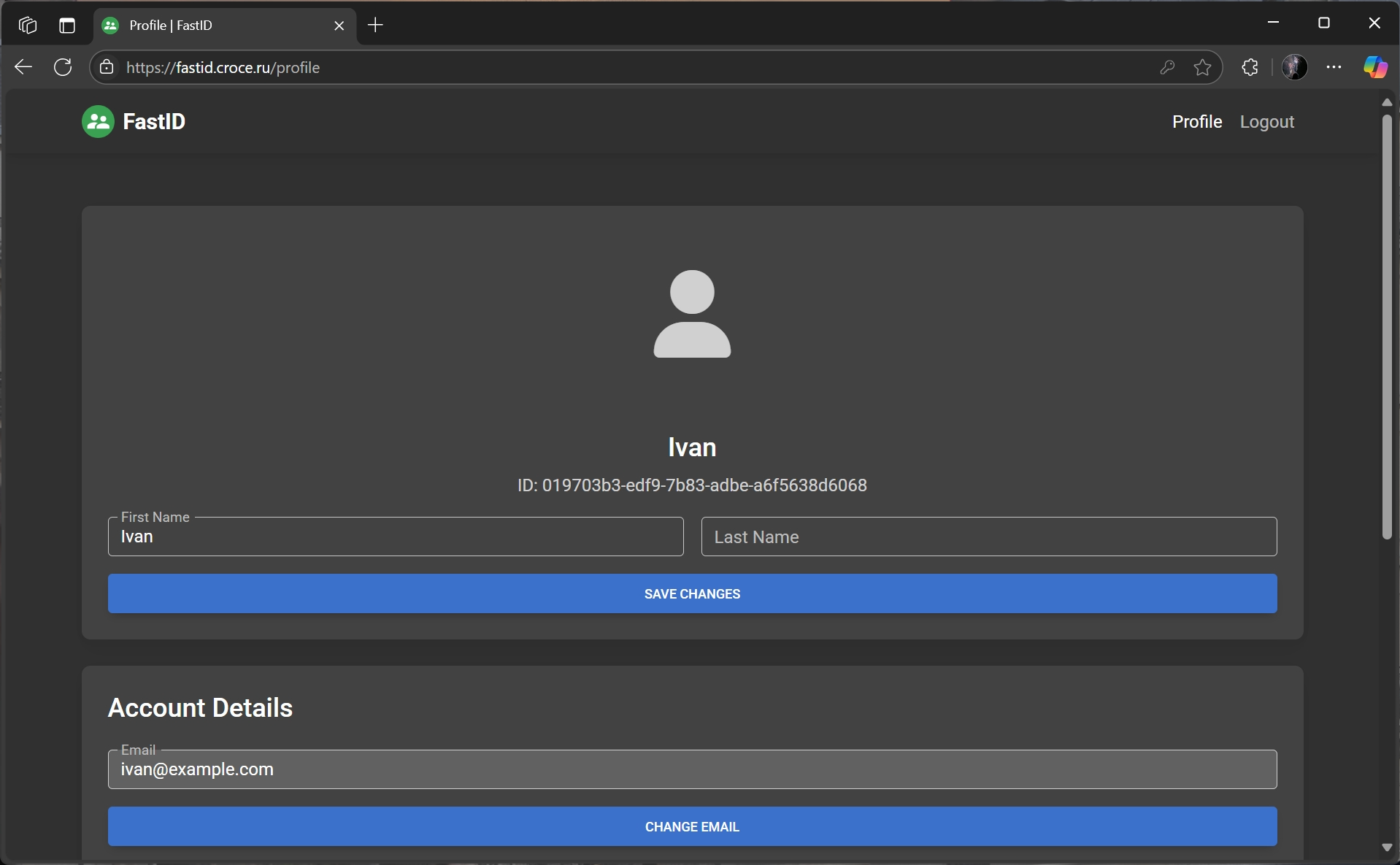
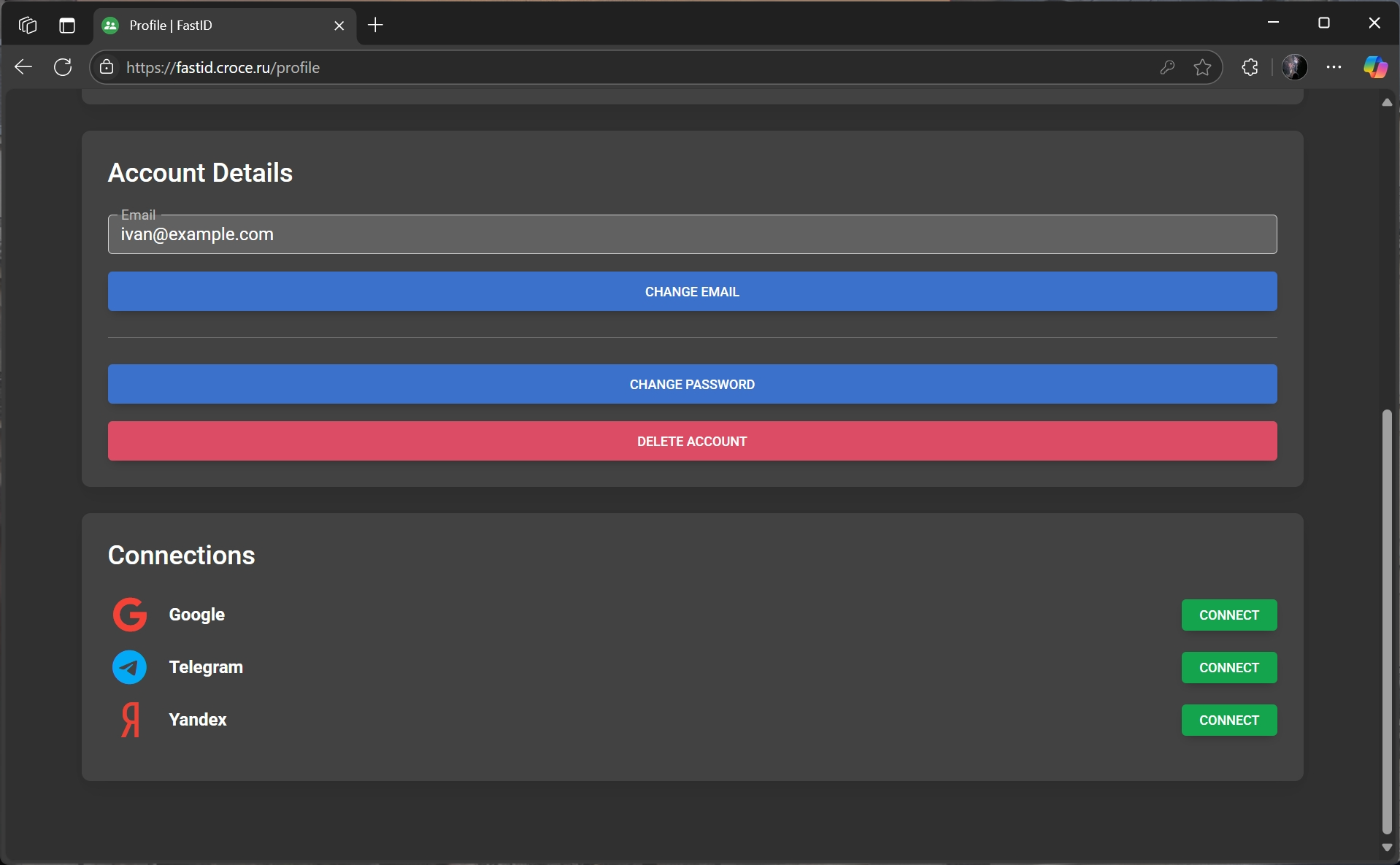
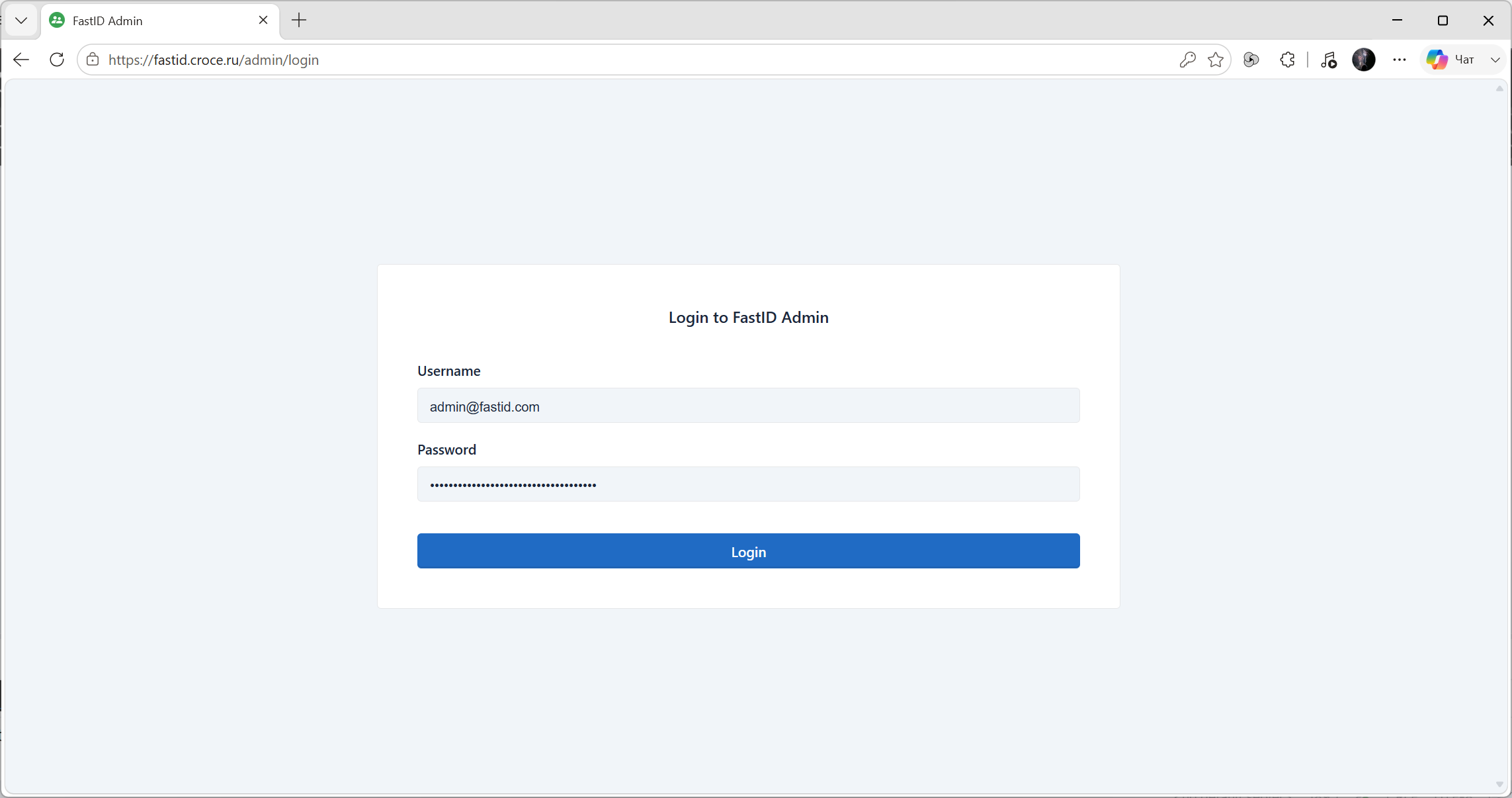
- Easy-to-use: Comes with an admin dashboard to manage users and applications. Built-in user profile pages for account management.
- Quickly start: Supports sign up with Google, Yandex, etc. Advanced integration with Telegram.
- In touch with users: Greets users after registration and verifies their actions via OTP.
- Customizable: Changes the appearance with custom templates for pages and email messages. Functionality can be extended with plugins.
- Observable: Monitor the platform's performance with 3 pills of observability: logging, metrics and tracing complied. Fully compatible with OpenTelemetry.
Installation
Download the Compose file
wget https://raw.githubusercontent.com/everysoftware/fastid/refs/heads/master/docker-compose.example.yml
mv docker-compose.example.yml docker-compose.yml
Set environment variables
Create a .env file with the following content:
POSTGRES_PASSWORD=YOUR_POSTGRES_PASSWORD
REDIS_PASSWORD=YOUR_REDIS_PASSWORD
Generate RSA keys
mkdir certs
openssl genrsa -out certs/jwt-private.pem 2048
openssl rsa -in certs/jwt-private.pem -pubout -out certs/jwt-public.pem
Install and start FastID
docker compose up -d --build --wait
Access FastID
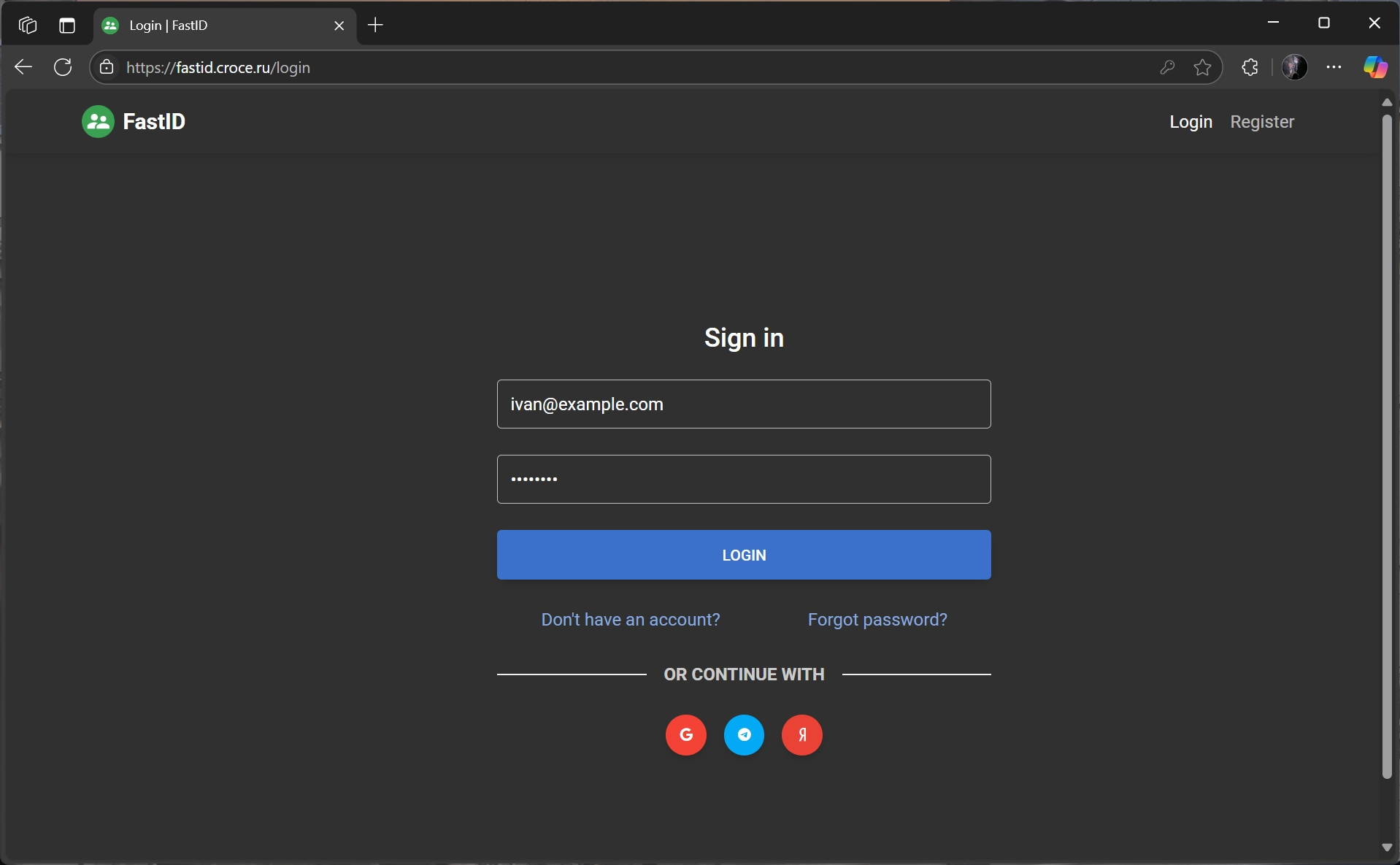
FastID is available at http://localhost:8012:
Admin panel is available at: http://localhost:8012/admin/:
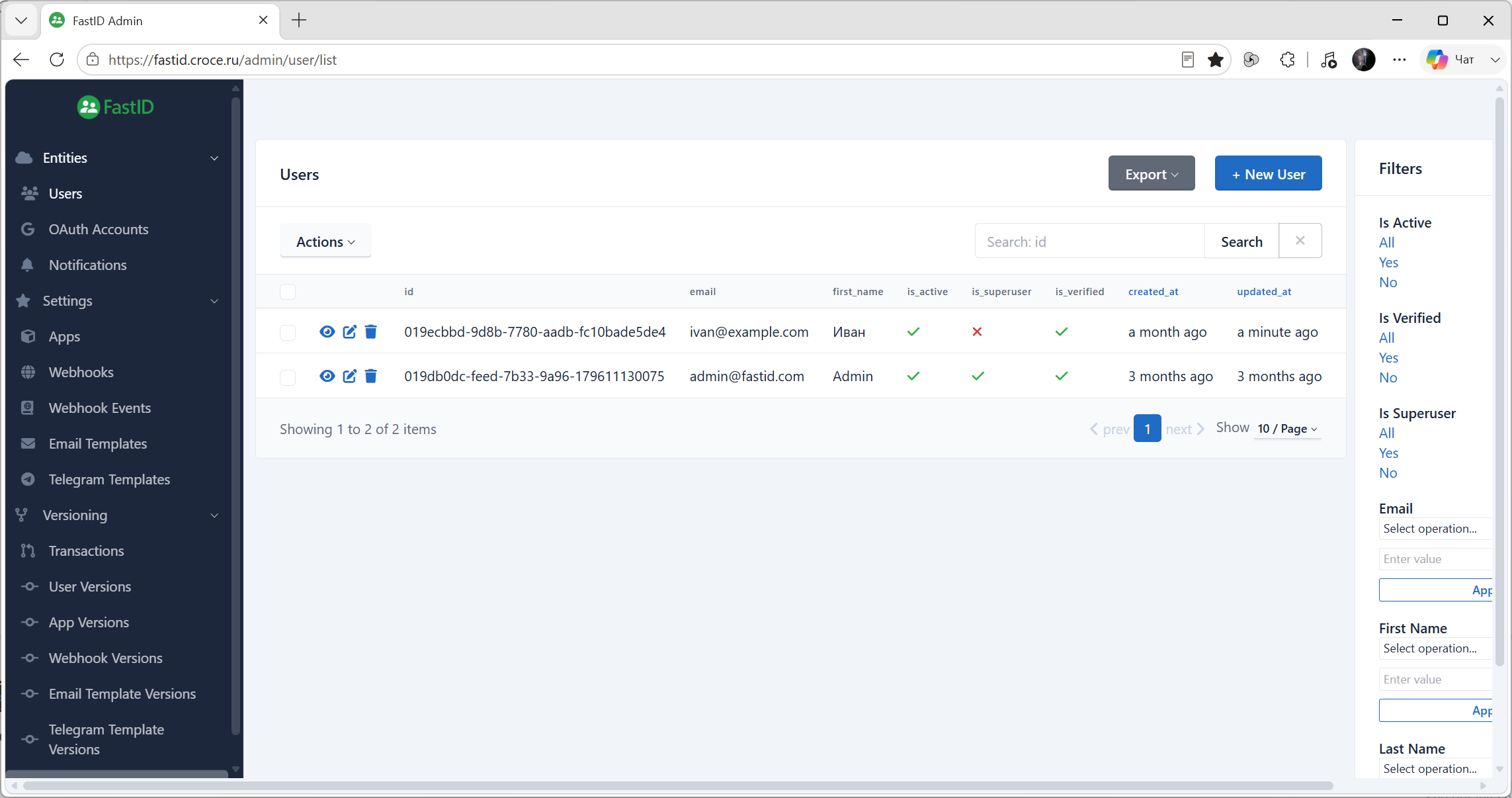
Get Started
To start using FastID, you need to create an application in the admin panel. This will allow you to use FastID for authentication in your application.
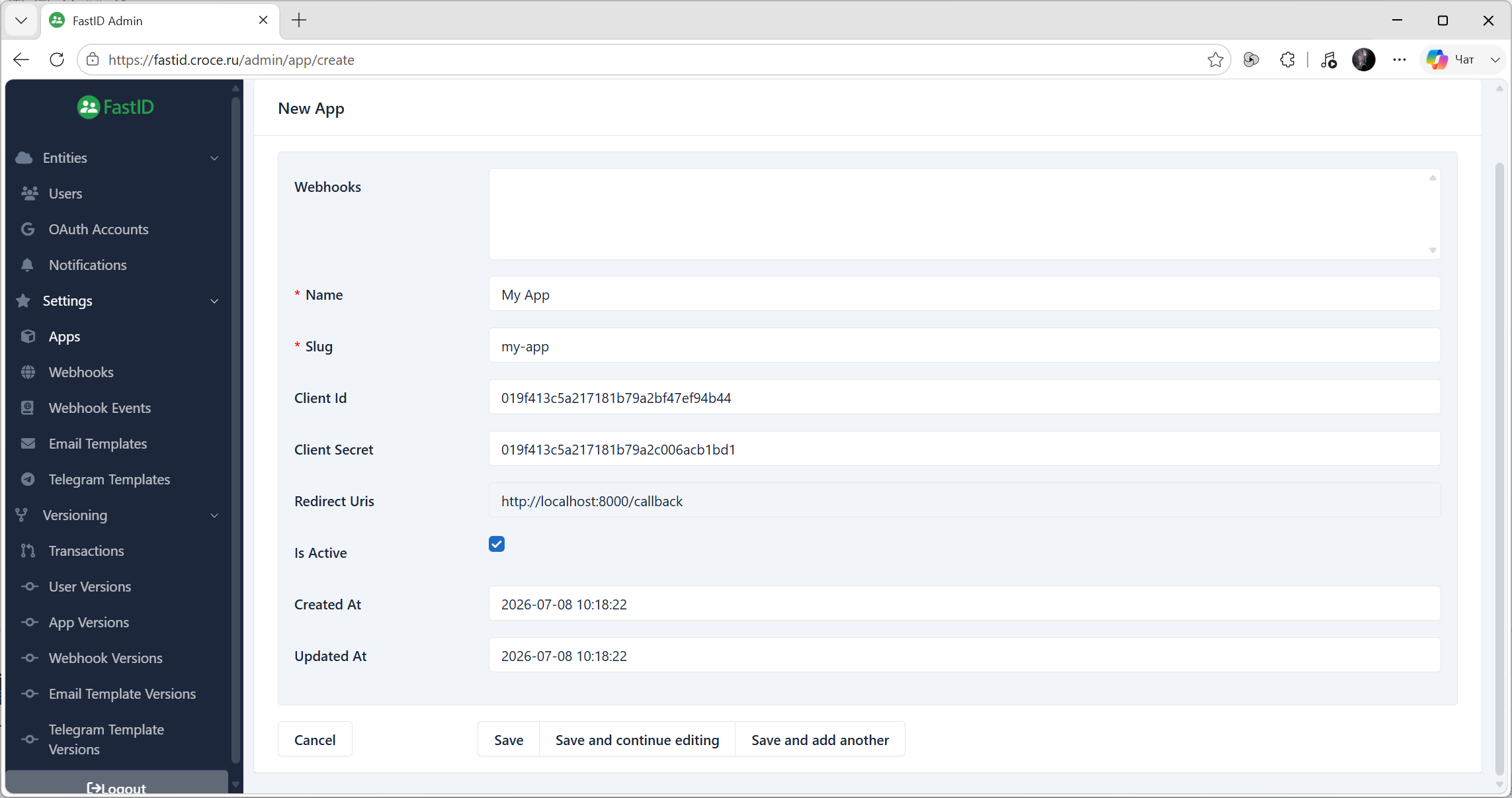
Once you have created an application, you can use the standard OAuth 2.0 flow to authenticate users. FastID supports the authorization code flow, which is the most secure and recommended way to authenticate users.
Here is an example of how to use FastID for authentication in a Python application using the FastAPI framework and the httpx library.
from typing import Any
from urllib.parse import urlencode

import httpx
from fastapi import FastAPI, Request
from fastapi.responses import RedirectResponse

FASTID_URL = "http://localhost:8012"
FASTID_CLIENT_ID = ...
FASTID_CLIENT_SECRET = ...

app = FastAPI()


@app.get("/login")
def login(request: Request) -> Any:
    params = {
        "response_type": "code",
        "client_id": FASTID_CLIENT_ID,
        "redirect_uri": request.url_for("callback"),
        "scope": "openid",
    }
    url = f"{FASTID_URL}/authorize?{urlencode(params)}"
    return RedirectResponse(url=url)


@app.get("/callback")
def callback(code: str) -> Any:
    response = httpx.post(
        f"{FASTID_URL}/api/v1/token",
        headers={"Content-Type": "application/x-www-form-urlencoded"},
        data={
            "grant_type": "authorization_code",
            "client_id": FASTID_CLIENT_ID,
            "client_secret": FASTID_CLIENT_SECRET,
            "code": code,
        },
    )
    token = response.json()["access_token"]
    response = httpx.get(
        f"{FASTID_URL}/api/v1/userinfo",
        headers={"Authorization": f"Bearer {token}"},
    )
    return response.json()
In this example, we define two routes:
/login: Redirects the user to the FastID authorization page./callback: Handles the callback from FastID after the user has logged in. It exchanges the authorization code for an access token and retrieves the user's information.
Run the FastAPI application:
fastapi dev examples/httpx.py
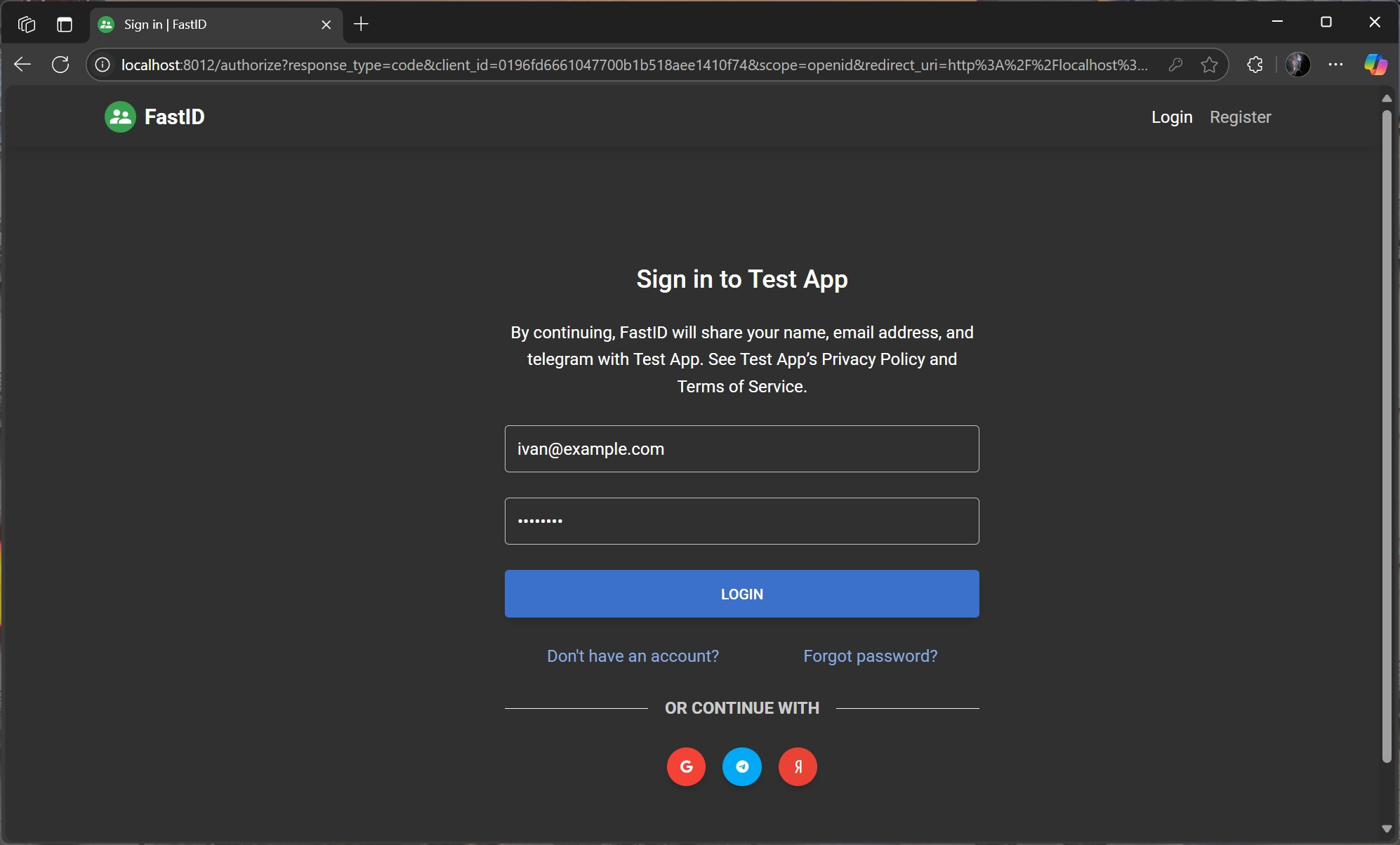
Visit http://localhost:8000/login to start the authentication process. You will be redirected to the FastID login page, where you can log in with your credentials or use a third-party provider.
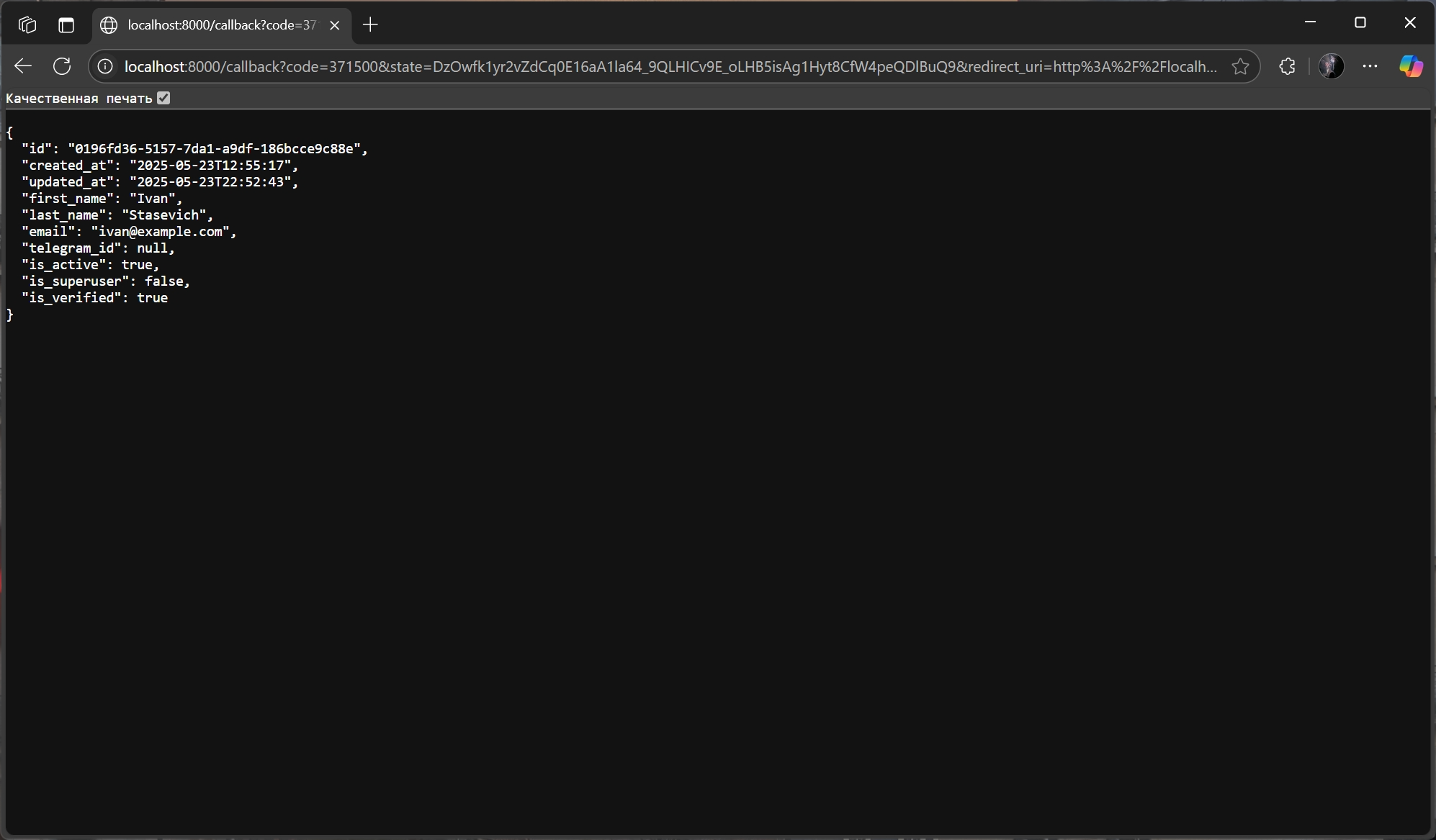
After logging in, you will be redirected to the /callback route, where you can access the user's information.
Made with ❤️