
fcm-send
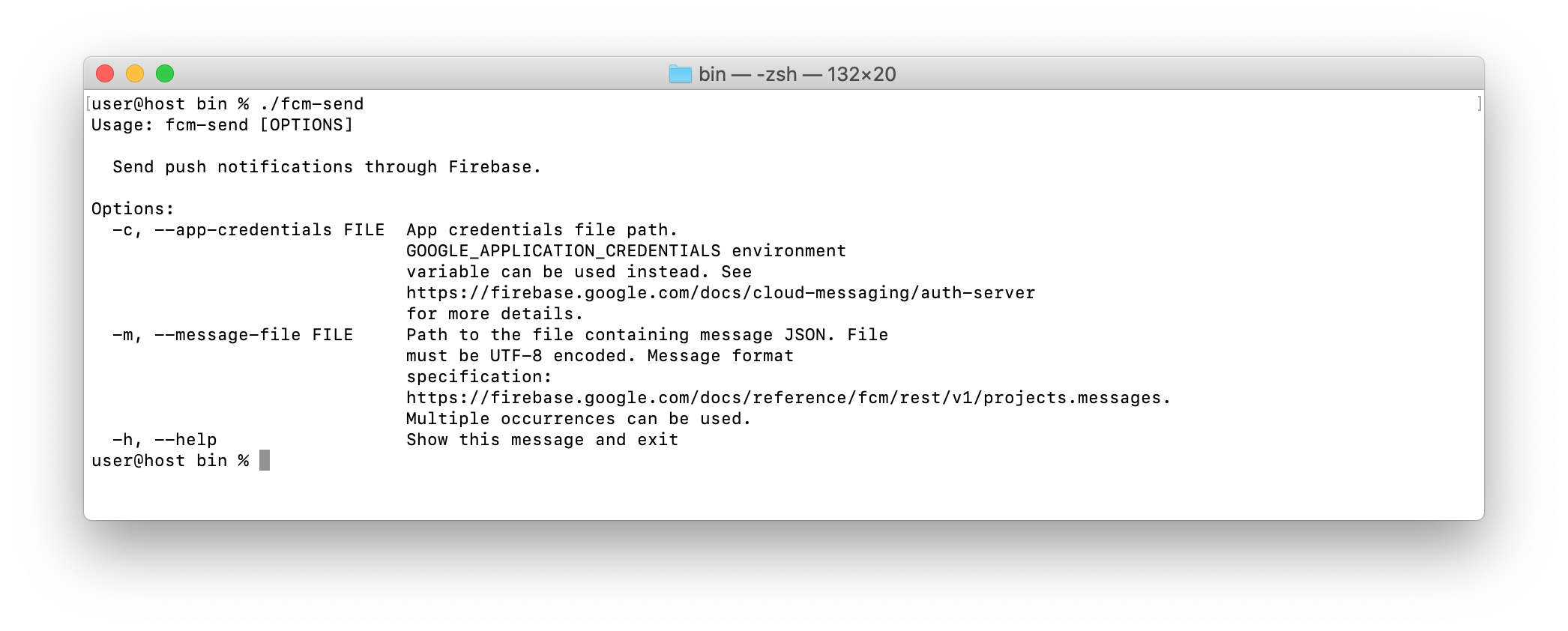

Basic steps
- Download a private key file for your service account from the Firebase console.
- Set the path to this file.
export GOOGLE_APPLICATION_CREDENTIALS="/home/user/Downloads/service-account.json" - Create a file with your message.
{ "message": { "notification": { "title": "FCM push notification", "body": "Hello, world!" }, "data": { "key1": "value1", "key2": "value2" }, "token": "<target_device_registration_token>" } } - Run
fcm-send../fcm-send -m message.jsonMessage sent to Firebase for delivery. Response: { "name": "projects/<project_id>/messages/0:1572347759805693%14b1c65594b1c645" }
Debugging received messages on Android
Take a look at this gist. Hope it helps.
License
Copyright (c) 2019 Ruslan Kalbaev

Licensed under the Apache License, Version 2.0 (the "License");
you may not use this file except in compliance with the License.
You may obtain a copy of the License at

http://www.apache.org/licenses/LICENSE-2.0

Unless required by applicable law or agreed to in writing, software
distributed under the License is distributed on an "AS IS" BASIS,
WITHOUT WARRANTIES OR CONDITIONS OF ANY KIND, either express or implied.
See the License for the specific language governing permissions and
limitations under the License.