
FigJam Live Code Block Widget
Turn FigJam into a collaborative JavaScript canvas
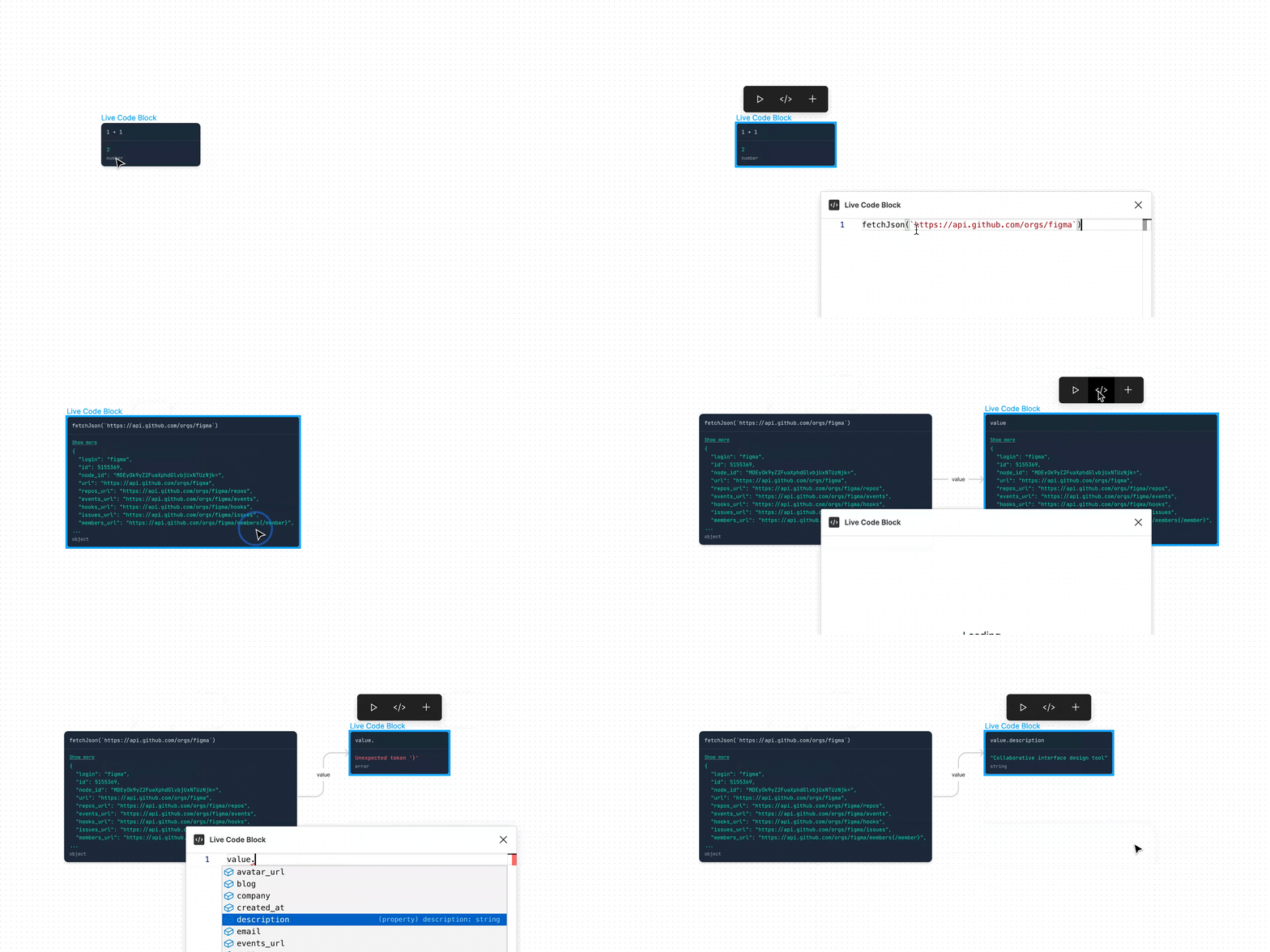
Could be used for:
- Exploring APIs
- Teaching
- Debugging
- Pair programming
- Code review
- Technical interviews
- ???
Found a creative use for this widget? Tell me about it on Twitter (@colebemis)
Installation
https://www.figma.com/community/widget/1034005547769330556
Global variables
Every live code block has access to the following variables:
| Name | Type | Description |
|---|---|---|
fetch() |
function |
MDN docs |
fetchJson() |
function |
A convenient wrapper around fetch() specifically for fetching JSON data |
Math |
object |
MDN docs |
Array |
object |
MDN docs |
Object |
object |
MDN docs |
Local development
-
Clone the repository
git clone https://github.com/colebemis/figjam-javascript-repl.git cd figjam-javascript-repl -
Install the dependencies
yarn -
Run local development scripts
yarn start -
Open the Figma desktop app
-
Inside a FigJam file, go to
Menu > Widgets > Development > Import widget from manifest... -
Select
/path/to/figjam-javascript-repl/manifest.json -
Add the widget to the canvas by selecting
Menu > Widgets > Developement > JavaScript REPLor search forJavaScript REPLin the quick actions bar (⌘ /)