
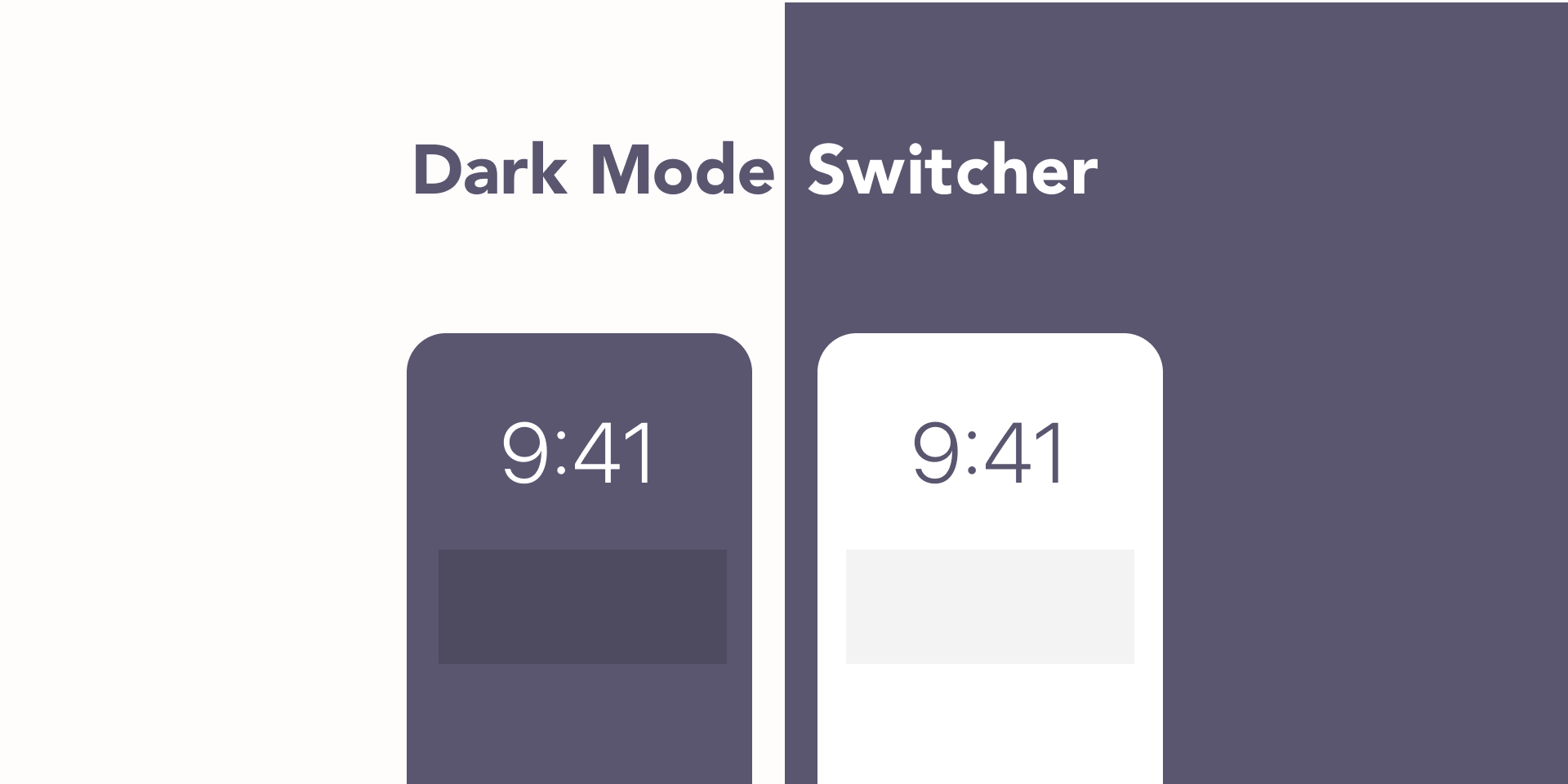
Dark Mode Switcher
Provides that can toggle light/dark color.
You can specify your favor ColorStyle which contains “Dark"("dark"), “Light”("light") or “Elevated”("elevated") key. Exmaple:
Background/Dark/Primary:point_right:Background/Light/PrimaryBackground/Light/Primary:point_right:Background/Elevated/PrimaryBackground Primary (Light):point_right:Background Primary (Dark)
NOTE: For Team Library Supports
After version 10, we finally start to support Team Library(formally known as DesignSystem). It needs some "hack"s for your project.
Usage
- Open your DesignSystem edit page which has defined colors
- Choose 'Dark Mode Switcher' → 'Save colorStyles from Team Library'
- Return to your file and run Switcher as the basic usage :tada:
Install
https://www.figma.com/community/plugin/808916768872750785/Dark-Mode-Switcher
Usage
Select Frame, then choose 'Dark Mode Switcher' → 'Dark mode' / 'Elevated Dark mode' / 'Light mode'.