
Figma Plugin + Svelte + Tailwind + Vite + Typescript
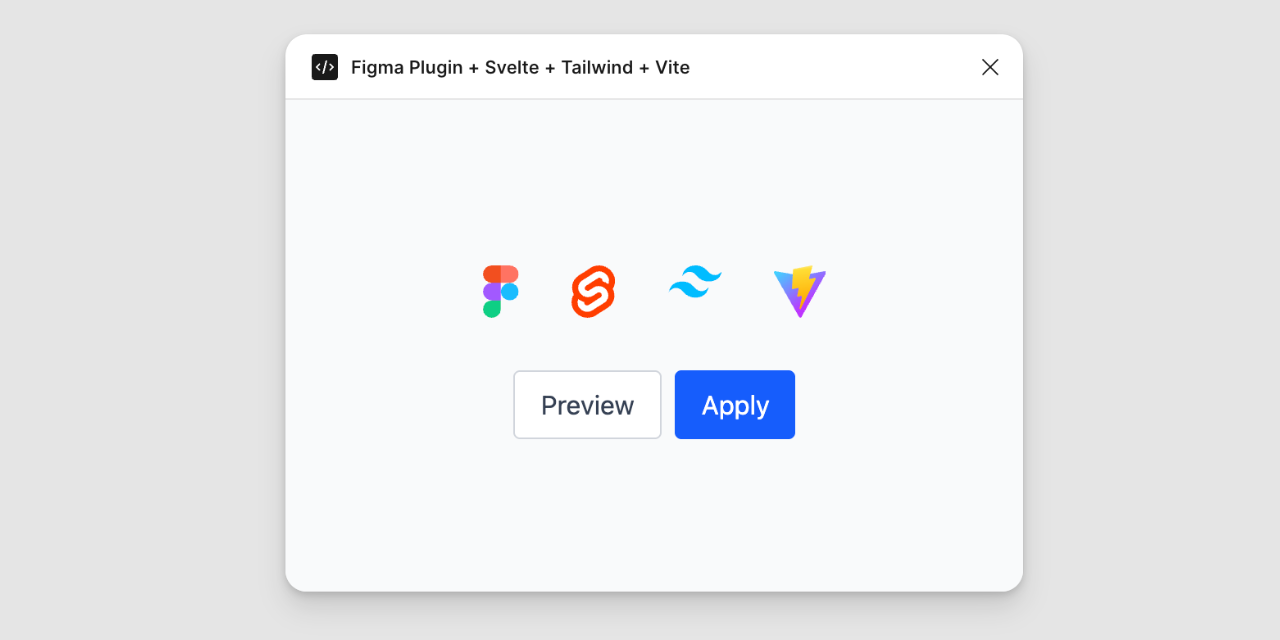
A boilerplate for creating Figma plugins using Svelte, Tailwind CSS (v4), Vite 7, and Typescript.
Features
- Svelte 5: Latest version of Svelte.
- Tailwind CSS v4: Utility-first CSS framework with the latest engine.
- Vite 7: Fast build tool and dev server.
- Hot Reload: Concurrent development for both Plugin code and UI.
- TypeScript: Type safety for both Plugin and UI logic.
Connecting your plugin to Figma
- Go to Plugins > Development > New Plugin in the Figma desktop app.
- Choose "Link existing plugin".
- Select the
manifest.jsonfile located in the root of this project.
Development
Run the development server which watches both your Plugin code (src/code.ts) and UI code (src/App.svelte):
npm run dev
# or
bun run dev
- UI changes: Vite will rebuild
dist/index.htmlautomatically. Reopen the plugin in Figma to apply changes. - Plugin logic changes:
esbuildwill rebuilddist/code.jsautomatically.
Build
To build the plugin for production:
npm run build
This generates the minimized and optimized files in the dist folder, ready for publishing.