
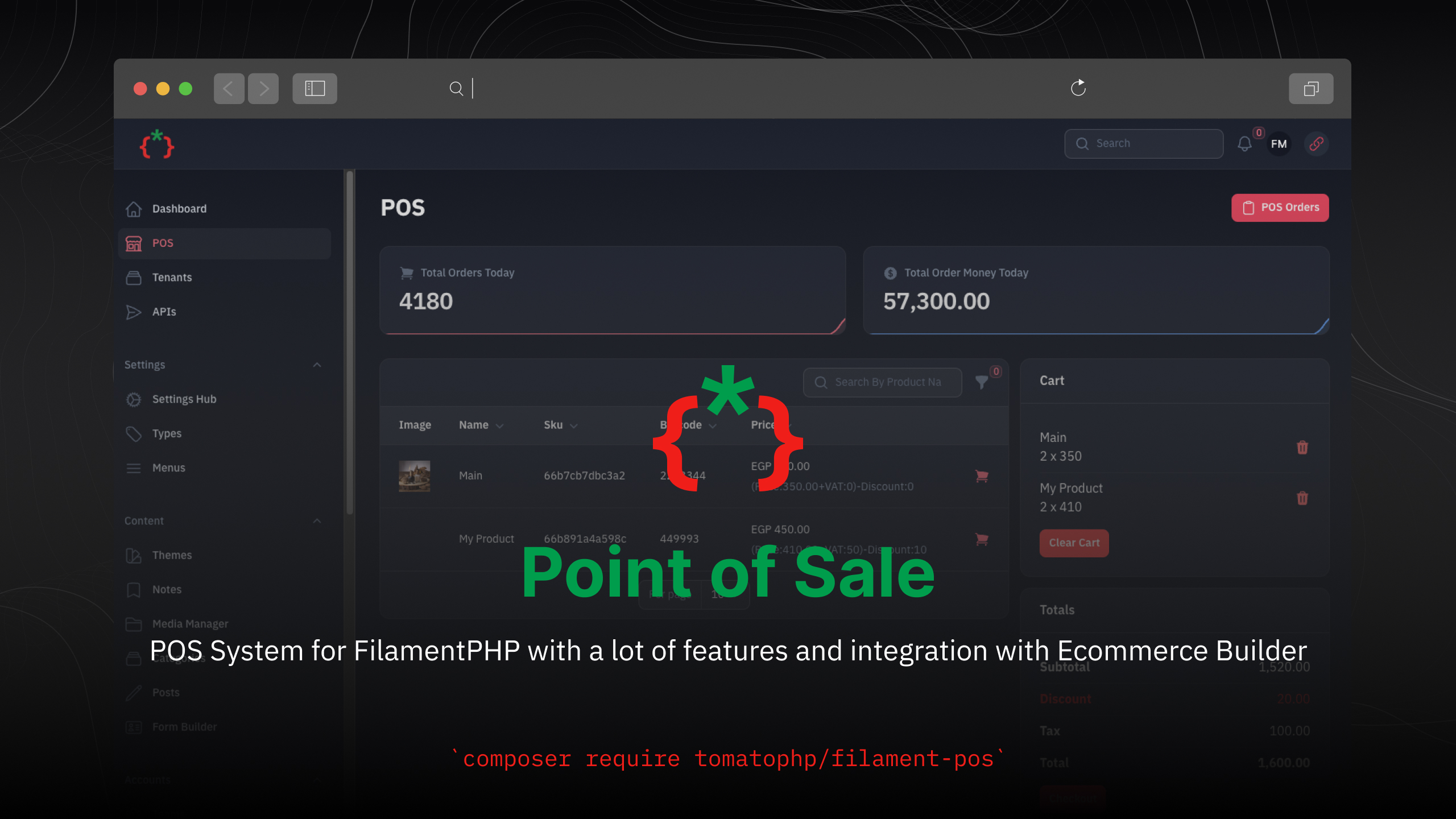
Filament POS



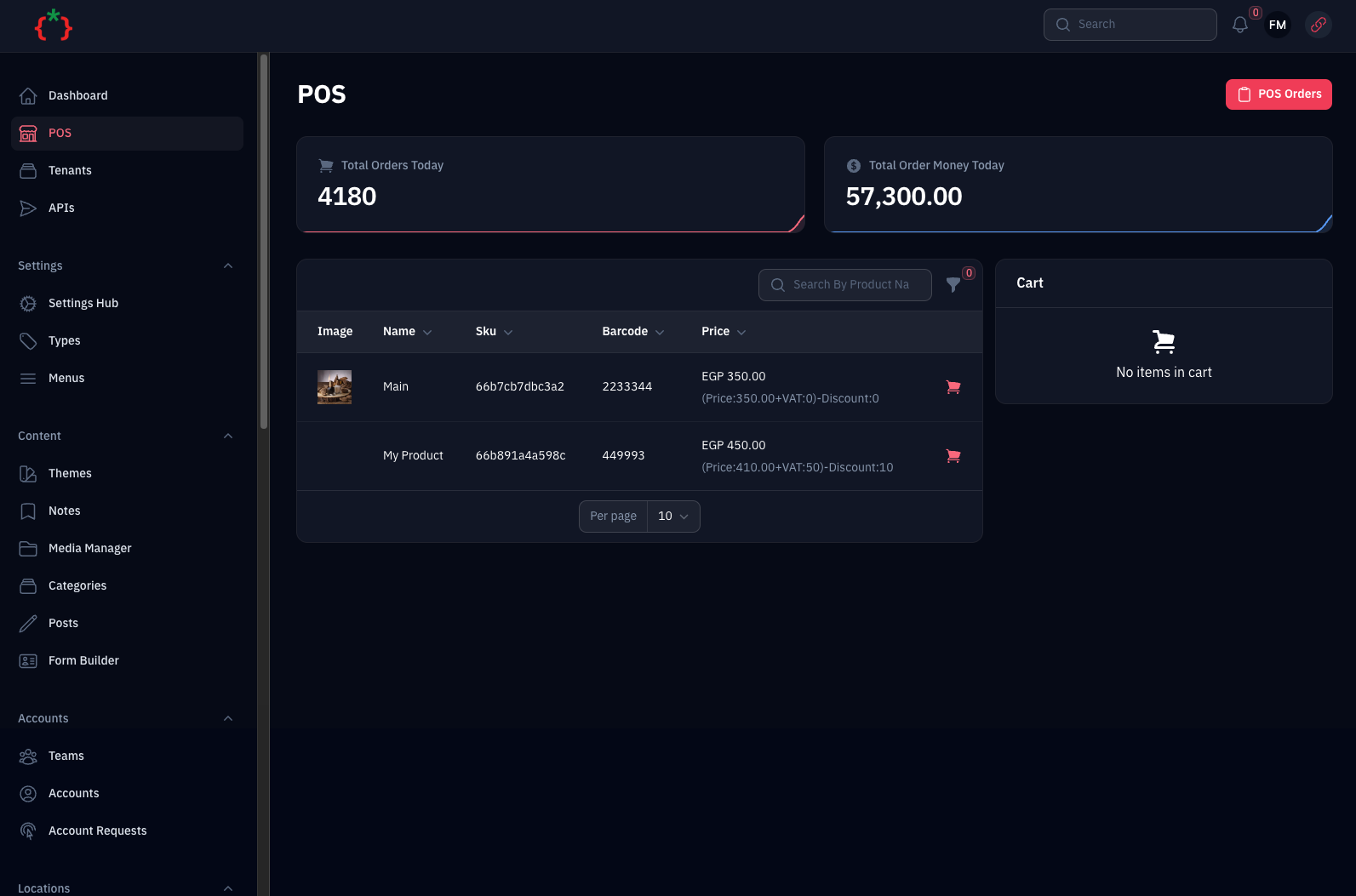
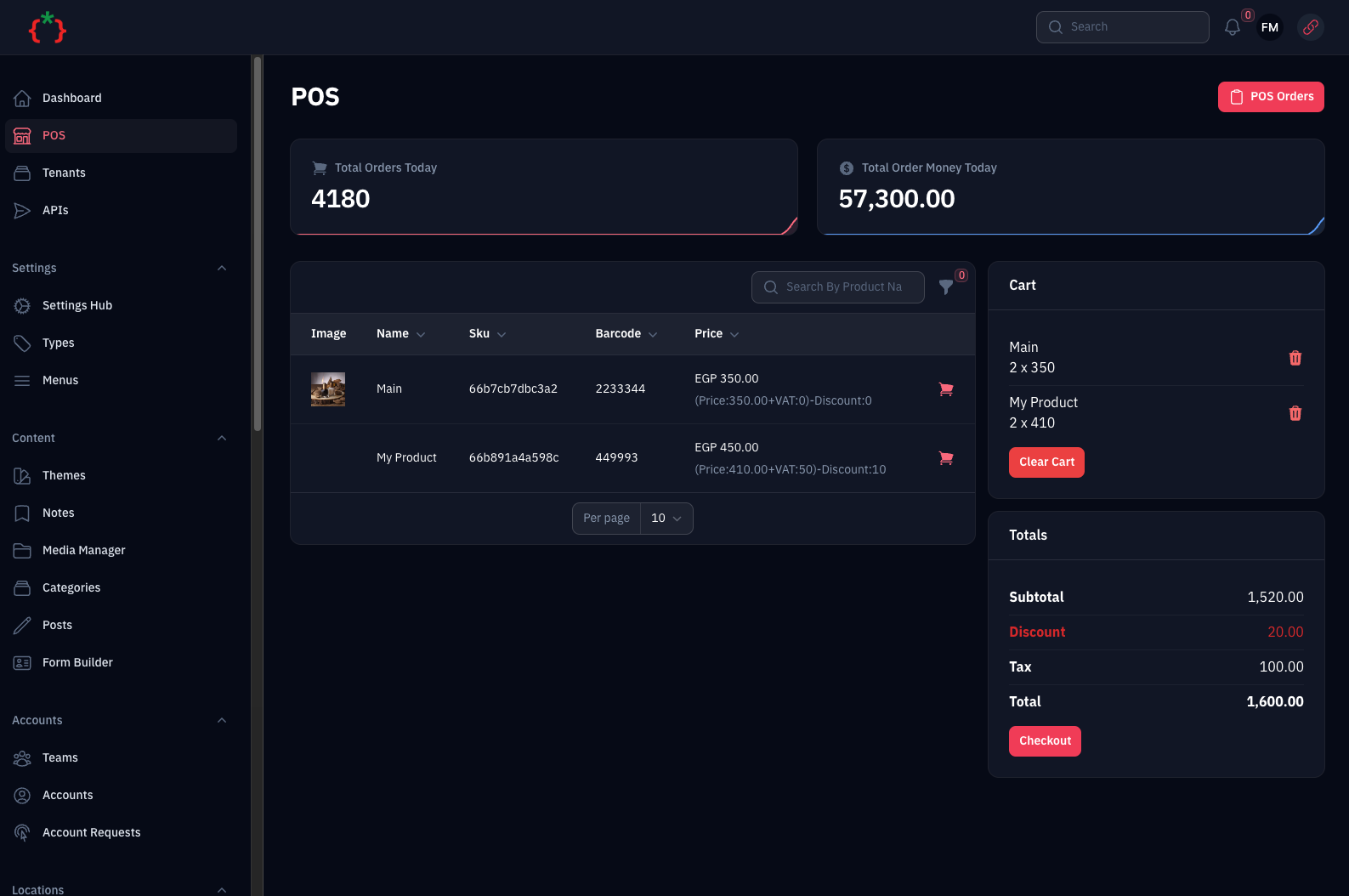
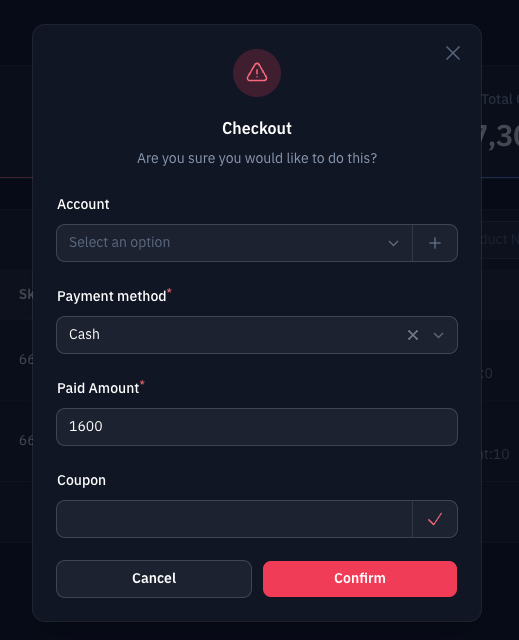
POS System for FilamentPHP with a lot of features and integration with Ecommerce Builder
Screenshots
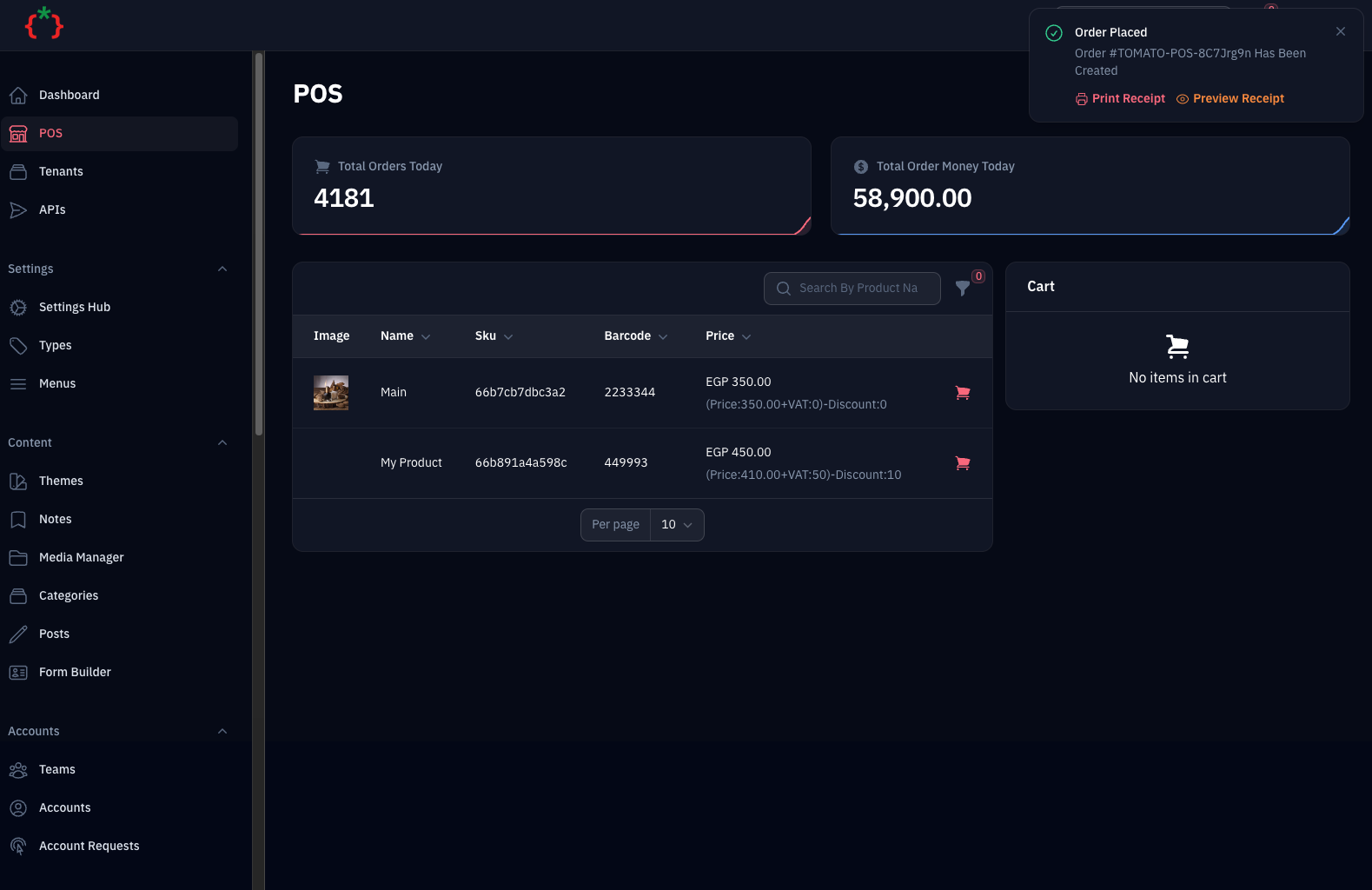
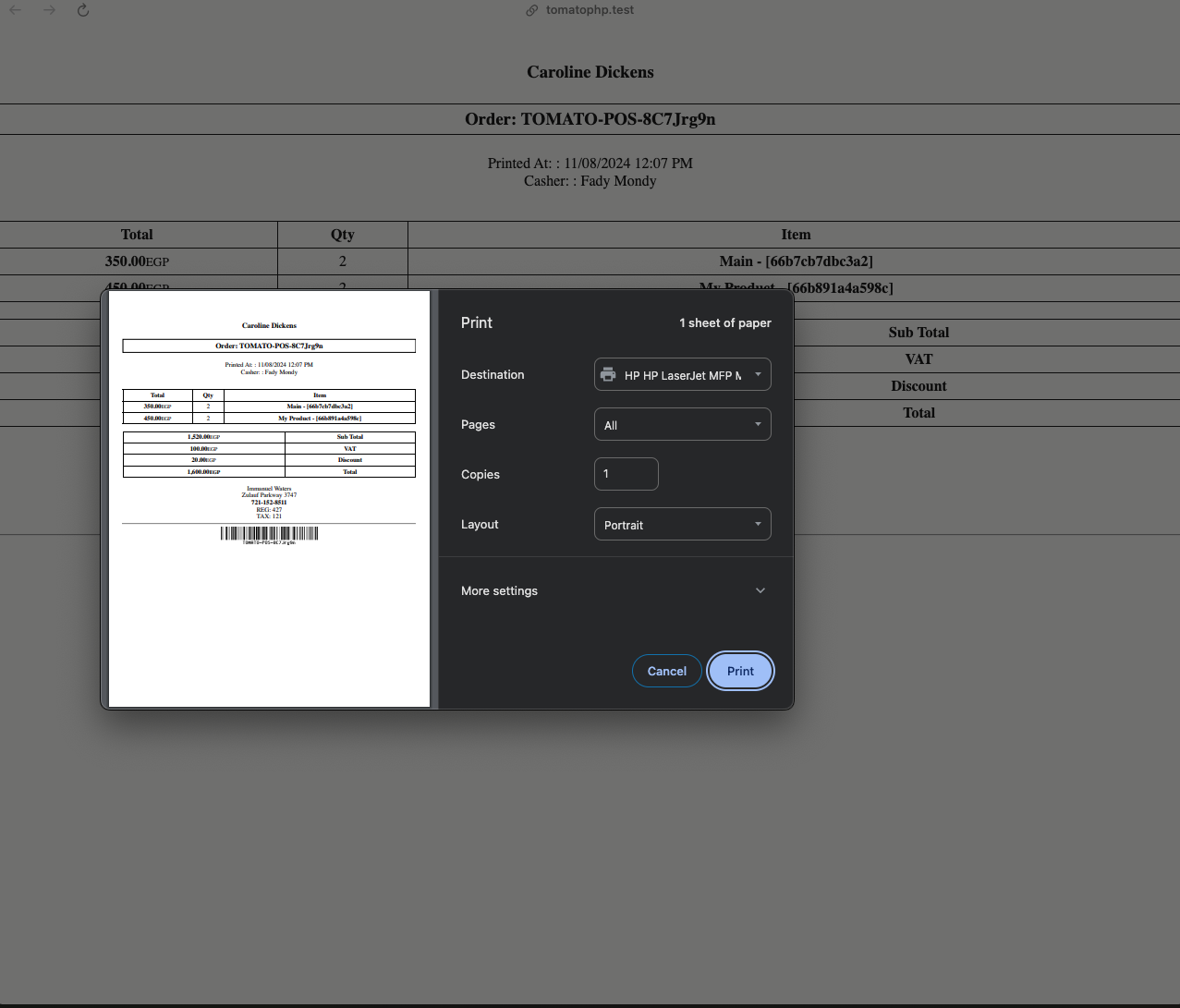
Installation
composer require tomatophp/filament-pos
we need the Media Library plugin to be installed and migrated you can use this command to publish the migration
php artisan vendor:publish --provider="Spatie\MediaLibrary\MediaLibraryServiceProvider" --tag="medialibrary-migrations"
now you need to install the settings hub use these commands
php artisan vendor:publish --provider="Spatie\LaravelSettings\LaravelSettingsServiceProvider" --tag="migrations"
php artisan filament-settings-hub:install
after install your package please run this command
php artisan filament-pos:install
finally register the plugin on /app/Providers/Filament/AdminPanelProvider.php
->plugin(\TomatoPHP\FilamentPos\FilamentPOSPlugin::make())
Use Filament Shield
you can use the shield to protect your resource and allow user roles by install it first
composer require bezhansalleh/filament-shield
Add the Spatie\Permission\Traits\HasRoles trait to your User model(s):
use Illuminate\Foundation\Auth\User as Authenticatable;
use Spatie\Permission\Traits\HasRoles;

class User extends Authenticatable
{
    use HasRoles;

    // ...
}
Publish the config file then setup your configuration:
->plugin(\BezhanSalleh\FilamentShield\FilamentShieldPlugin::make())
Now run the following command to install shield:
php artisan shield:install
Now we can publish the package assets.
php artisan vendor:publish --tag="filament-users-config"
now you need to allow it on the plugin options
->plugin(\TomatoPHP\FilamentPos\FilamentPOSPlugin::make()->allowShield())
for more information check the Filament Shield
Publish Assets
you can publish config file by use this command
php artisan vendor:publish --tag="filament-pos-config"
you can publish views file by use this command
php artisan vendor:publish --tag="filament-pos-views"
you can publish languages file by use this command
php artisan vendor:publish --tag="filament-pos-lang"
Other Filament Packages
Checkout our Awesome TomatoPHP