
Flutter Notification
A demo Flutter application for Firebase Cloud Messaging (Firebase push notification)
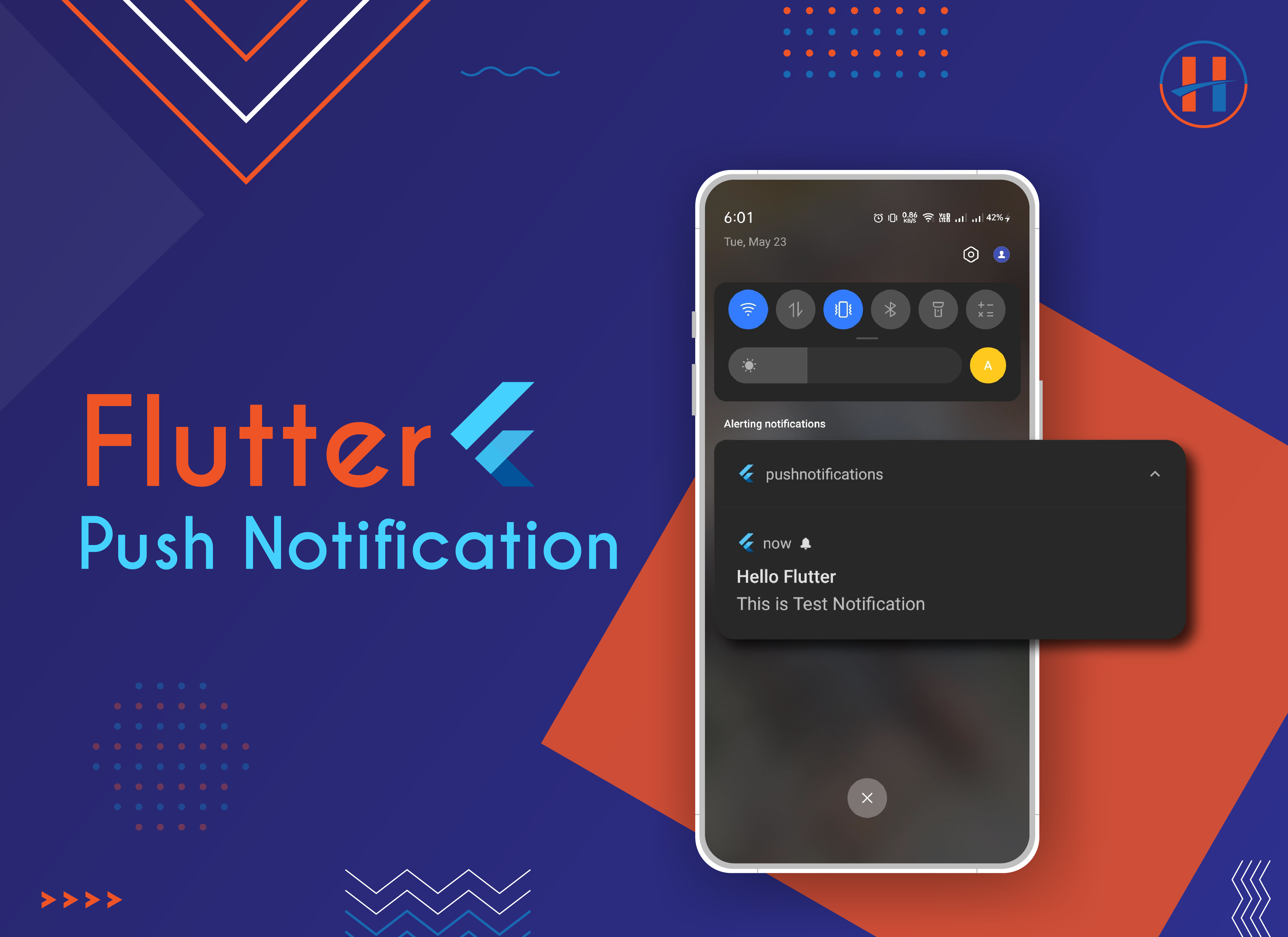
How to implement firebase in you project:
-
Create flutter project
-
Create project in firebase console.
-
Complete Firebase project setup for both Android & iOS platforms by going to the Firebase console.
-
For Android, replace your google-services.json file with an existing file.
android -> app -> google-services.json -
For running on iOS, you have to do some configurations from Xcode. Follow the guide here.
-
In
pubspec.yamladd,
   flutter_test:
     sdk: flutter
   firebase_messaging: ^14.6.1
   flutter_local_notifications: ^14.1.0
   firebase_core: ^2.13.0
-
-
In src/main/manifest,
Inside
<activity/>tag (below existing intent filter tag)add,
<activity <intent-filter> <action android:name="FLUTTER_NOTIFICATION_CLICK" /> <category android:name="android.intent.category.DEFAULT" /> </intent-filter> </activity> <application <meta-data android:name="com.google.firebase.messaging.default_notification_channel_id" android:value="high_importance_channel" /> <meta-data android:name="com.google.firebase.messaging.default_notification_icon" android:resource="@mipmap/ic_launcher" /> <meta-data android:name="com.google.firebase.messaging.default_notification_color" android:resource="@color/notification_color" /> </application> -
In
app/build.gradleadd,
apply plugin: 'com.google.gms.google-services'add this at the bottom -
In
android/build.gradleadd,
classpath 'com.google.gms:google-services:4.3.8' -
enjoy.
For more help Read official documentation Here