
Twenty Nineteen Frontity Theme Project :art:

:fire: A WordPress Twenty Nineteen Theme Project in React for Frontity.
:zap: Check out the demo site here.
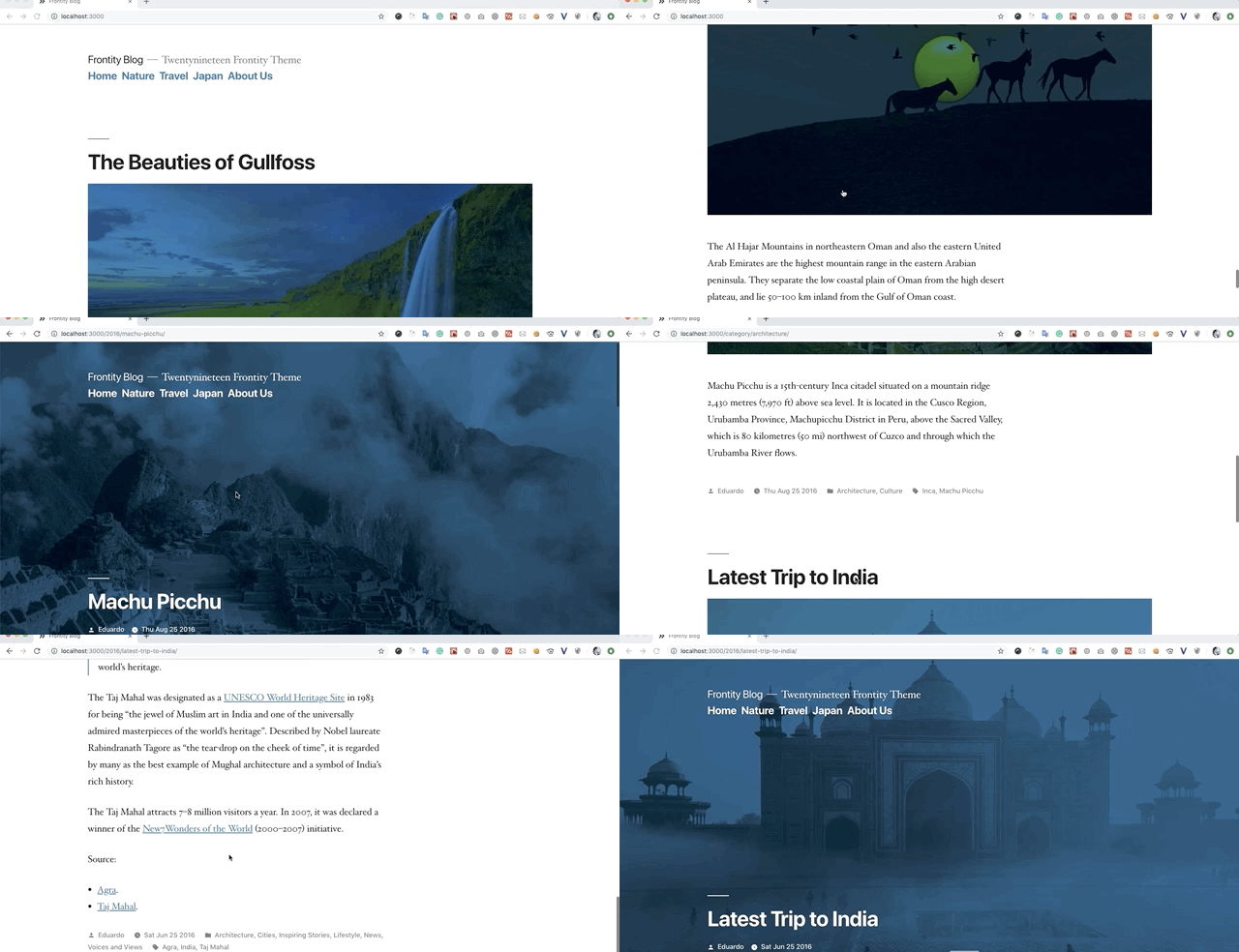
Demo :video_camera:
Demo 2 :video_camera:
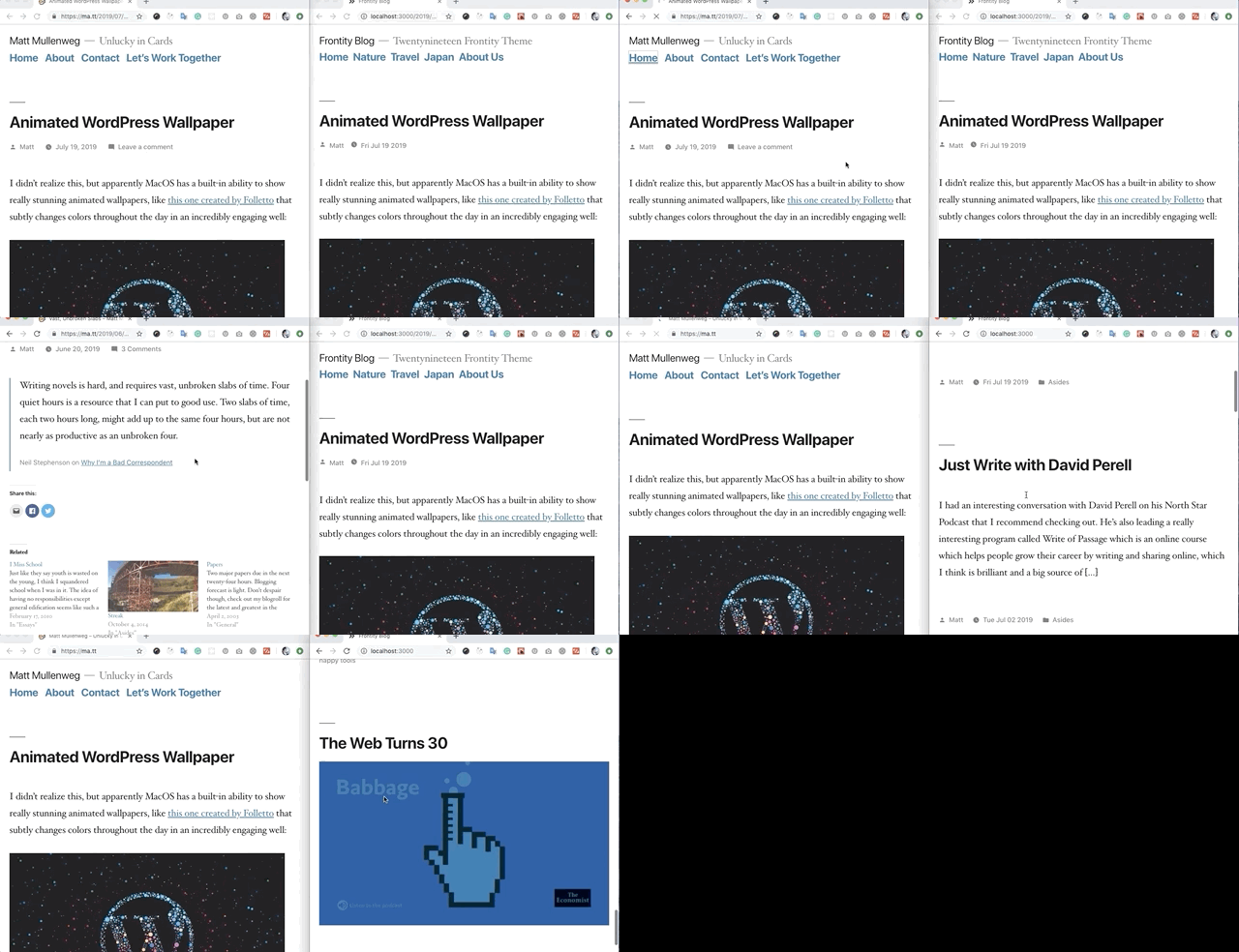
Speed and performance comparision between the same Twenty Nineteen theme on WordPress (in PHP) vs Frontity (in React).
Installation :wrench:
1. For new projects: clone this project.
-
git clone https://github.com/imranhsayed/frontity-twentynineteen. -
cd frontity-twentynineteen. -
npm install && npx frontity dev(from the project's root directory). -
Your site will now be available at
http://localhost:3000/
2. For new/existing project: use npm.
npm install @frontity/twentynineteen-theme.- Add the package in
frontity-settings.js.
  packages: [
    {
      name: "@frontity/twentynineteen-theme",
      state: {
        theme: {
          menu: [
            ["Home", "/"],
            ["Nature", "/category/nature/"],
            ["Travel", "/category/travel/"],
            ["Japan", "/tag/japan/"],
            ["About Us", "/about-us/"]
          ],
          featured: {
            showOnList: true,
            showOnPost: true
          }
        }
      }
    },
- Remove your previous theme (
mars-theme?) fromfrontity-settings.js. npx frontity dev(from project's root directory).- Your site will be available at
http://localhost:3000/.
Credits :white_flower:
- Build with love :blue_heart:, using Frontity's mars-theme as base.
Authors
Contributors
License :scroll:
