
Blender 3D Shortcuts in Godot
Blender's 3D transforming shortcuts in Godot

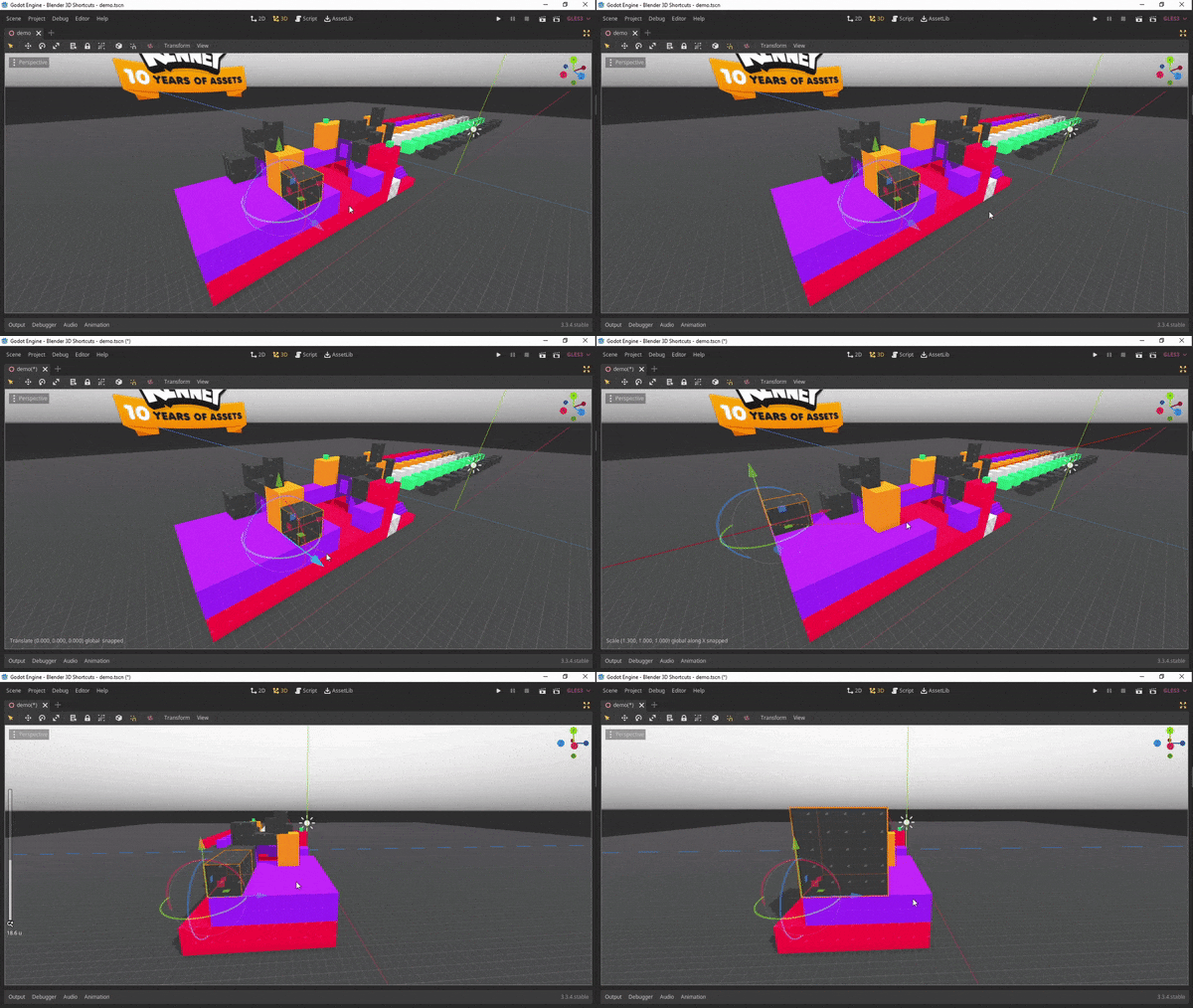
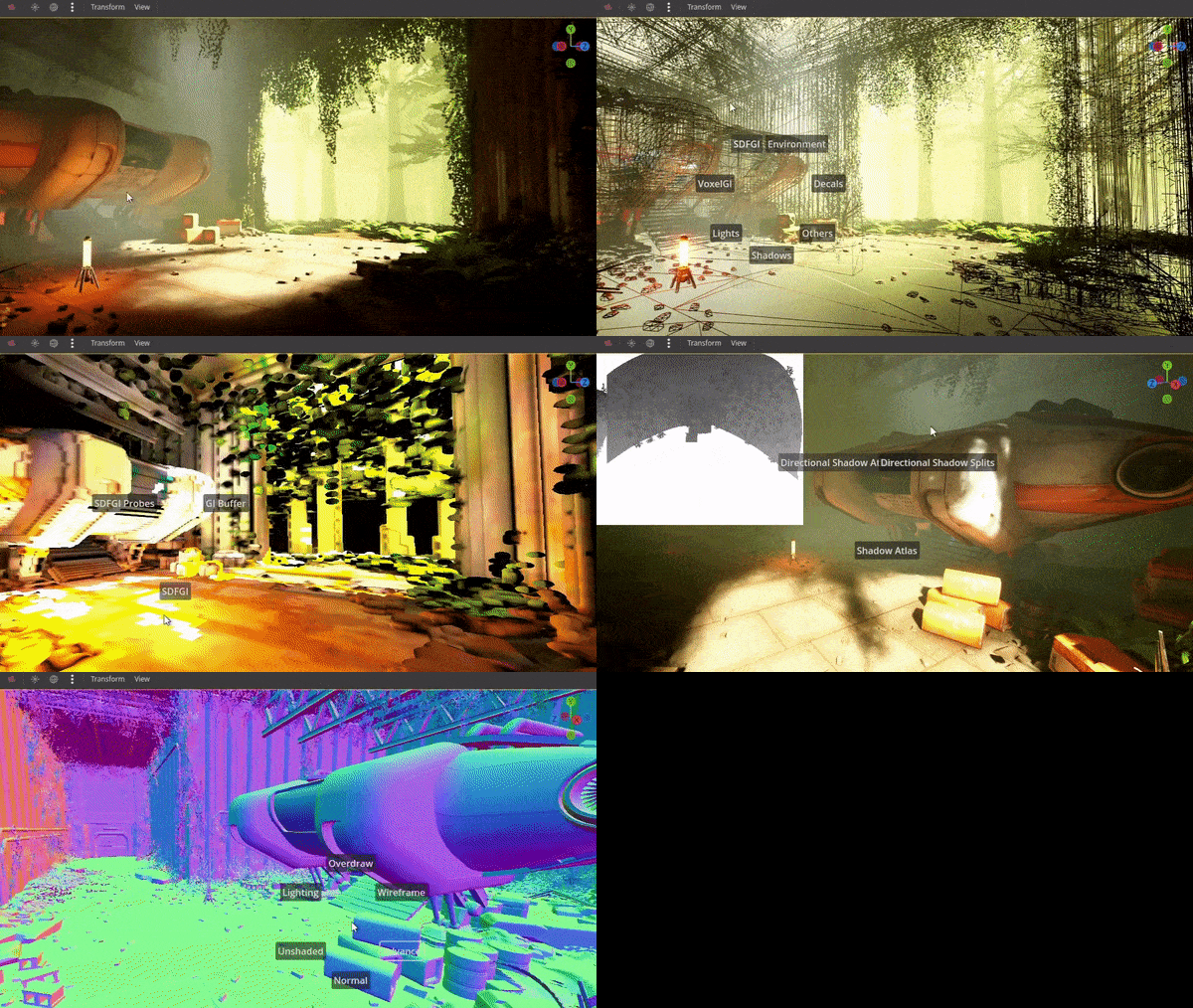
This version is only compatible with Godot 4.6 and onwards, check out godot4.5(compatible with Godot 4.0 - 4.5) or godot3 branch for older version
Features
- Transform with "G", "R", "S" keys and "H" key to hide
- Revert transformation with "ALT" modifier
- Visualize constraint axis
- Work seamlessly with Godot Spatial Editor settings("Use Local Space", "Use Snap", "Snap Settings")
- Type transform value
- Switch display mode with "Z"
Installation
- Install directly from Godot Asset Library
or
-
Download this respository, move
addons/blender_3d_shortcutsto your{project_dir} -
Enable it from Project -> Settings -> Plugins
-
(Optional) Clear spatial editor scale mode shortcut as it conflicts with rotate shortcut, Editor Settings > Shortcuts > Spatial Editor > Scale Mode
or
Install with gd-plug
plug("imjp94/gd-blender-3d-shortcuts")
Shortcuts
- Translate: G
- Rotate: R
- Scale: S
- Revert Translation: ALT + G
- Revert Rotation: ALT + R
- Revert Scale: ALT + S
- Constraint to Single Axis: X or Y or Z
- Constraint to Plane: SHIFT + (X or Y or Z)
- Delete: X
- Hide: H
- Unhide: ALT + H
- Precision Mode(while transforming with mouse): SHIFT
- Toggle Global/Local mode(non-persistent): XX or YY or ZZ
- Switch Spatial Editor Viewport Display Mode: Z
- Cancel/Back: ESC or Mouse Right Click