
Home
Softono
Gecom

Gecom

Open source CSS
28
Stars
8
Forks
14
Issues
2
Watchers
2 months
Last Commit

About Gecom

# Client-Gecom <div align="center"> <img width="300" src="./docs/assets/project_id_name_logo.png" alt="logo"/> [![Unit Tests](https://github.com/alexdeathway/gecom/actions/workflows/test.yaml/badge.svg)](https://github.com/alexdeathway/gecom/actions/workflows/test.yaml) [![Build](https://github.com/alexdeathway/gecom/actions/workflows/deploy.yaml/badge.svg)](https://github.com/alexdeathway/gecom/actions/workflows/deploy.yaml) [![issues](https://img.shields.io/github/issues/alexdeathway/gecom)](https://github.com/alexdeathway/gecom/issues) </div> Gecom is Games and PC component <b>Concept</b> store. **Resources** - [Read project overview (Developers)](https://github.com/alexdeathway/Gecom/blob/dev-unstable/docs/contribution/overview.md). - [Choose Tasks/Quests](https://github.com/alexdeathway/Gecom/blob/dev-unstable/docs/contribution/quests.md) ## Screenshots **Home Page Section** ![Gecom Screenshot](./docs/assets/gecom_screenshot_1.png) **Home Page Section** ![Gecom Screenshot](./docs ...

Platforms

Web Self-hosted Cloud

Languages

CSS

Client-Gecom

logo

Unit Tests Build issues

Gecom is Games and PC component Concept store.

Resources

Screenshots

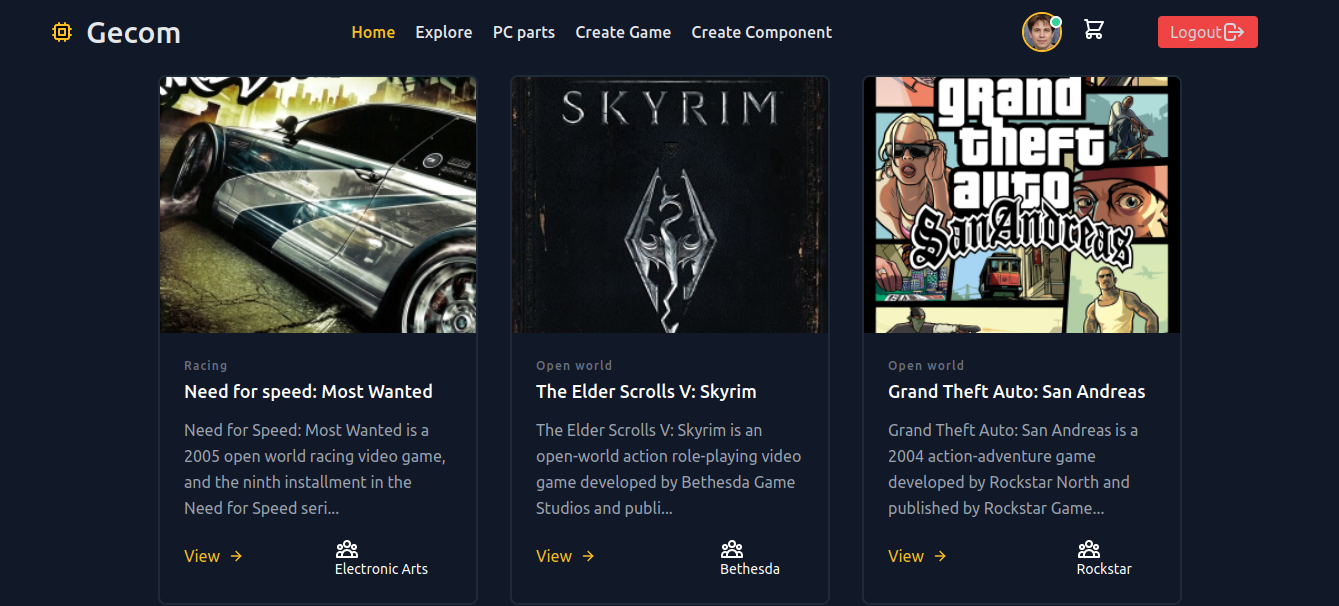
Home Page Section Gecom Screenshot
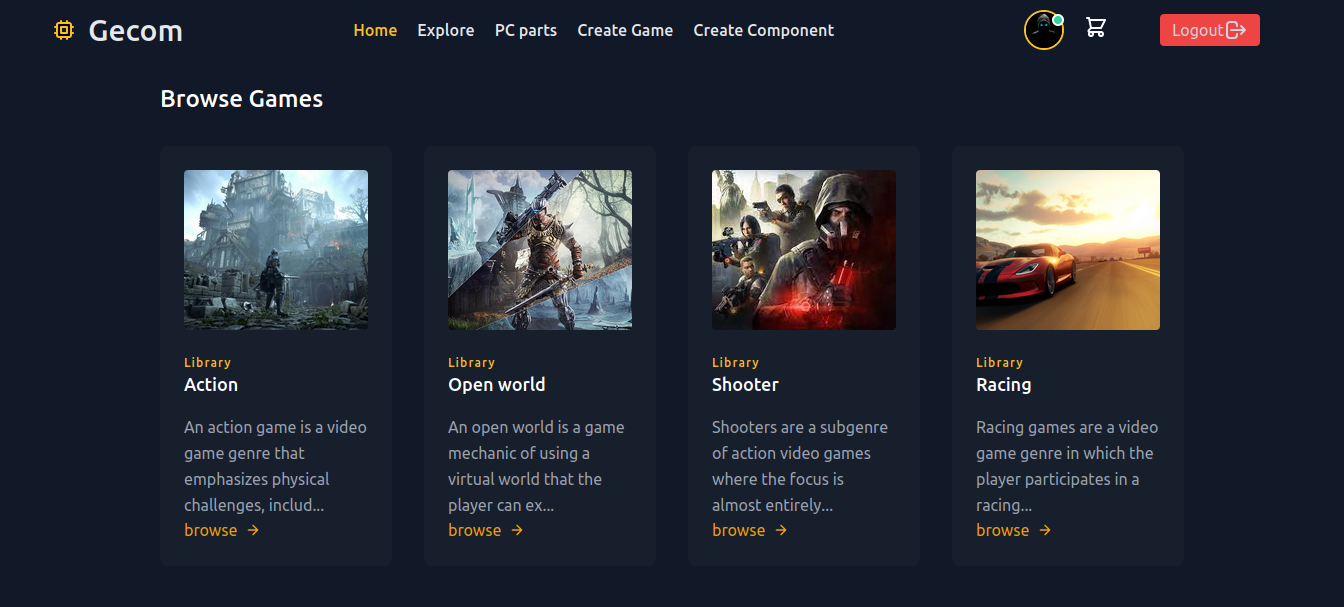
Home Page Section Gecom Screenshot

Login Page Gecom Screenshot


Bring Site up [local host]

  1. Create .env file(use template.env for refrence).

  2. Start Docker

sudo docker-compose build

sudo docker-compose up

Quick development Guide

  1. Create virtual environment

virtualenv < virtual environment name>

  1. Install required packages

pip install -r requirements.txt

  1. Read the project overview for app & structure understanding.
  2. Create .env file in project root dir and fill/copy content from template.env.

5.Load development Database

python manage.py loaddata db.json

  1. Choose issue/task to work from quests or work on own feature.