
AI-powered enterprise search engine 🔎
Join Discord for early access code!

Search engine for your organization!
 Find any conversation, doc, or internal page in seconds ⏲️⚡️
Join 100+ devs by hosting your own gerev instance, become a hero within your org! 💪
Made for help desk techies 👨💻
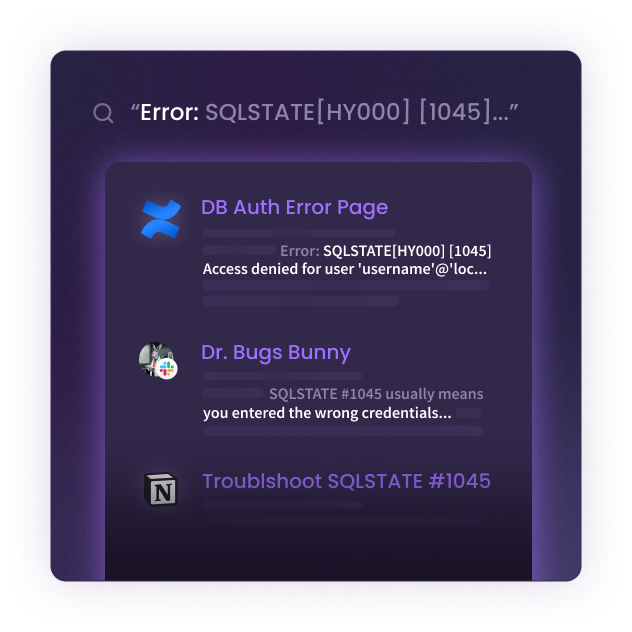
Troubleshoot Issues 🐛
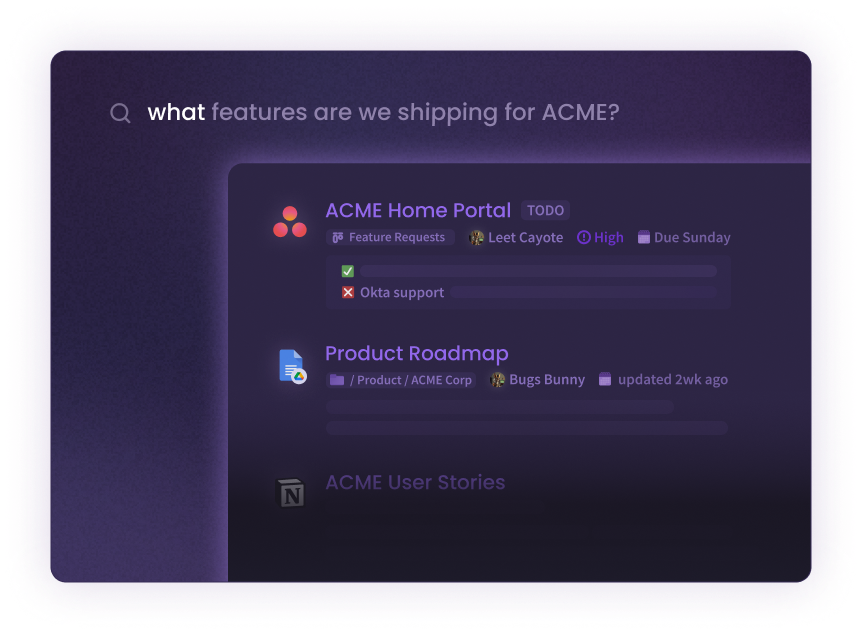
Or find internal issues fast ⚡️
Integrations
- Slack
- Confluence
- Jira
- Google Drive (Docs, .docx, .pptx) - by @bary12 :pray:
- Confluence Cloud - by @bryan-pakulski :pray:
- Bookstack - by @flifloo :pray:
- Mattermost - by @itaykal :pray:
- RocketChat - by @flifloo :pray:
- Gitlab Issues - by @eran1232 :pray:
- Zendesk (In PR :pray:)
- Stackoverflow Teams (In PR :pray:)
- Azure DevOps (In PR :pray:)
- Phabricator (In PR :pray:)
- Trello (In PR... :pray:)
- Notion (In Progress... :pray:)
- Asana
- Sharepoint
- Box
- Dropbox
- Github Enterprise
- Microsoft Teams
:pray: - by the community
Add your own data source NOW 🚀
See the full guide at ADDING-A-DATA-SOURCE.md.
Natural Language
Enables searching using natural language. such as "How to do X", "how to connect to Y", "Do we support Z"
Getting Started
Managed Cloud (Pro)
- Authentication
- Multiple Users
- GPU machine
- 24/7 Support
- Self hosted version (with multi-user also supported)
Self-hosted (Community)
- Install Nvidia for docker (on host that runs the docker runtime)
- Run docker
Nvidia for docker
Install nvidia container toolkit on the host machine.
distribution=$(. /etc/os-release;echo $ID$VERSION_ID) \
   && curl -s -L https://nvidia.github.io/nvidia-docker/gpgkey | sudo apt-key add - \
   && curl -s -L https://nvidia.github.io/nvidia-docker/$distribution/nvidia-docker.list | sudo tee /etc/apt/sources.list.d/nvidia-docker.list

sudo apt-get update

sudo apt-get install -y nvidia-docker2

sudo systemctl restart docker
Run docker
Then run the docker container like so:
Nvidia hardware
docker run --gpus all --name=gerev -p 80:80 -v ~/.gerev/storage:/opt/storage gerev/gerev
CPU only (no GPU)
docker run --name=gerev -p 80:80 -v ~/.gerev/storage:/opt/storage gerev/gerev
add -d if you want to detach the container.
Run from source
See ADDING-A-DATA-SOURCE.md in the Setup development environment section.
- gerev is also popular with some big names. 😉

Built by the community 💜
Made with contributors-img.