
Github Actions + AWS + Terraform
Repository to demonstrate Infrastructure-As-Code using:
- Github Actions Pipelines
- AWS
- Terraform
Blog about this repository
Please read my blog to know about the background and purpose of this sample repository
Empowering Backend Engineering Team
AWS Cost Warning
Provisioning cloud resources in AWS will incur cost. Please tear down the cloud resources once the usage is completed.
It is advisable to setup billing alerts or billing threshold in AWS account as a reminder to tear down of cloud resources. This will avoid incurring significant bills.
Highlights / Achievements
- Isolated
ContainerisedPipelines- Application
CI+CDPipeline - Infrastructure
CDPipeline - QA
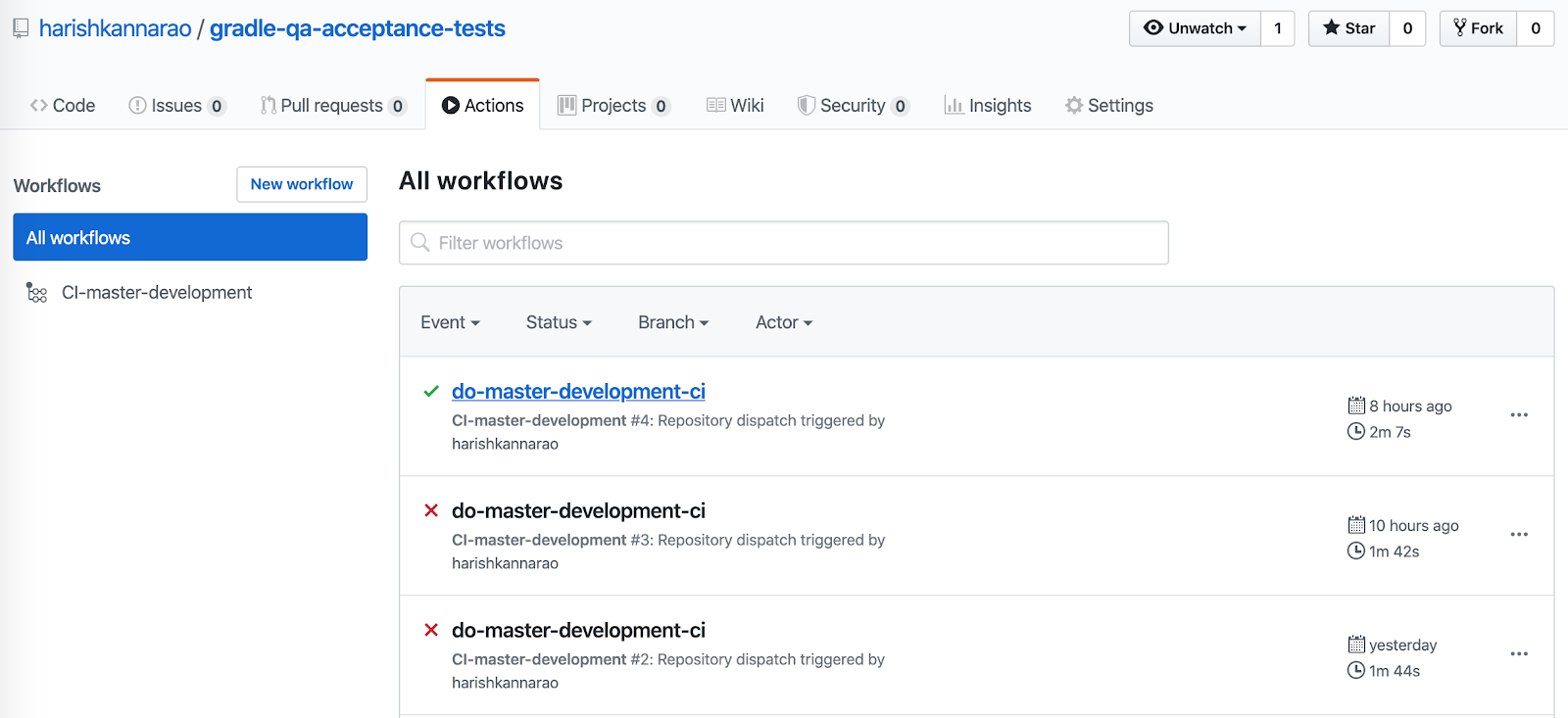
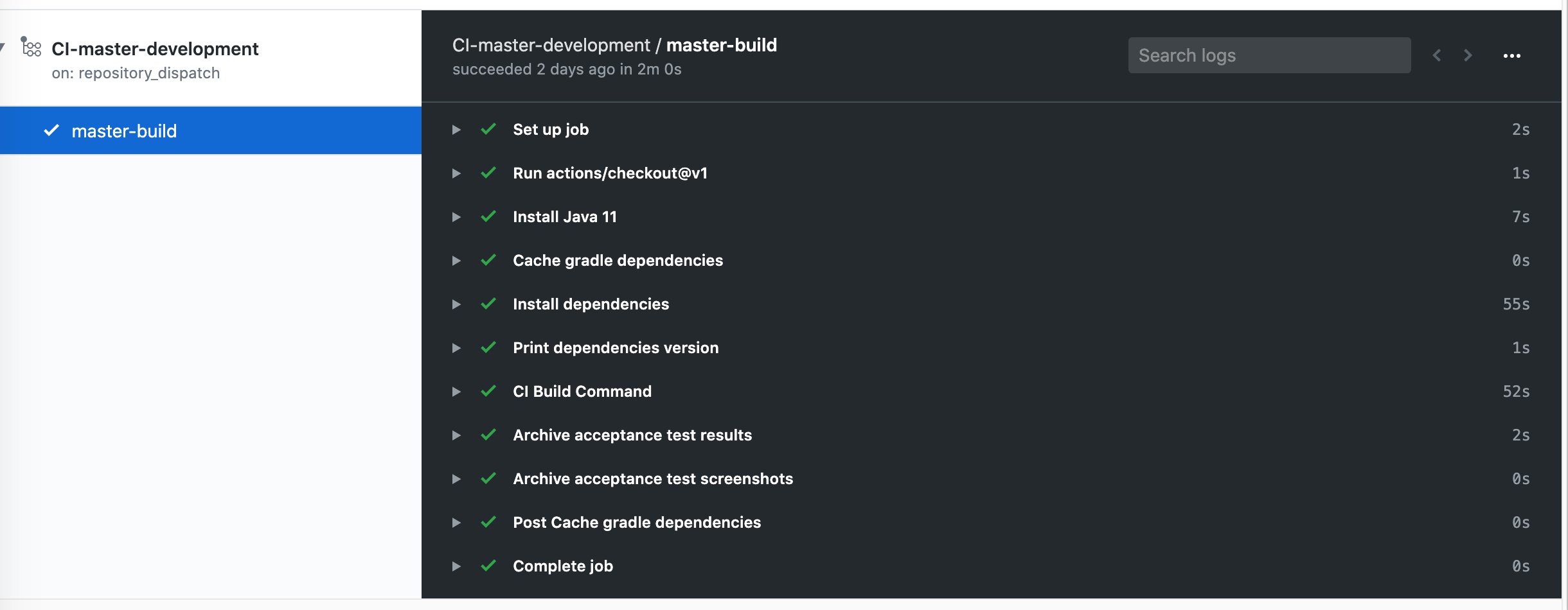
CIPipeline - Auto triggering
QA CI Pipelineafter everysuccessfulDeployment
- Application
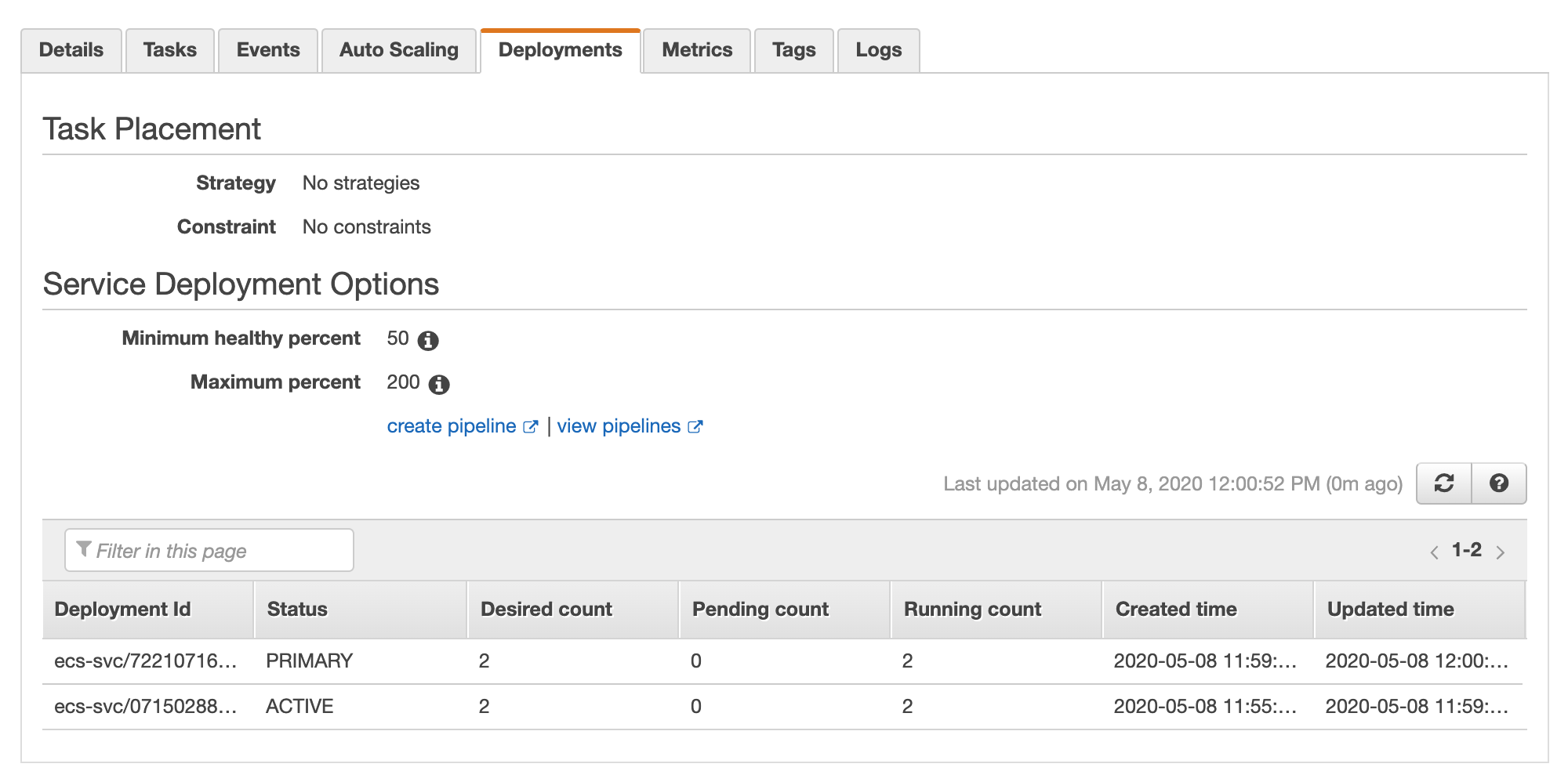
- Zero downtime release (using
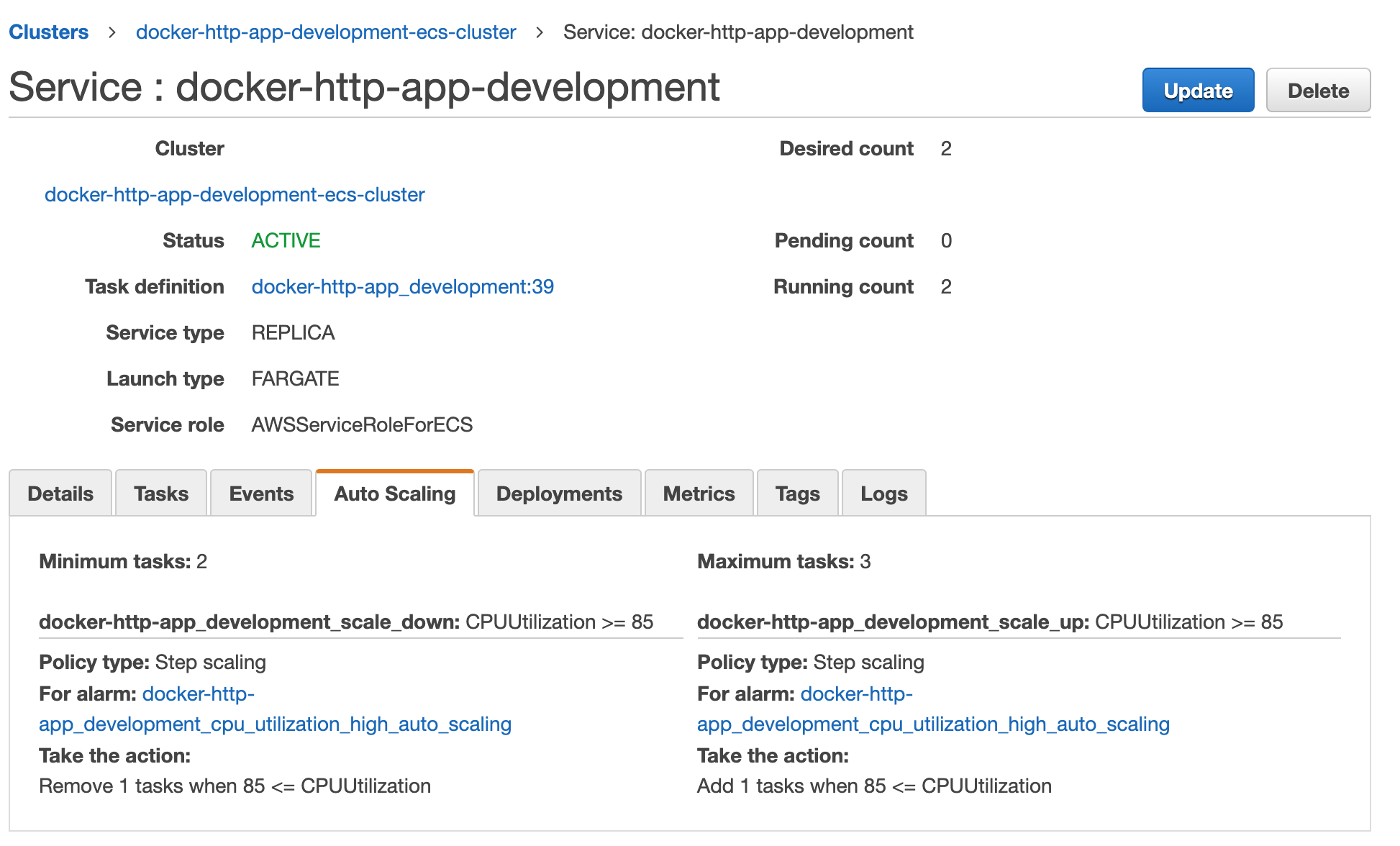
Immutable Rolling Deployment) - Auto scaling of
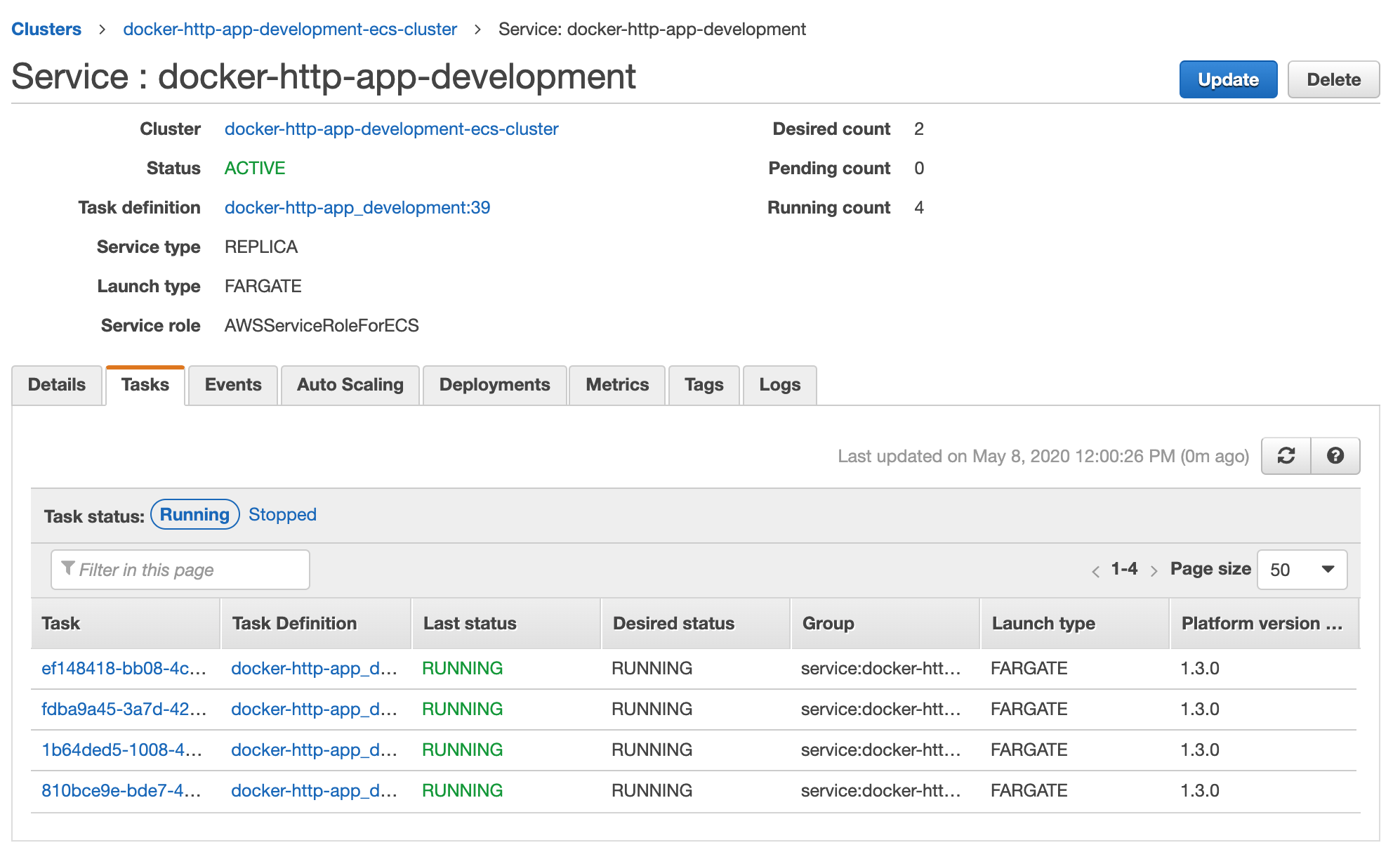
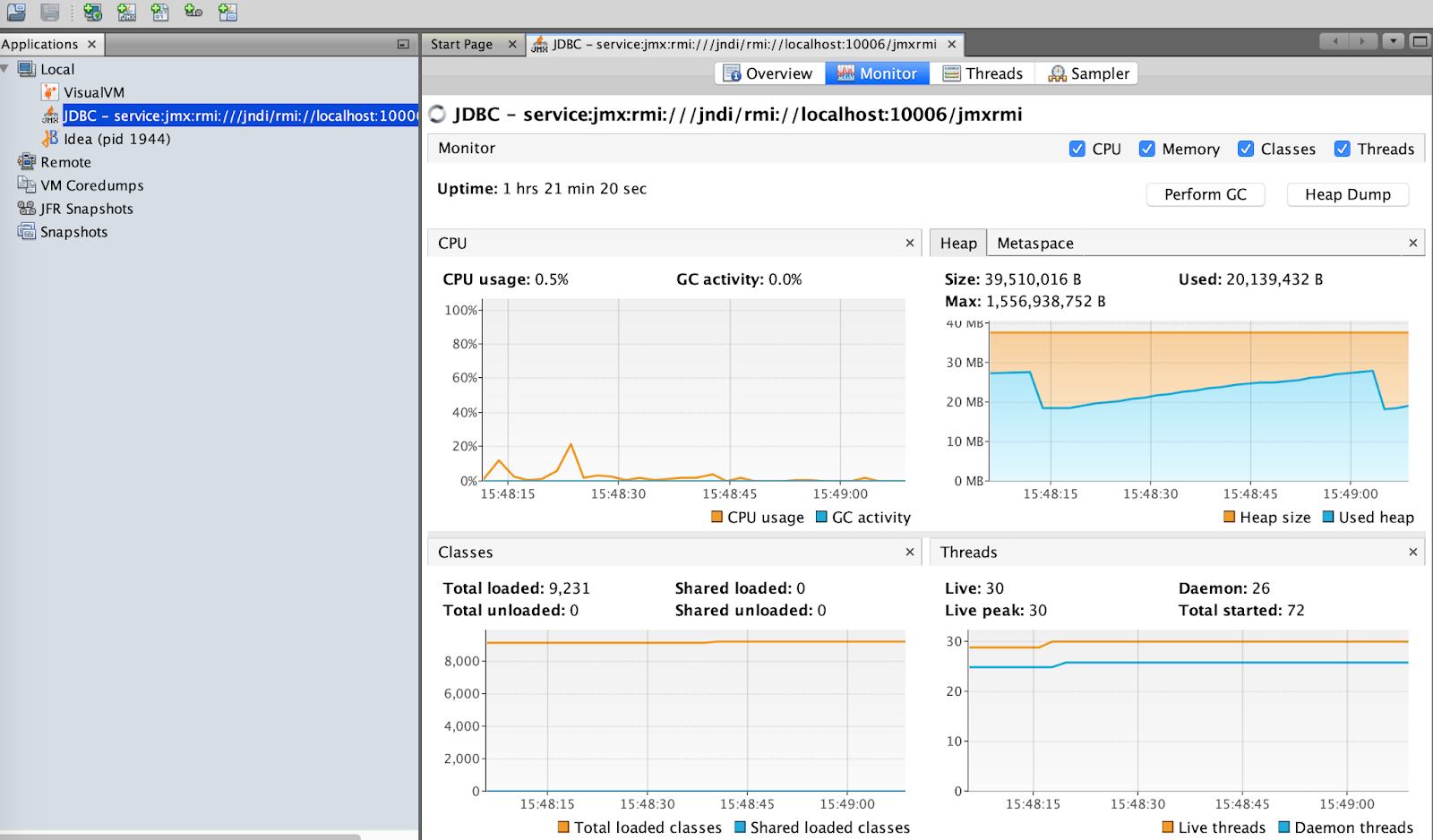
ECS Fargate Tasksbased oncpuusage - Remote JVM Monitoring
- High Availability AWS resources (
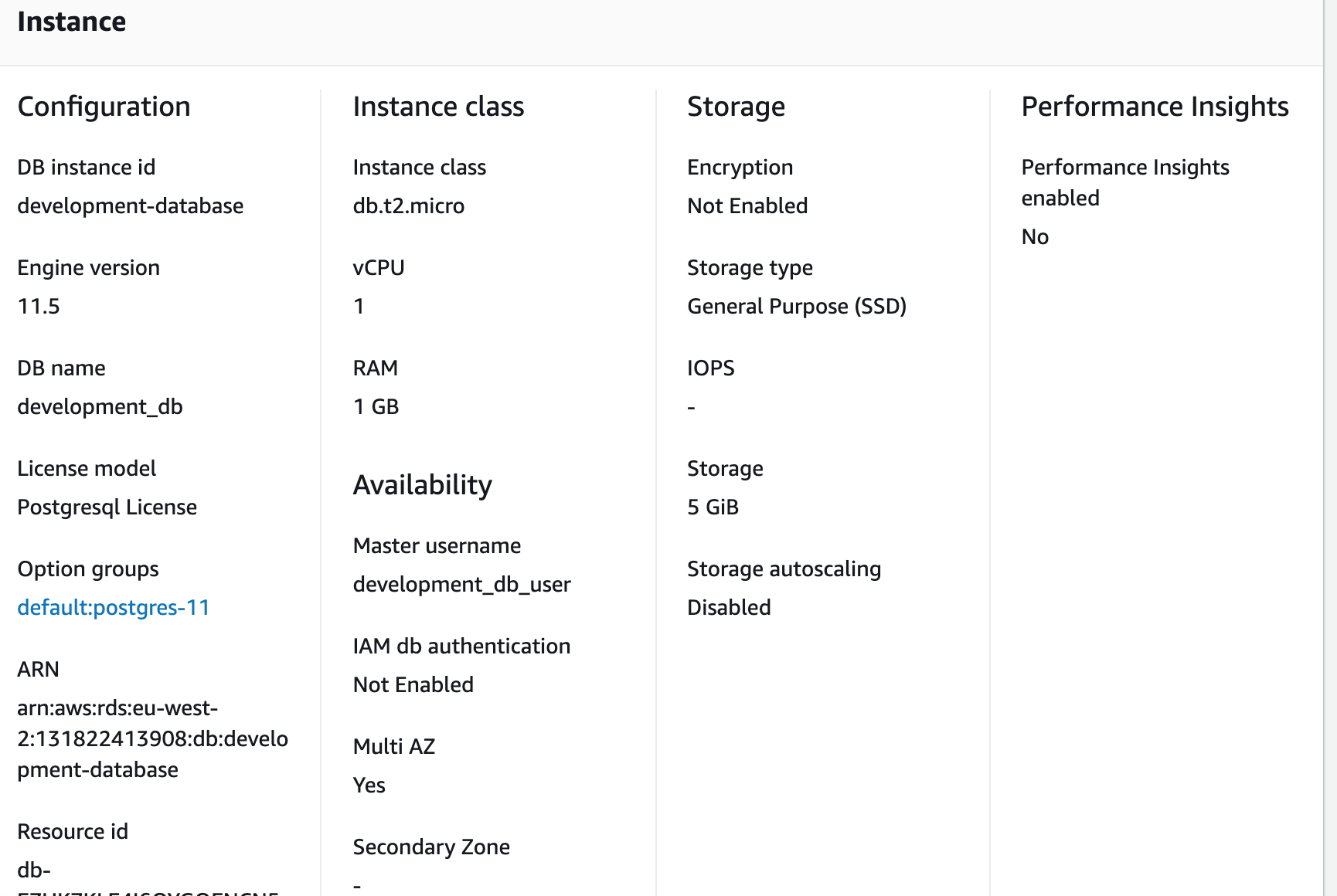
multi availability zones)- Postgres RDS instance
- NAT Gateway instance with Elastic IP
- ECS Fargate Tasks
- Bastion Jumpoff instance
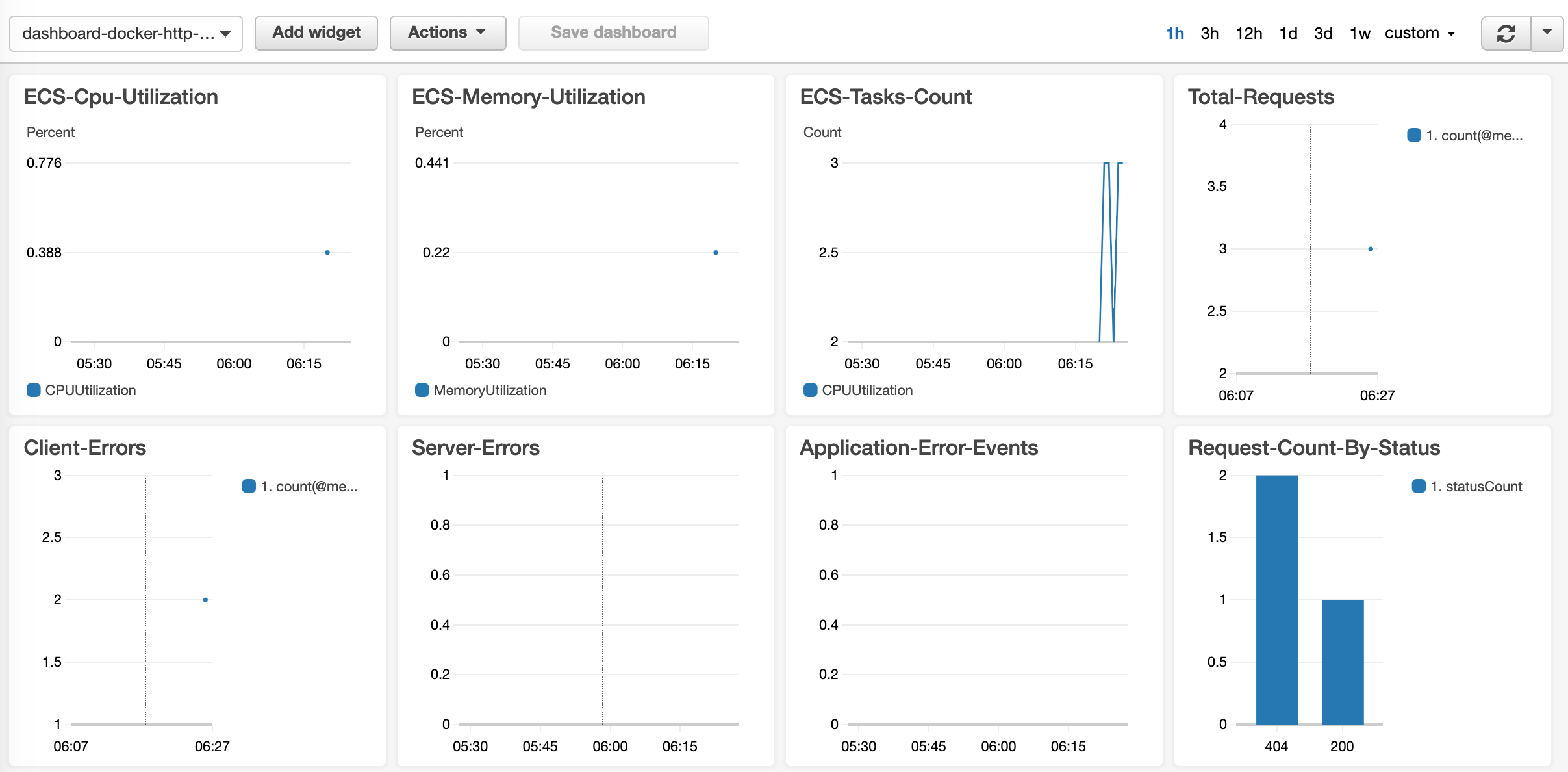
- Cloudwatch Dashboard
- Infrastructure Dashboard
- Application Dashboard
- Screen Shot 1
- Screen Shot 2
- Screen Shot 3
- Cloudwatch Alerts to Email
- Critical Infrastructure Metrics
- Critical Application Metrics
- Screen Shot
- Log Visualizations and Log analysis with
CloudWatch - Provision of multiple environments with reusable
terraform modules HTTPSredirection fromHTTPthroughALBlistener rule- Swagger v2 + OpenApi v3
CORSrestriction
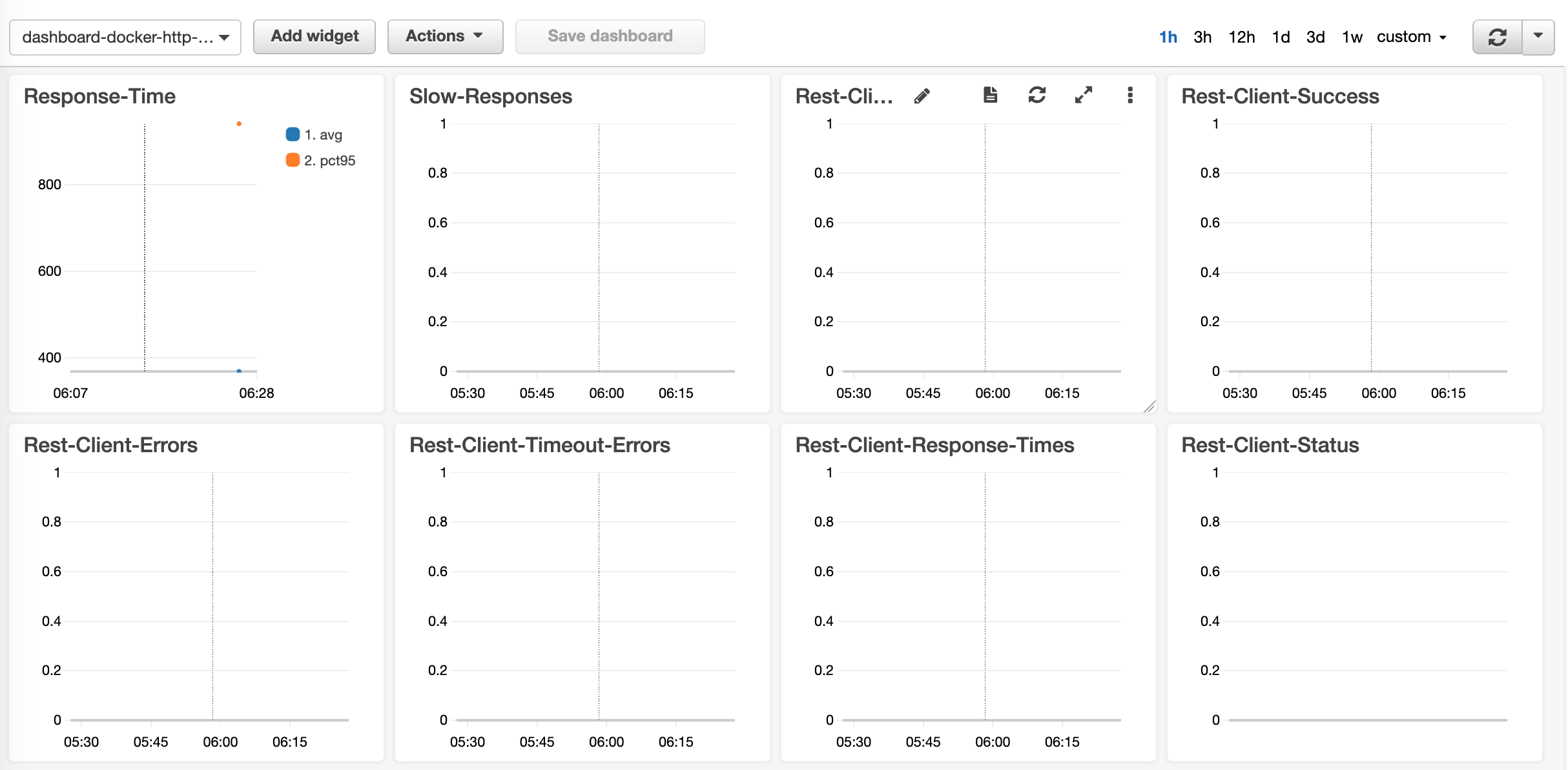
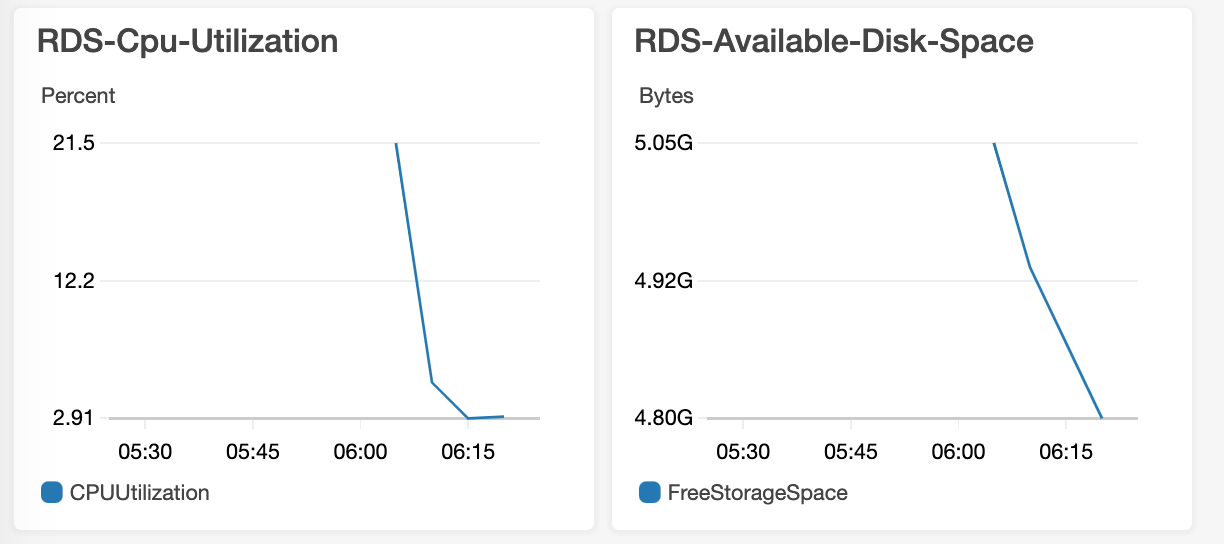
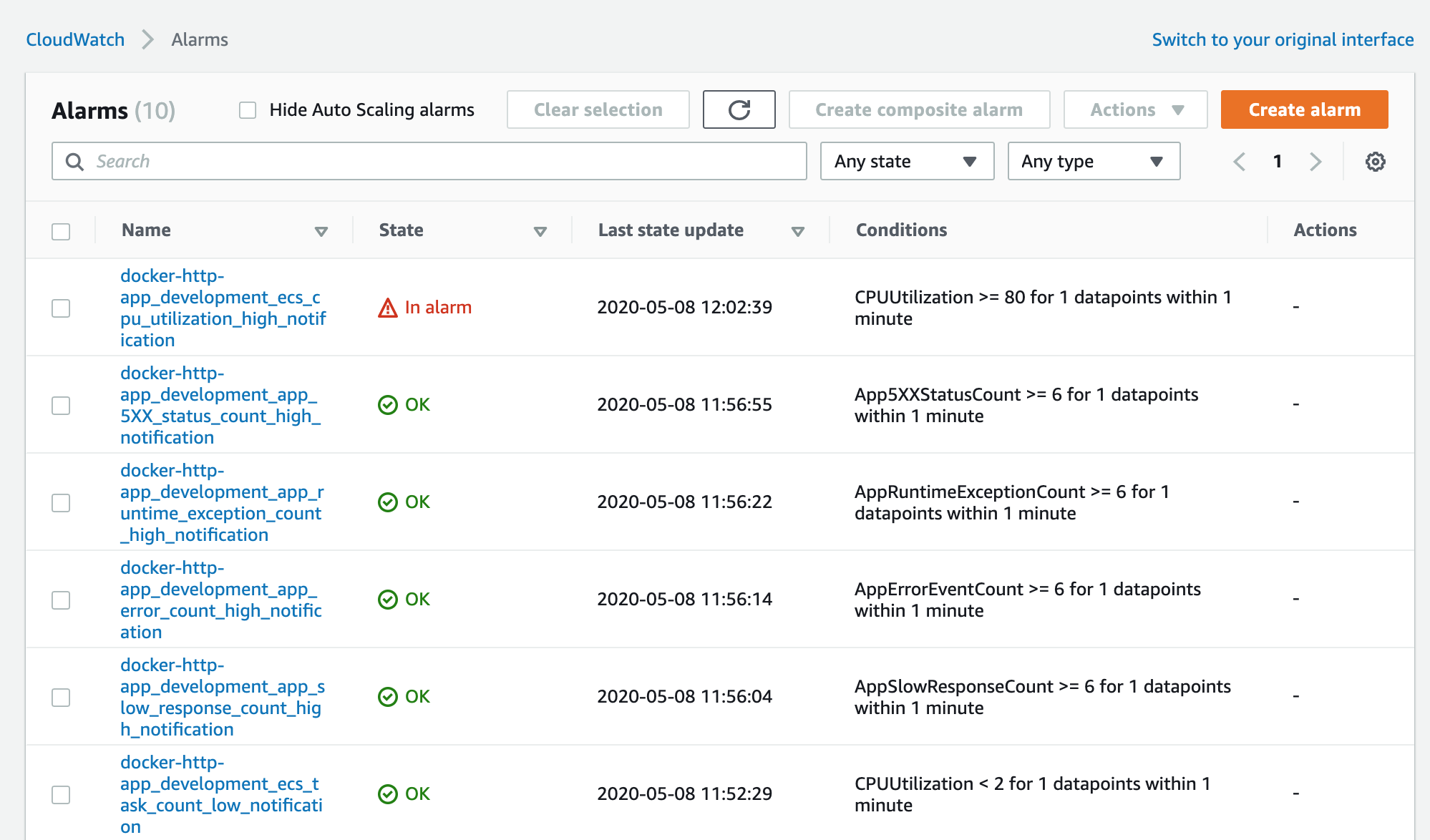
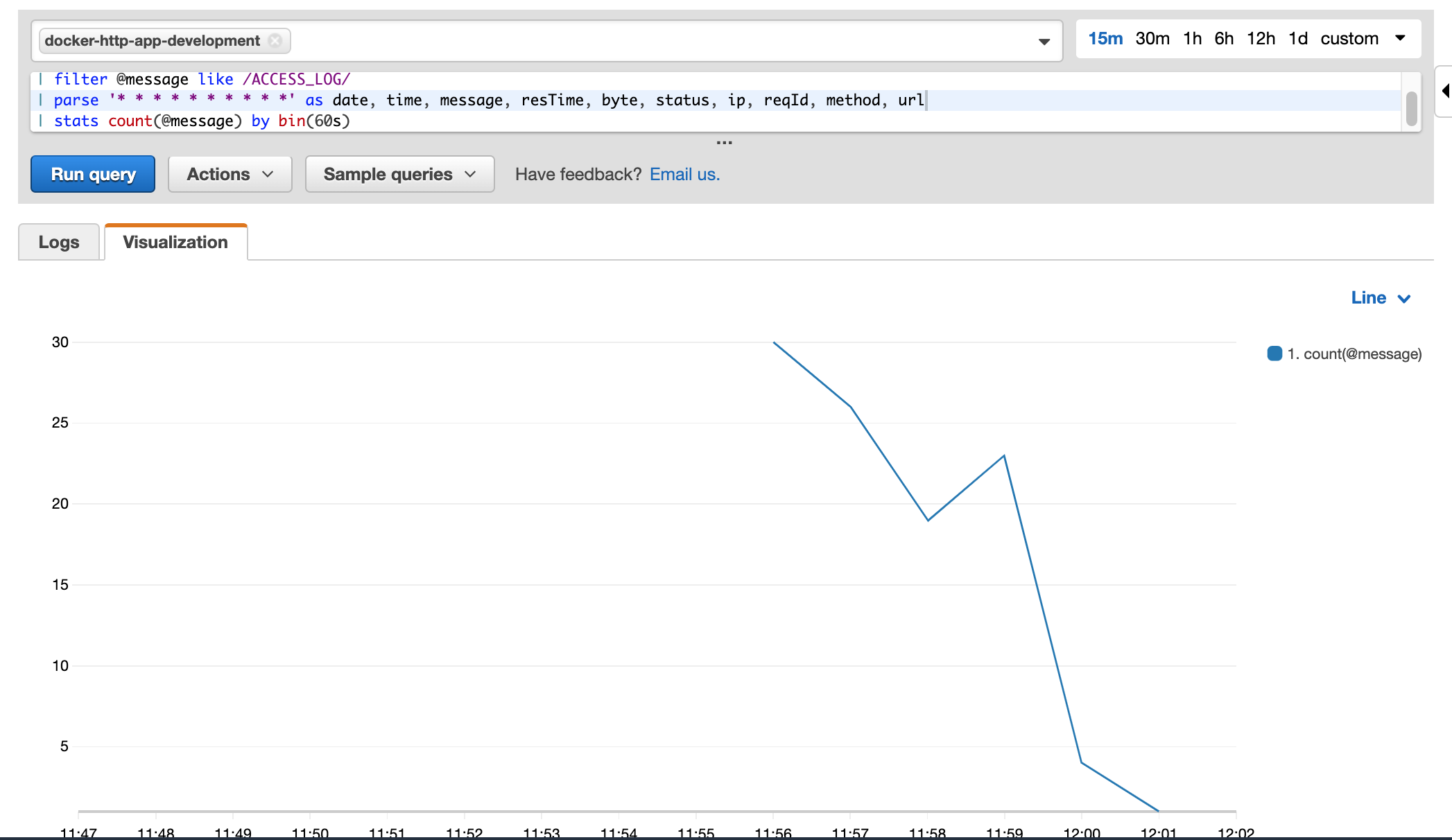
AWS Components Used
- Simple Storage Service (s3)
- Dynamo DB
- AWS Certificate Manager (ACM)
- Virtual Private Cloud (VPC)
- Public Subnets
- Private Subnets
- Internet Gateways (IG)
- NAT Gateways + Elastic IPs
- Application Load Balancer (ALB)
- Security Groups (SG)
- Relational Database Service (RDS)
- Elastic Container Registry (ECR)
- Elastic Container Service (ECS) + Fargate
- Auto Scaling Group (ASG)
- Elastic Cloud Compute (EC2) Bastion
- AWS Cloud front Content Distribution Network (CDN)
- AWS Key Pair
- Cloudwatch Dashboard
- Cloudwatch Logs
- Cloudwatch Metrics
- Cloudwatch Alarms
- AWS Simple Notification Service
Documentation
Accounts Required
AWS Account(Root or IAM)Github Account(Personal or Enterprise)- Registered
Domainwith any Domain Registerar
Tools Required
gitcli (any version)awscli (minimum version1.18.40)terraformcli (minimum version0.12.24)docercli (minimum version19.03.8)curlcli (any version)jqcli (any version)psqlcli (any version) or any Postgres compatible DB client
Prerequisites
Setup
One-off AWS account setup
Setup AWS account with a IAM user as described below:
Setup AWS account with s3 bucket and dynamo db for terraform to remotely store the terraform state file as described below:
Setup AWS SSL certificate using ACM and validate it as described below:
One-off GitHub Actions setup
Add the following values of your AWS account to the GitHub secrets of the repository at
| Secret Key | Secret Value |
|---|---|
| AwsAccessKeyId | Access Key of AWS IAM user |
| AwsSecretAccessKey | Secret of the Key of AWS IAM user |
One-off AWS Environment setup
Create a SSH key pair per environment as described below:
Create a Secret to store db password per environment as described below:
Teardown
One-off AWS Environment tear down
Delete SSH Key Pair generated for the environment as described below:
Delete AWS DB Secret Password for the environment as described below:
AWS DB Secret Password Teardown
One-off GitHub Actions tear down
Delete the following secret keys from
Keys:
- AwsAccessKeyId
- AwsSecretAccessKey
One-off AWS account tear down
Clean up AWS account as described below:
Documentation
aws cli login & configuration
Login to aws cli as described below:
Verify login:
aws configure list

aws sts get-caller-identity
Provisioning environment
Provision environment from Github Actions Pipeline
Trigger through UI
https://github.com/harishkannarao/github-actions-aws-terraform/actions/workflows/CI-terraform-apply-aws-from-master-development.yml
Click Run Workflow on master branch
Trigger through command line
Generate github personal access token with repo scope at
Generate Github Personal Token
export GITHUB_PERSONAL_ACCESS_TOKEN=<<your_personal_token>>

curl -v -H "Accept: application/vnd.github.everest-preview+json" \
-H "Authorization: token $GITHUB_PERSONAL_ACCESS_TOKEN" \
--request POST \
--data '{"event_type": "do-terraform-apply-aws-from-master-development"}' \
'https://api.github.com/repos/harishkannarao/github-actions-aws-terraform/dispatches'
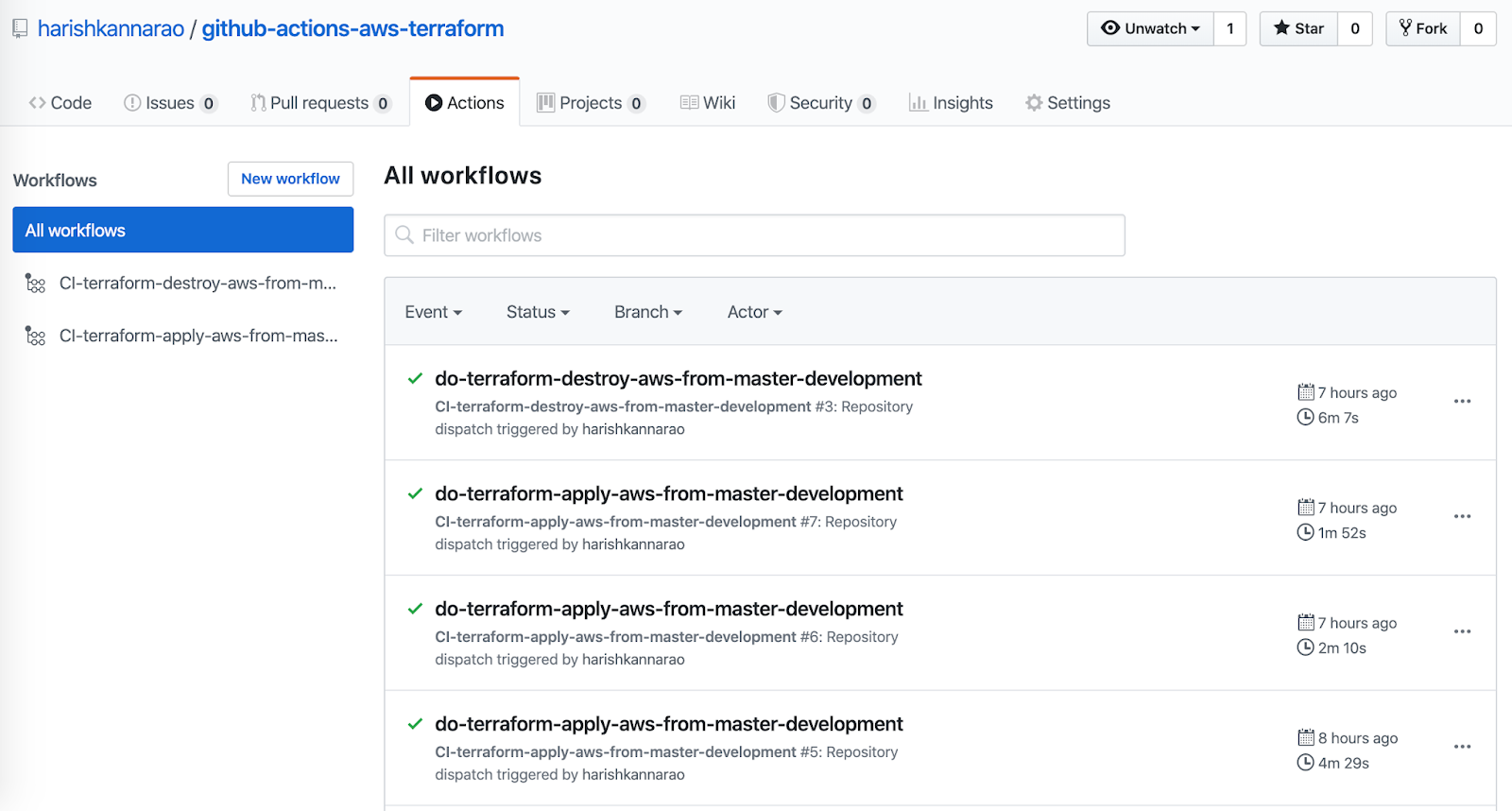
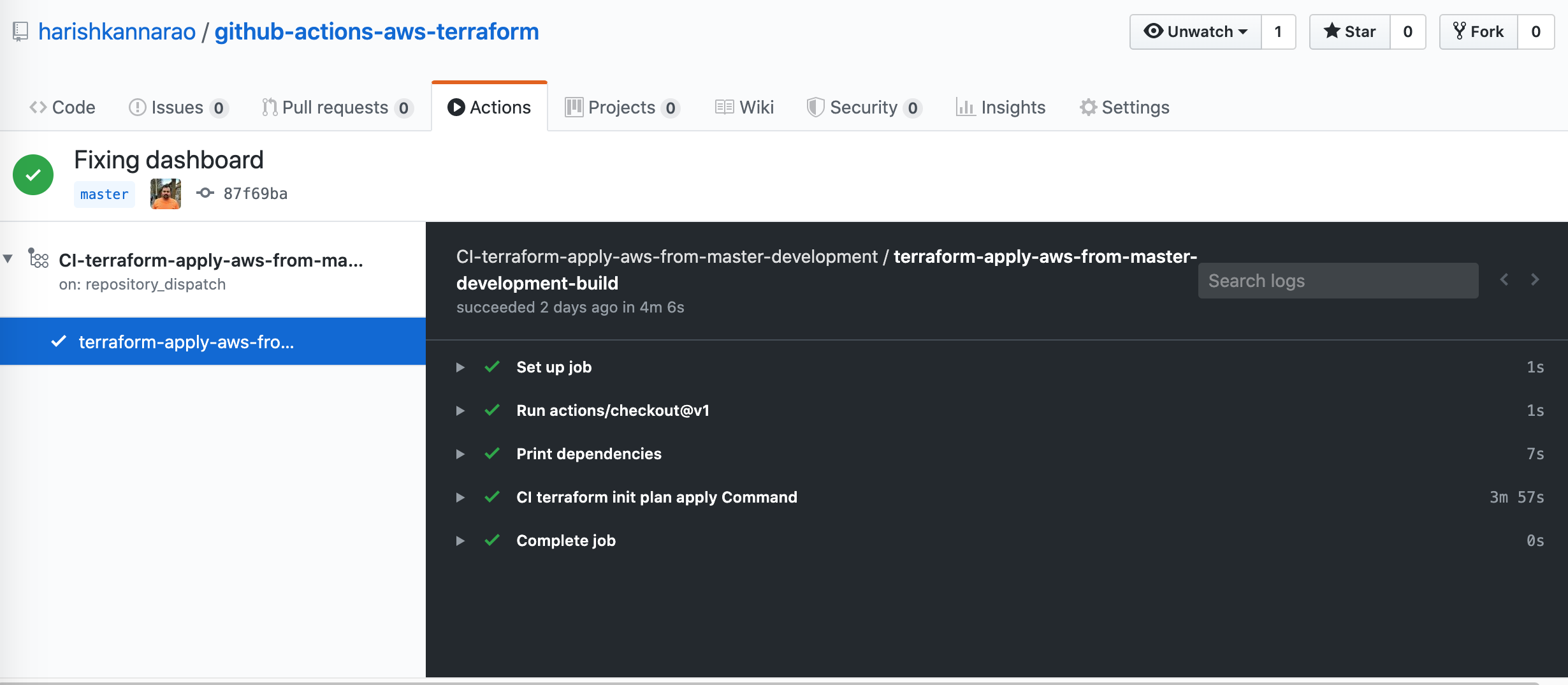
View the running pipeline at:
Provision environment from local machine
Provision infrastructure using terraform from local machine as described below:
Setup cname with domain registrar
Get ALB public dns domain
aws s3api get-object --bucket "github-actions-ci" --key "terraform-development.tfstate" /dev/stdout | jq -r '.outputs["alb-dns-name"].value' | grep -E '\S' | grep -v 'null'
Get ALB private dns domain
aws s3api get-object --bucket "github-actions-ci" --key "terraform-development.tfstate" /dev/stdout | jq -r '.outputs["private-alb-dns-name"].value' | grep -E '\S' | grep -v 'null'
Get Cloudfront public dns domain
aws s3api get-object --bucket "github-actions-ci" --key "terraform-development.tfstate" /dev/stdout | jq -r '.outputs["www_distribution_domain_name"].value' | grep -E '\S' | grep -v 'null'
Setup cname with domain registrar as:
- cname:
docker-http-app-developmentpointing to:ALB public dns domain - cname:
private-developmentpointing to:ALB private dns domain - cname:
http-web-developmentpointing to:Cloudfront public dns domain
Deploy sample http API using Application Pipeline
Open Source Sample Java Spring Boot (API) Application at Github
Trigger through UI
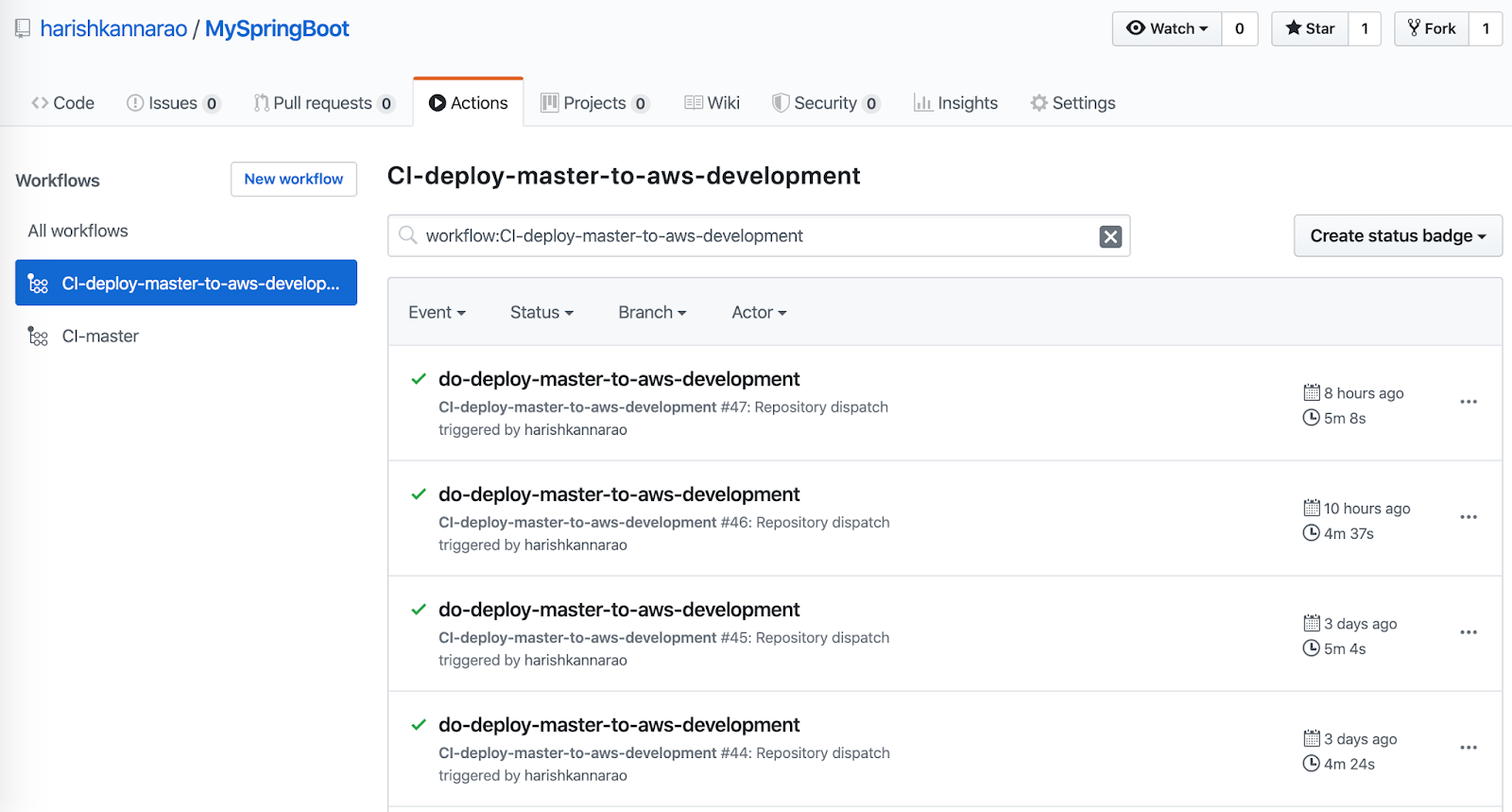
https://github.com/harishkannarao/MySpringBoot/actions/workflows/CI-deploy-master-to-aws-development.yml
Click Run Workflow on master branch
Trigger through command line
Generate github personal access token with repo scope at
Generate Github Personal Token
export GITHUB_PERSONAL_ACCESS_TOKEN=<<your_personal_token>>

curl -v -H "Accept: application/vnd.github.everest-preview+json" \
-H "Authorization: token $GITHUB_PERSONAL_ACCESS_TOKEN" \
--request POST \
--data '{"event_type": "do-deploy-master-to-aws-development"}' \
'https://api.github.com/repos/harishkannarao/MySpringBoot/dispatches'
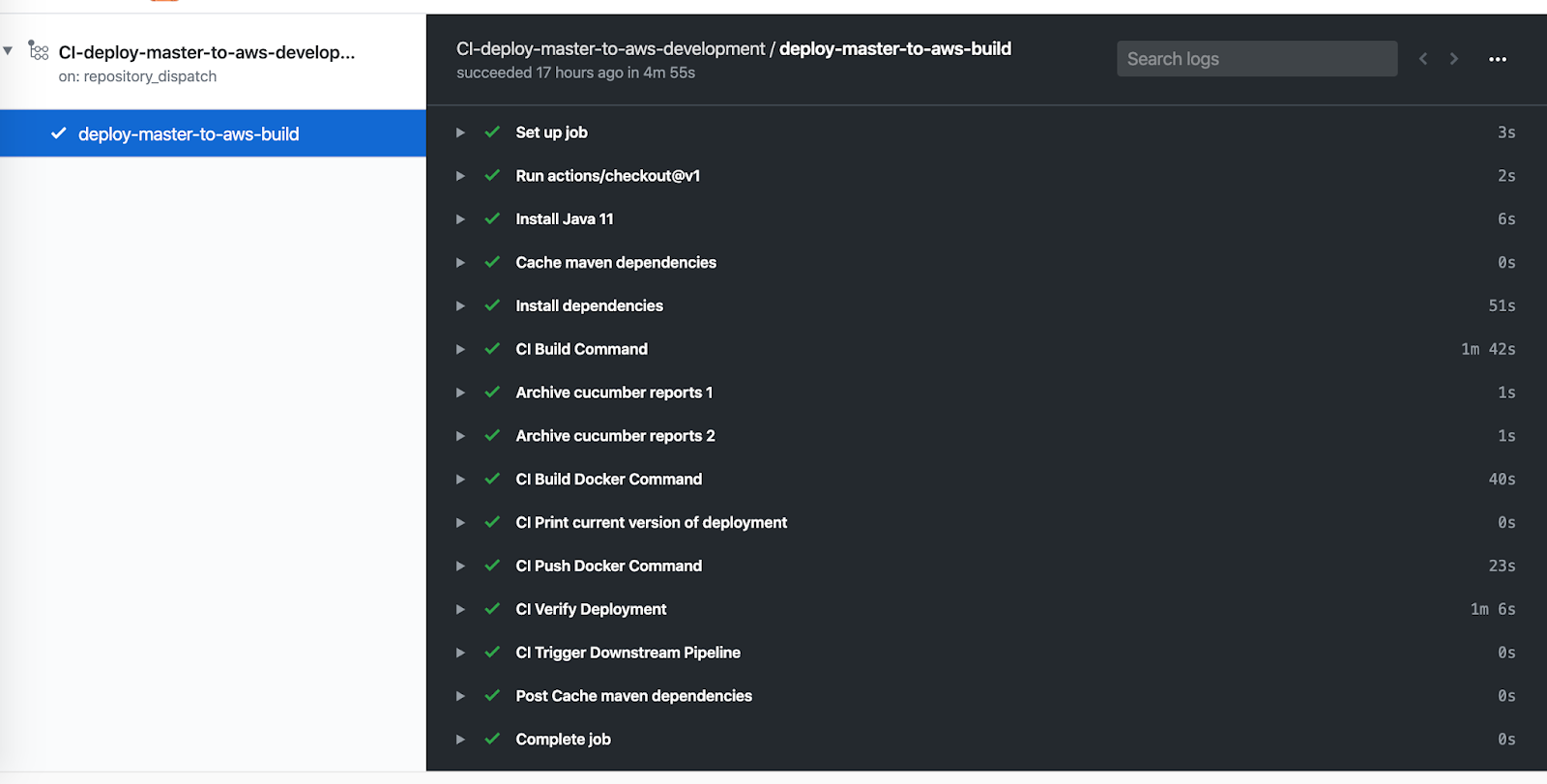
View the running pipeline at:
After successful run, the application will be accessible at:
https://docker-http-app-development.harishkannarao.com/health-check

https://docker-http-app-development.harishkannarao.com/swagger-ui.html

https://docker-http-app-development.harishkannarao.com/swagger-ui/index.html?configUrl=/api-docs/swagger-config
Deploy a private http API using Application Pipeline
Open Source Spring Boot Security Rest API Application at Github
- spring-security-rest-api
- CI Configuration
- Building Docker Image
- Push Docker Image and Update ECS Service
Trigger through UI
https://github.com/harishkannarao/spring-security-rest-api/blob/main/.github/workflows/CI-deploy-main-to-aws-development.yml
Click Run Workflow on main branch
Trigger through command line
Generate github personal access token with repo scope at
Generate Github Personal Token
export GITHUB_PERSONAL_ACCESS_TOKEN=<<your_personal_token>>

curl -v -H "Accept: application/vnd.github.everest-preview+json" \
-H "Authorization: token $GITHUB_PERSONAL_ACCESS_TOKEN" \
--request POST \
--data '{"event_type": "do-deploy-main-to-aws-development"}' \
'https://api.github.com/repos/harishkannarao/spring-security-rest-api/dispatches'
View the running pipeline at:
After successful run, the application will be accessible at:
https://private-development.harishkannarao.com/spring-security-rest-api/general-data
Note: Since this is a private API, it cannot be accessed from outside the VPC. We should SSH to bastion or create local port forwarding tunnel to access this private api
Deploy sample frontent web application using Application Pipeline
Open Source Sample ReactJs + NextJs + NodeJs web application at Github
Trigger through UI
https://github.com/harishkannarao/react-nextjs-rest-api/actions/workflows/CI-deploy-main-to-aws-development.yml
Click Run Workflow on master branch
Trigger through command line
Generate github personal access token with repo scope at
Generate Github Personal Token
export GITHUB_PERSONAL_ACCESS_TOKEN=<<your_personal_token>>

curl -v -H "Accept: application/vnd.github.everest-preview+json" \
-H "Authorization: token $GITHUB_PERSONAL_ACCESS_TOKEN" \
--request POST \
--data '{"event_type": "do-deploy-main-to-aws-development"}' \
'https://api.github.com/repos/harishkannarao/react-nextjs-rest-api/dispatches'
View the running pipeline at:
After successful run, the application will be accessible at:
https://http-web-development.harishkannarao.com
Trigger beta deployment through UI
https://github.com/harishkannarao/react-nextjs-rest-api/actions/workflows/CI-deploy-main-beta-to-aws-development.yml
Click Run Workflow on master branch
Trigger beta deployment through command line
Generate github personal access token with repo scope at
Generate Github Personal Token
export GITHUB_PERSONAL_ACCESS_TOKEN=<<your_personal_token>>

curl -v -H "Accept: application/vnd.github.everest-preview+json" \
-H "Authorization: token $GITHUB_PERSONAL_ACCESS_TOKEN" \
--request POST \
--data '{"event_type": "do-deploy-main-beta-to-aws-development"}' \
'https://api.github.com/repos/harishkannarao/react-nextjs-rest-api/dispatches'
View the running pipeline at:
After successful run, the application will be accessible at:
https://http-web-development.harishkannarao.com/beta/
Destroying environment
Destroy environment from Github Actions Pipeline
Trigger through UI
https://github.com/harishkannarao/github-actions-aws-terraform/actions/workflows/CI-terraform-destroy-aws-from-master-development.yml
Click Run Workflow on master branch
Trigger through command line
Generate github personal access token with repo scope at
Generate Github Personal Token
export GITHUB_PERSONAL_ACCESS_TOKEN=<<your_personal_token>>

curl -v -H "Accept: application/vnd.github.everest-preview+json" \
-H "Authorization: token $GITHUB_PERSONAL_ACCESS_TOKEN" \
--request POST \
--data '{"event_type": "do-terraform-destroy-aws-from-master-development"}' \
'https://api.github.com/repos/harishkannarao/github-actions-aws-terraform/dispatches'
Destroy environment from local machine
Destroy infrastructure using terraform from local machine as described below:
Operational Goodies
Monitoring Dashboard and Alarms
Subscribe an email to SNS Notifications of Alarms
Log analysis and visualization with Insights
Using Cloudwatch Logs Insights
Log analysis with Cloudwatch Logs
Using Cloudwatch Logs Analysis
Download logs to local machine
Download Cloudwatch Logs to local machine
Download logs to local machine from multiple log streams
Download Cloudwatch Logs to local machine from multiple log streams using Cloudwatch log insights
Download Cloudwatch Logs using Insights
Temporary white list ip address for Bastion
Temporarily add a given ip address to access Bastion Server
Bastion Temporary Ingress Rule
Remote monitoring ECS Fargate JVM
Monitor remote JVM using VisualVM
VisualVM Remote JVM Monitoring
Local port forwarding to ECS Fargate Tasks
Local port forwarding to ECS sercice task
Connecting to AWS RDS instance
Connecting to remote RDS database from local
SSH into Application Instance
SSH into ECS Fargate Service Task
Create terraform graphs with GraphViz
Visualize AWS Infrastructure through Terraform
Create terraform diagram with Rover
Visualize AWS Infrastructure as component diagram through Terraform using Rover
Quick roll back of deployment
Copying files to bastion
Get remote terraform state file
aws s3api get-object --bucket "github-actions-ci" --key "terraform-development.tfstate" ignored/terraform-development.tfstate
Change region and availaibility zones
Preview the changes
grep -rn 'eu-west-2' .
Replace the region as us-east-1
find . -type f -print0 | xargs -0 sed -i '' 's/eu-west-2/us-east-1/g'
Other Terraform Commands
Validate the terraform template config and syntax
terraform validate -json environments/$ENV_NAME
Adhoc notes
Cost Optimisations
The following items can be improved or optimised to reduce AWS cost per environment:
- Reuse
ECScluster between multipleECSservices
Further things to explore
- Try to terminate the SSL at container level using nginx to ensure end to end encryption