

 System Monitor Tray Indicator for GNOME Shell
Overview
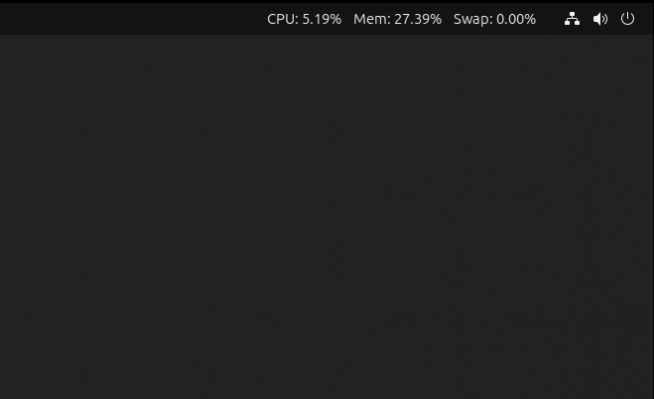
This is a minimalist system monitor extension for GNOME Shell. It displays CPU, RAM, and Swap usage right in your GNOME Shell top bar. You can also enable or disable each metric or lower the decimal precision from the extension preferences.
Compatibility
Known supported versions of GNOME:
- 50
- 49
- 48
- 47
- 46
- 45
It may be compatible with older versions, but no tests have been conducted to confirm this.
Installation
Install via Gnome Extensions page (recommended).
Or by downloading this repository.
cd /tmp
git clone https://github.com/michaelknap/gnome-system-monitor-indicator.git
cd gnome-system-monitor-indicator
./install.sh
Once done, manually restart the GNOME Shell for the changes to take effect. On X you can do this by pressing
Alt+F2, typing r, and pressing Enter. On Wayland, simply log out and back in.
The install.sh script copies the extension files to your local GNOME extensions directory. Once GNOME restarts, you can manage extension via Extensions app.
License
This project is licensed under the MIT License. See the LICENSE file for details.