
godot-colorblindness
A colorblindness simulator to help you design for everyone.
If you like godot-colorblindness, please consider buying me a coffee:

The color calculations I use are heavily based on:
- Color Blindness Simulation Research
- Digital Video Colourmaps for Checking the Legibility of Displays by Dichromats
- This page on color space transformation matrixes
- The wikipedia page on sRGB
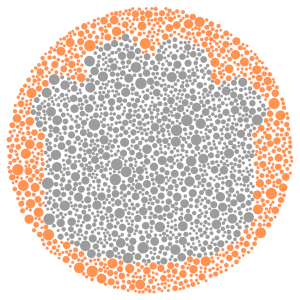
The Godot Ishihara plate has been generated with this tool.
Usage
- Install the plugin through Godot's AssetLib.
- Activate it from the Plugin menu (
AssetLib=>Pluginsbutton). - This adds a new control called
ColorblindnessunderCanvasLayer. - Create a new
Colorblindnesscontrol to it in your scene. - Specify the
Typeproperty (eg.Deuteranopia).
Everything that renders under the control will appear tinted to match your selected color-blindness mode.
Known issues
- Setting
Framebuffer Allocationto2D without Samplingmakes the addon unusable (#4).
Sample
The following sample shows normal vision, Protanopia, Deuteranopia, and Tritanopia (in that order).
 Normal vision
 Protanopia
 Deuteranopia
 Tritanopia