
Good-GYM: AI Fitness Assistant 💪




🆕 Changelog
- 2025-06-07: Major update! Dropped YOLO models and all GPU support. Now uses only RTMPose for pose detection, and runs on CPU only. Simpler, more compatible, and easier to use.
- 2025-06-12:Optimize exercise_counters.py for counting accuracy, code structure optimization
- 2025-11-14: Reverted asynchronous pose detection due to accuracy issues, restored synchronous pose detection. Fixed crash when switching from statistics mode back to detection mode.
- 2025-11-15: New exercise database feature! All exercise configurations are now managed in
data/exercises.jsonfile. You can easily add, modify, or remove exercise types without modifying code. - 2026-03-04: Add optional GPU acceleration support, now supports NVIDIA GPUs
- 2026-03-28: Add mobile application support, now supports IOS
🔮 Future Development
- Multi-language interface
- Improve pose detection accuracy
- Add support for more exercise types
- Add custom exercise types template
- Recognizing Motion Accuracy
- Mobile Application Support
- Motion Error Correction Indication
- Add voice feedback
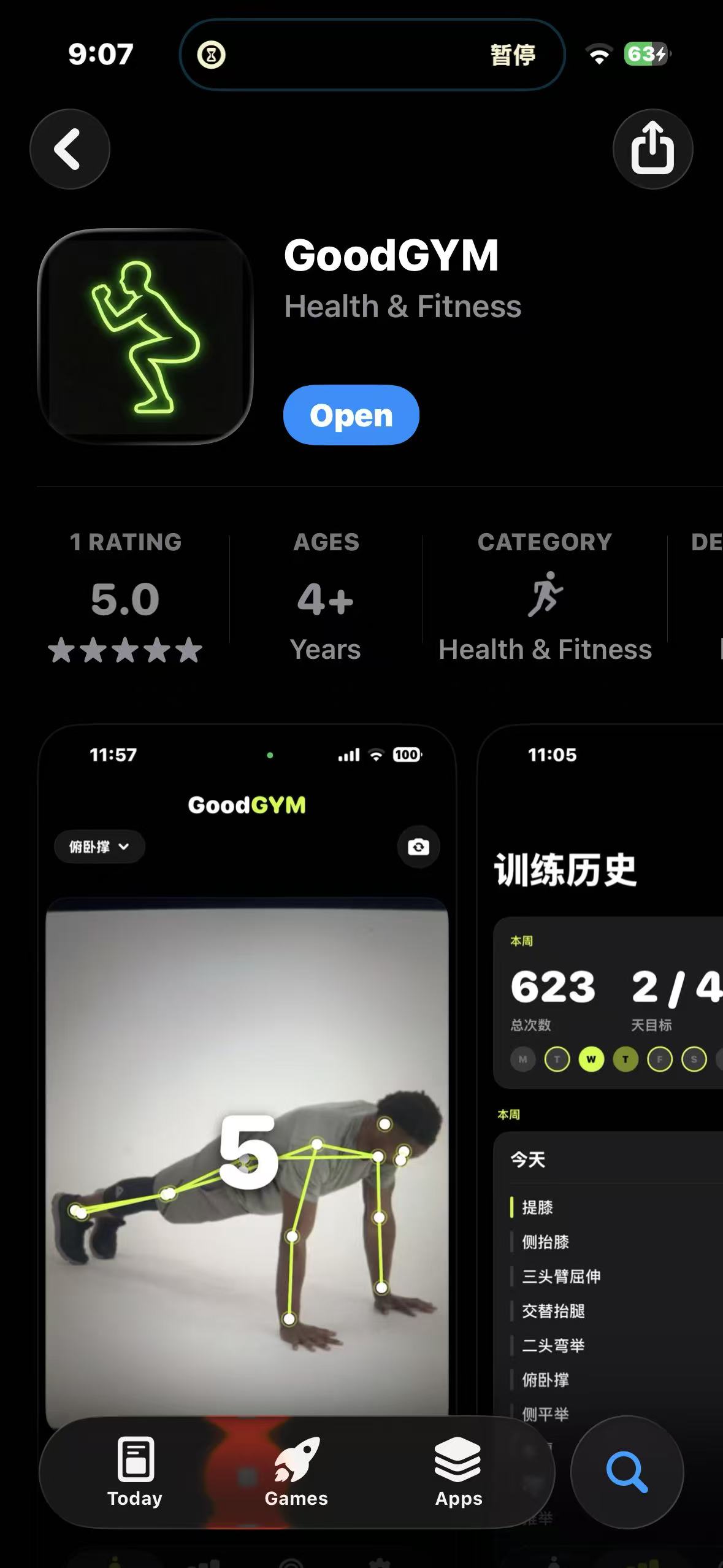
📱 Try Good-GYM on iOS


🌟 Features
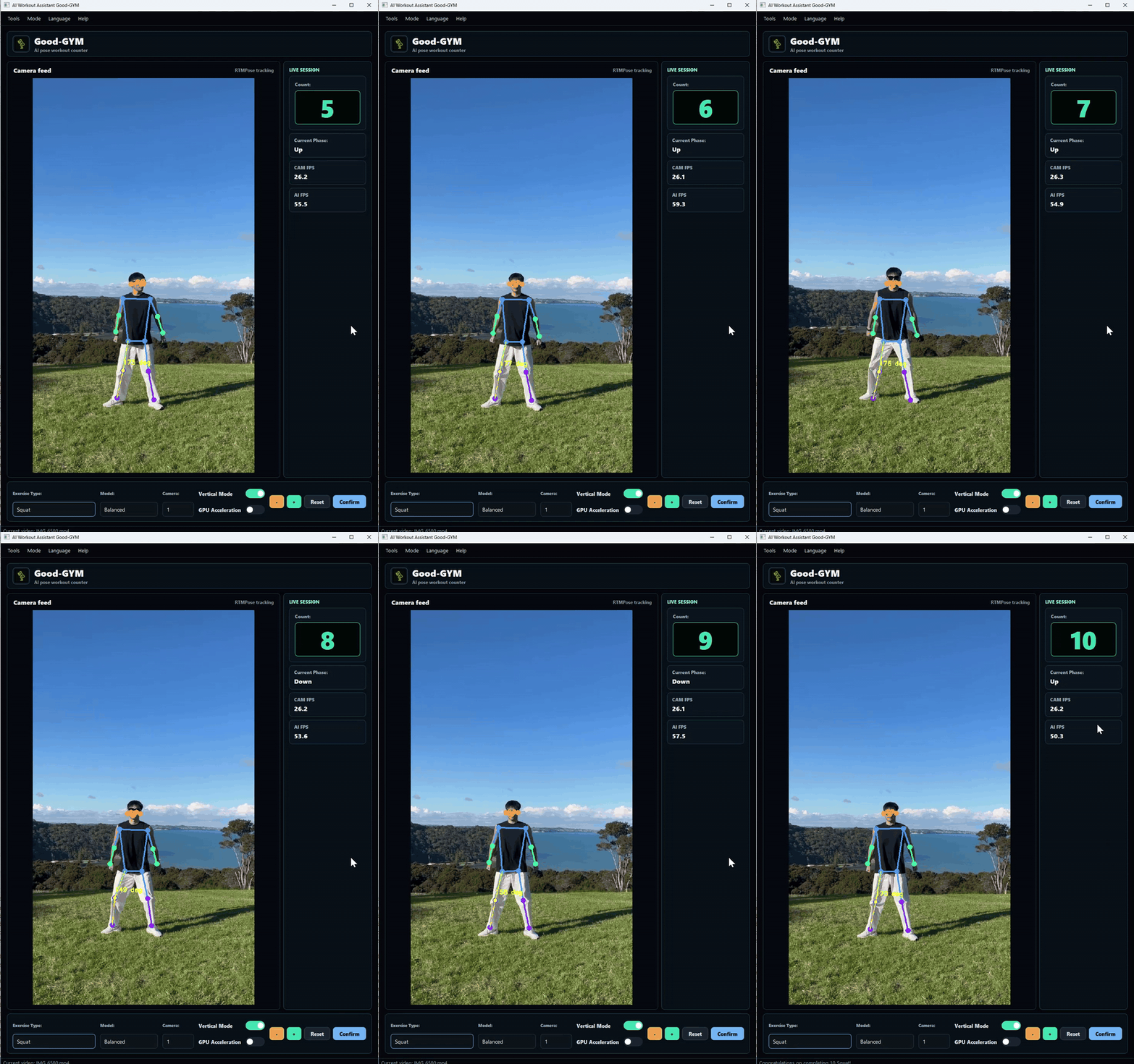
- Real-time Exercise Counting - Automatically counts your repetitions
- Multiple Exercise Support - Including squats, push-ups, sit-ups, bicep curls, and many more
- Advanced Pose Detection - Powered by RTMPose for accurate tracking
- CPU & GPU Support - Works on CPU by default, with optional GPU acceleration
- Visual Feedback - Live skeleton visualization with angle measurements
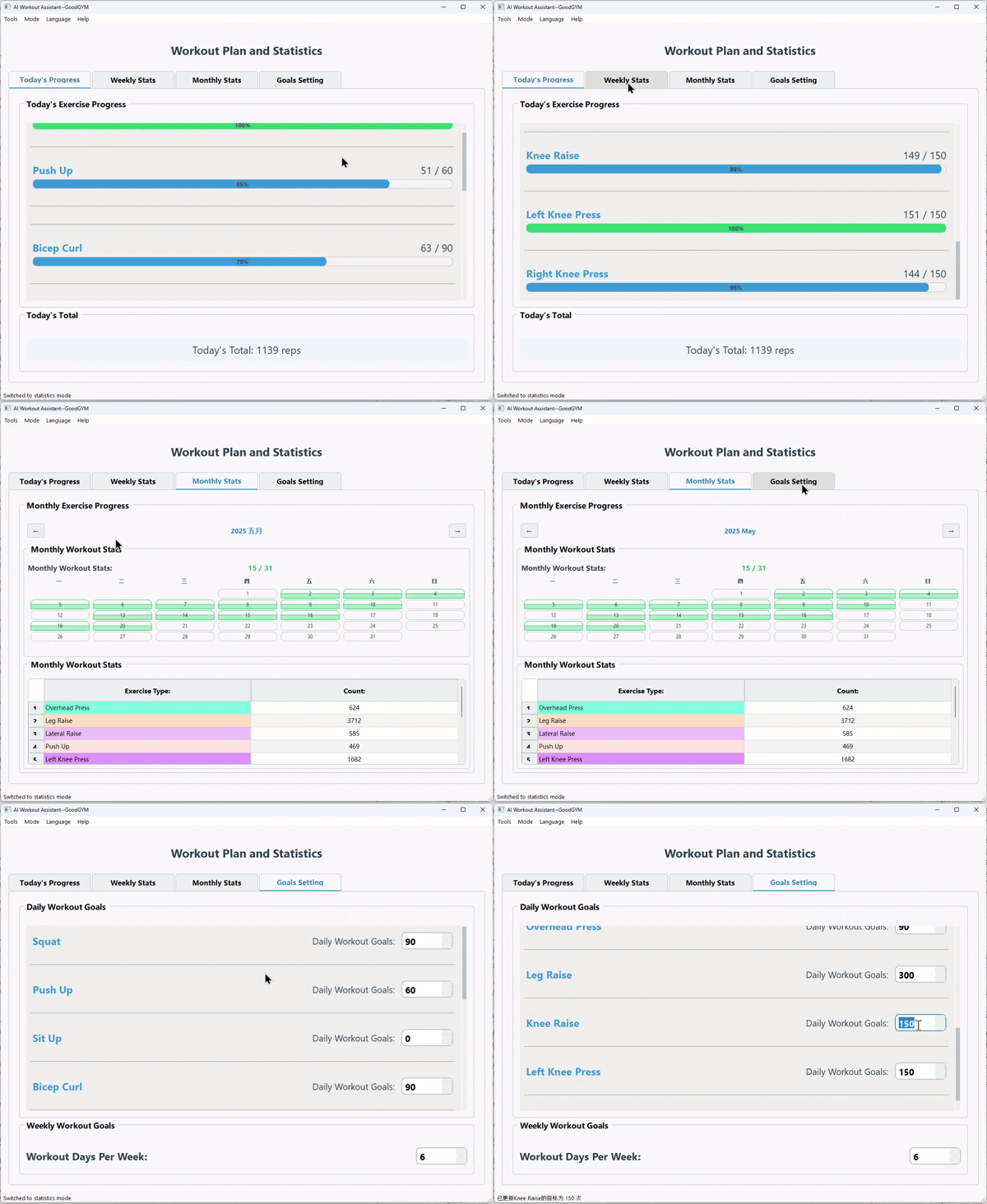
- Workout Statistics - Track your progress over time
- User-friendly Interface - Clean PyQt5 GUI with intuitive controls
- Works with any webcam - No special hardware required
- Runs locally - Complete privacy
📦 Direct Download
📱 iOS App
💻 Windows Desktop
-
If you don't want to set up a Python environment, you can download our pre-packaged executable:
Baidu Netdisk Link code: 8866
📝 Usage Guide
🎯 Custom Exercise Types
All exercise types are now stored in the data/exercises.json file. You can easily add, modify, or remove exercise types without modifying code!
How to Add a New Exercise Type
-
Keypoint Index Reference
- The system uses COCO 17 keypoint format:
               ○ 0
              /|\
       1 ●     |     ● 2
      3 ●      |      ● 4
               |
     5 ●———————————● 6
       |       |       |
       |       |       |
     7 ●       |       ● 8
       |       |       |
       |       |       |
     9 ●       |       ● 10
               |
    11 ●———————————● 12
       |               |
       |               |
    13 ●               ● 14
       |               |
       |               |
    15 ●               ● 16

 Index │ Keypoint    Index │ Keypoint
 ──────┼──────────  ──────┼──────────
   0   │ Nose          9  │ L.Wrist
   1   │ L.Eye        10  │ R.Wrist
   2   │ R.Eye        11  │ L.Hip
   3   │ L.Ear        12  │ R.Hip
   4   │ R.Ear        13  │ L.Knee
   5   │ L.Shoulder   14  │ R.Knee
   6   │ R.Shoulder   15  │ L.Ankle
   7   │ L.Elbow      16  │ R.Ankle
   8   │ R.Elbow
- The system uses COCO 17 keypoint format:
-
Configuration Parameters
down_angle: Angle threshold when lowering (degrees)up_angle: Angle threshold when raising (degrees)keypoints.left: Left side three keypoint indices [pt1, pt2, pt3] for angle calculationkeypoints.right: Right side three keypoint indices [pt1, pt2, pt3] for angle calculationis_leg_exercise: Whether it's a leg exercise (true/false), affects counting logicangle_point: Keypoint indices [pt1, pt2, pt3] for displaying angle lines on video
-
Example: Adding a New Exercise
"my_custom_exercise": { "name_zh": "我的自定义运动", "name_en": "My Custom Exercise", "down_angle": 120, "up_angle": 170, "keypoints": { "left": [5, 7, 9], "right": [6, 8, 10] }, "is_leg_exercise": false, "angle_point": [6, 8, 10] } -
Restart the Application
📋 Requirements
- Python 3.9
- Webcam
- Windows/Mac/Linux: Works on CPU by default. Optional GPU acceleration available for source deployments.
🚀 Environment Setup
Installation
-
Clone and install
git clone https://github.com/yo-WASSUP/Good-GYM.git cd Good-GYM # Create virtual environment python -m venv venv # Activate (Windows) .\venv\Scripts\activate # or (Mac/Linux) source venv/bin/activate # Install dependencies pip install -r requirements.txt -
Run the application
python run.py
GPU Acceleration (Optional)
If you have an NVIDIA GPU, you can enable GPU-accelerated inference for better performance.
Prerequisites: NVIDIA GPU + NVIDIA Driver installed
Resource Usage:
- CUDA runtime libraries require ~3 GB disk space
- Models use only ~200 MB VRAM — any NVIDIA GPU with 2GB+ VRAM will work
# 1. Replace onnxruntime with the GPU version
pip uninstall onnxruntime
pip install onnxruntime-gpu

# 2. Install CUDA runtime libraries via pip (no need to install CUDA Toolkit manually)
pip install nvidia-cudnn-cu12 nvidia-cublas-cu12 nvidia-cuda-runtime-cu12 nvidia-cufft-cu12 nvidia-curand-cu12 nvidia-cusolver-cu12 nvidia-cusparse-cu12 nvidia-cuda-nvrtc-cu12
The application will auto-detect GPU availability at startup. You can toggle GPU on/off via the "GPU Acceleration" switch in the control panel.
Note: The pre-packaged EXE only supports CPU mode. GPU acceleration is only available when running from source.
🖼️ Screenshots
Desktop


iOS App


🤝 Contributing
Contributions are welcome! Please feel free to submit a Pull Request.
Thanks to RTMPose open source pose detection model: https://github.com/Tau-J/rtmlib
📄 License
This project is licensed under the MIT License - see the LICENSE file for details.