
Graphsignal: Inference Profiler


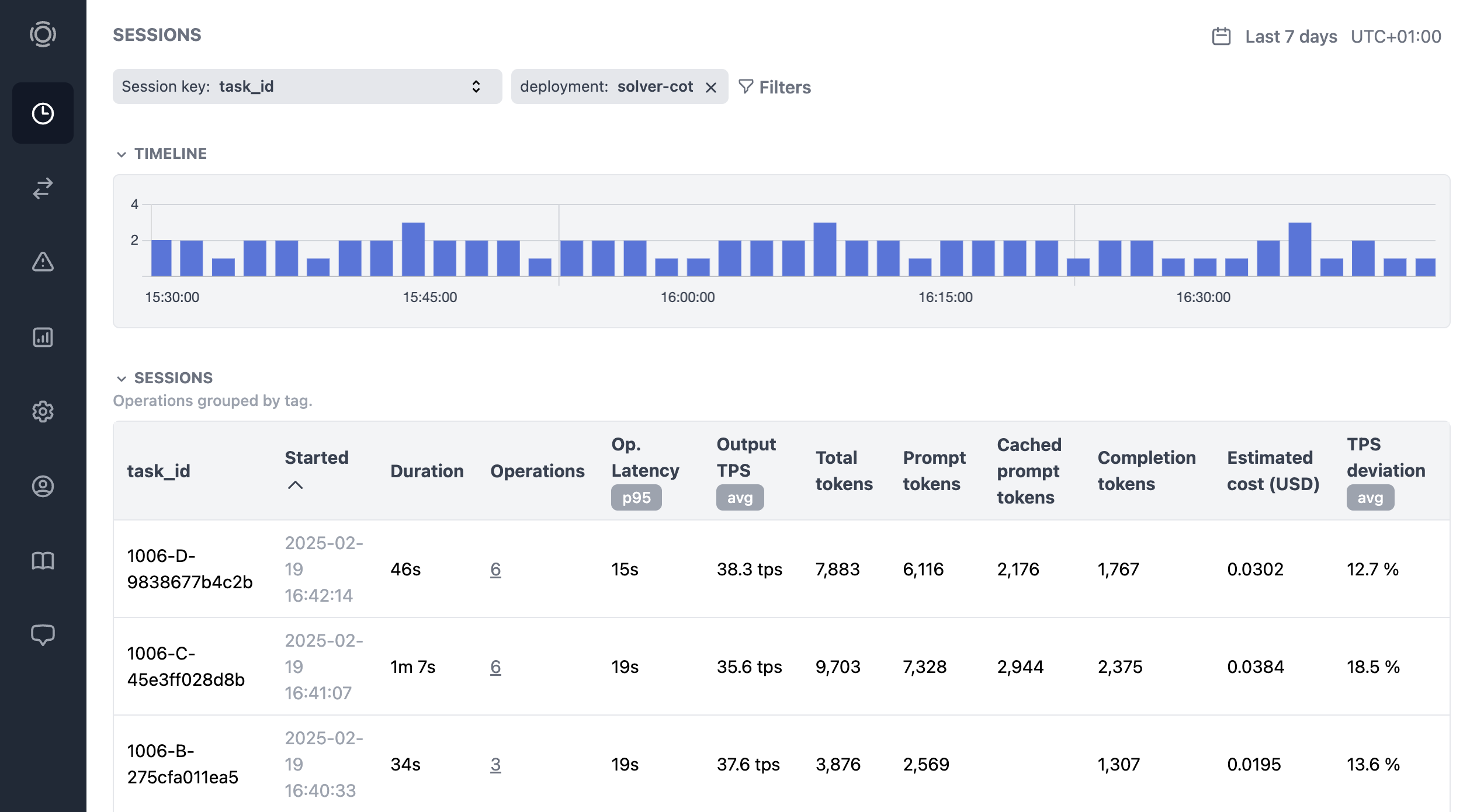
Graphsignal is an inference profiling platform that helps developers accelerate and troubleshoot AI systems. It provides essential visibility across the inference stack, including:
- Continuous, high-resolution profiling timelines exposing operation durations and resource utilization across inference workloads.
- LLM generation tracing with per-step timing, token throughput, and latency breakdowns for major inference frameworks.
- System-level metrics for inference engines and hardware (CPU, GPU, accelerators).
- Error monitoring for device-level failures, runtime exceptions, and inference errors.
- Inference telemetry for AI agents to identify bottlenecks and drive targeted improvements across the inference stack.
Learn more at graphsignal.com.
Install
uv tool install 'graphsignal[cu12]'   # CUDA 12.x
# or
uv tool install 'graphsignal[cu13]'   # CUDA 13.x
Profile
Wrap your launch command with graphsignal-run:
export GRAPHSIGNAL_API_KEY=<my-api-key>
graphsignal-run vllm serve <model> --port 8001
Environment variables read by the profiler:
| Variable | Purpose |
|---|---|
GRAPHSIGNAL_API_KEY (required) |
Your account API key. |
GRAPHSIGNAL_TAG_<KEY>=<value> |
Arbitrary tag attached to all signals (e.g. GRAPHSIGNAL_TAG_DEPLOYMENT=us-prod). |
Sign up for a free account at graphsignal.com; you'll find the API key in Settings / API Keys.
See the Profiler CLI reference for the full set of options.
Applications that bootstrap themselves can call graphsignal.watch() from Python instead — see the Profiler API reference.
See integration documentation for libraries and inference engines:
Optimize
Log in to Graphsignal to monitor and analyze your application.
Optimize with AI
Install the Graphsignal skill to let your AI coding agent (Claude Code, Codex, or Gemini) fetch and analyze signal context directly from your agent. See AI Optimization for setup instructions.
Overhead
The profiler has minimal impact on production performance. CUPTI activity is collected with low-overhead APIs in a sidecar process, and the in-process injection only writes raw activity records — analysis and upload happen in the sidecar.
Security and Privacy
The profiler only establishes outbound connections to api.graphsignal.com to send data; inbound connections or commands are not possible.
Content and sensitive information, such as prompts and completions, are not recorded.
Troubleshooting
If something doesn't look right, report it to our support team via your account.
In case of connection issues, please make sure outgoing connections to https://api.graphsignal.com are allowed.