
HanziFive - Chinese Flashcards App
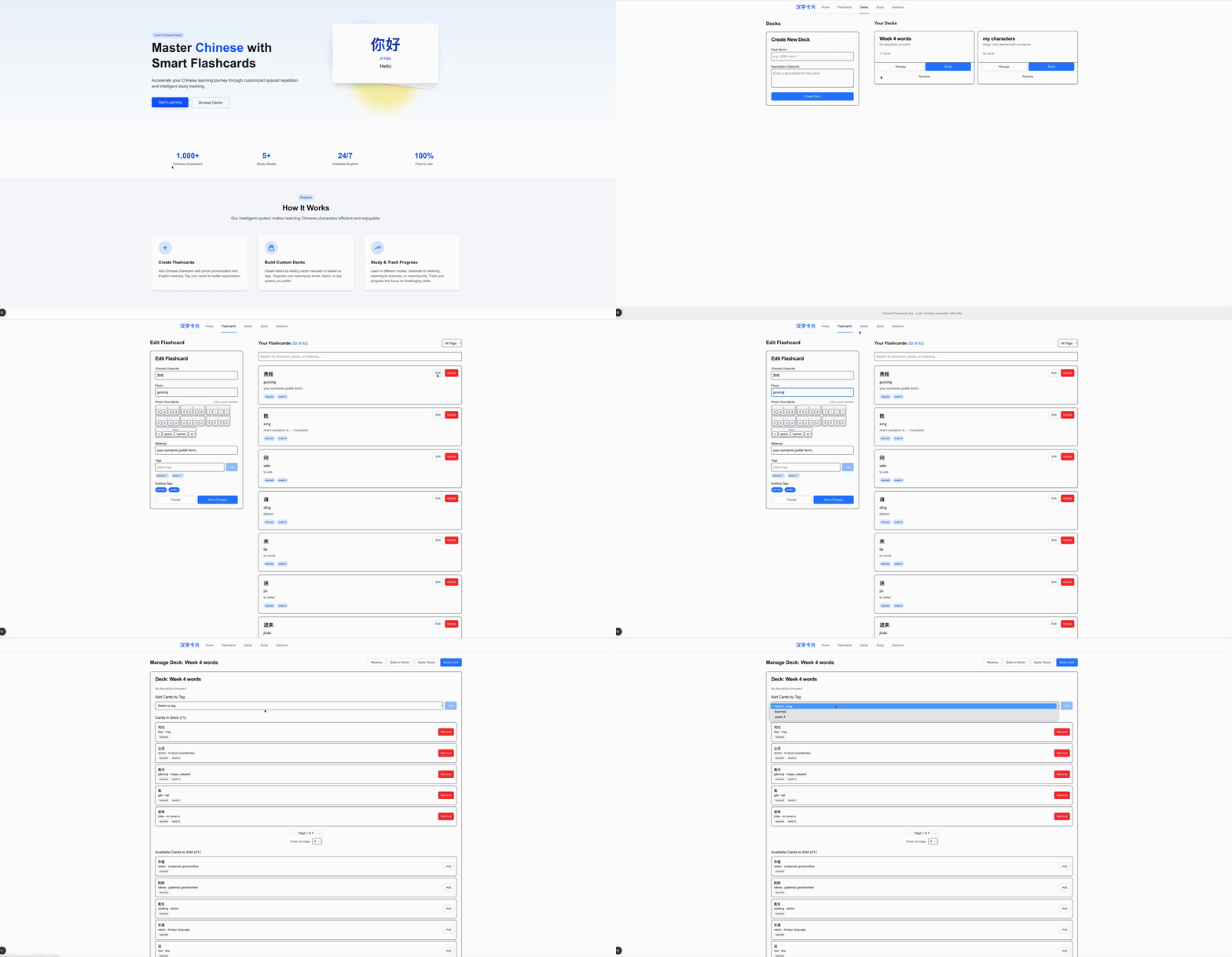
A modern web application for learning Chinese characters using flashcards. This app allows you to create, organize, and study Chinese characters with their pinyin pronunciation and English meaning.
Features
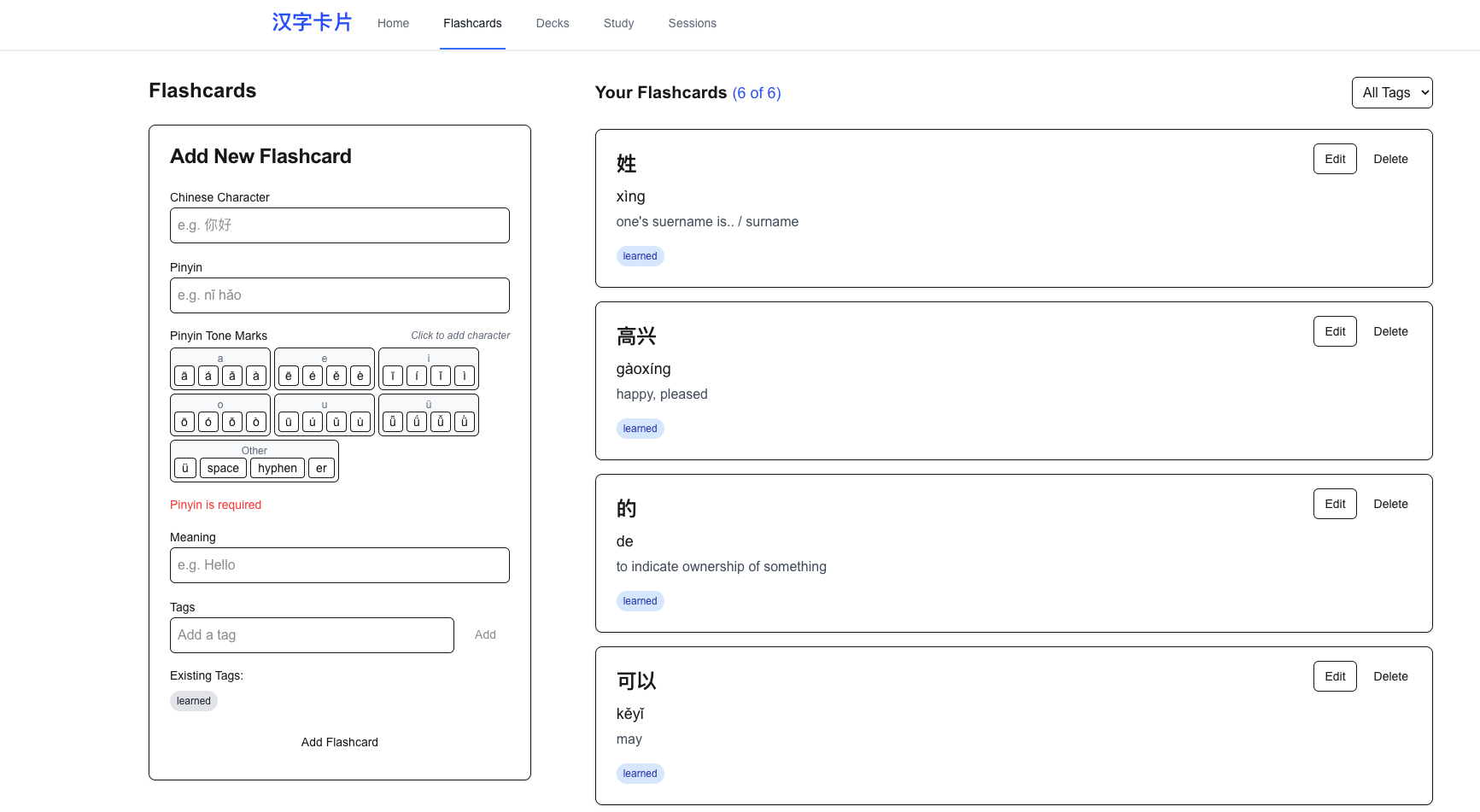
- Create flashcards with Chinese characters, pinyin, and English meaning
- Add tags to flashcards for organization
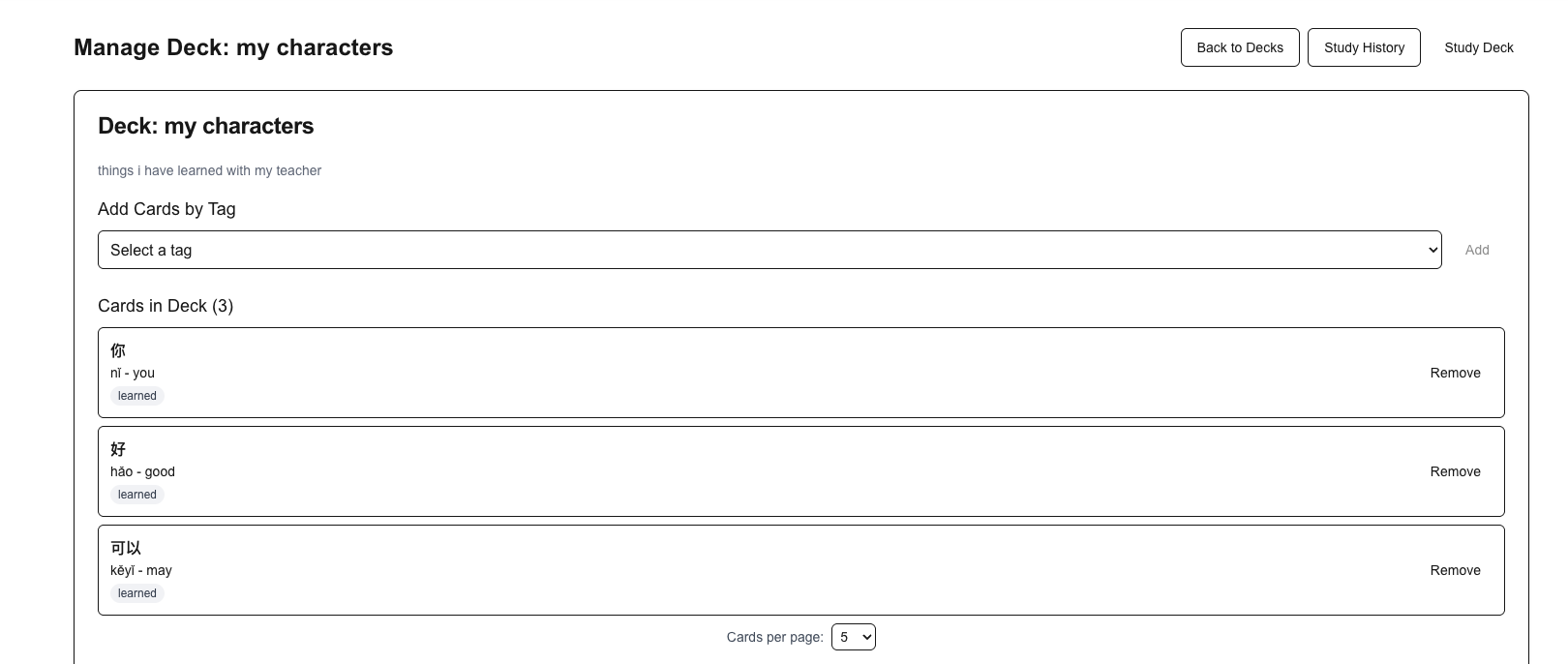
- Create custom decks of flashcards
- Rename decks to keep your collection organized
- Add cards to decks manually or by tag
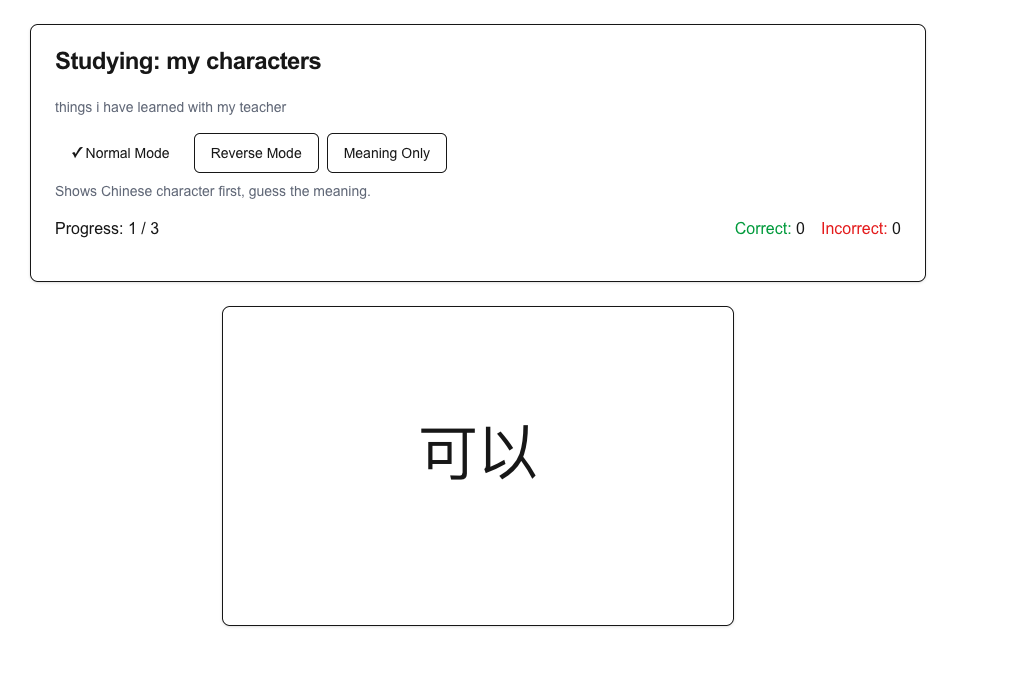
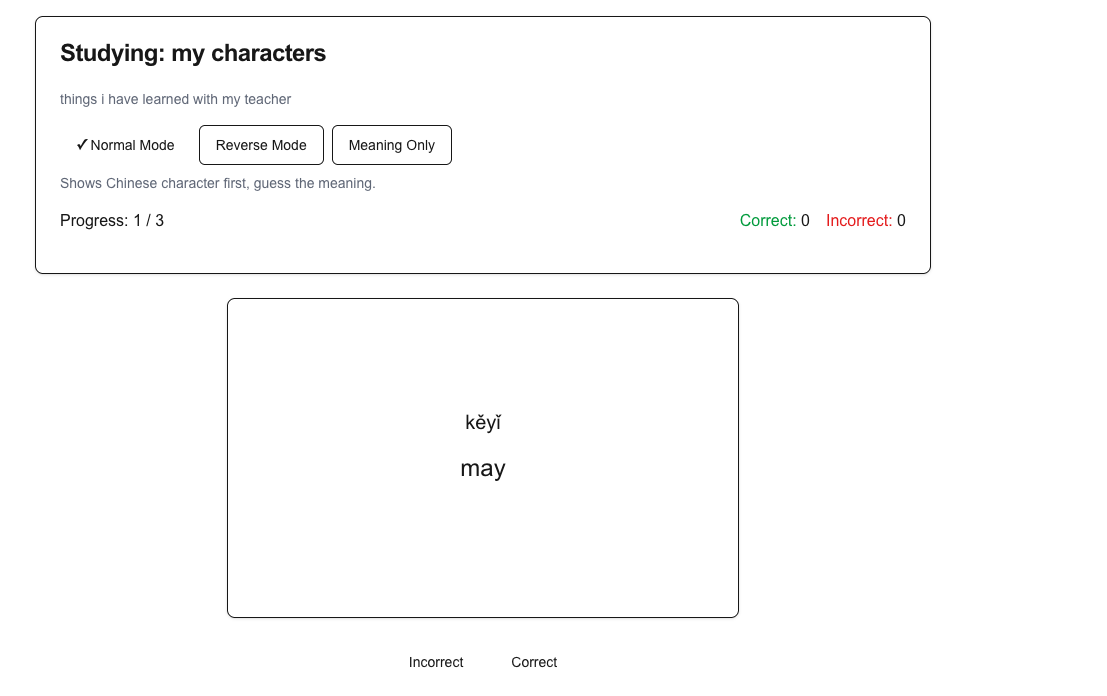
- Study decks in different modes:
- Normal: Character → Pinyin & Meaning
- Reverse: Pinyin & Meaning → Character
- Meaning Only: Meaning → Character & Pinyin
- Track study progress and performance
Screenshots
Flashcards Management
Deck Management
Study Mode
Getting Started
Prerequisites
- Node.js 16+ (latest LTS version recommended)
- npm or yarn
Installation
- Clone the repository:
git clone https://github.com/evangelosmesklis/hanzifive.git
cd hanzifive
- Install dependencies:
npm install
# or
yarn install
- Set up the database:
npx prisma generate
npx prisma migrate dev
- Start the development server:
npm run dev
# or
yarn dev
- Open your browser and navigate to
http://localhost:3000
Creating a Distributable Package
To create a distributable package that users can download and run without installing Node.js:
- Install the required packaging dependencies:
npm install --save-dev fs-extra archiver
- Build and package the application:
npm run package
-
The distributable ZIP file will be created in the root directory:
HanziFive-v1.0.0.zip -
Users can download, unzip, and run the application using:
- Windows: Double-click
HanziFive.bat - macOS/Linux: Double-click
HanziFive.shor run it from the terminal
- Windows: Double-click
How to Use
Creating Flashcards
- Go to the Flashcards page
- Fill in the form with:
- Chinese character(s)
- Pinyin pronunciation
- English meaning
- Tags (optional, comma-separated)
- Click "Add Flashcard"
Creating Decks
- Go to the Decks page
- Enter a name and optional description for your deck
- Click "Create Deck"
Managing Decks
- On the Decks page, click "Manage" on any deck
- From here you can:
- Add cards by tag
- Add individual cards
- Remove cards from the deck
Studying
- On the Decks page, click "Study" on any deck
- Choose your study mode:
- Normal: See character, guess meaning and pronunciation
- Reverse: See meaning and pronunciation, guess character
- Meaning Only: See meaning, guess character and pronunciation
- Flip each card and mark whether you got it right or wrong
- View your results at the end of the session
Technologies Used
- Next.js 14
- React
- TypeScript
- Tailwind CSS
- Prisma
- SQLite
Database Structure
- Flashcards: Chinese characters with pinyin and meaning
- Tags: Categories for flashcards
- Decks: Collections of flashcards for studying
- StudySessions: Records of study sessions
License
This project is licensed under the MIT License - see the LICENSE file for details.