Home Assistant Auth-Cookie

Copies Home Assistant access token to a cookie, so you can use an existing authorization result for other subpages or services.
Useful for zigbee2mqtt, frigate or go2rtc panels in a dockerized setup.
Installation
Follow only one of these installation methods.
Installation and tracking with HACS:
-
In "Frontend" hit the plus button at the bottom right, search for "Auth Cookie", and install.
-
Refresh the Dashboard page. You might need to clear the cache.
Manual installation:
-
Copy hass-auth-cookie.js from the latest release into
/www/hass-auth-cookie/ -
Add the resource in
ui-lovelace.yamlor in Dashboard Resources.
resources:
  # increase this version number at end of URL after each update
  - url: /local/hass-auth-cookie/auth-cookie.js?v=1.0.0
    type: module
- Refresh the page, may need to clear cache.
Usage
[!NOTE] It won't work if you enter Home Assistant directly, without proxying by nginx!
After an installation, use hass_access_token cookie to get the authorization result from Home Assistant API. For example, in a dockerized setup, you can use a ngx_http_auth_request_module from nginx to perform a subrequest, that will secure another proxied service.
nginx config snippet:
location / {
    proxy_pass http://127.0.0.1:8123/; # Home Assistant instance
    ...
}

location = /_auth {
    internal;
    proxy_pass http://127.0.0.1:8123/api/; # Home Assistant API, required
    proxy_pass_request_body off;
    proxy_set_header Content-Length "";
    proxy_set_header X-Original-URI $request_uri;
    proxy_set_header Authorization "Bearer $cookie_hass_access_token"; # use an access token from the cookie, required
}

location /_sites/zigbee2mqtt/ {
    auth_request /_auth; # perform authorization subrequest, required
    proxy_pass http://127.0.0.1:8080/; # proxied service, eg. zigbee2mqtt frontend
    ...
}
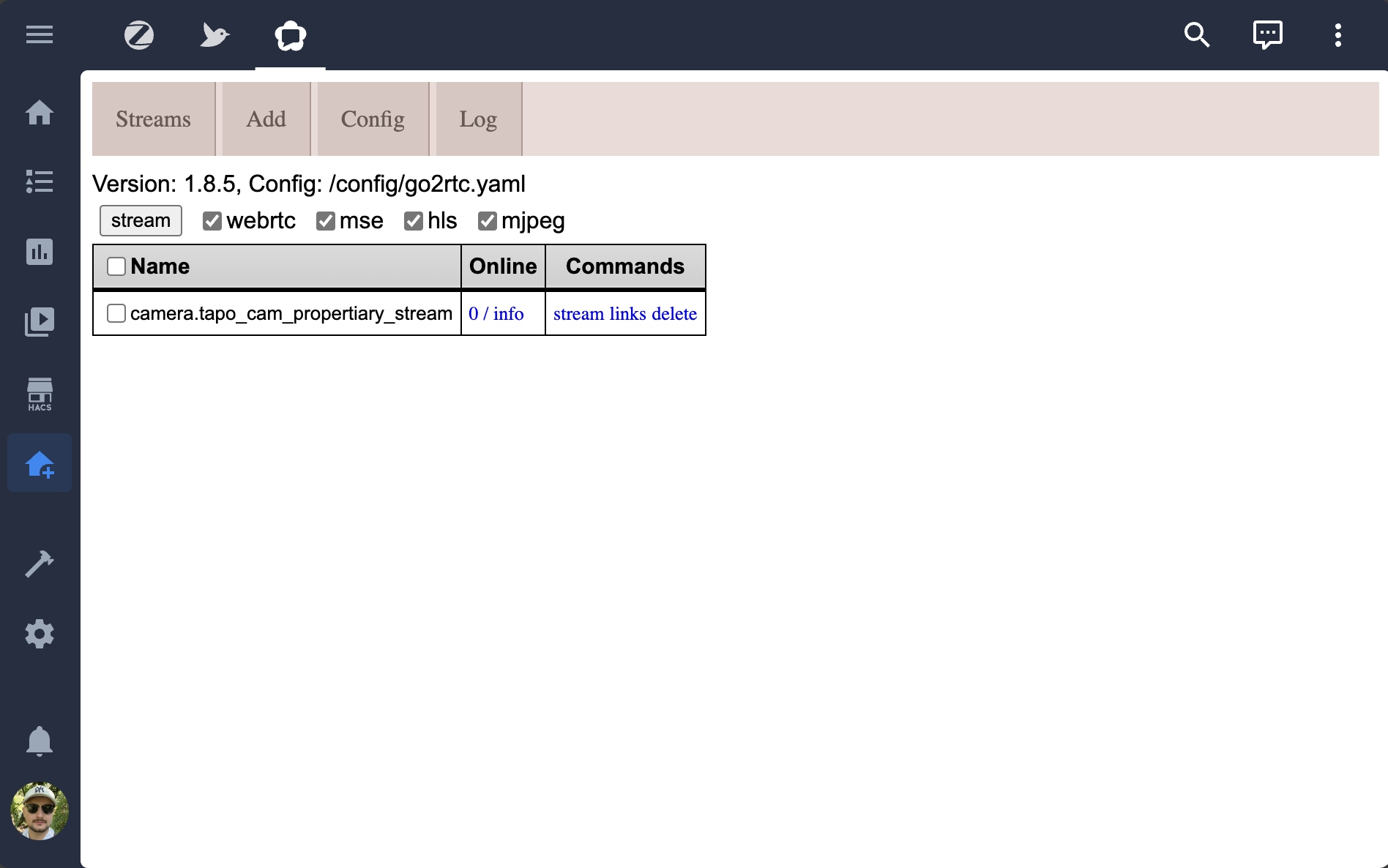
Now create a Home Assistant dashboard with a Webpage card and put /_sites/zigbee2mqtt/ in the URL field. It will load your service in an IFRAME: