
SmartRent Home Assistant Component





[!WARNING] I moved out of my apartment and don't have a way to access SmartRent anymore. I will add bug fix PRs as ppl contribute them
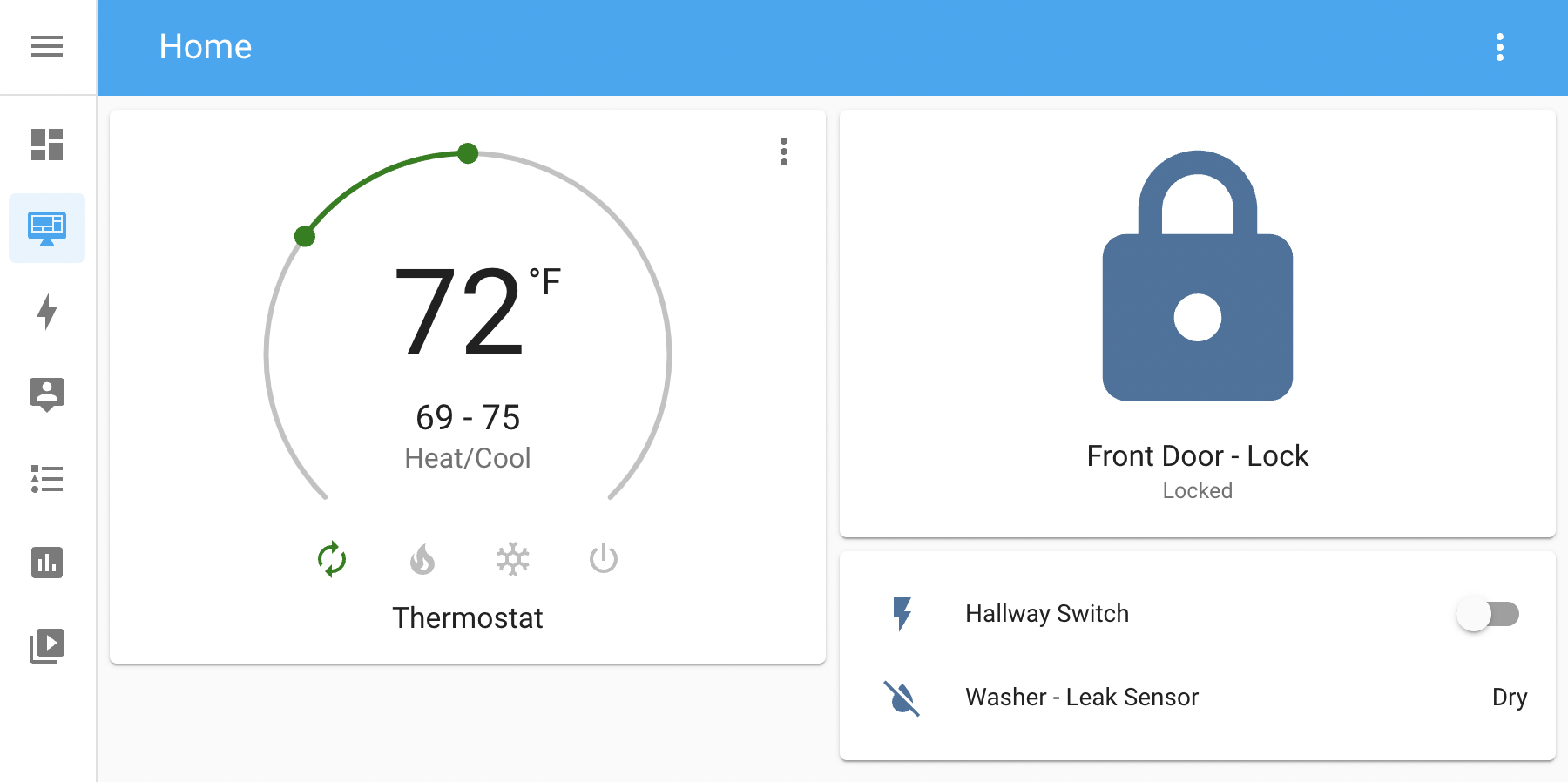
This is a basic Homeassistant component to support SmartRent Locks, Thermostats, Leak Sensors, Motion Sensors, and Light Switches. This component uses the smartrent-py library that can be found here!
Feel free to ⭐️ this repo to get notified about the latest features!
Installation
You can either install this integration as an HACS custom component or install it mannually
Installing with HACS
- Go to the
HACStab and selectIntegrations - Click on
Explore & Download Repositories - Search for
SmartRentand then download the repo by clickingDownload this repository with HACS - You will then have to restart your Home Assistant instance
- After that, you can add the Integration as usual by going to
Configuraton > Devices & Services > Add Integration
Installing manually
Moving custom component to right directory
# How your HA config directory should look

config
└── ...
└── configuration.yaml
└── secrets.yaml
└── custom_components
    └── smartrent
        └── climate.py
        └── lock.py
        └── manifest.json
        └── ...
You have to move all content in the custom_components/smartrent directory to the same location in Home Assistant. If a custom_components directory does not already exist in your Home Assistant instance, you will have to make one. You can learn more here.
After all of those are in place, you can restart your Home Assistant instance and the component should load.
Start the integration
You should be able to now load the integration. This can be done by going to Configuraton > Devices & Services > Add Integration
You should be able to search for SmartRent and then enter your email and password in the popup.